Chatgbot
Overview
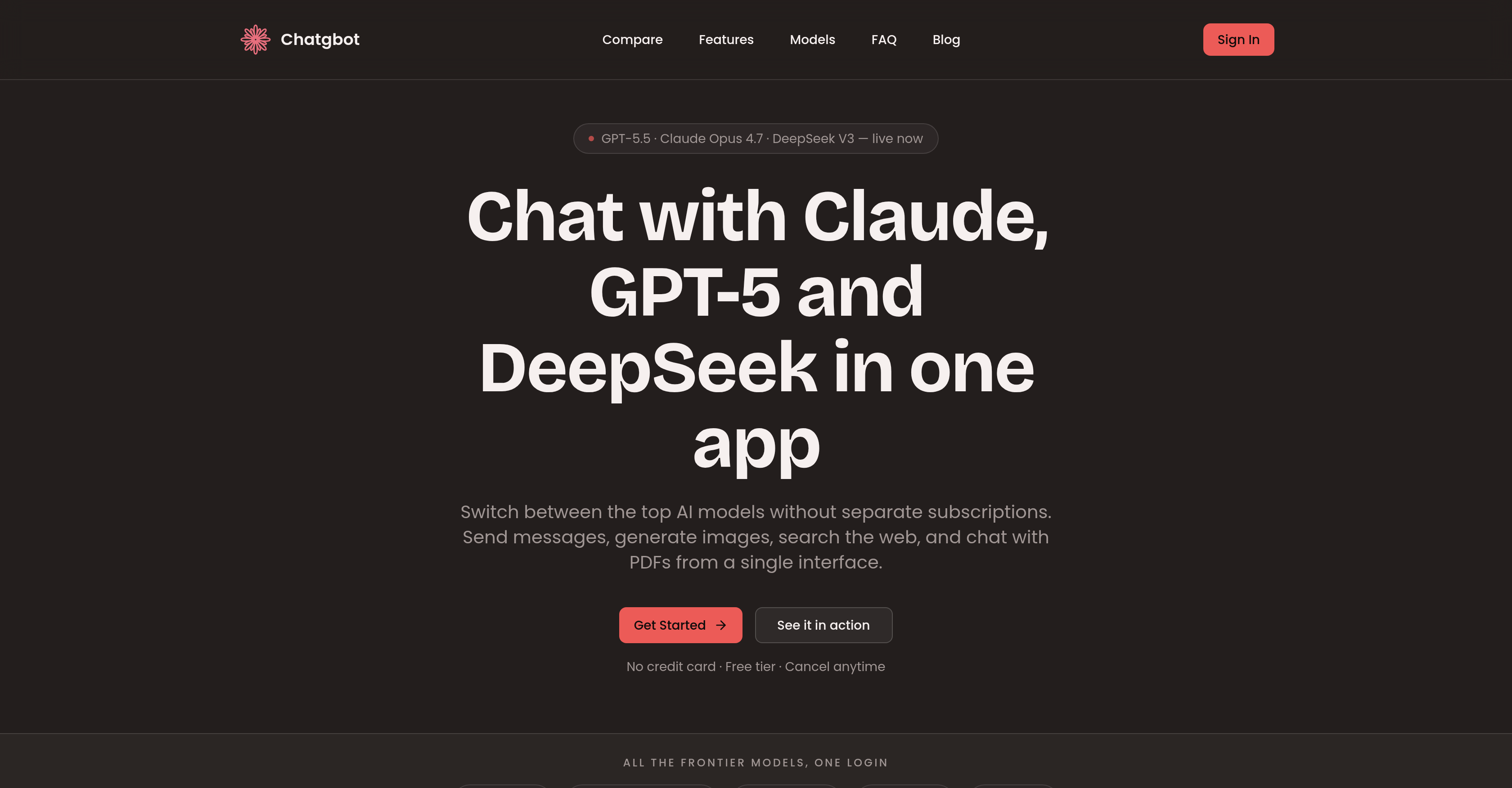
- Pick the best answer from GPT-5, Claude, Grok, and DeepSeek by sending one prompt to all models simultaneously with Compare Mode.
- Switch between AI models mid-conversation without losing context, as full chat history carries over seamlessly.
- Beat writer's block by drafting with Claude for a natural tone, then polishing with GPT-5 for final refinement.
- Choose cleaner code solutions by comparing outputs from Claude and GPT-5 side by side.
- Extract insights from PDFs instantly by chatting with documents to get summaries and key data.
- Conduct research with cited web answers using AI-powered web search directly in the chat interface.
- Generate images on demand within the same workspace, eliminating the need for separate image generation tools.
- Access every new AI model the day it launches under your existing subscription—no wait, no extra login.
- Save hours of tab switching and subscription juggling by managing all top models through one unified interface and single login.
- Collaborate as a team without managing separate subscriptions—every member uses every model under one roof.
Pros & Cons
Pros
- Full conversation history
- Generation of images
- Web search capabilities
- Interactions with PDFs
- Simultaneous submissions to models
- Compare Mode feature
- Automatic model updates
- Single subscription for all models
- Versatile professional applications
- Cross-model conversation
- Official APIs for model access
- Coding solution comparison
- Writing aid
- Research tool
- Team collaboration facilitator
- No direct model affiliations
- Useful for students
- Beats writer's block
Cons
- No direct affiliations
- Navigating multiple APIs
- Complex model switching
- Potential model mismatch
- Data security concerns
- Requires continuous updates
- Overwhelming for non-technical users
- Subscription-based model
- Limited chat history
Reviews
Rate this tool
Loading reviews...
❓ Frequently Asked Questions
Chatgbot is integrated with various AI models such as GPT-5, Claude Opus, Grok, and DeepSeek.
Chatgbot's 'Compare Mode' sends the same question to multiple AI models simultaneously. Users can then review the responses from each model to choose the best answer.
Yes, users in Chatgbot can switch between AI models during an active conversation. This flexibility allows users to utilize different AI models depending on their specific conversational needs.
Yes, Chatgbot provides the option to maintain a full conversation history. When users switch between AI models during a conversation, their full history carries over, ensuring continuous and streamlined dialogue.
Chatgbot updates with new AI models as soon as they are released. This ensures that users always have access to the latest AI tools under the same subscription.
Chatgbot is most useful for a wide range of professionals including writers, developers, students, and teams.
Chatgbot assists writers by helping them beat writer's block. They can draft contents using the Claude model for a natural tone and then polish their drafts using GPT-5.
Developers can use Chatgbot to compare code generated by Claude and GPT-5. They can review outputs from both models and choose the cleaner solution.
Students can utilize Chatgbot for studying by conducting research using cited web answers, summarizing PDFs, and enhancing their learning process.
Yes, Chatgbot is well-suited for team collaboration. Teams can access and use every model in Chatgbot without the need to manage separate subscriptions.
Chatgbot works effectively as an educational technology platform by providing students with tools to conduct research, summarize PDFs, and enhance their learning experience.
Chatgbot assists in content generation by allowing users to draft messages, generate images, and even chat with PDFs, leveraging the capabilities of multiple AI models.
Chatgbot facilitates code comparison between different AI models. Developers can send the same code prompt to Claude and GPT, and then choose the solution that's cleaner.
Chatgbot provides research assistance by allowing users to search the web using AI models, which can offer cited answers from across the internet.
Features like switching between AI models mid-conversation and maintaining full conversation history help in streamlining communication in Chatgbot.
Chatgbot operates on a subscription model. With a single subscription, users gain access to multiple top AI models without the need for separate logins.
No, with Chatgbot, users do not require managing separate subscriptions for different AI models. A single subscription provides access to all integrated AI models.
Yes, Chatgbot can generate images. This function expands the tool's capabilities beyond text-based interactions.
Yes, Chatgbot includes a feature for performing web searches. This further enhances its utility as a comprehensive AI interaction tool.
Yes, users can interact with PDFs using Chatgbot. They can easily chat with PDFs, making it a handy tool for extracting and analyzing data from PDF documents.
Chatgbot is an AI-based tool that unifies interactions with several large language models like GPT-5, Claude Opus, Grok, and DeepSeek. It facilitates messaging, image generation, web searching, and PDF interactions, all within a single application. This versatile tool is ideal for writers, developers, students, and teams.
The 'Compare Mode' in Chatgbot allows users to send the same query to multiple AI models simultaneously. Once the models produce their responses, users can select the best answer that suits their requirement.
The models included in Chatgbot are GPT-5, Claude Opus, Grok, DeepSeek, among others.
Yes, users are free to switch between AI models during a single conversation in Chatgbot. They can start a conversation in one model, continue it in a different one, and even finish it in yet another, with the entire chat history impeccably maintained.
Chatgbot proves most useful for a broad range of professions such as writers, developers, students, and teams needing to streamline their communication and creative processes.
Yes, Chatgbot can indeed assist in overcoming writer's block. Writers can first draft their work in Claude for a natural tone, then polish it in GPT. Essentially, they will be collaborating with two AI minds.
Developers can utilize Chatgbot to compare code from Claude and GPT side by side, enabling them to choose and implement the cleaner solution.
Absolutely, Chatgbot assists in academic research and studies. Students can conduct efficient research using cited web answers, summarize PDFs, and study using AI models as smart learning tools.
Chatgbot is engineered to facilitate team work by providing access to every AI model under one roof. This keeps teams from having to manage stacks of separate subscriptions for each AI model.
No, Chatgbot doesn't require multiple subscriptions for multiple models. All top AI models can be accessed under one single subscription.
In Chatgbot, a user's conversation history is seamlessly carried over when switching models. This means they can start a conversation using one model, switch over to another, or even multiple others, while still maintaining a complete history of the conversation.
Yes, Chatgbot updates to include new models as they are released. Users don't need to wait for weeks for new releases; as soon as a leading AI lab launches a new model, it becomes available on Chatgbot under the same subscription.
Having a single login to access all top AI models in Chatgbot confers many advantages. It offers a seamless and hassle-free user experience, as one doesn't need to juggle multiple subscriptions or switch tabs. It fosters greater convenience and efficiency in handling multiple AI tools simultaneously.
Chatgbot does offer a feature for image generation. However, specific information on how this function is operated hasn’t been specified on their website.
Yes, Chatgbot can interact with PDFs. It provides an integrated platform where users can chat with PDFs to obtain insightful summaries and relevant information.
Chatgbot bridges multiple Model Interactions by providing a unified interface where switching between models during a conversation is possible. This cross-model conversation feature leads to a smooth and unbroken dialogue flow.
In Chatgbot, users can use the 'Compare Mode' feature to engage multiple AI models simultaneously using the same prompt. This enables them to view responses from all models together and choose the optimal one.
Chatgbot doesn’t have any direct affiliations with AI model providers such as OpenAI, Google, or Stability AI. All models are accessed through their official APIs.
Chatgbot ensures a seamless integration of various AI models by providing a unified chat interface. Users can switch between models mid-conversation with complete chat history preserved and without the need for multiple logins or subscriptions.
Yes, Chatgbot supports a wide range of jobs including writing, coding, and research. It's a versatile tool that can aid writers to overcome writer's block, assist developers in code comparison, and facilitate academic research for students by providing access to cited web answers and summarizing PDFs.
Pricing
Pricing model
Freemium
Paid options from
$14.99/month
Billing frequency
Monthly
Refund policy
View Policy