Overview
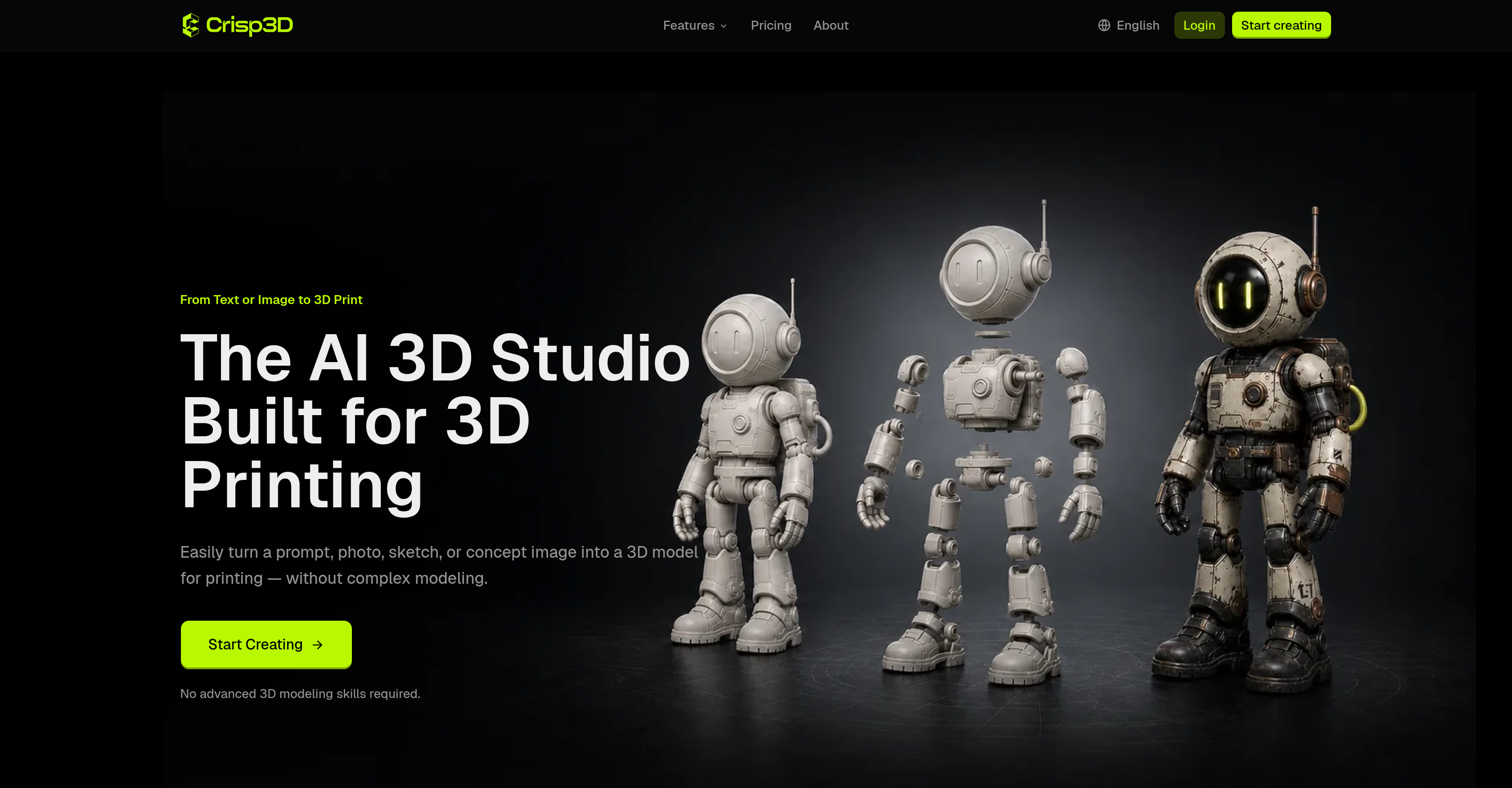
- Turn any text prompt, photo, or sketch into a printable 3D model without learning complex 3D modeling software, using Crisp3D's AI 3D model generator.
- Preview realistic colors, materials, and painted finishes before printing to eliminate costly reprints, powered by AI texturing tools.
- Slice large or complex models into manageable printable parts for easier painting and assembly, using built-in 3D segmentation.
- Produce lighter, cleaner meshes that preserve fine details and shape, reducing print time and material waste through AI retopology.
- Send finished 3D models directly to your preferred slicer from within the platform, skipping file exports and tool switching.
- Create miniatures, collectibles, props, and prototypes in a single connected workflow, from AI generation to print preparation.
- Rapidly iterate product design concepts into physical prototypes, enabling quick idea testing with an efficient, material-saving approach.
Pros & Cons
Pros
- Designed for 3D printing
- Generates from text prompts
- Generates from reference images
- No advanced modeling skills
- Incorporates all features
- Transforms photos into 3D models
- Transforms sketches into 3D models
- Models suited for miniatures creation
- Models suited for collectibles creation
- Models suited for props creation
- Models suited for prototypes creation
- Option to explore colors
- Option to explore materials
- Option to explore finishes
- 3D Segmentation feature
- Split large models into parts
- Creates lighter mesh
- Preserves details and shape
- Streamlined processing
- Can be used by hobbyists
- Can be used by artists
- Can be used by designers
- Optimization for 3D printing
- Option to export FBX files
- Option to export OBJ files
- Option to export GLB files
- Option to export STL files
- One connected printing workflow
- Direct slicer integration
- Great for miniature crafting
- Great for product design
- Suitable for model sellers
- Suitable for print studios
- Automated 3D modeling
- Easy splitting of complex models
- Automatic geometry generation
- Can add ball joints in models
- Can add dovetail joints in models
Cons
- Limited slicer integration
- No advanced modeling options
- Limited material previews
- No explicit VR support
- No multi-user collaboration
- Inadequate printing advice
Reviews
Rate this tool
Loading reviews...
❓ Frequently Asked Questions
Crisp3D has built-in AI algorithms that have the ability to interpret the text prompts, interaction with the 3D model, and execute the necessary transformations. This advanced AI allows it to decipher plain text commands and apply corresponding changes to the 3D model.
Crisp3D can create a wide variety of models ranging from miniatures, collectibles, and props, to prototypes. Users can use text prompts, photos, or sketches as starting points, which Crisp3D can then transform into fully-fledged 3D models.
Crisp3D's AI Retopology feature works by simplifying dense geometry and creating a cleaner, lighter mesh. It ensures a smooth and well-structured mesh while preserving important shapes and details. This results in an optimized 3D model that retains its original form and detail but has a lower polygon count, making it more manageable for 3D printing.
Crisp3D is versatile and serves a range of applications. It's a useful tool for hobbyists, miniature artists, product designers, model sellers, and professional print studios. It can be used in crafts, hobbies, professional design, producing physical prototypes, and even in creating art pieces.
Yes, Crisp3D is designed to be user-friendly and requires no 3D modeling skills. Users can generate, refine, and prepare 3D assets directly within the platform without having to learn complex 3D software.
Crisp3D has an AI Texturing feature that allows users to preview their 3D models in different colors, materials, and painted finishes before they print or post-process the model. This enables users to get a realistic preview of their final creation.
Crisp3D offers a feature called 3D Segmentation, which is used to split large or complex models into printable parts. This makes the printing, painting, and assembly process easier by breaking down complex models into manageable parts that can be easily printed.
Yes, with Crisp3D, you can send your finished 3D model directly to your preferred slicer. This eliminates unnecessary downloads or tool switching, streamlining the process from model generation to print preparation.
Yes, Crisp3D offers a comprehensive range of built-in tools to help prepare the model for 3D printing. These include features for 3D segmentation, AI retopology, model optimisation, and direct slicer integration, all designed to enhance the 3D printing journey.
Absolutely, Crisp3D is highly effective for crafting miniatures and collectibles. Its robust 3D modelling capabilities and extensive feature set make it a go-to platform for creators looking to bring intricate designs to life.
Yes, Crisp3D is an ideal tool for product design. It enables product designers to quickly turn early concepts into physical prototypes. Its efficiency and comprehensive feature set allow for quick idea testing and material-saving approach, making it a viable tool for product design workflows.
Yes, Crisp3D enables optimization of 3D models for printing. Features like AI Retopology help create a cleaner, lighter mesh while preserving profound details and shape, making models lighter and easier to print. Crisp3D also allows models to be split into printable parts for easier printing.
By leveraging Crisp3D's AI technology, users can create a 3D prototype by either providing a text prompt or reference image. The platform will generate the model, allow it to be refined, previewed, and prepared, then send it directly to the slicer for prototyping.
Yes, Crisp3D's 3D Segmentation feature allows you to split any model into printable parts, facilitating easy printing, painting, and assembly. These parts can then be easily joined during the post-processing phase.
Yes, Crisp3D is a significant tool for creative platforms and artistic crafting. It is designed to transform text prompts and images into detailed and interactive 3D models, creating a bridge between creative ideas and physical creations.
Yes, Crisp3D is suitable for use by hobbyists and miniature artists. It is designed to cater to the needs of individuals who wish to translate their creative ideas into 3D models for personal projects or miniature art pieces.
Crisp3D transforms text or image inputs into 3D objects using a set of AI design tools. By understanding the description or reference provided through the input, the AI generates the corresponding 3D model. Thus, what begins as a simple text or image transforms into physical creativity.
Yes, users can process sketches in Crisp3D to generate 3D models. It has powerful AI capabilities that can interpret sketches and convert them into printable 3D models. It is as simple as uploading a sketch and letting the AI algorithms of Crisp3D do the rest.
Crisp3D simplifies the 3D workflow through its intuitive design and features. From text prompts to reference images, finishes, printable parts, and optimized meshes, users can handle everything on a single platform, thus drastically reducing the need for multiple tools and making the whole process much more streamlined.
While traditional 3D modeling software requires expert skills and understanding of complex parameters, Crisp3D takes a more intuitive approach. Crisp3D uses cutting-edge AI algorithms to generate and refine 3D models from text prompts or reference images effortlessly. It also directly integrates with slicers and provides built-in tools for texturing, segmentation, and retopology.
Pricing
Pricing model
Free Trial
Paid options from
$15.92/month
Billing frequency
Monthly
Related Videos
Text to 3D AI Tutorial: Turn a Prompt Into a Real 3D Print | Crisp3D
Crisp3D AI•23 views•Aug 6, 2026