DashVox
Overview
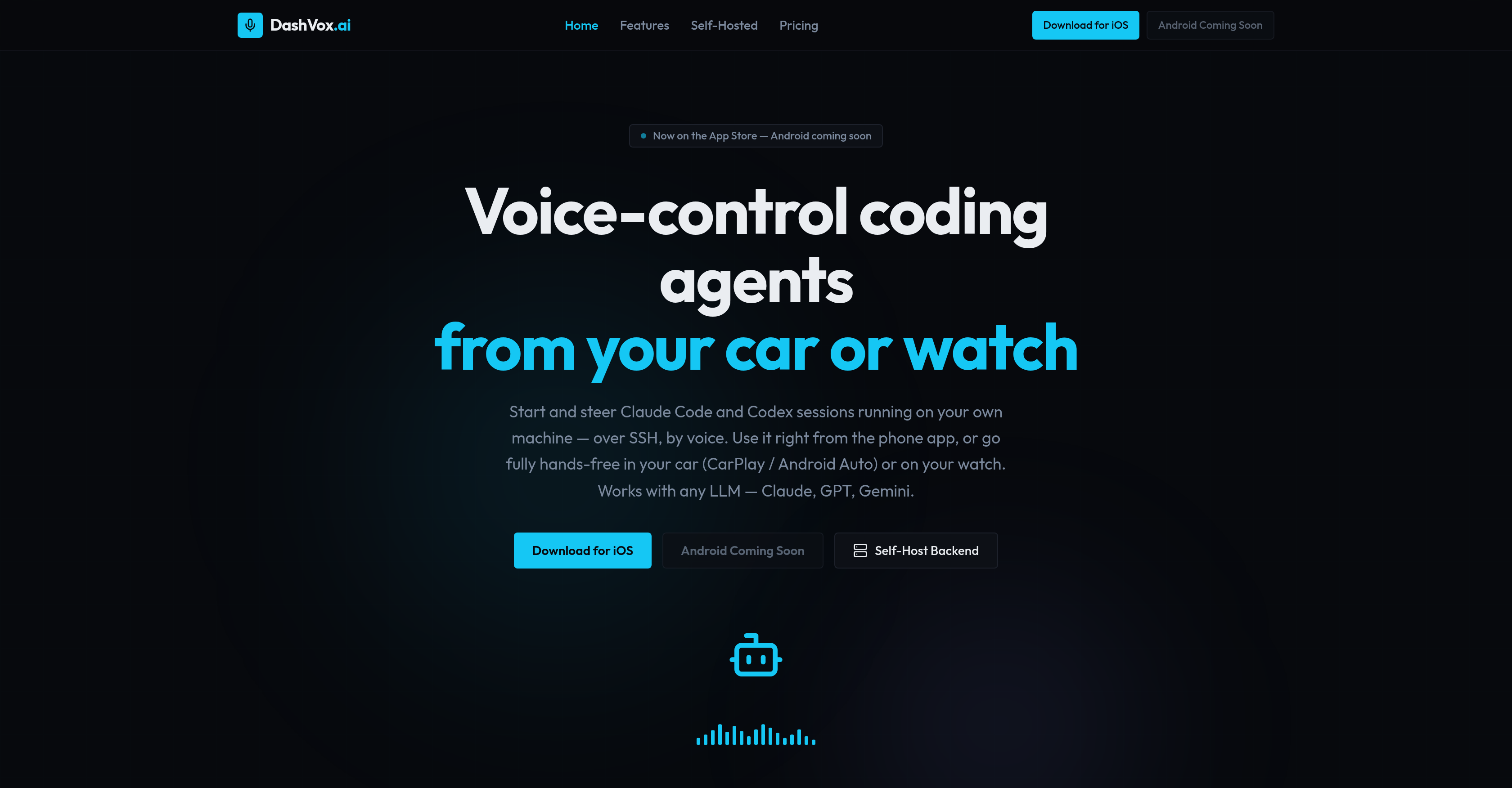
- Launch and steer AI coding sessions from anywhere using voice commands over SSH, turning your phone into a full dev command center
- Manage multiple coding projects simultaneously as Agent Mode autonomously handles frontend, backend, and test sessions for you
- Stay informed without looking at a screen by having the AI search the web and summarize results directly into your ear
- Eliminate lost progress after connectivity dead zones with smart idempotent message delivery that prevents duplicate commands and auto-resumes sessions
- Approve code prompts and check session output purely by voice, keeping your hands on the wheel or your eyes off the phone
- Keep all code and SSH keys fully encrypted at rest on your own machine with self-hosting, ensuring zero data leaves your local environment
- Switch between Claude, GPT, or Gemini coding agents on the fly without changing tools or reconfiguring workflows
- Run coding sessions from CarPlay, Android Auto, or your smartwatch, making any commute or walk a productive development window
- Start using immediately with no account required when self-hosting, or opt for cloud mode with Firebase Auth for added security
Pros & Cons
Pros
- Voice-control coding agents
- Remote control capability
- Cross-platform functionality
- Hands-free coding
- CarPlay compatibility
- Android Auto compatibility
- Supports any language model
- Self-hosting option
- Cloud-based option
- Agent Mode for multitasking
- Integrated web search engine
- Smart connectivity features
- Security-focused design
- No account required for self-hosting
- iOS and Android support
- Future Meta wearables compatibility
- Voice commands over SSH
- Can autonomously manage coding sessions
- SSH keys encrypted at rest
- Database self-hosting with H2
- Cloud hosting with PostgreSQL
- Built with Java 21 and Spring Boot
- Swift used for iOS development
- Versatile usage options
- Coding session monitoring and management
- Voiced prompt approval
- No duplicate messages after dead zones
- Seamlessly recoverable sessions (auto-resume)
- Exponential backoff for smart connectivity
- Background ping to stay connected
- Real-time voice transcription
- Summarizes web search results
- Adaptable to evolving platforms
- Phone application availability
- SSH into dev machine remotely
- Maintains multiple autonomous coding sessions
- Mirrored notifications on Apple Watch
- Support for Wear OS
- Support for Android Auto
- Voice-first, safety-first
- Detailed documentation available
- Integrated with Firebase Auth (cloud)
- Native SwiftUI app for iOS
Cons
- No offline functionality
- Limited platform integration
- Lacks detailed error reporting
- Potential voice command limitations
- Lacks multi-user support
- No localized language support
- Depends on third-party APIs
- Potentially high learning curve
- Limited smart-glasses integration
- Android support still pending
Reviews
Rate this tool
Loading reviews...
❓ Frequently Asked Questions
DashVox is a voice-first AI tool that enables control of coding agents such as Claude Code and Codex via voice commands. It operates across various platforms like phone, car, watch, even glasses, providing a hands-free experience for users. It encompasses features like voice-control of AI coding agents, managing coding sessions remotely, and conducting web searches via voice command. It can either be self-hosted or cloud-based.
The key features of DashVox include: AI coding agents control via voice from anywhere, compatibility with any language learning model, Agent Mode for autonomous management, web search integration, smart connectivity, security measures, self-hosting or cloud-based options, iOS and Android support, cross-platform functionality, and future Meta wearables support.
Yes, DashVox can be used from a car or watch. It is compatible with CarPlay and Android Auto for use in cars, and supports smartwatch compatibility as well.
Voice-first AI coding in DashVox refers to the ability of the user to use voice commands to control an AI coding session. This could involve instructing the AI on what task to perform, checking the status of coding sessions, or even starting and stopping sessions. The coding agents include but are not limited to Claude Code and Codex.
To use DashVox from your phone, start by opening the DashVox app. You can then voice your request, which gets transcribed in real-time. The AI will respond to your request, either by initiating a coding session, performing a web search, or the like. You also get to hear the AI's response via text-to-speech and review summaries on your phone's display.
DashVox can control AI coding agents such as Claude Code and Codex.
DashVox allows remote management of coding sessions via SSH into your development machine from anywhere. Sessions can be started, stopped, and switched between. You can also approve prompts and check output all by voice.
Yes, DashVox is capable of performing web searches. The artificial intelligence can search the web on behalf of the user and summarize the results, eliminating the need to physically interface with a screen.
DashVox implements stringent security measures including encryption at rest for SSH keys, and an option for self-hosting where the code and data never leave your machine. In cloud mode, it adds Firebase Auth sign-in for additional security.
Yes, DashVox can be self-hosted, which means all code and data stay on your local machine without the need for an account. Even SSH keys are encrypted at rest in self-hosted mode, ensuring optimum user security.
DashVox supports multiple platforms, namely iOS and Android. It offers native support for these systems as well as for CarPlay, Android Auto, and smartwatch platforms. Future support is being explored for additional platforms such as Meta wearables.
DashVox ensures a smooth user experience through smart connectivity features. These include exponential backoff, background ping, and auto-resume, all of which help maintain reliable connections. It also implements idempotent message delivery to prevent duplication of messages after connectivity dead zones.
Yes, DashVox supports both iOS and Android systems. The DashVox app is available on the iOS App Store and support for Android has been approved, with a public beta coming soon.
DashVox is built with various technologies including Java21, Spring Boot, H2 for self-hosting, PostgreSQL for the cloud, and Swift for iOS, among others.
Future enhancements planned for DashVox include the exploration of support for additional platforms such as Meta wearables.
DashVox's compatibility with smart glasses is currently under exploration.
Agent Mode in DashVox enables the AI to autonomously manage multiple coding sessions. So, you can instruct the AI to initiate frontend, backend, and test sessions, and the AI would handle everything.
DashVox manages SSH keys by implementing encryption at rest. This ensures high security, whether you are self-hosting DashVox or using it in cloud mode.
Yes, DashVox does have a cloud mode. Users who choose this mode get considerations of Firebase Auth sign-in for added security.
Self-hosting with DashVox entails running the backend on your own machine. This means all data stays local, enhancing security and privacy. You can utilise DashVox facilities without needing an account in the self-hosted mode.
Pricing
Pricing model
Free
Paid options from
Free