
Overview
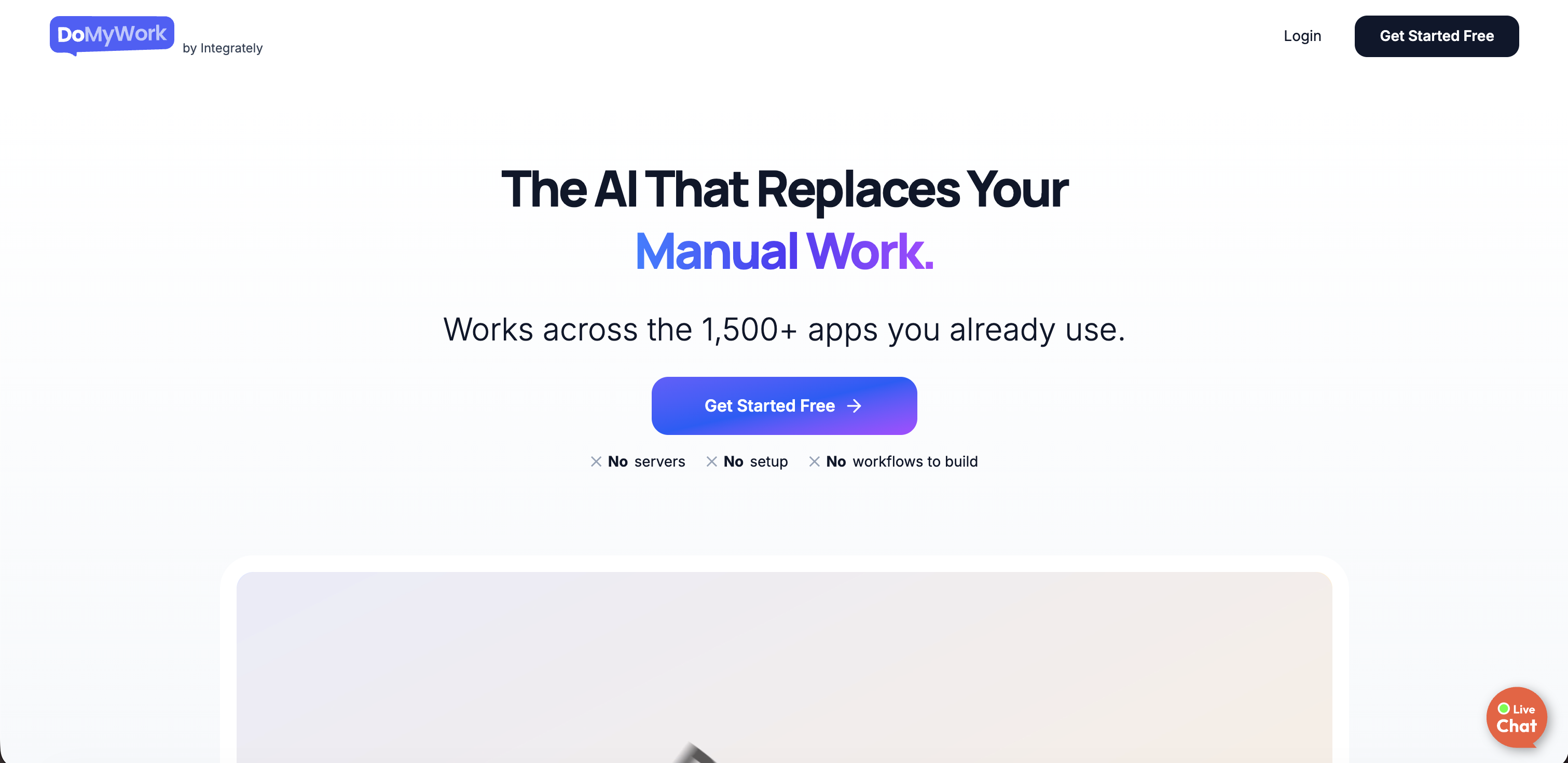
- Delegate one-off requests instantly by describing the outcome in chat, not by building complex workflows
- Run recurring tasks on autopilot with scheduled or trigger-based execution, eliminating manual follow-ups
- Turn repeatable processes into clickable systems with Playbooks, ensuring consistency for SOPs and runbooks
- Execute work across 1,500+ apps like HubSpot, Gmail, and Salesforce without manual data transfer
- Generate SEO audit reports and competitor pricing analysis through simple task assignments
- Prepare investor updates and enrich lead data automatically by pulling information from multiple sources
- Manage incidents and onboarding flows with interactive runbooks that execute tasks as you navigate
Pros & Cons
Pros
- Handles one-off requests
- Executes recurring tasks
- Operates repeatable processes
- Works across 1500+ apps
- No server setup required
- Interactive documents
- Automated data enrichment
- Scheduled SEO Audits
- Integration with established software
- Manual task automation
- Onboarding and incident management
- Track competitor pricing
- Lead data management
- No workflows to build
- Transfers tasks via chat
- Subscription-based model
- Adjustable according to budgets
- Business process automation
- Cross-platform integration
- Scheduled task execution
- Daily task handling
- Integrates with CRM tools
- Autopilot for automation
- Repetitive task automation
- Chat-based interface
- Playbook for process consistency
- Prepare investor updates
- Standup meeting management
- No code required
- Document creation and execution
- Interactive documents
- On-demand SEO reports
- Works in your schedule
- Works on Autopilot
- One-click process execution
- Rich software integration network
- Automated competitor tracking
- No workflow structures needed
- Functions across popular apps
- Automates tedious manual tasks
- Pulls data from multiple sources
- Scrapes Websites for data
- Automates browser actions
- Accommodates different needs and budgets
- Automatic LinkedIn profile enrichment
- Automated draft preparation
- Comprehensive day management
- Virtual assistant features
- Offers various subscription tiers
- Replaces multiple other tools
Cons
- Subscription model expensive
- No server setup option
- Limited to 1500+ apps
- Chat-based UI may confuse
- Dependent on Integrately's network
- Handles only predefined tasks
- Autopilot functionality limitations
- Requires regular instruction
- No code input option
- No support for custom apps
Reviews
Rate this tool
Loading reviews...
❓ Frequently Asked Questions
DoMyWork is an AI work execution platform developed by Integrately to automate manual tasks and workflows across numerous applications. This tool does away with the necessity of server setups or elaborate task structures, offering an efficient solution to business process automation.
DoMyWork automates workflows through a chat-based system. By simply chatting with the AI, you can assign tasks and it will handle the rest. It can manage individual tasks, run recurring tasks on predetermined schedules, or execute repeatable processes using its special Playbooks feature.
DoMyWork can handle everything from research and reporting, lead follow-ups, onboarding, data updates, to operational workflows. It can also undertake SEO audits, track competitor pricing, prepare investor updates, enrich lead data, and manage daily standups.
The chat feature in DoMyWork allows users to easily assign tasks by simply conversing with the AI program. The AI is designed to understand tasks and take care of execution, saving users from setting up workflows or doing manual work.
DoMyWork is compatible with over 1,500 applications. Some key platforms that DoMyWork supports include HubSpot, Gmail, Google Sheets, Salesforce, Mailchimp, and many others. It is designed to work seamlessly across multiple platforms, thus facilitating cross-platform integration.
The Playbook feature in DoMyWork is designed for executing repeatable processes. Each playbook is an interactive document where tasks are executed with a click. Playbooks are used for various cases like SOPs, forms, runbooks, mini-apps, and smart documents, providing consistency and efficiency in task execution.
Yes, DoMyWork provides SEO audit reports. Users can set up tasks requiring SEO audits of specific websites and DoMyWork will carry out the task, providing detailed audit results.
DoMyWork streamlines incident management by providing interactive documents or 'runbooks'. These runbooks guide users during an incident or onboarding flow, executing designated tasks as the user navigates through the document. This simplifies the management process and ensures consistency.
DoMyWork operates based on a subscription model with four tiers. The first tier, 'Boost', is free and allows up to 500 DoCredits or five messages per day. The 'Power' tier costs $15.99 per month and offers 20,000 DoCredits. The 'Supercharge' tier, priced at $31.99 per month, offers 40,000 DoCredits. The ultimate tier, 'Ultra', costs $79 per month and gives access to 125,000 DoCredits. All prices are on an annual billing basis and offer numerous additional benefits.
The Autopilot feature in DoMyWork is designed to take care of recurring tasks automatically, following guidelines specified by the user. Using this feature, users can set a task to run at a certain time or based on specific triggers, and DoMyWork’s AI will take care of the rest, executing those tasks on autopilot.
Yes, DoMyWork can integrate seamlessly with your company's current software. It can pull in data from various sources, helping you manage data updates, and prepare reports. Its extensive compatibility with over 1,500 apps ensures a smooth workflow automation across numerous platforms.
Task assignment in DoMyWork is done through a chat-based interface. By simple conversation with the AI, users can specify what needs to be done and the AI takes care of execution. There’s no need for workflow builders or manual server setups.
DoMyWork differs from other automation tools in its simplicity and breadth of application compatibility. This AI tool does not require users to build workflows or set up servers, while still offering extensive functionality across 1,500+ apps. Notable features like Autopilot and Playbooks, and its ability to provide interactive live documents, also set DoMyWork apart from competitors.
Yes, DoMyWork has the capability to automate tasks across different applications. It supports over 1,500 applications, including well-known platforms like HubSpot, Gmail, Google Sheets, Salesforce, and Mailchimp, allowing seamless task execution across a wide array of applications.
The benefit of DoMyWork's no server setup system is that it drastically simplifies the task automation process. With no need to configure servers or build complex workflows, users can quickly and seamlessly assign tasks to the AI tool and let it handle the rest of the process.
Absolutely, DoMyWork can handle a variety of data management tasks. It's capable of enriching lead data, tracking competitor pricing, preparing investor updates, and performing other data-enrichment tasks, pulling in data from various sources to provide complete, comprehensive data management.
DoMyWork significantly contributes to business process automation by relieving teams from manual, tedious tasks. It can run one-off requests, recurring tasks, or execute repeatable processes with minimal user intervention. This significantly reduces the workload on your team, allowing them to focus more on core tasks.
DoMyWork’s chat-based interface offers an easy-to-use functionality where tasks can be assigned by simply chatting with the AI. There’s no need for workflow builders or server setups. The interface is user-friendly and intuitive, allowing users to assign tasks or run processes with minimal hassle.
Yes, DoMyWork can be programmed to track competitor pricing by setting up a task in the system. It can scrape different sites and provide comparative analysis, helping businesses stay ahead of their competition.
DoMyWork does offer assistance with investor updates. It can pull data from various sources and create draft updates. This feature saves time for business operators, ensuring they always have up-to-date and relevant information for their investors.
Pricing
Pricing model
Freemium
Paid options from
$15.99/month
Billing frequency
Monthly