Overview
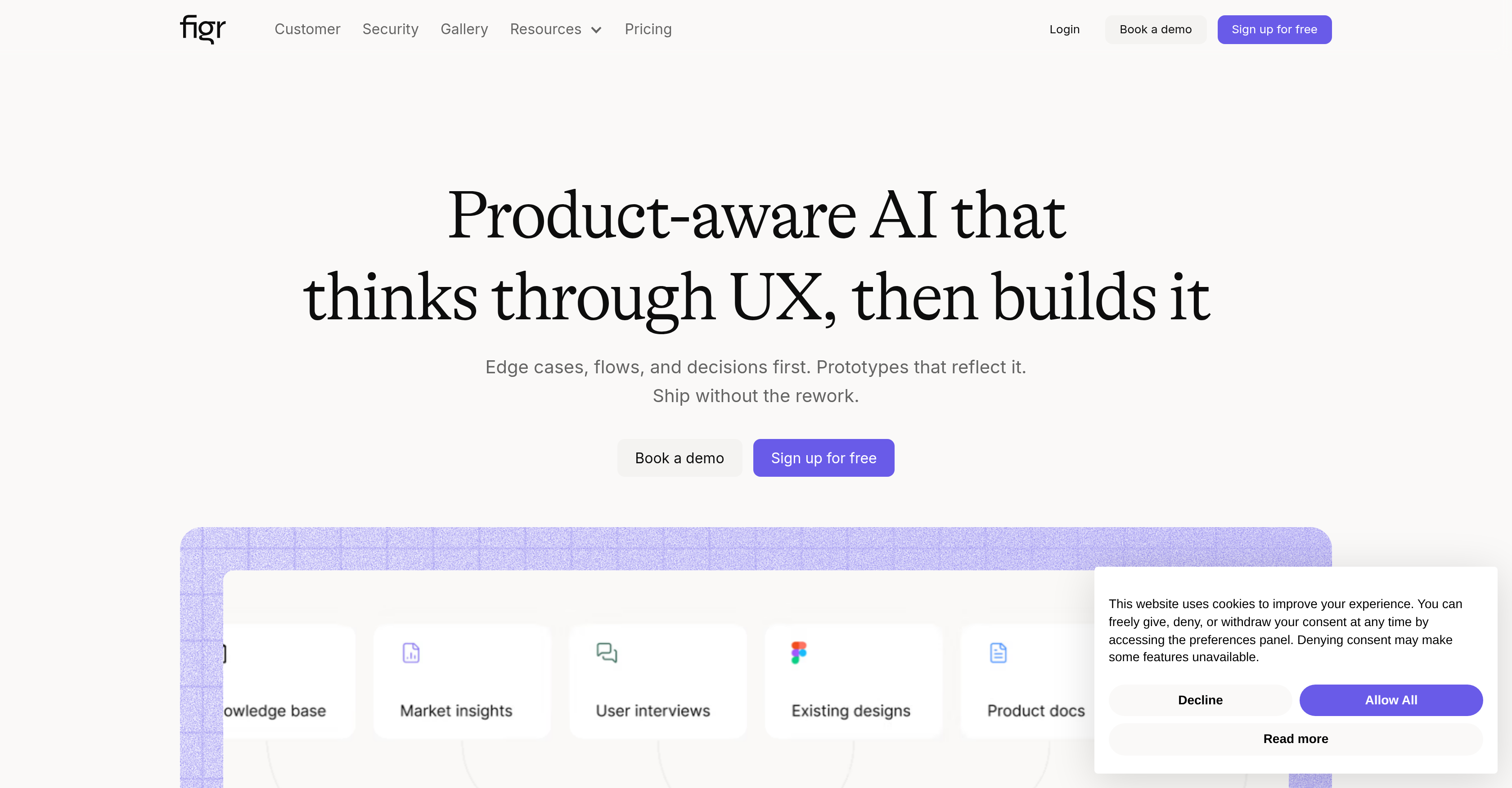
- Ship products faster by eliminating guesswork and endless revisions with a product-aware AI that deeply understands your industry benchmarks, user feedback, and design systems.
- Catch edge cases before development by having the AI think through user experience flows and decisions, constructing prototypes that properly reflect these elements to reduce rework.
- Generate high-fidelity prototypes that match your actual product and design system tokens, so stakeholders validate concepts instead of debugging demo discrepancies.
- Expand your design context over time as the AI learns from persistent product memory built from live web apps, Figma imports, screen recordings, and connected documents.
- Enforce accessibility standards and design system consistency automatically with built-in audits that ensure your UX is inclusive and cohesive.
- Accelerate feature definition by automatically drafting PRDs, mapping user flows, and exploring A/B variations grounded in over 200,000 real screen patterns.
Pros & Cons
Pros
- Integrates with Chrome
- Imports Figma designs
- Ingests screen recordings
- Analyzes competitor screenshots
- Connects with Notion, Confluence
- Builds persistent knowledge base
- Thinks before designing
- Identifies missed edge cases
- Runs UX reviews
- Generates A/B variations
- Maps user flows
- Generates PRDs
- 200,000+ screen patterns database
- Creates high-fidelity prototypes
- No generic templates
- Stakeholder validation, not debugging
- Designs compound over time
- Product thinking before execution
- Integrates design system tokens
- Enforces accessibility checks
- Drafts PRDs, specs
- Eliminates guesswork
- Reduces revisions
- Handles edge cases
- Streamlines workflows
- Ships products faster
- Prototypes reflect real product
- Reduces rework likelihood
- Industry, user feedback context
- One-click Figma export
- Test scenarios before handoff
- Reads your analytics data
- Tackles component states
- UX review before delivery
- Product PRD construct
- Design from screen recordings
- Creates UX from context
- High-fidelity starting point
- Generates QA design cases
- Assists elderly-friendly UX
- Source freshness tags
- Reusable design system tokens
- Reviews industry benchmarks
- Information mapping for prototypes
- Converts design to specifications
- Built-in accessibility checks
- Identifies conversion drop-off points
- Creates rich documentation
Cons
- Requires Chrome extension
- Heavy reliance on third-party apps
- No information on on-prem availability
- May not support all design tools
- Non-universal design language use
- Lacks mobile app version
- No specific user roles
- Limited A/B testing capabilities
- May not cover platform-specific UX
- No multi-language support
Reviews
Rate this tool
Loading reviews...
❓ Frequently Asked Questions
Figr is an AI Design Agent designed specifically to help product teams expedite their User Experience (UX) design processes. It uses a unique 'product-aware' framework to comprehend the characteristics and context of the product being designed. Figr can produce production-ready UX designs by assimilating industry benchmarks, user feedback, product flow, and design systems.
Figr's product-aware framework works by comprehending the characteristics and context of the product being designed. It assimilates industry benchmarks, user feedback, product flow, and design systems, uses this information to eliminate the need for guesswork, and produces production-ready UX designs that draw from real application patterns.
Figr is highly beneficial for product teams as it significantly streamlines workflows by providing actionable insights for designers and design teams. The tool assists both product managers and designers with UX decisions, finds edge cases before development, allows for pre-handoff testing scenarios, creates prototypes, enforces design system tokens, and continues to expand the design context over time.
Figr's product-aware AI benefits teams by offering a tool that understands the context and characteristics of the product being designed. By understanding the product at a deeper level, Figr can produce more accurate and user-friendly designs. This AI eliminates the need for guesswork and extensive revisions, saving time and resources.
Yes, Figr helps in reducing the number of revisions in UX Design. It achieves this by eliminating unnecessary guesswork through its 'product-aware' framework. By comprehensively understanding the full context and characteristics of the product, Figr can produce production-ready UX designs, saving time and ensuring a more efficient design process.
Figr streamlines design team's workflows by providing actionable insights. These insights can help in identifying potential improvements, reducing guesswork, and speeding up the design process. Furthermore, Figr allows you to identify edge cases prior to the development phase, enabling designers to address potential issues in the design stage.
Using Figr, you can create your first design, with its product-aware AI, in just a matter of minutes. This rapid design implementation allows for quick prototyping and expedites the overall UX design processes.
Figr plays a crucial role in UX decision making. It deeply understands the context and characteristics of your product and uses this knowledge to guide UX decisions. This process includes finding edge cases before development, testing scenarios pre-handoff, creating prototypes, and enforcing design system tokens.
Figr has robust functionality for prototyping. Leveraging its product-aware AI, it can develop prototypes that closely match the final product. This accurate prototyping helps in finding edge cases before development and testing scenarios before handoff, streamlining the product development process.
Figr excels in edge case detection. Its product-aware AI allows it to think through UX design problems, identify edge cases before the development phase begins, and provide solutions. This ensures that potential issues are identified and resolved in the design stage itself, ensuring a more efficient and effective product development process.
Figr provides design insights by assimilating various inputs such as industry benchmarks, user feedback, product flow, and design systems, and analyzing them within the context of the product being designed. These insights can aid in making more informed design decisions, streamlining workflows, and expediting the UX design process.
Figr supports the enforcement of design system tokens. These tokens help maintain consistency in the visual and functional components of a product's design system. This ensures that the user experience is cohesive and consistent across all features and elements of the product.
Figr provides a platform for pre-handoff testing. This entails simulating various user flows, testing scenarios, and exploring edge cases before the product is handed off for development. This proactive approach mitigates risks and identifies issues before the costly development phase begins.
Yes, Figr offers features for A/B variation exploration. This capability empowers product teams to experiment with different UX designs, compare them, and ascertain which version best meets their objectives or resonates most effectively with their user base.
Figr performs accessibility checks for built-in designs. This includes testing from an accessibility perspective to ensure that the design is user-friendly and inclusive, catering to users with varying levels of ability.
Figr supports Figma exports with a single click. This feature ensures seamless integration with Figma, a popular tool among designers, and allows for the easy transfer of designs from Figr to Figma for further refinement or collaboration.
Figr takes an active role in design context expansion. As the design context continues to expand over time, Figr assimilates this information to further comprehend the product being designed and thereby improve its performance.
Analytics data is used by Figr to comprehend the product being designed in greater detail. By ingesting analytics data, Figr can better understand user behavior, identify areas for improvement, and make informed decisions that enhance the user experience.
Figr caters to both product managers and designers. For product managers, Figr assists with UX decisions, maps user flows and journeys, drafts product requirements documents (PRDs) and specifications, explores A/B variations, and facilitates one-click Figma export. For designers, Figr assists in the identification of edge cases before development, enables prototyping, enforces design system tokens, and offers features for built-in accessibility checks.
Figr contributes to rapid design implementation through its AI-powered solutions that enable product teams to create designs within minutes. Figr eliminates unnecessary guesswork by utilizing real application patterns, user feedback, and established design systems to produce production-ready UX designs quickly and accurately.
Figr AI is an artificial intelligence tool that assists product teams in their design process by deeply understanding the context of a product, eliminating guesswork, streamlining the workflow, and accelerating the delivery time of projects. Utilizing inputs such as industry benchmarks, user feedback, and design systems, Figr constructs a well-informed user experience, creating high fidelity prototypes that match the actual product rather than relying on generic templates.
Figr achieves a deep understanding of your product by ingesting a diverse set of inputs that represent various aspects of your product. These inputs can come from a live webapp using a Chrome extension, imports from Figma, screen recordings, competitor screenshots, or connected documents from platforms like Notion and Confluence. Figr digests all of this information and builds a persistent memory of your product, including its flows and constraints.
Figr can handle a variety of inputs to understand and enhance your product design process. You can feed it a live webapp via a Chrome extension, import your Figma designs with design tokens, share screen recordings, drop in competitor screenshots, or connect docs from Notion and Confluence. These diverse inputs help Figr AI to get a comprehensive understanding of the product's context and its constraints.
When a new feature is requested, Figr AI begins by thinking through the design. It surfaces potential edge cases that may have been overlooked, conducts UX reviews, generates A/B variations, maps user flows, and creates PRDs. The rationale used in these processes is grounded in over 200,000 real screen patterns, enhancing the functionality and usability of the suggested feature.
Yes, Figr AI is capable of generating high-fidelity prototypes that closely match your actual product. Rather than resorting to the use of generic templates, Figr AI ensures that stakeholders validate concepts instead of debugging the discrepancies between the demo and the actual application, thereby improving the overall product validation process.
Yes, the learning of Figr AI improves over time. As more product context is fed into Figr, it progressively becomes better at offering accurate and insightful results. Over time, this ‘product-aware’ AI learns and becomes more effective in understanding your product’s flow and constraints as well as enhancing the overall design process.
Figr actively assists in handling edge cases. When you ask for a new feature, Figr surfaces and considers these edge cases before proceeding with the design. In doing so, it ensures that potential problems are considered and addressed from the very beginning of the design process, thus reducing the risk of future issues.
Figr AI plays an essential role in drafting PRDs, or Product Requirement Documents. When a new feature is requested, along with considering edge cases and conducting UX reviews, Figr also drafts PRDs based on the context of the product. These documents are integral to the product development process as they provide a clear outline of what is being built and why.
Yes, Figr AI can enforce design system tokens. By ingesting Figma files with design tokens, Figr is able to evaluate and integrate design standards throughout the design process. This ensures consistency in design language across different elements of the product.
Yes, Figr AI is capable of performing accessibility checks in the designs it generates. It enforces critical accessibility standards to ensure that designs are inclusive and accessible for all user groups.
Yes, Figr AI can import your Figma designs. The benefit of importing your Figma designs is that it allows Figr to deepen its understanding of your product's design standards and streamline the design process by using established design elements.
Yes, Figr AI offers A/B testing for designs. After conducting UX reviews, and mapping user flows, Figr AI can generate multiple variations of a design. This capacity helps in thorough testing of different design options based on real user data, which makes the choice of final design more data-informed and effective.
Figr AI being described as 'Product-aware' refers to its advanced capacity to comprehend the context of a product deeply. Beyond just prototyping or design generation, Figr thinks through the user experience, taking into account factors like user flows, industry benchmarks, design constraints, and user feedback before constructing its designs.
Yes, Figr AI can be integrated with other tools like Notion and Confluence. These integrations enable Figr to consume and understand documents that provide additional context and details about your product, thus enhancing its ability to deliver comprehensive and effective product designs.
Figr AI is not bound by industries or product categories. Its abilities such as thorough comprehension of specific product details, UX review, feedback processing and design refinement are applicable across diverse industries and product categories.
Figr AI is designed to handle user feedback for UX optimization effectively. It ingests user feedback along with other sources of product information to deeply understand user experiences and preferences. This comprehensive understanding allows Figr to refine user experience and facilitate improved design outcomes.
Figr AI assists in mapping user flows and journeys by ingesting a wide range of product details, user feedback, and industry benchmarks. It then comprehensively evaluates these inputs to mold user flows that are informed by actual data and real user experiences.
Figr AI learns about your product and its constraints by ingesting a wide variety of inputs like webapp feeds, Figma designs, Notion and Confluence docs, screen recordings, and competitor screenshots. As this diverse information representing distinct aspects of your product gets processed, Figr builds a comprehensive and persistent memory about your product, its flows, and its constraints.
Figr AI assists in delivering products faster by streamlining the design process. It eliminates guesswork and revisions by thinking through the design process before execution, catching edge cases early on, and delivering high fidelity prototypes that closely resemble the end product. As a result, the design process becomes more efficient, leading to faster product delivery.
Figr AI helps your team to avoid rework and revisions by thinking through the UX before designing and constructing prototypes. Figr surfaces edge cases early, runs UX reviews, and generates high fidelity prototypes, resulting in designs that are well thought out from inception. This significantly reduces the need for rework and revisions, enhancing overall efficiency and productivity.
Pricing
Pricing model
Freemium
Paid options from
$16/month
Billing frequency
Monthly
Refund policy
14 days after purchase, no questions asked.
Related Videos
Figr Identity (How to) - Generate Design Systems with AI
Figr•18.8K views•Feb 11, 2025