Overview
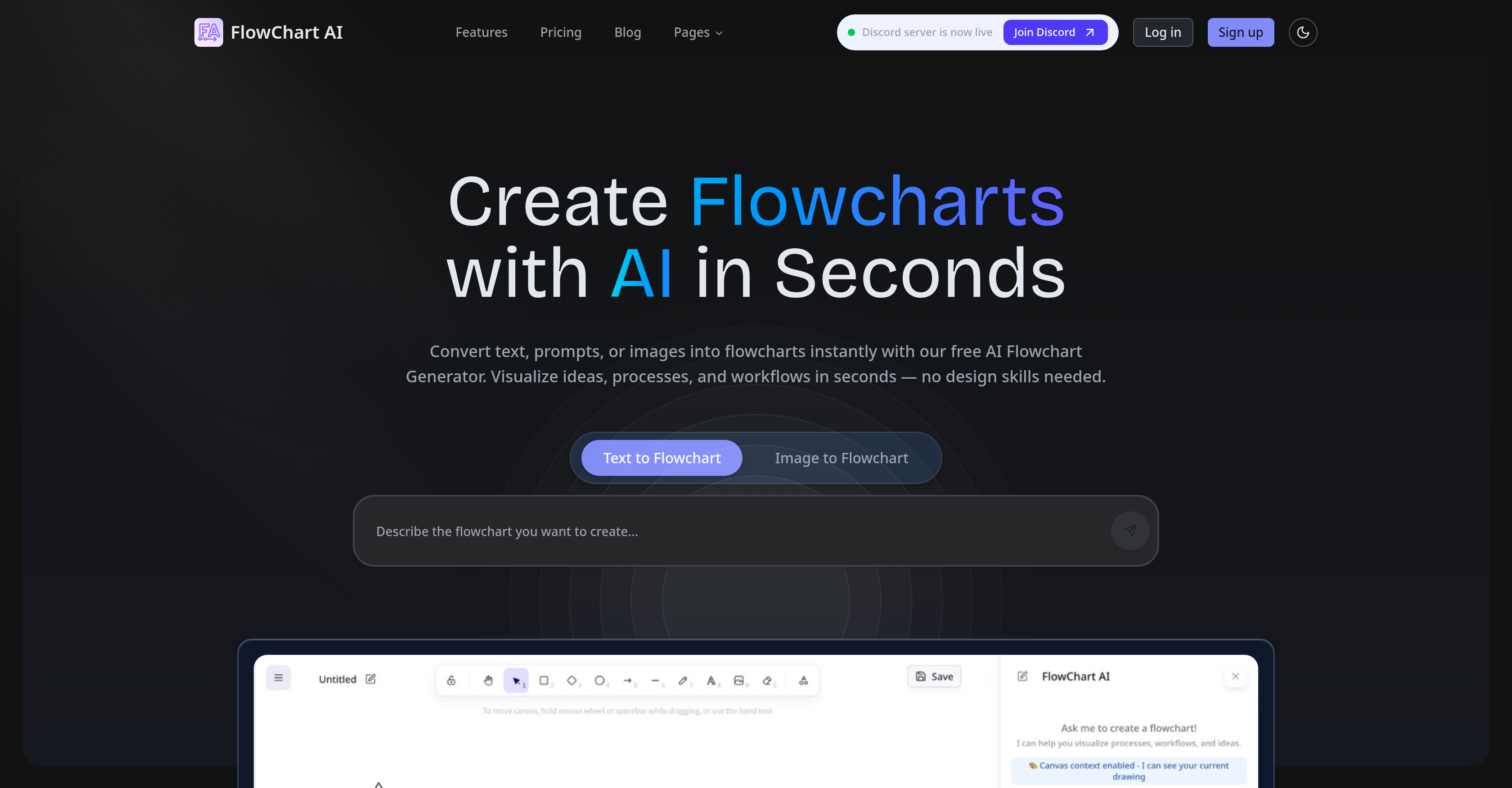
- Instantly convert plain text or images into professional flowcharts without any design skills, using AI that automatically identifies steps, decisions, and connections.
- Skip the blank canvas and start editing immediately, as the AI generates a structured draft from your descriptions, including branches and key actions.
- Refine and polish every detail directly on the canvas with a built-in graphics editor, ensuring your flowchart captures exactly what you need.
- Accelerate your workflow with ready-made templates for common processes like customer onboarding or content production, reducing setup time to minutes.
- Master flowchart creation quickly with a series of tutorials and guides that cover step-by-step instructions, real demonstrations, and symbol explanations.
Pros & Cons
Pros
- Transforms text to flowcharts
- Transforms images to flowcharts
- Automatic steps, decisions identification
- Logical elements arrangement
- Built-in graphics editor
- Flowcharts from user descriptions
- Workflow engine feature
- Automatic branches addition
- Bypassing initial blank canvas
- Ready-made templates
- Tutorials and guides available
- Various plans options
- Refinable generated drafts
- Process mapping feature
- Ideas visualisation
- Process documentation
- Decision trees understanding
- Operational checklists conversion
- Flowchart templates
- Detailed product walkthroughs
- Guidance for symbol usage
- Unlimited diagram storage
- Email & technical support
- Flowchart sharing and collaboration
- Can export in multiple formats
- Data input via text and images
- Ideal for individual or enterprise use
- Support in multiple languages
Cons
- Limited free plan
- No API access
- Non-real-time editing on free plan
- Enterprise features not included
- Lacks team collaboration features
- No document upload for conversion
- Priority support only for professional users
- Graphic editor challenges not specified
- Dependent on quality of input text/image
- Inability to handle extremely complex flowcharts
Reviews
Rate this tool
Loading reviews...
❓ Frequently Asked Questions
Flowchart AI is an online tool engineered to convert text or images into editable flowcharts instantaneously. It's built with AI technology to discern steps, decisions, and connections from plain text or images and arrange them into a technically sound, professional-looking flowchart. Aimed at users who wish to visualize ideas, processes, workflows regardless of their design prowess, Flowchart AI is designed to simplify and quicken the process of flowchart creation.
Flowchart AI uses its AI technology to convert text or images into flowcharts. It does this by automatically identifying steps, decisions, and connections in the input and arranging them logically to form structured flowcharts. Whether the input is basic notes, intricate instructions, conceptual ideas, or images, Flowchart AI intelligently recognizes and organizes their elements into a clear, structured flow.
No, you do not need design skills to use Flowchart AI. The tool is crafted to be user-friendly and requires no design skills for creating professional flowcharts. It uses AI technology to convert plain text or images into visual representations of processes, automatically mapping out steps, decisions, and connections.
Yes, the flowcharts generated by Flowchart AI are editable. It provides initial drafts which users can then refine, tweak, and polish within the platform. Flowchart AI's built-in graphics editor is designed to allow users to easily make any necessary amendments and improvements to the generated flowchart.
Flowchart AI helps visualize workflows through its smart AI technology. When a user inputs text describing a process, or an image detailing a workflow, Flowchart AI promptly converts the input into a neat, structured flowchart that visually represents the process. This allows users to envisage the workflow in a simpler, more digestible form.
Yes, Flowchart AI offers ready-made templates to fast-track the creation of flowcharts. Users can select a template that best aligns with their process, import it into the Flowchart canvas and tailor it to their unique needs in a matter of minutes.
Yes, Flowchart AI provides a series of tutorials and guides on the website. These resources are designed to help users become proficient at creating flowcharts using the tool, providing step-by-step instructions, real process demonstrations, useful tips for building flowcharts, and even guides on understanding flowchart symbols.
Flowchart AI offers different plans to accommodate various user needs. There's a Free plan which offers basic features and allows 1 AI request per day. The Hobby plan, billed monthly, offers 100 AI requests per month and email support. The Professional plan gives users unlimited AI requests, priority processing and support, and much more. For advanced or customized needs, users may contact the Flowchart AI team directly.
Yes, Flowchart AI does have a built-in graphics editor. This feature allows users to refine, tweak, and polish the drafts generated by the AI. This function ensures that users can modify and customize their flowcharts to meet specific needs or preferences.
Flowchart AI simplifies the process of flowchart creation by providing automated design that converts text or images into editable flowcharts. It also eases the process of creating flowcharts from descriptions by intuitively identifying and organizing elements, and adding branches. Flowchart AI expedites the process with ready-made templates, reducing the time spent on initial design.
Flowchart AI offers tools allowing users to refine the generated drafts in the built-in graphics editor. Users can edit and polish their drafts directly on the canvas without the need of redrawing, ensuring that all the details are precisely captured and well-polished.
Flowchart AI utilizes AI technology to convert plain text or images into professional flowcharts. It identifies steps, decisions, and connections within the provided contents and arranges them logically to create a clear structured flow. The AI is proactive and intuitive, enabling the tool to not only generate flowcharts from descriptions but also add branches as part of the process.
Yes, Flowchart AI can create flowcharts from just descriptions. In the process of creating flowcharts from descriptions, Flowchart AI organizes user-entered starting points, key actions, and decisions and even adds branches. This feature helps users bypass the dilemma of blank canvases and focus on important tweaks.
Flowchart AI handles branches in flowchart creation by adding them to the generated flowcharts based on the user's descriptions. The workflow engine understands the user-given starting points, key actions, and decisions, and then adds the branches to keep them in order, providing clarity and structure.
Yes, Flowchart AI provides ready-made flowchart templates. These templates are aimed to kick-start the flowcharting process. The platform offers various templates suited to different needs, from customer onboarding to content production workflows, thus accelerating the user's flowchart creation process.
Pricing
Pricing model
Freemium
Paid options from
$8/month
Billing frequency
Monthly