
Overview
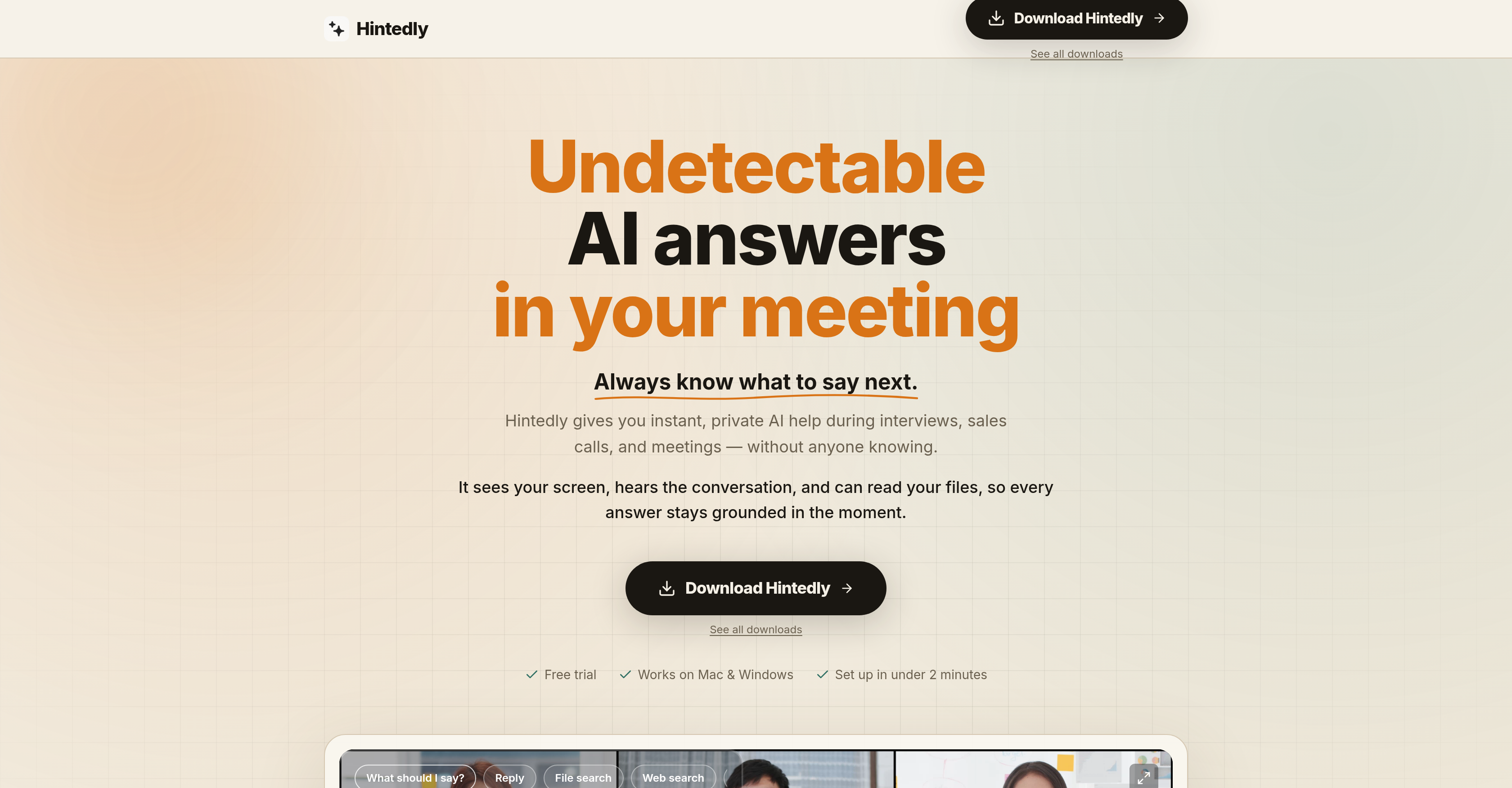
- Deliver composed, articulate answers during high-pressure sales calls and interviews with instant, context-aware responses from multiple leading AI models
- Never break eye contact or lose conversation flow as responses appear on a transparent overlay visible only to you, even during screen sharing on Zoom, Google Meet, Microsoft Teams, and Webex
- Handle objections and tough questions with calm, precise talking points before silence becomes awkward, keeping discovery phases tight and momentum steady
- Eliminate post-meeting scramble by auto-generating structured meeting notes, action items, and draft follow-up emails in your tone, ready to modify and send instantly
- Build a searchable, reusable record of every meeting’s content and decisions, ensuring no commitment or next step is ever missed
- Stay fully present and engaged in team and executive meetings with direct, concise answers that help you lead with clarity and preparation
- Get up and running in under two minutes with no complex setup or admin rights required on both Mac and Windows
Pros & Cons
Pros
- Private assistance during meetings
- Real-time contextually appropriate responses
- Enhances communication in high-pressure situations
- Suggests responses to difficult queries
- Aids in sales discovery
- Supports objection handling
- Support in team meetings
- Helps refine interview performances
- Undetectable operation
- Creates transparent overlay
- Responses visible only to you
- Maintains smooth conversation flow
- Handles post-meeting workload
- Automatic meeting notes generation
- Assigns action items
- Drafts follow-up emails
- Making meeting content searchable
- Reusable meeting content
- Quick and simple installation
- Invisible during screen sharing
- Retains confidentiality across platforms
- Setup in less than two minutes
- Compatible with Mac and Windows
- Supports Zoom, Google Meet
- Supports Microsoft Teams
- No break in eye contact
- Resizeable overlay
- Custom action button creation
- Consistent response style
- Helps navigate tough questions
- Boosts confidence during meetings
- Helps stay in conversation
- Overlay excluded from screen capture
- Beautiful auto-generated meeting notes
- Action items assigned with owners
- Follow-up emails in user tone
- Searchable conversation history
- Reusability of meeting intelligence
- No requirement of admin rights
- Concise on-screen response visibility
- Overlay visible only to user
- Can read files for context
- Web search capabilities
- Assist layer remains private
- Overlay excluded from recording APIs
- Native apps for Windows, Mac
- Quick setup
Cons
- Requires internet connectivity for AI responses.
- Learning curve to configure modes and workflows effectively.
- Response quality depends on audio clarity and meeting context.
- Requires high-speed internet
- Doesn't support mobile devices
- No Linux Compatibility
Reviews
Rate this tool
Loading reviews...
❓ Frequently Asked Questions
Hintedly supports multiple platforms including Zoom, Google Meet, Microsoft Teams, Webex, HireVue, CoderPad, HackerRank, and LeetCode.
Hintedly provides instant, contextual assistance during high-pressure situations. It monitors your screen, listens to your conversation, reads your files, and produces contextually appropriate responses which help you navigate challenging queries and improve your responsiveness and communication.
By monitoring the conversation and context, Hintedly aids in sales discovery and objection handling by providing appropriate, succinct responses. It empowers you to handle objections cleanly, keep discovery phases tight, and guide the conversation without losing momentum.
During interviews, Hintedly provides responses to behavioural questions, technical prompts and even anticipates follow-up questions. It monitors the interview process in real time and produces effective responses to bolster your performance.
The confidentiality feature of Hintedly allows it to operate undetected. It offers an invisible overlay on your screen and its responses are only visible to you. Even while screen sharing, Hintedly's overlay remains unseen to other participants, ensuring your privacy.
Hintedly offers a range of post-meeting services including auto-generating clear, structured meeting notes, assigning action items, and drafting follow-up emails. These capabilities facilitate efficient handling of post-call workloads.
Hintedly uses an invisible overlay technology that appears over your screen. This overlay presents Hintedly's responses and it remains entirely undetectable to others. Only the user can see Hintedly's overlay and its assisted responses.
In team and executive meetings, Hintedly enables an efficient participation by generating relevant responses or updates, quickly catching decisions, and providing direct, concise answers to help you lead with clarity and preparation.
Hintedly offers a comprehensive post-meeting service which includes automatically generating detailed meeting notes, tracking action items, and drafting follow-up emails. This makes each meeting's content easily searchable and reusable.
Yes, Hintedly is compatible with both Mac and Windows platforms. It provides native applications for both operating systems, thereby offering a flexible solution across various user preferences.
The installation process for Hintedly is straightforward and fast. Users can set it up in under two minutes without the need for any complex setup or admin rights.
Yes, while using screen sharing during any meeting, Hintedly's overlay remains completely invisible, ensuring confidentiality across various platforms and meeting tools.
Even if someone is using reflective glasses, the Hintedly's overlay is excluded from all screen capturing and recording. However, it is recommended to use anti-reflective lenses or avoid wearing reflective glasses while screen sharing to ensure complete discretion.
Yes, Hintedly can read your files. The AI tool uses these files to build a context for providing more accurate and relevant responses for the ongoing conversation or meeting.
Hintedly auto-generates follow-up emails after a call, writing them in your tone with context and next steps already structured. This allows for timely and efficient communication after a meeting.
Yes, Hintedly does create meeting notes. It generates clear, structured, and easy-to-read notes automatically after each call, taking a significant portion of the load off of post-meeting tasks.
Hintedly captures and assigns action items during a call. This ensures all commitments and next steps are tracked accurately and no tasks are overlooked or forgotten.
Hintedly is designed to help answer difficult queries by monitoring the conversation, reading your files, understanding the context, and then suggesting suitable replies to challenging questions.
No, Hintedly does not require any complicated setup. It's designed to be user-friendly with a simple installation process that can be completed in under two minutes.
Hintedly is designed to significantly improve communication effectiveness by providing instant, contextual assistance during meetings. It aids in handling objections, supports efficient participation in meetings, and enhances overall conversation flow.
Hintedly is compatible with numerous platforms including Zoom, Google Meet, Microsoft Teams, and Webex.
Yes, Hintedly functions by monitoring your screen and reading your files during a meeting to provide contextually appropriate assistive responses.
The main features of Hintedly include real-time, context-aware responses, undetectable operation, instant responses to difficult questions, post-meeting services such as structured meeting notes, action item tracking, and drafting of follow-up emails.
No. Hintedly is designed to be undetectable during its operation. It remains completely invisible during screen sharing, ensuring complete confidentiality.
Hintedly enhances communication effectiveness by providing real-time, context-aware responses allowing for professional engagement with composed, confident, and articulate answers especially in high-pressure situations.
Hintedly aids in sales discovery and objection handling by providing instant, clear, and concise responses that help keep the conversation on track without losing momentum.
Yes, Hintedly offers assistance after meetings through features such as automatically generated structured meeting notes, assigning action items, and drafting follow-up emails.
After a meeting, Hintedly provides structured meeting notes, assigns action items, drafts follow-up emails, and maintains a searchable and reusable record of the meeting's content.
Hintedly can be set up in under two minutes, no complex setup or administrative rights are needed.
No, Hintedly's overlay remains completely invisible during screen sharing, ensuring the call assistant's operation remains undetectable.
Yes, Hintedly is suitable for both Mac and Windows users.
Hintedly can be used across various professional scenarios including sales calls, team meetings, interviews, and executive meetings.
Yes, Hintedly offers instant responses to ensure smooth conversation flow and to provide answers before silence becomes awkward.
Hintedly helps maintain a smooth conversation flow by providing instant, context-aware responses without breaking eye contact or distracting from the ongoing conversation.
Yes, Hintedly can draft and provide follow-up emails after the meeting, which can be modified and sent out instantly.
Yes, Hintedly offers structured meeting notes and assigns action items after a meeting.
Hintedly's overlay is a transparent layer that appears on your screen during a meeting, offering responses that are visible only to you. It remains undetectable during screen sharing ensuring confidentiality.
Hintedly's design enables you to stay fully present and engaged during meetings without breaking eye contact or attention as its responses appear right on your screen and it remains invisible during screen sharing.
Hintedly creates a searchable history by keeping track of meeting details and capturing everything said during a meeting. This makes each meeting's content easily searchable and reusable for future reference.
No, administrative rights are not needed to set up Hintedly. It can be installed simply and quickly.
Pricing
Pricing model
Free Trial
Paid options from
$19/month
Billing frequency
Monthly
Refund policy
7-Day Fair Use Refund Policy