iLovePDF AI PDF Translator
Overview
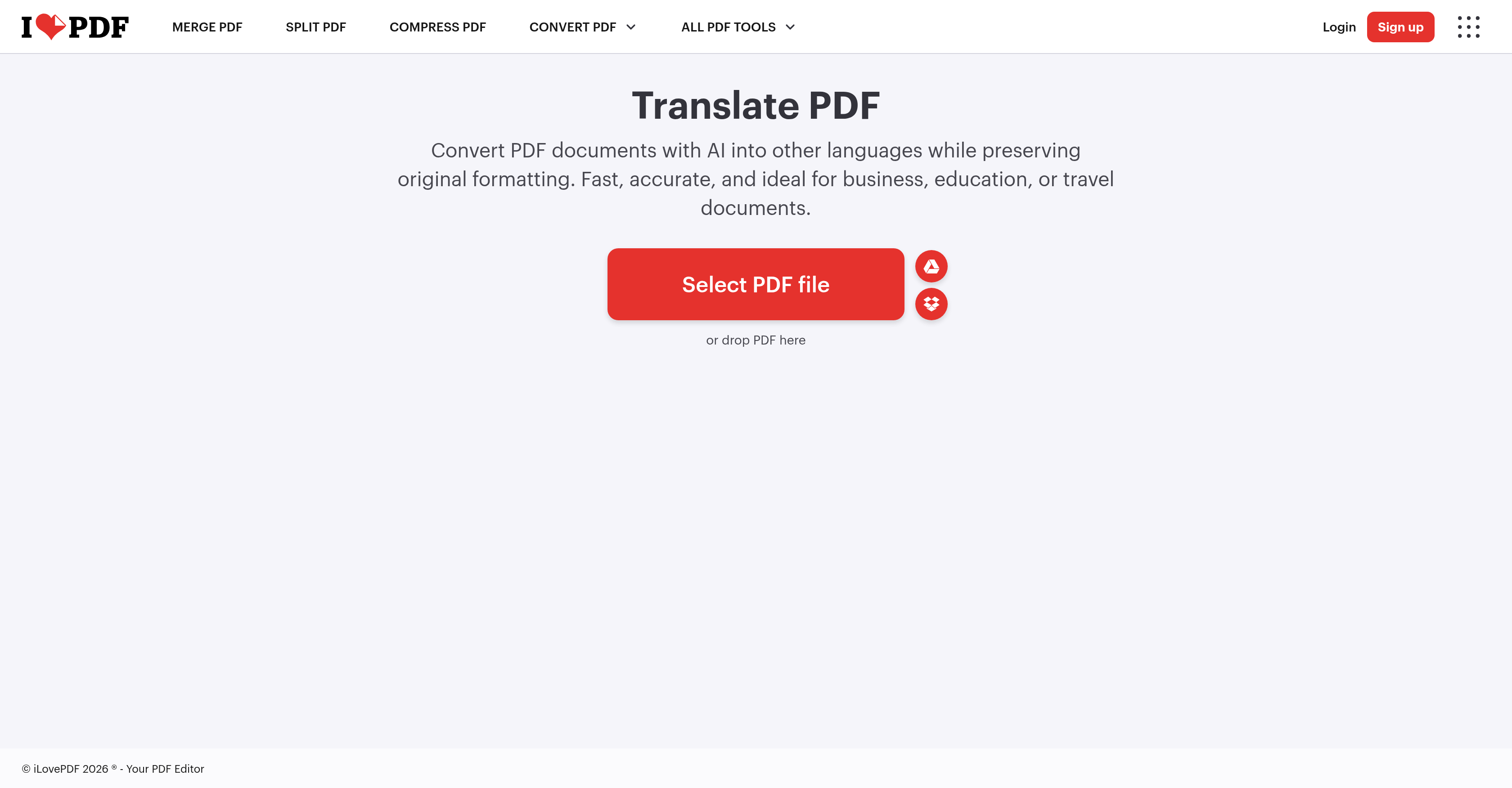
- Share multilingual PDFs without manual reformatting by using AI that preserves your original layout, images, and graphics.
- Get precise translations for contracts or research by selecting from an extensive list of source and target languages for customized results.
- Choose between a fully formatted document or a clean text-only version that retains the original text hierarchy for simpler editing.
- Edit and finalize your translated document in one place using built-in tools to add watermarks, page numbers, or split and merge pages.
- Access your translated documents anywhere by using the tool across desktop and mobile platforms for consistent results on any device.
Pros & Cons
Pros
- Maintains original PDF formatting
- Translation retains document layout
- Incorporates images in translation
- Text-only translation option
- Preserves text hierarchy
- Customizable source/target languages
- Speedy and accurate translations
- Suited for various sectors
- Comprehensive PDF editing features
- PDF optimization tools
- Available for desktop/mobile
- Simple file rotation
- File splitting feature
- Merging PDFs capability
- Allows page numbering
- Watermark addition tool
- Preserves document integrity
- Supports multiple languages
- Ideal for business use
- Convenient for educational needs
- Useful for travel documents
- PDF compression availability
- Offers PDF repairs
- Provide OCR PDF
- PDF unlocking feature
- PDF protection mechanism
- PDF signing option
- Capable of PDF redaction
- PDF comparison feature
- Language detection feature
Cons
- Lacks offline functionality
- Potentially inaccurate translations
- Possibly complex interface
- No support for all languages
- Unmentioned security features
- No multi-file simultaneous translation
- No multi-language simultaneous translation
- Requires fast internet connection
Reviews
Rate this tool
Loading reviews...
❓ Frequently Asked Questions
iLovePDF AI PDF Translator maintains the original document's formatting during translation by retaining the layout of the document as closely as possible. This includes preserving images and graphics in the document along with the original layout and hierarchy of information.
The speed of iLovePDF AI PDF Translator is optimized for fast, AI-enabled online translation. While exact speed is not specified, it is indicated to be a notable feature in the provided description.
Yes, iLovePDF AI PDF Translator can be used for business, education, or travel documents. These sectors are specifically mentioned as suitable use cases for this tool, reflecting its versatility in professional and personal contexts.
Yes, iLovePDF AI PDF Translator includes images and graphics in the translated output. It strives to retain the document layout as close to the original as possible, and this includes sustaining all images and graphics in the document.
Yes, iLovePDF AI PDF Translator offers a text-only translation. This translation mode retains only the text and its hierarchy, providing a simpler output for users who prefer this format.
Users can specify the source and target languages in iLovePDF AI PDF Translator by choosing from an extensive list of languages provided within the tool, enabling a precise and customized translation experience.
Besides translation, iLovePDF offers a variety of features for editing and optimizing PDF documents. These include rotating, splitting, and merging PDFs, adding watermarks and page numbers, and other diverse attributes to facilitate PDF management and customization.
Yes, iLovePDF allows users to add watermarks and page numbers to their PDF documents. These features are part of the wide array of editing and optimizing tools that iLovePDF provides for managing PDF files.
Yes, iLovePDF AI PDF Translator is available as a mobile app, which contributes to its convenience and accessibility across different user platforms.
Yes, iLovePDF AI PDF Translator has the capacity to rotate, split, and merge PDF documents. These functionalities form part of the comprehensive suite of tools that iLovePDF offers for editing and optimizing PDF files.
Document integrity in iLovePDF AI PDF Translator is maintained through its ability to preserve original formatting, including layout, images, graphics, and text hierarchy during translation. This ensures the translated output closely mirrors the source document in structure and presentation.
iLovePDF is made convenient for users through its multiple features for editing, optimizing and translating PDF documents, and accessibility across desktop and mobile platforms. The tool also offers an extensive language selection for precise translations and retains original document formatting, making it a handy tool for diverse uses.
Yes, when you use iLovePDF AI PDF Translator, you can ensure your file formatting remains intact. The tool preserves the original layout as closely as possible, therefore maintaining the integrity of graphics, images, and text hierarchy during the translation process.
Yes, iLovePDF AI PDF Translator supports multiple languages. Users can choose from an extensive list of source and target languages, broadening the applicability of the tool across a comprehensive linguistic spectrum.
iLovePDF AI PDF Translator provides a high level of translation accuracy thanks to its AI-enabled mechanism. Although a specific measure of accuracy is not provided, the description underscores accuracy as a primary feature of this tool.
Yes, it is possible to add watermarks to your documents using iLovePDF AI PDF Translator. As part of its suite of PDF editing and optimizing features, iLovePDF allows users to append watermarks to their documents.
Yes, iLovePDF AI PDF Translator comes with a broad suite of features for editing and optimizing PDF documents. This includes the ability to add watermarks, rotate, split, merge, and add page numbers to PDF files, among other features.
Yes, you can adjust the output PDF layout in iLovePDF AI PDF Translator. Fluidity in layout adjustment includes options to maintain the original layout, which retains all images and graphics, or choose a text-only output that retains only text hierarchy.
The website provides two AI tiers: Standard AI and Advanced AI. Though it does not specify the exact differences between these tiers, it can be inferred that the Advanced AI may offer enhanced or more sophisticated translation capabilities, compared to the Standard AI.
Yes, the iLovePDF AI PDF Translator is available on both desktop and mobile platforms, making it handy and accessible for users irrespective of their preferred device.
Pricing
Pricing model
No Pricing