img2.ai
Overview
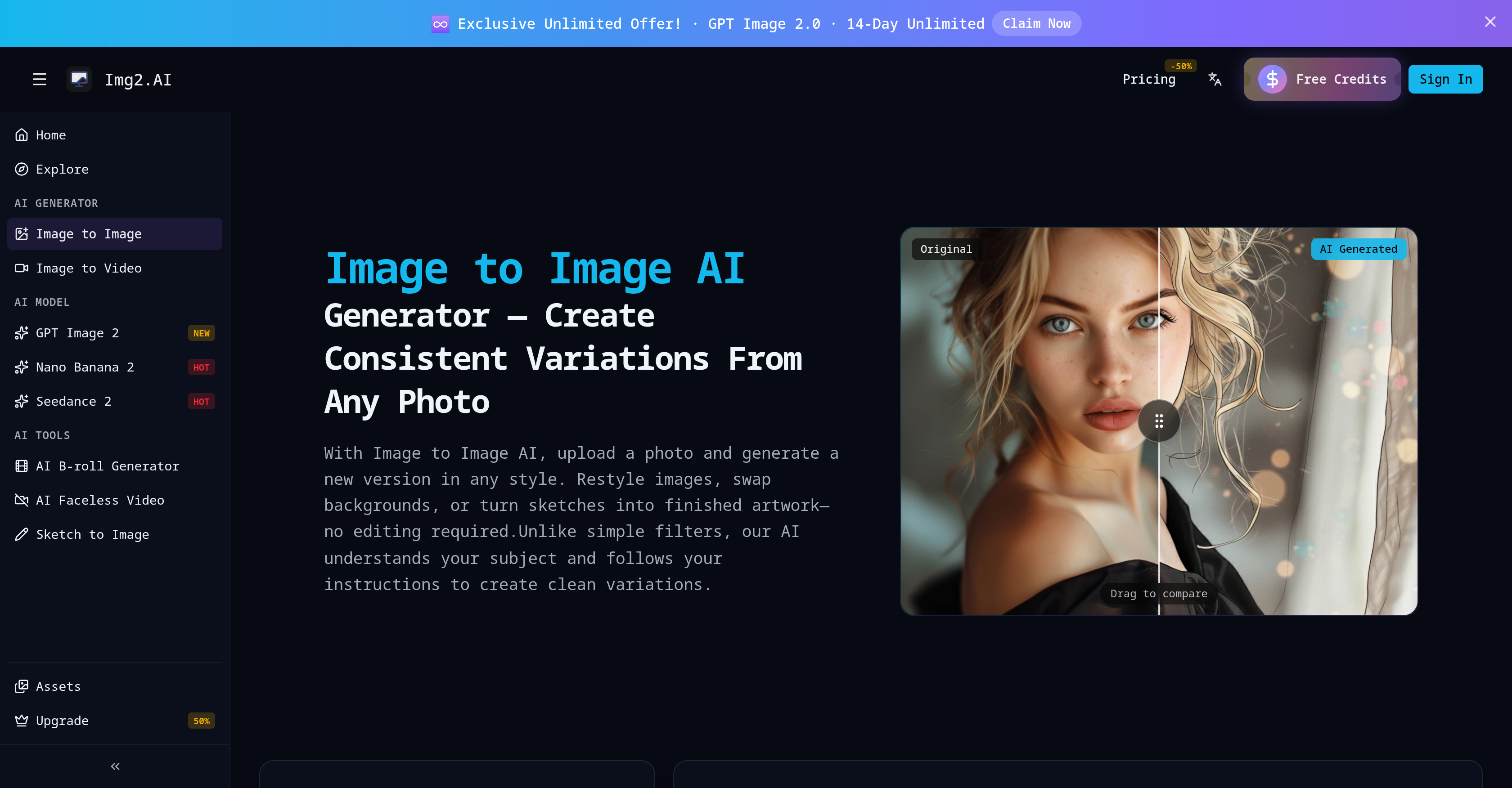
- Instantly restyle any photo into anime, painting, cartoon, or cyberpunk while keeping the subject recognizable—using the AI that understands your image and follows your instructions.
- Swap backgrounds to a professional office, studio, or beach setting without manual editing—just upload and specify the new scene.
- Turn rough sketches or line drawings into finished, detailed artwork in seconds—ideal for designers, students, and architects who need quick visualizations.
- Convert a casual selfie into a professional headshot with improved lighting, background, and clothing—no photo editing skills required.
- Create consistent photo variations in any style you choose while the AI preserves the original layout and subject—perfect for branding or creative exploration.
- Edit objects into images, like adding accessories or pets, and position them exactly where you want—without complex software.
Pros & Cons
Pros
- Transforms and remixes images
- Restyles images to specifications
- Swaps image backgrounds
- Turns sketches into artwork
- Comprehends subject in use
- Supports JPEG, PNG, WEBP formats
- 10MB file size limit
- Useful for various professions
- Retains original layout and subject
- Delivers refreshed style and look
- Converts line drawings into images
- Facilitates background and object editing
- Maintains subject recognizability
- Generates new visual language
- Creates photo variations
- Professionalizes selfies into headshots
- Converts genres - anime, painting
- Converts genres - cartoon, cyberpunk
- Creates consistent variations
- Turns selfie into professional headshot
- Adjusts lighting and clothing
- Easily removes, replaces backgrounds
- Places subject in new scene
- No manual editing required
- Accurate subject placement
Cons
- Limited to 10MB files
- Doesn't support GIF format
- No real-time editing
- Lacks layered editing capability
- Possible style inconsistency
- No batch processing option
- No API for integration
- Unpredictable output results
- No vector image support
- Limited customization options
Reviews
Rate this tool
Loading reviews...
❓ Frequently Asked Questions
Img2.ai supports various image formats including JPEG, PNG, and WEBP.
Img2.ai imposes a file size limit of 10MB for images.
Yes, img2.ai is designed to restyle images as per user specifications, creating refined variations.
Img2.ai allows users to swap the background of an image by replacing the existing setting with a completely new one, such as an office, studio, or beach.
Img2.ai can transform sketches into artwork. Users need to upload their sketch or line drawing and provide instructions for the desired output. This is particularly useful for designers, students, and architects needing quick visual representations.
Yes, img2.ai is capable of converting a selfie into a professional-looking headshot. This transformation includes improving lighting, modifying backgrounds, and adjusting clothing.
Img2.ai can restyle an image into multiple genres including anime, painting, cartoon, and cyberpunk.
Img2.ai retains the layout and subject of the original image while transforming it into the desired style or genre.
Yes, img2.ai facilitates object editing in an image. This includes adding new elements like accessories or pets to the image and positioning them according to the user's instructions.
Img2.ai ensures the recognizability of the main subject by maintaining the fundamental characteristics of the subject while varying its style, look, and background.
Users can create consistent photo variations in any style with img2.ai by uploading an image and instructing the AI on the desired changes or style. The AI understands and follows these instructions to create the variations.
Img2.ai transforms line drawings into complete images, a process that allows designers, students, and architects to visualize their line drawings in a more realistic and detailed context.
Img2.ai allows users to edit the background of their images. The existing background can be replaced with a new setting, such as an office, studio, or beach, without requiring manual editing.
Yes, one of the genres that img2.ai can convert an image into is cyberpunk style.
Img2.ai is useful for students and architects as it can transform simple sketches or line drawings into complete images. This makes the visualization of design ideas or architectural plans quick and easy.
Img2.ai delivers a new visual language while maintaining recognizability by understanding the subject in use and following user instructions. The AI preserves the fundamental characteristics of the subject but modifies the style, look, or background according to the instructions.
Yes, img2.ai has the feature to turn a sketch into finished artwork. Users just need to upload their sketch and provide the desired instructions for the AI to create a completed image.
What differentiates img2.ai from common filters is its ability to comprehend the subject in a user's image. Unlike simple filters, img2.ai follows user instructions to create refined and specialized variations.
Img2.ai comprehends the subject in use by understanding the user's instructions during the image transformation process. This allows it to maintain the basic attributes of the subject while making desired alterations.
Yes, one of the genre conversion features of img2.ai is turning a casual photo into an anime style.
Pricing
Pricing model
Paid
Paid options from
$4.99/unit
Billing frequency
Pay-as-you-go
Refund policy
Img2.AI offers refunds if you request one within 7 days of purchase and have used less than 50% of your credits.