MagicSlides.app AI Image Generator
Overview
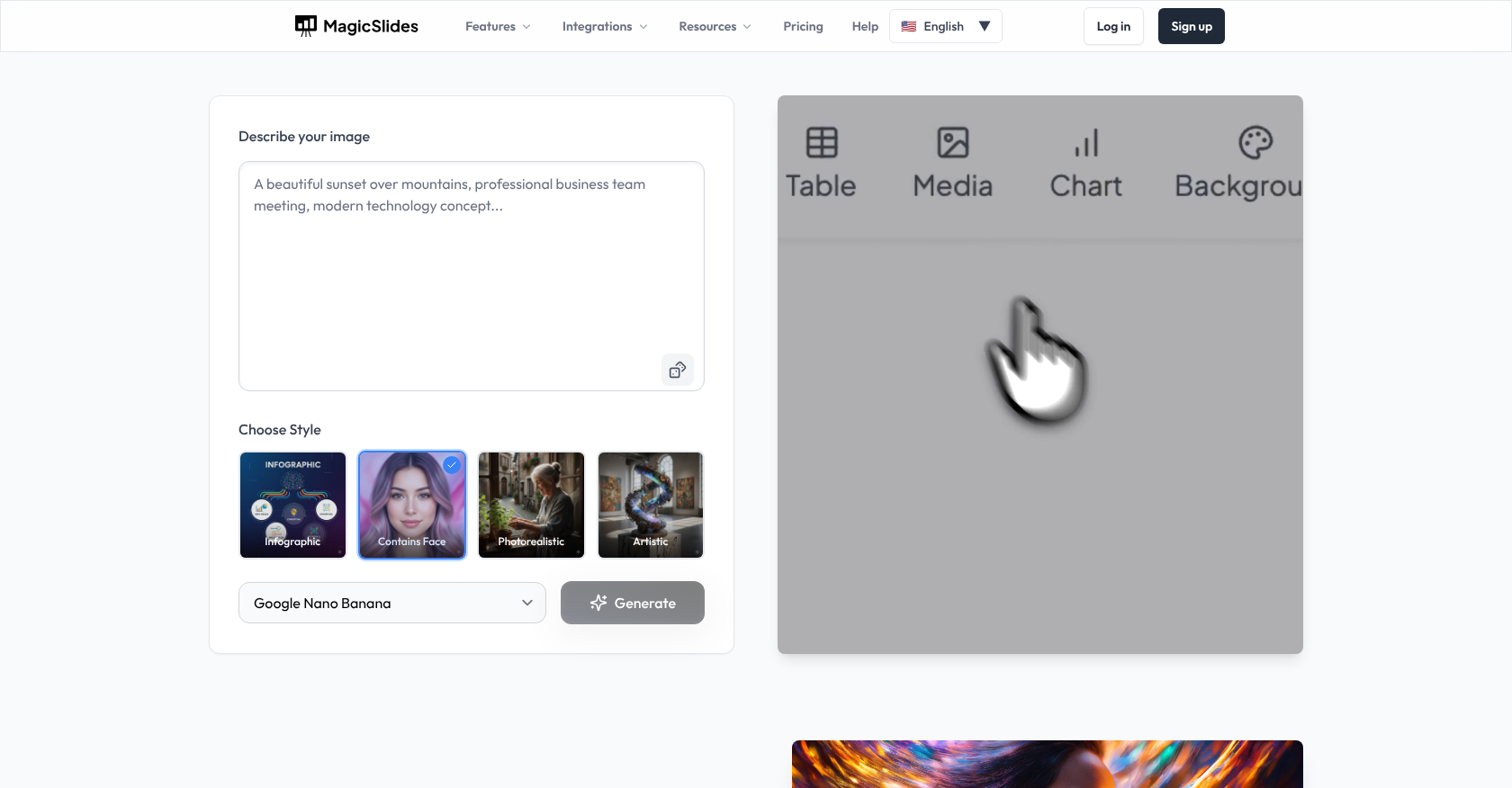
- Transform ideas into professional visuals in seconds by describing your concept and selecting a style, powered by models like Flux Pro and Stable Diffusion.
- Export images directly into your workflow as PPTX slides for presentations, PDFs for sharing, or high-resolution PNG/JPG files for web and social media use.
- Achieve expert-level composition and color balance in every image, as the AI is trained on millions of high-quality visuals to understand professional design principles.
- Maintain a smooth, integrated creative process without switching tools, from image generation to final export for presentations and projects.
Pros & Cons
Pros
- Instant image generation
- Various image styles
- Seamless integration
- Ready for presentation incorporation
- Multiple export options
- Professional image quality
- Step-by-step guide provided
- Fast for business needs
- Visual content creation
- Saves on design time
- Infographics creation
- Photorealistic image generation
- Artistic image creation
- Perfect for marketing
- Ideal for social media
- Meets educational needs
- Understands visual balance
- Incorporates color theory
- Flux Pro model
- Google Imagen model
- Stable Diffusion model
- No design skills needed
- User defines image description
- Communicates brand with image
- Clear image description interpretability
- PNG, JPG export
- High-resolution exports available
- Trained on high-quality images
- Simplifies creative process
- Email-friendly PDF export
- PPTX for PowerPoint export
- Flux Kontext Pro model
- Google Imagen 3 model
- SDXL Lightning model
- Models for artistic outcomes
- Supports creative flexibility
- Review and refine images
- No extra apps needed
- Single-interface operation
- Commercial usage rights
- Integrated solution
- Eliminates traditional workflow
- Matches dozen scenarios
- Bringing concepts to life
- Custom diagrams creation
Cons
- No free plan
- Might be complex for beginners
- No mention of batch processing
- No video support
- Limited file export formats
- No brand style guarantee
- Instant image results, no preview
- Limited integration options
- No real-time collaboration features
Reviews
Rate this tool
Loading reviews...
Pricing
Pricing model
Freemium
Paid options from
$8/month
Billing frequency
Monthly
Related Videos
Create Stunning Presentations with Magicslides AI Editor | Full Tutorial
MagicSlides App•278 views•Oct 7, 2025