MakeInfographic AI
Overview
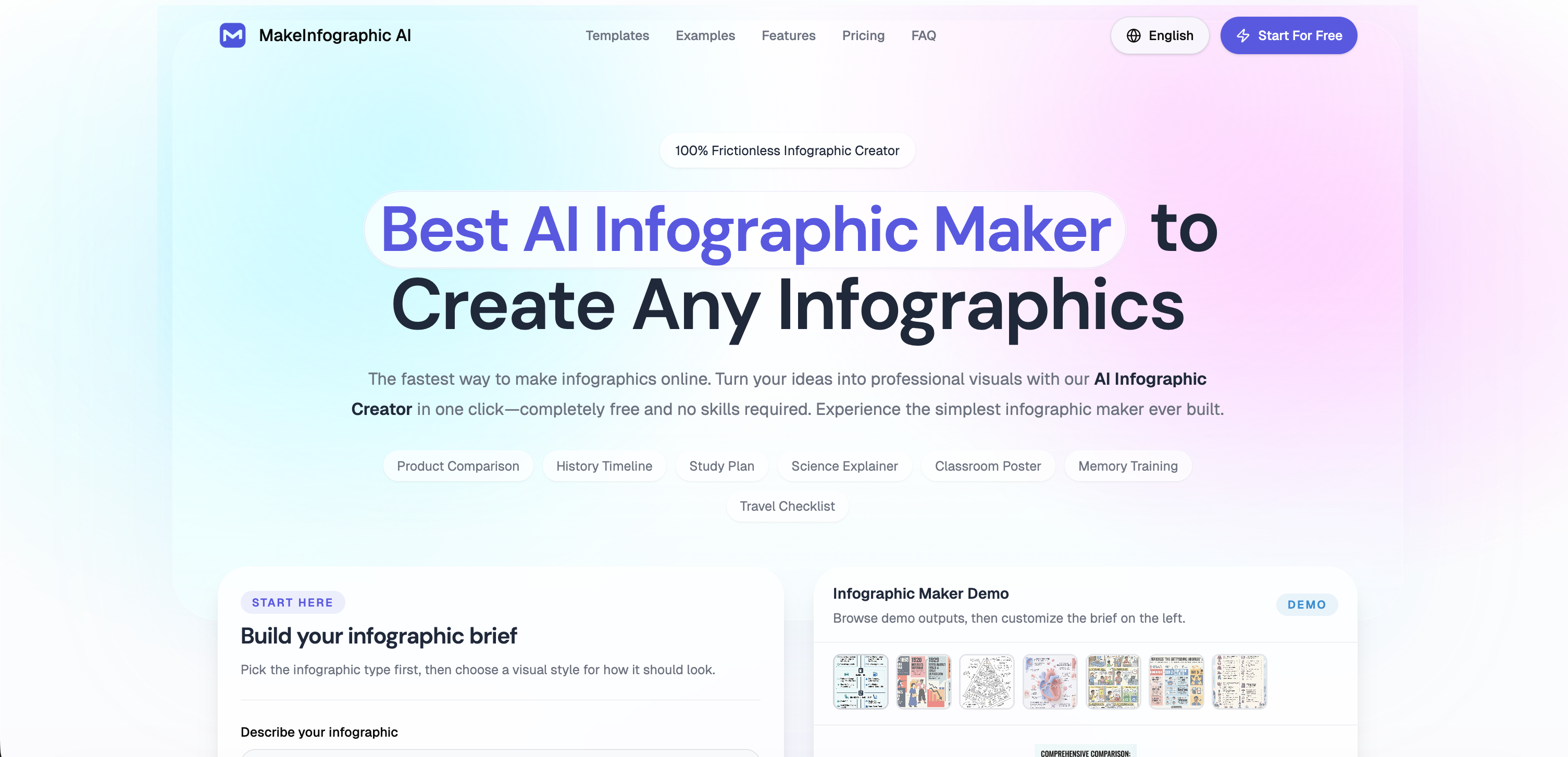
- Transform your ideas into professional infographics in seconds by simply describing your topic, powered by AI text interpretation.
- Plan entire social media campaigns from one topic by generating multiple content angles and platform-ready dimensions in a single visual.
- Communicate complex data clearly using specialized formats like timelines, comparisons, roadmaps, and decision trees.
- Achieve the exact visual tone you need by selecting from styles like clean, sketch, clay 3D, comic, or isometric.
- Refine every detail to perfection using the built-in infographic editor before downloading or publishing.
- Start creating immediately with no barriers, requiring no account sign-up and zero prior design experience.
Pros & Cons
Pros
- Online tool
- Creates infographics
- From text input
- Multiple infographic types
- Multiple visual styles
- Supports various ratios
- Supports various resolutions
- Built-in editing features
- Accommodates user preferences
- Social media adaptability
- Resource reuse maximization
- No signup required
- No design skills required
- High-resolution export option
- Automates data visualization
- Content conversion features
- Pre-made examples
- Customization options
- Downloadable infographics
- Generates multiple content ideas
- User-friendly service
- Platform ready
- Helps in planning campaigns
- Supports various content needs
- Supports user brief creation
- Comes with a demo
- Multiple format templates
- Helps in creating structured infographic
- Enables campaign planning
- Switchable visual styles
- Flexible layout
- Prompt-based creation
- Social media content generation
- Timeline creation
- Comparisons and examination visualization
- Roadmap and process visualization
- Dashboard visualization
- Free online tool
- Style customizable
- 3D visuals
- Comic visuals
- Offers editorial design
- Visual presentation creation
- Simplifies digital marketing
- Extends the functionality of graphic design
- Report creation feature
- Clean visuals for reports
- Access to different infographic formats
- Real-time infographic editor
- Supports all social media channels
- Accommodates different content angles
Cons
- High-resolution exports for subscribers only
- Limited visual style choices
- Lacks advanced design customization
- Doesn't support collaborative work
- Pro features behind paywall
- Watermarked results for free users
- Can't remove watermark free use
- No sign-up could limit features
- Cannot save work in progress
- Editing capabilities could be limited
Reviews
Rate this tool
Loading reviews...
❓ Frequently Asked Questions
MakeInfographic AI can create various types of infographics including timelines, examinations, explanations, comparisons, roadmaps, and decision trees.
MakeInfographic AI aids in the transformation of text into visuals by generating infographics based on the description provided by the user. You simply write a brief description of the infographic you want, and MakeInfographic AI generates the infographic using artificial intelligence.
Yes, you can choose from a range of infographic types and visual styles on MakeInfographic AI. The tool supports multiple styles like clean, sketch, clay 3D, comic, and isometric.
MakeInfographic AI supports various infographic ratios and resolutions to cater to different content needs.
Yes, MakeInfographic AI allows for further refinements of the generated infographics using the built-in editing features until they are ready for publication.
MakeInfographic AI supports creating platform-ready infographic concepts adaptable for different social media channels. Its feature effectively maximizes resource reuse by enabling users to convert a single topic into multiple content angles for various platforms.
No, there is no obligation to sign up or possess any prior design skills to use MakeInfographic AI.
As an active subscriber of MakeInfographic AI, you gain access to advanced features and have the option to export high-resolution infographics.
Yes, MakeInfographic AI can convert a single topic into multiple content angles, which is particularly helpful in planning social media campaigns.
MakeInfographic AI supports a multitude of visual styles such as clean, sketch, clay 3D, comic, and isometric.
MakeInfographic AI helps in creating platform-ready infographic concepts by enabling users to adapt the same information differently to suit various social media channels. The feature effectively eliminates the need to redesign infographics from scratch for each platform.
With MakeInfographic AI, you can generate several types of infographics like timelines, examinations, explanations, comparisons, roadmaps, and decision trees.
To create a professional infographic using MakeInfographic AI, start by describing the infographic you want. Then, choose a visual style from options like clean, sketch, clay 3D, comic, and isometric. MakeInfographic AI will then generate an infographic for you based on your input.
Yes, with MakeInfographic AI's platform adaptability feature, you can create infographics that can be adjusted to suit different social media channels, thereby reframing a single topic for various platforms.
MakeInfographic AI is designed to be user-friendly and does not require any signup or prior design skills to begin creating infographics.
Yes, MakeInfographic AI incorporates built-in editing features that allow users to further refine the generated infographics until they are ready for publication.
Yes, the option to export high-resolution infographics is available exclusively to active subscribers of MakeInfographic AI.
MakeInfographic AI is an optimal tool for planning and executing social media campaigns. It simplifies the task of creating platform-ready infographic concepts suitable for different social media channels by converting a single topic into multiple content angles.
Yes, MakeInfographic AI provides options to customize your infographics to suit various ratios and resolutions.
Yes, MakeInfographic AI leverages AI technologies for interpreting the text provided by the user and subsequently generating an infographic based on their input.
MakeInfographic AI is an artificial intelligence-powered online tool that aids users in creating infographics. It simplifies the process of turning text into professionally designed visuals like charts and diagrams. It provides a plethora of infographic types and visual styles for customization, and users can create infographics suitable for various social media platforms. It's designed to be easily comprehensible and accessible, requiring no design skills or sign-up to use.
To get started with MakeInfographic AI, users need to write a brief description of the infographic they want to create. They can then choose the infographic type and visual style from the provided options. Additionally, they can select the appropriate ratio and resolution for their content. The tool generates an infographic based on these inputs, which users can further refine using the built-in editing features.
MakeInfographic AI supports the creation of a variety of infographic types, including timelines, examinations, explanations, comparisons, roadmaps, and decision trees. Additionally, users can create statistical infographics, pyramid infographics, and process infographics.
MakeInfographic AI supports a wide range of visual styles like clean, sketch, clay 3D, comic, isometric, and editorial for users to choose from. Each style brings a unique aesthetic to the infographic, suiting different user preferences and use cases.
Yes, MakeInfographic AI does support various ratios and resolutions to accommodate different content needs. Users can select the ratio and resolution best suited to their requirements during the creation process.
Yes, the infographics generated by MakeInfographic AI can be further refined by users. The tool comes with built-in editing features that allow users to make modifications until the infographic is ready for publication.
Yes, infographics from MakeInfographic AI can be used across different social media platforms. The tool supports creating platform-ready infographic concepts adaptable for different social media channels.
No, you do not need to sign up to use MakeInfographic AI. It can be used without any account creation. However, some features are reserved for active subscribers.
Active subscribers of MakeInfographic AI gain access to advanced features and have the option to export high-resolution infographics.
Yes, MakeInfographic AI can turn text into professional visuals in just a click. Users input their text, select their preferred visual style and other settings, and the AI generates an infographic based on this input.
Yes, MakeInfographic AI has a feature that maximizes resource reuse by enabling users to convert a single topic into multiple content angles for various platforms, thereby assisting in planning social media campaigns.
Yes, MakeInfographic AI is user-friendly. It has been designed with a focus on accessibility, allowing anyone to utilize the tool with ease, whether they have prior design skills or not.
No, you do not need any design skills to use MakeInfographic AI. The tool is designed to be accessible and does all the design work based on users' inputs.
MakeInfographic AI offers numerous styling options including visual styles like clean, sketch, clay 3D, comic, isometric, and editorial. Users can also choose from various infographic types such as timelines, comparisons, processes, pyramids, dashboards, roadmaps, explainers, and decision trees.
Yes, you can create infographics for education using MakeInfographic AI. The tool is ideally suited for turning complex topics into clear, easily understandable visuals and has specific options suited for creating educational visuals.
Yes, MakeInfographic AI does have a built-in editor. Generated infographics can be further refined using the editing features until they are ready for publication.
Yes, MakeInfographic AI provides pre-made examples for different infographic formats that users can choose from. This includes examples for timelines, comparisons, processes, pyramids, dashboards, roadmaps, explainers, and decision trees.
Yes, MakeInfographic AI is an online tool that enables users to easily create infographics using artificial intelligence, anytime and anywhere with an internet connection.
Yes, MakeInfographic AI can create infographics suitable for different social media platforms. The tool can adapt the same topic to each social feed and generate multiple content angles in one visual, thereby planning campaigns without redesigning from scratch.
Yes, the resulting infographics created by MakeInfographic AI can be instantly downloaded for use. Users also have the option to continue editing the infographic within the tool's editor.
Pricing
Pricing model
Free Trial
Paid options from
$3.99/month
Billing frequency
Monthly