Overview
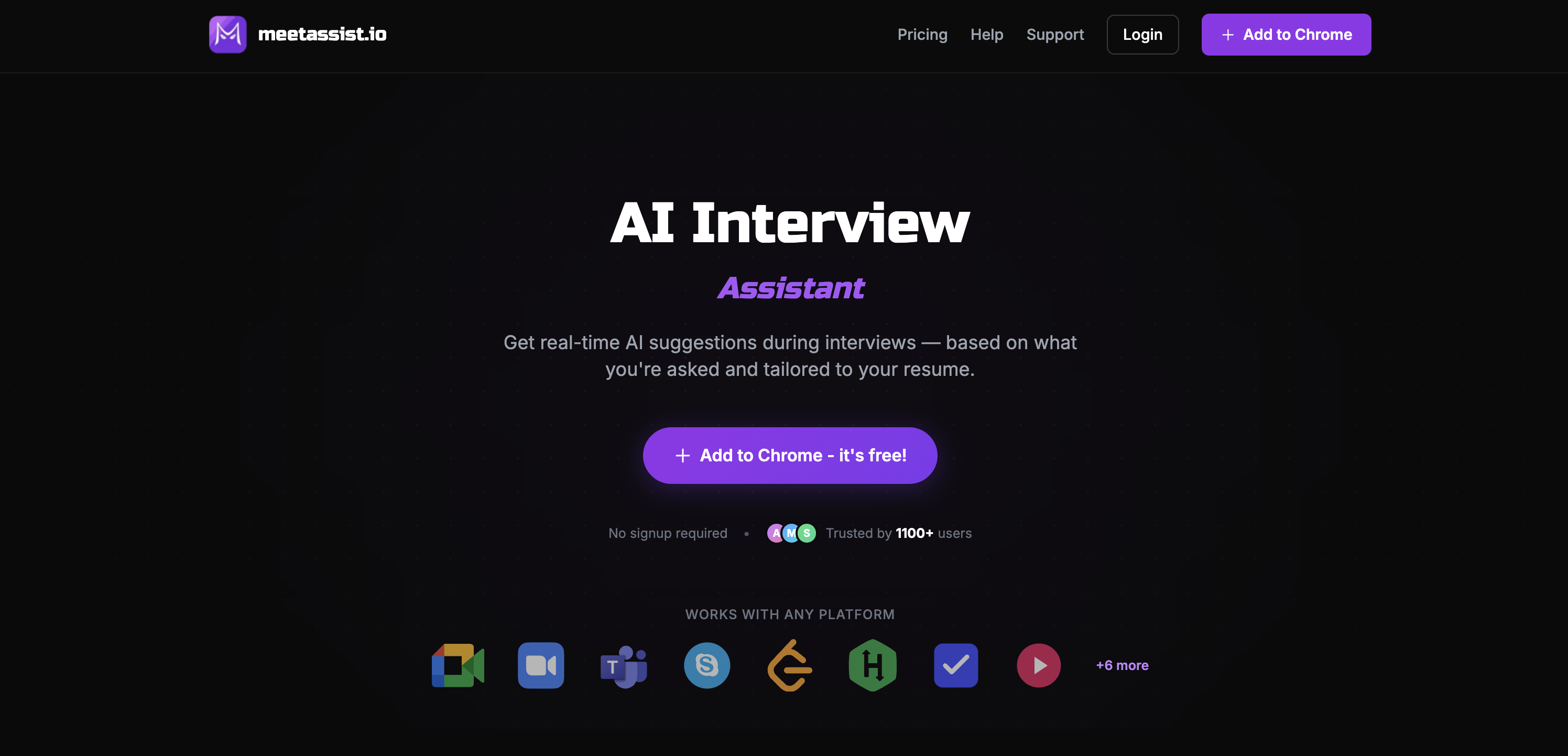
- Receive instant, context-aware answer suggestions during live interviews with real-time question detection and AI analysis.
- Keep your main screen distraction-free by viewing transcripts and AI prompts on a separate device using Phone Mode.
- Solve technical problems efficiently with step-by-step guidance, explanations, and complexity analysis for any coding challenge displayed on your screen.
- Get responses that reflect your unique experience by customizing prompts and uploading your resume for personalized AI suggestions.
- Maintain complete privacy with no audio storage, encrypted connections, and one-click data deletion, all while remaining undetectable to interviewers.
- Choose the AI model that fits your interview style, with support for GPT-4.1, Claude, and Llama for tailored response quality.
Pros & Cons
Pros
- Works on multiple platforms
- Aligned with user's resume
- Unique Phone Mode
- Clean meeting screen
- Auto question detection
- Captures content from Chrome tabs
- Coding challenge assistance
- Customizable prompts
- Multi-language support
- Different suggestion formats
- Privacy protection
- Undetectable by meeting participants
- One-time payment pricing
- Tailorable to user style
- Analyze Any Tab feature
- Custom instructions for personalization
- One-click data deletion
- Real-time transcription
- Step-by-step guides
- Quick bullet point suggestions
- Full sentence suggestions
- Context and explanations included
- Phone Mode for distraction-free meetings
- QR code for phone sync
- No account needed for installation
- Compatible with any web-based meeting
- Free trial available
- No audio stored
- HTTPS/WSS encrypted connections
- No video overlays or pop-ups
- Not platform locked
- Perfect for job searching
- Trusted by 1100+ users
Cons
- Only works with Chrome
- Support for Zoom pending
- Limited to web-based meetings
- Requires mobile for Phone Mode
- Tab analysis limited to coding
- Only extensive analysis in English
- Transcription accuracy dependent on models
- Limited free tier availability
Reviews
Rate this tool
Loading reviews...
❓ Frequently Asked Questions
MeetAssist is an AI-powered assistant designed to assist users during both behavioral and technical interviews. It generates real-time AI suggestions based on interview questions and aligns with the user's resume. The tool operates with Google Meet, Zoom, and Teams, and offers features like Phone Mode, auto-detection, Chrome addon, coding challenges assistance, tool customization, and multiple language support, amongst others.
Yes, MeetAssist functions with Google Meet, Zoom, and Microsoft Teams, making it compatible with many popular online meeting platforms.
The Phone Mode feature of MeetAssist functions by syncing answers to user's mobile device. It allows users to view the AI's interview suggestions on their phone, keeping the meeting screen clean and distraction-free.
No, the usage of MeetAssist is undetectable by other participants during the meeting. This feature ensures a seamless integration into the interview process.
MeetAssist utilizes multiple AI models including GPT-4.1, Claude, Llama, and Cerebras, among others. Users have the advantage of choosing the model that fits best for their specific interview style.
Yes, MeetAssist allows users to customize its prompts according to their style and preferences, providing a personalized user experience.
Yes, along with real-time interview assistance, MeetAssist also helps with coding challenges. It generates step-by-step suggestions with explanations and provides time and space complexity analysis, making it a beneficial tool for technical rounds.
MeetAssist supports multiple languages, catering to a global user base and enhancing usability for non-English speakers.
Yes, data privacy is maintained when using MeetAssist. It does not store user audio and offers encrypted connections, ensuring user information is secure.
MeetAssist uses AI to generate responses that align with the information in the user's resume. Therefore, it ensures that the suggestions provided would be in line with the user's background and professional experience.
Yes, MeetAssist has the capability to capture and analyze content from any active Chrome tab. Its functionality is not limited to the video conferencing tab only.
MeetAssist provides suggestions in multiple formats according to users' preferences, ranging from quick bullet points to full sentences. This customization allows users to consume information in a manner that suits them best.
MeetAssist offers a transparent pricing model with one-time payments. There are no hidden subscriptions, making it a cost-effective choice for users.
MeetAssist is trusted by more than 1100 users, as mentioned on their webpage, demonstrating its effectiveness and reliability in the field of AI-powered interview assistance.
No, MeetAssist does not store user audio. User privacy is a priority, and the tool ensures that no audio data is saved during the process.
Yes, MeetAssist is capable of real-time auto detection. It detects questions in real-time, aiding the users in generating effective and efficient answers.
MeetAssist assists in both behavioral and technical interviews by never simply answering questions. It listens to interview questions and generates contextual suggestions in real time, ensuring users have proper guidance during both interview categories.
Yes, MeetAssist does offer a Free trial. Users can try out the service without any cost obligation, allowing them to experience the functionality before deciding on an eventual purchase.
MeetAssist can be added to Chrome from the Chrome Web Store. It is easy to install with just one click and doesn't require an account. Users just need to add it as a Chrome extension.
MeetAssist has a clear and transparent pricing structure. There is a Free Trial option with limited features, a Pro Pass for $9 which gives 180 minutes of access, and an Unlimited Month pass which costs $29 and provides unlimited access for 30 days. All options are mentioned as one-time payments with no hidden fees or subscriptions.
MeetAssist assists in interviews by providing real-time, AI-generated suggestions based on the questions asked and aligned with the user's resume. It uses auto-detection to identify the questions in real time, and can offer responses ranging from quick bullet points to full sentences. Beyond standard interviews, the tool also paraphrases coding challenges by generating step-by-step suggestions with explanations and time/space complexity analysis.
Phone Mode is a unique feature provided by MeetAssist that allows users to view the interview transcripts and AI suggestions on their phone, thereby keeping your main screen clean and distraction-free. This not only improves concentration during a meeting but also enhances user experience by providing a cleaner interaction interface.
MeetAssist utilizes auto-detection to detect questions in real-time. As an interview proceeds, it captures and analyzes content from the active Chrome tab, listens to questions in real time, and generates contextual suggestions for responses. This feature enables quick and accurate interaction during interviews.
Analyze Any Tab is a unique feature of MeetAssist that allows it to capture content from any active Chrome tab. This is particularly useful during coding challenges, where the tool can analyze problems and generate AI-powered suggestions for solving them. With this feature, anything displayed on your Chrome tabs can be assessed and used to help in interviews.
MeetAssist allows users to customize the tool's prompts to fit their style and preferences. Users can add their own instructions and upload their resume. Doing this enables the AI suggestions to be catered more to the user's personal experiences and background, making the responses more natural, relevant, and unique to the individual.
MeetAssist uses various AI models, including GPT-4.1, Claude, Llama, Cerebras, and more. The users have the flexibility to pick the AI model that best fits their specific interview style and needs, hence optimizing the tool's effectiveness.
Yes, MeetAssist can generate responses in different formats. Users can choose the suggestion format that suits them best, ranging from quick bullet points for a fast skim to full sentences for a more detailed response. This ensures a customized user experience that aligns with their thinking and communication style.
MeetAssist maintains user privacy by providing encrypted connections and offering features like one-click data deletion. Additionally, the tool does not store user audio from the interviews, thus reducing data security risks.
No. The use of MeetAssist is entirely undetectable by other meeting participants. It runs entirely in the user's browser without joining the meeting or sending notifications to anyone. Thus, it integrates seamlessly into typical interview experiences without the other participants' knowledge.
MeetAssist supports platforms such as Google Meet and Microsoft Teams. It is also expected to support Zoom in the near future. By providing compatibility with these platforms, MeetAssist can be effectively used for interviews organized on any of these platforms.
MeetAssist is designed to assist in both behavioural and technical interviews. Regardless of the format of the interview or meeting, the tool listens to the questions and generates appropriate suggestions for responses in real time.
For coding challenges, MeetAssist hears the problem and generates step-by-step suggestions for solving it. It also provides explanations and analyzes time/space complexity. Furthermore, its unique 'Analyze Any Tab' feature allows MeetAssist to capture content from any Chrome tab where the coding challenge is presented, and generate suitable recommendations.
Yes. MeetAssist allows users to add their personal instructions and upload their resume to receive more personalized AI suggestions. This way, the suggestions provided are based on the individual's experiences and background, further enhancing the relevance and applicability of the generated responses.
MeetAssist ensures privacy and security by not recording or storing audio from the meetings. The tool solely works by capturing real-time captions directly from Google Meet or other supported platforms through the user's browser. Moreover, it provides encrypted connections and features like one-click data deletion to protect user data.
No, MeetAssist does not store audio recordings. It emphasizes user privacy by not recording or storing any audio or video from the interviews.
MeetAssist offers a straightforward, transparent pricing structure. The free trial does not require a card, and users have options for one-time payments, like the Pro Pass priced at $9 for 180 minutes and the Unlimited Month pass priced at $29 for unlimited access for 30 days. No subscription or hidden fees are involved.
Yes, you can add your personal instructions to MeetAssist. The tool allows for custom prompts wherein users can input their instructions to get AI suggestions that align more closely with their background and experiences. The customized input results in a more targeted and useful output.
Pricing
Pricing model
Free Trial
Paid options from
$9
Billing frequency
One-time