Overview
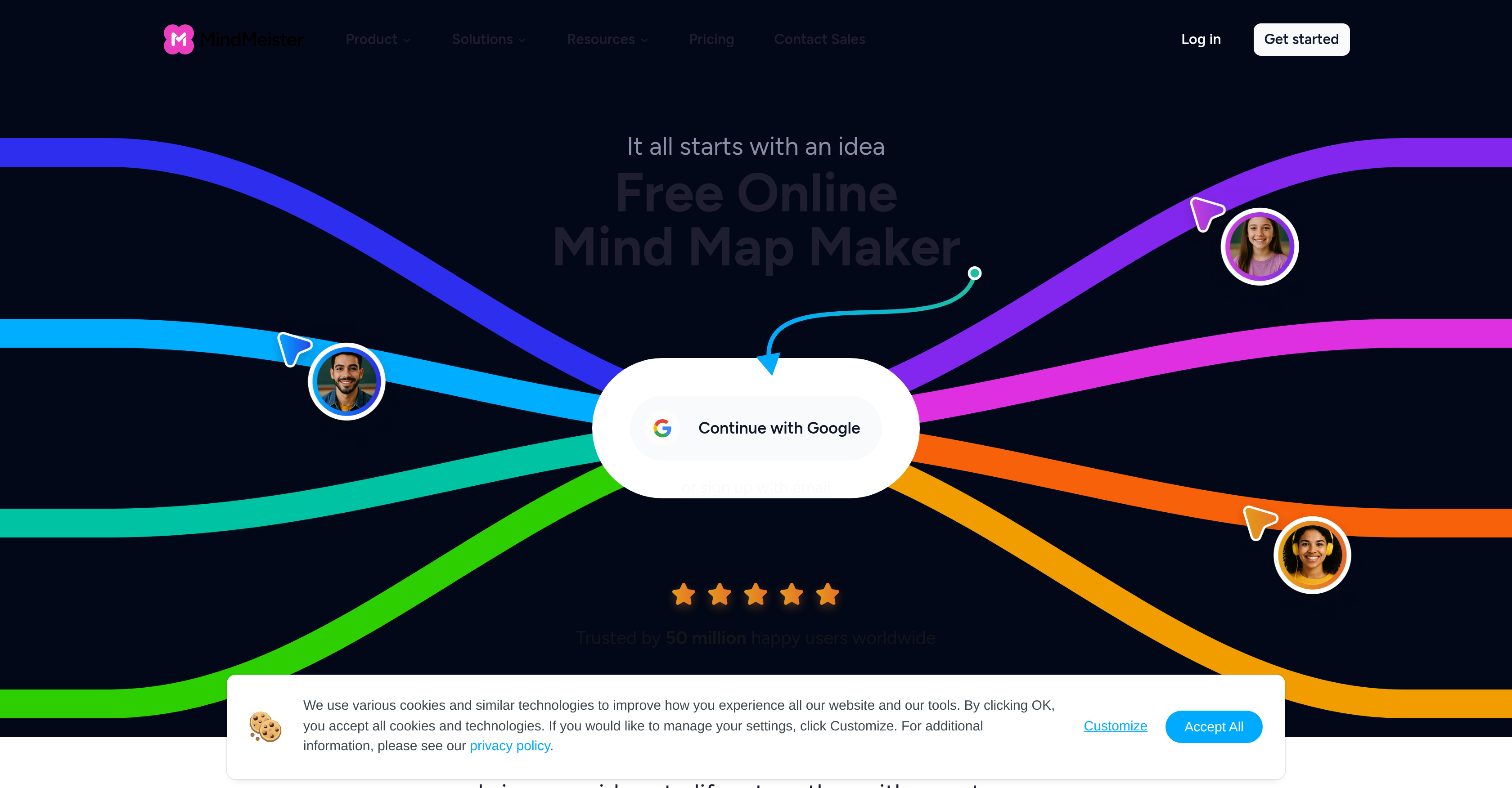
- Turn abstract ideas into clear, actionable plans instantly using AI to generate structured mind maps from a simple prompt or uploaded file.
- Run focused, productive meetings where everyone contributes simultaneously using real-time collaborative editing and commenting directly on the shared visual agenda.
- Present complex strategies to clients without creating slides by switching any mind map into presentation mode for a guided, professional walkthrough.
- Improve memory retention and understanding of tricky topics by breaking them down into connected, visual nodes that you can enrich with notes, links, and images.
- Secure sensitive brainstorming and strategic data with enterprise-grade security, including ISO 27001 certification and full GDPR compliance.
- Connect disparate processes like supply chains or research materials in a single, scalable view to identify bottlenecks and optimize workflows across manufacturing or education sectors.
Pros & Cons
Pros
- Online mind map creation
- Lean collaboration facilitation
- Efficient brainstorming
- Effective studying tool
- Research support
- Team meeting efficiency
- Real-time sessions
- Knowledge exchange through comments
- Discussion capabilities
- Presentation functionality
- Aids memory retention
- Improves recall
- Secure sharing option
- Used in diverse sectors
- Manufacturing tool
- Education tool
- Public sector tool
- Enterprise tool
- ISO 27001 certified
- GDPR compliant
- Links, notes, images addition
- Aids idea structuring
- Visualizes complex ideas
- Collaborative component
- Mind map sharing
- Safe team members sharing
- Presentation to clients
- Use in academic settings
- File upload for mind maps
- Enterprise-grade security
- Visualize full production process
- Connects processes, teams, supply chains
- Solves problems faster
- Encourages free, creative thinking
- Organizes learning materials
- Mobile app support
- Compliant with global security regulations
- Additional control and privacy
- Fast and user friendly
- Visualize ideas connectivity
- Secure external collaborators invitation
- Collaborative in real time
- Optimizes and scales processes
- Creates connections for recall
- Attach supporting material
- Functional presentation mode
Cons
- Limited file upload formats
- No offline functionality
- No multi-language support
- No voice-to-text feature
- Lack of customization options
- No downloadable version
Reviews
Rate this tool
Loading reviews...
❓ Frequently Asked Questions
MindMeister is an online tool that facilitates the creation of mind maps. Users can visualize complex concepts, improve engagement in team meetings, fuel efficient research, and streamline studying with the platform's intuitive features. MindMeister also help users add links, notes, and images to their mind maps, carry out real-time sessions, and participate in knowledge sharing through comments and discussions. It includes a presentation functionality, sparing users the hassle of preparing slides. The platform supports AI-based generation of mind maps from prompts or file uploads.
MindMeister enhances collaboration during team meetings in various ways. It allows the creation of a visual agenda that everyone can follow, improving clarity and understanding. Using presentation mode eliminates the need for slide preparations. Decisions can be captured, and tasks can be directly created on the map, facilitating efficient follow-up actions. Moreover, the tool allows real-time brainstorming with the team, with the addition of comments to spark discussions, all leading to defined, actionable steps.
Yes, you can add additional information such as links, notes, and images to the mind maps you create with MindMeister. This allows for a more comprehensive, detailed, and interactive mind mapping experience, keeping everything related to a concept or idea in one place for easy access and reference.
MindMeister supports real-time sessions by enabling users to run brainstorms with their team in the moment. It facilitates adding comments, starting discussions, and ending with clear, actionable next steps. This feature allows immediate, simultaneous input from all team members, promoting immediate communication, feedback and interactive collaboration.
MindMeister provides a functional feature for presentations whereby users can share their mind maps, eliminating the need to prepare slides separately. This not only saves time but also helps in presenting data or ideas in a more structured and visually appealing manner. The application also includes a 'presentation mode' to facilitate this.
MindMeister aids in memory retention and recall by allowing users to visualize tricky topics. By illustrating and structuring complex ideas in a visually understandable format, it makes them easier to remember and recall. This can be particularly beneficial for studying, research, or preparing for presentations, allowing users to grasp and remember information quickly and effectively.
Through MindMeister's intuitive sharing capabilities, users can effortlessly share their mind maps with team members. They can securely share their ideas, strategies, or meeting agendas, encouraging collaborative input, discussions and sharing of knowledge. In addition, users can present these mind maps to clients or utilize them in academic settings.
MindMeister implements a range of security measures to ensure the safety of user data. It's engineered with an enterprise-grade security system that's designed to provide a secure and reliable platform for everyday use. User information is both protected and regulatory-compliant, giving users the confidence to manage their daily work via the platform.
Yes, MindMeister is ISO 27001 certified and compliant with the General Data Protection Regulation (GDPR). These certifications and compliance ensure that MindMeister consistently meets international security standards and guarantees the lawful processing and protection of user data.
Yes, MindMeister caters to a variety of sectors including manufacturing, education, the public sector, and enterprises. Each of these sectors can leverage MindMeister's unique features and practices to meet their specific needs. For example, manufacturers can connect processes, teams and supply chains in one view, while educators can organize topics and learning materials more efficiently.
Yes, MindMeister supports the generation of mind maps using AI from prompts or file uploads. This feature allows users to create structured, meaningful mind maps either from a predefined textual prompt or by uploading a relevant file, leveraging AI capabilities to quickly and efficiently organize information.
Yes, MindMeister is incredibly useful for educational purposes. It promotes free and creative thinking, allows educators to organize topics and learning materials, and assists in creating connections that boost recall. Furthermore, MindMeister's ability to visualize complex ideas in a structured way can enhance understanding and retention among students.
MindMeister uses AI to generate structured mind maps from prompts or file uploads, which can substantially assist in visualizing and structuring complex ideas. By leveraging AI, the platform ensures that related concepts are grouped together in a comprehensible way, making complex ideas easier to grasp and remember, and fostering efficient brainstorming and collaboration.
Yes, users of MindMeister can directly present their mind maps to clients. The-share functionality enables the seamless and secure transfer of visualized concepts to clients. Furthermore, the application's presentation mode allows walking clients through the ideas, strategies or actionable steps defined in the mind map.
MindMeister smoothens the effective visualization of tricky topics by allowing users to structure complex ideas or concepts in a visually comprehensible manner. The platform's mind mapping capabilities enable users to break down dense topics into simpler, interrelated sub-topics represented in a visually striking and easy-to-remember way.
MindMeister provides a range of enterprise-grade security measures that assure the safety of user data. The platform is ISO 27001 certified and is in full compliance with GDPR regulations. This high level of security includes management controls and recommended security best practices hosted in Germany.
In the manufacturing sector, MindMeister allows connection of processes, teams and supply chains in one view. By visualizing the entire production process, manufacturers can optimize and scale operations more efficiently. Additionally, MindMeister can help solve problems faster by mapping out what's not working, effectively streamlining the troubleshooting process.
For the education sector, MindMeister offers notable benefits. It encourages free and creative thinking, helps educators organize topics and learning materials, and promotes creating connections that boost recall among students. By visualizing information, it aids in improving comprehension and retention of complex or abundant educational content.
MindMeister creates more effective and efficient team meetings by providing a collaborative, real-time platform for sharing and discussing ideas. Through brainstorms, the sharing of mind maps, and the ability to directly create tasks on the map, it ensures that meetings are focused, productive, and capable of delivering clear, actionable steps for follow-up.
Yes, MindMeister can be used as a research tool. Its visual interface allows users to map out complex topics, making them easier to understand and remember. Users can attach notes and supplementary materials to mind map topics, allowing for a more integrated research process where all related information is conveniently located in one place.
Pricing
Pricing model
Freemium
Paid options from
$7.50/month
Billing frequency
Monthly
Related Videos
MindMeister: A Game Changer for Dyslexia Students
Cognitive Development Learning Centre•22 views•Dec 5, 2025