Miso One Voice Generator
Overview
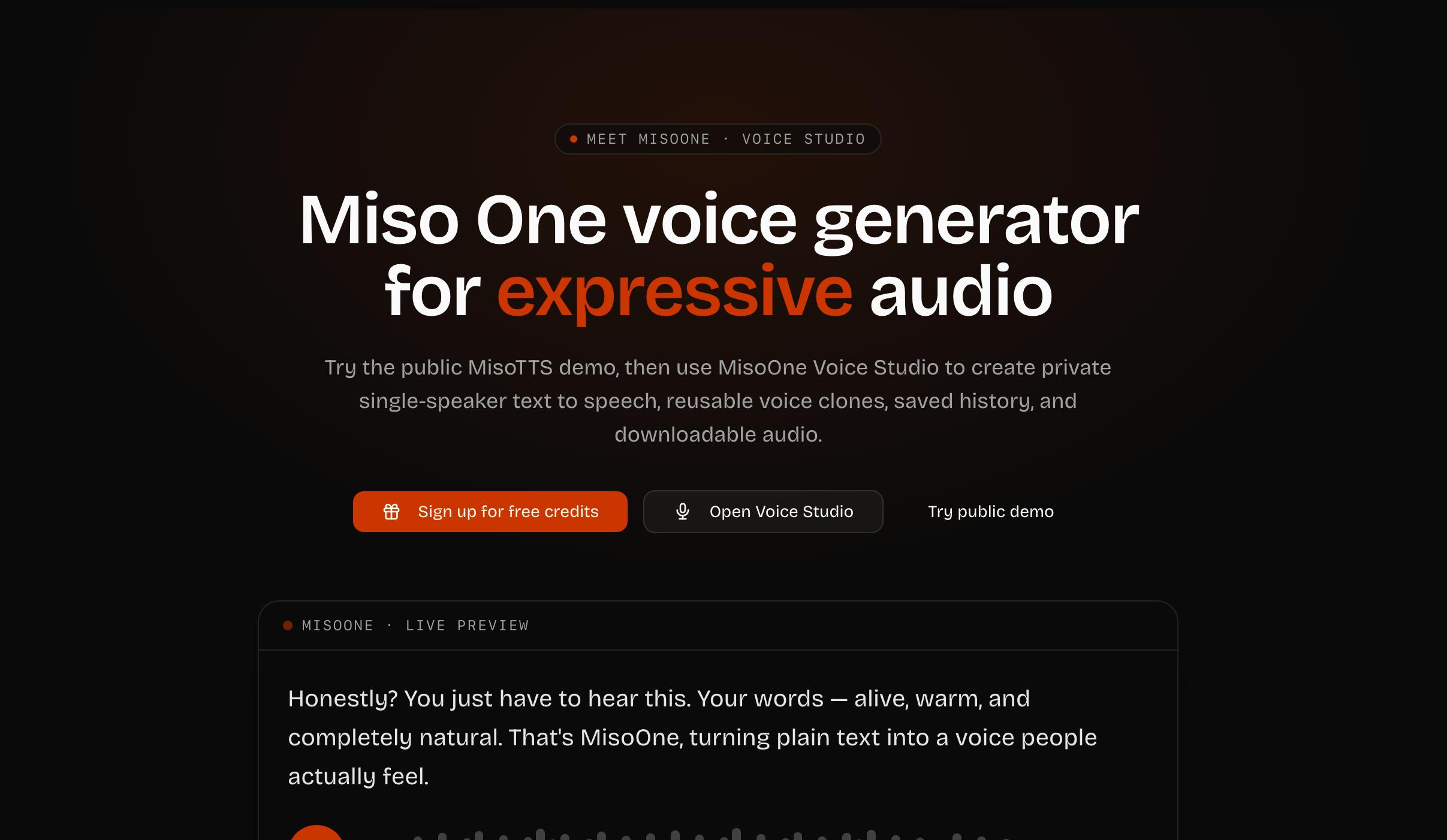
- Produce studio-grade voiceovers in three simple steps without recording equipment — choose or clone a voice, write the script, and download instantly.
- Maintain a consistent brand voice across every video, ad, or lesson by cloning any voice from a 10-second reference recording and reusing it privately.
- Deliver narration that sounds genuinely human with nine distinct voices that each carry natural pacing, emphasis, and emotion — never flat or robotic.
- Match the emotional tone of any script by switching delivery between warm, calm, or energetic without re-recording.
- Reach global audiences effortlessly with automatic language detection and support for English, Chinese, Spanish, French, German, Italian, Japanese, Korean, Portuguese, and Russian.
- Keep all voice clones and generated audio completely private — every file stays tied to your account, never published or shared publicly.
- Access every past generation anytime with saved private history for instant replay or re-download.
- Scale content production predictably with annual or monthly plans that include specific character quotas and reusable voice cloning.
Pros & Cons
Pros
- Voice cloning feature
- Maintains voice consistency
- 9 distinct voices
- Supports multiple languages
- Automatic language detection
- Tone control
- User-friendly interface
- Three-step voice creation
- Saves generated audio
- Instant high-quality downloads
- Reusable voice cloning
- Designed for various audiences
- Multilingual support
- Offers annual and monthly pricing
- Private workspace
- Private cloned voice creation
- Includes several distinct voices
- Narration for digital content
- Prioritizes data privacy
- Private generated content
- Real-time replay capabilities
- Studio-grade audio downloads
- Script conversion capability
- Flexible pricing options
- Supports auto-language detection
- Character quota system
- Specific Miso One voices
- Offers additional top-up packs
- Public MisoTTS demo
- Easy transition from script to audio
- Embedded Miso One demo
- Public to private workspace transition
- Onboard character packs
- Private reference audio storage
- Expressive voice generation
- Creator-oriented design
- Script-based character cost preview
Cons
- Limited voice options
- Voice cloning restricted
- Requires ten-second voice reference
- Restrictive character quotas
- Annual/monthly payment only
- Internal pacing and emotion
- Predetermined tone options
- Script cost visibility issue
- Expiring top-up packs
- Dependent on user rights for cloning
Reviews
Rate this tool
Loading reviews...
❓ Frequently Asked Questions
MisoOne Voice Studio is an AI-based tool that transforms written scripts into natural, expressive voiceovers. It also has a voice cloning feature, where users can upload a reference recording, retain it as a private cloned voice, and use it across future scripts.
MisoOne Voice Studio is designed for creators, marketers, educators, product teams, and developers who need quick narration for various types of digital content such as videos, lessons, prototypes, ads, and demos.
MisoOne Voice Studio offers features such as Text-to-Speech, voice cloning, support for multiple languages, tone control, a user-friendly interface, private audio history, expressiveness in voiceover, script conversion, audio generation, voice personalization, automatic language detection, and instant high-quality downloads.
Yes, MisoOne Voice Studio has a unique voice cloning feature where users can upload a reference recording and reproduce it across future scripts. This feature is especially useful for maintaining a consistent voice for branding purposes.
MisoOne Voice Studio supports several languages, including English, Chinese, Spanish, French, German, Italian, Japanese, Korean, Portuguese, and Russian.
Yes, MisoOne Voice Studio features an automatic language detection system.
In MisoOne Voice Studio, the tone control feature allows the same script to be projected with different tones, such as warm, calm, or energetic.
MisoOne Voice Studio is designed with a user-friendly interface, wherein transitioning from script to completed audio involves three simple steps: choosing or cloning a voice, writing the script with the desired language and tone, and generating and downloading the audio.
MisoOne Voice Studio converts scripts to audio by offering users a choice or a cloned voice, writing the script with the desired language and tone, and then generating the final audio.
Yes, the audio generated by MisoOne Voice Studio can be instantly downloaded in high quality.
Yes, MisoOne Voice Studio features a private history function where every generated audio is saved. Users can replay these audios anytime.
The 'Creator' plan of MisoOne Voice Studio offers reusable voice cloning along with other features.
Yes, MisoOne Voice Studio can be effectively used for educational purposes. It allows for quick and natural narration creation for digital content, including lessons.
Marketers can benefit from MisoOne Voice Studio by utilizing its features for creating ads and branding using consistent and natural voice cloning and multi-language support.
Yes, MisoOne Voice Studio can assist in product development by providing quick narration for prototypes, essential for product pitches and demonstrations.
MisoOne Voice Studio offers nine distinct voices with natural pacing and emotion.
MisoOne ensures that voiceovers do not sound monotonous by providing a range of nine distinct voices with natural pacing and emotion. Additionally, the tone control feature allows the same script to be portrayed in different tones like warm, calm, or energetic.
Voice personalization in MisoOne Voice Studio works through its voice cloning feature. Users can upload a reference recording, retain it as a private cloned voice, and reproduce it across future scripts.
The audio generated by MisoOne Voice Studio is of studio-grade quality, thereby ensuring high-quality sound for the users.
Yes, in MisoOne Voice Studio, every generated audio is saved to a private history and users can replay it anytime they need.
MisoOne Voice Studio uses cutting edge AI technology to convert written scripts into voiceovers. After a user chooses or clones a voice, they can write the script in the desired language and tone. Then, MisoOne's AI processes the text, imbues it with natural pacing, emphasis, and emotion, and generates an expressive voiceover. The produced audio is of studio-grade quality and is instantly available for downloading.
Voice cloning is a feature in MisoOne Voice Studio that allows users to create a digital representation, or 'clone,' of a particular voice based on a reference recording. Users upload a 10-second reference recording, and then MisoOne's algorithms analyze the audio characteristics of the voice, enabling them to create a private cloned voice. This cloned voice can then be used across multiple scripts, ensuring a consistent tone and brand voice.
Yes, MisoOne Voice Studio allows users to upload their own reference audio for voice cloning. This personal reference audio must be at least 10 seconds long. Being able to use your own voice is especially beneficial when you want to maintain a consistent brand voice over time or across different content.
MisoOne Voice Studio offers nine distinct voices. Each one possesses characteristics of natural pacing, emphasis, and emotion. These options avoid the monotonous tone of typical text-to-speech tools, offering a varied and dynamic audio experience for listeners.
Yes, MisoOne Voice Studio supports multiple languages. It offers support for English, Chinese, Spanish, French, German, Italian, Japanese, Korean, Portuguese, and Russian and additionally has automatic language detection capabilities.
Absolutely. MisoOne Voice Studio provides users with tone control. This allows for the manipulation of the delivery tone to present scripts as warm, calm, or energetic according to the user’s preference. It is a valuable feature in adding specific emotional context to the script.
MisoOne Voice Studio features an extremely user-friendly interface. The process to transition from script to completed audio involves just three straightforward steps: choose or clone a voice, write the script with the desired language and tone, then generate and download the studio-grade audio. Users have access to a private history feature that includes instant high-quality downloads, enhancing the user experience.
Yes, MisoOne Voice Studio allows users to download the audio that has been generated. The tool provides instant high-quality downloads. Every generated audio is saved to a private history, so users can access and download their audio anytime they wish.
The 'Creator' plan is a subscription plan offered by MisoOne Voice Studio. This plan includes features like reusable voice cloning, priority paid generation queue, private reference audio storage, and saved audio history. Subscribers to the 'Creator' plan also have 180,000 characters per month for generating audio.
MisoOne Voice Studio is designed to benefit creators, marketers, educators, product teams, and developers. Anyone who requires quick and expressive narration for various forms of digital content such as videos, lessons, prototypes, ads, and demos can find MisoOne Voice Studio incredibly useful.
Yes, MisoOne Voice Studio allows users to replay the generated audio. Every audio that is produced is saved into a private history for the user. This history can be revisited anytime for playback and further downloads.
MisoOne Voice Studio takes data privacy seriously. Every generated audio is tied to the user's account and is never published or shared publicly. This promise of privacy extends to the reusable voice clones and reference recordings you upload for voice cloning.
MisoOne Voice Studio can play an indispensable role in digital content creation. With its AI-powered voice generation and cloning capabilities, it can turn text into expressive speech for uses in videos, ads, online lessons, demos, and various other digital content types. It allows content creators to maintain consistent tonality and voice branding across multiple scripts.
The process of converting a script to audio in MisoOne Voice Studio involves three steps. First, the user picks a voice or clones one using the Voice Cloning feature. Next, they write their script, determining the language and tone it should be delivered in. Finally, the user generates, plays back, and downloads the studio-grade audio.
MisoOne Voice Studio offers both annual and monthly pricing plans. The Starter plan costs $90 per year and the Creator plan costs $190 per year. Top-up credit packs can be added at different costs depending on the additional characters needed. These packs start from $8 for an extra 50,000 characters. By selecting annual pricing, one effectively gets two months free.
Yes, Miso One Voice Studio offers a public MisoTTS demo that allows for quick exploration. This trial can give users a firsthand look at how the tool works before committing to one of the paid plans. Furthermore, free starter characters are offered upon creating a MisoOne account.
MisoOne Voice Studio ensures privacy of the voice clones by keeping all the reference audio and voice profiles in private storage. The generated voiceovers, as well as voice clone data, are tied to the user's account and are not published publicly, ensuring full privacy control.
Yes, MisoOne Voice Studio can be used for commercial purposes such as generating voiceovers for advertisements and demos. Users are responsible for adhering to legal requirements, obtaining necessary voice rights, and complying with consent regulations, platform rules, and applicable laws.
Pricing
Pricing model
Paid
Paid options from
$9/month
Billing frequency
Monthly
Refund policy
rst-time subscription purchases are refundable within 7 days, as long as the account has not substantially used the included quota.
Related Videos
Miso One: The New King Of Open-Source AI Voice?
Alisonbuilds | Build With AI•1.4K views•Jun 4, 2026