Overview
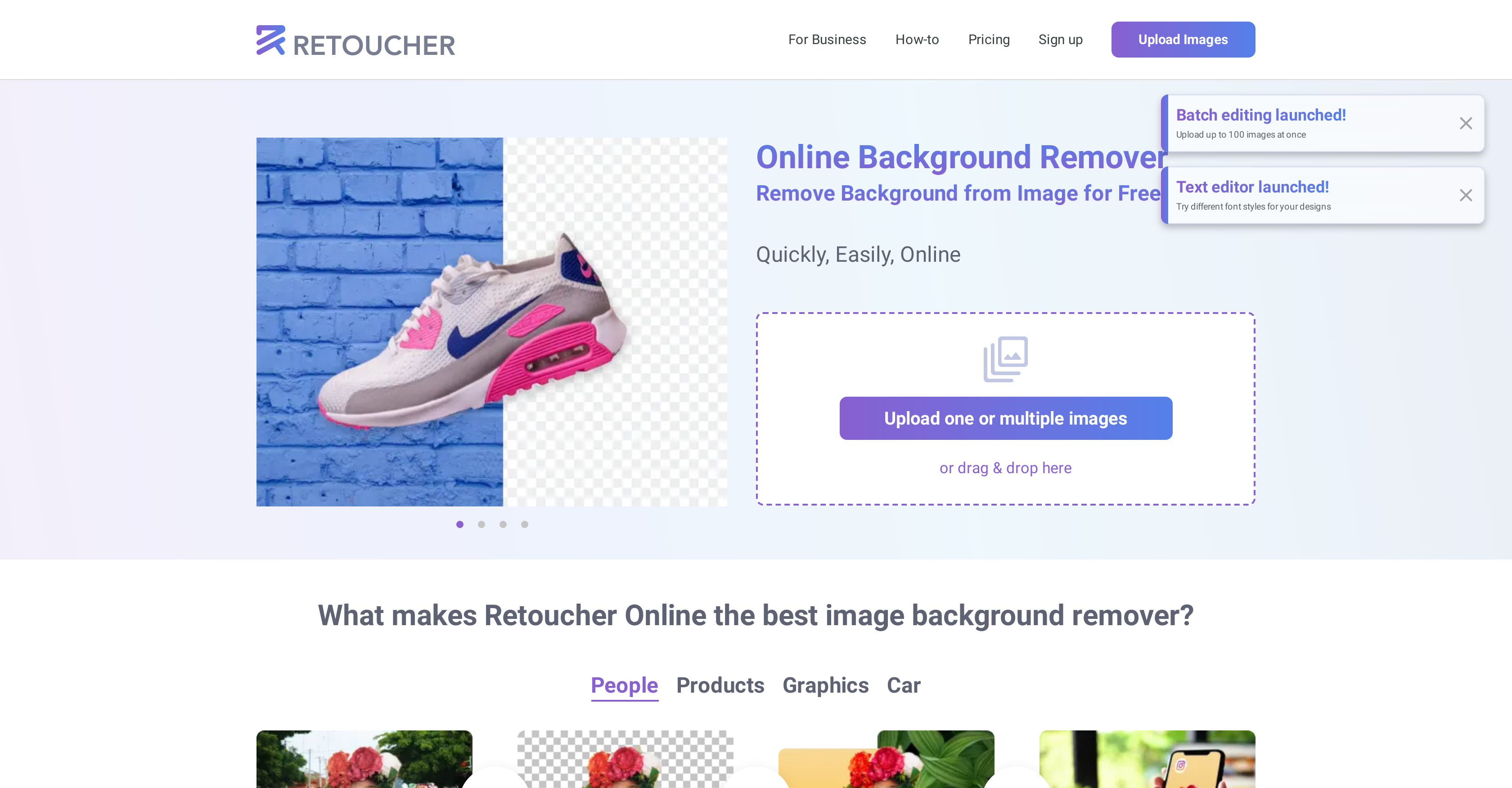
- Create professional marketplace-ready images in seconds by automatically removing backgrounds from product photos, people, or graphics
- Test multiple product variations quickly by uploading and editing images in bulk with transparent or custom backgrounds
- Meet specific marketplace requirements without design skills using built-in cropping, resizing, and color editing tools
- Save on photography and design costs by replacing complex software like Photoshop with one-click AI background removal
- Download high-resolution images immediately without creating an account for friction-free editing workflow
Pros & Cons
Pros
- 3-in-1 image background remover
- Automatic background removal
- White, transparent, or custom background
- Photo editing capabilities
- One-click results
- Personal and professional use
- No account or sign-up required
- Crop and resize pictures
- Change image size and color
- Cut out unnecessary image parts
- Test product photos in bulk
- Multiple images uploading
- API support
- Constant quality improvement
- Drag and drop image upload
- PNG or JPG download
- Supports images of people, products, graphics, cars
- High-resolution images download
- Bulk image download
- Supports marketplace requirements
- Helps to save money and time
- Does not require hiring professionals
- Does not require Photoshop
- User-convenient functionality
- Supports creation of high-quality images
- Saves your money and time
- Zero spending tool
- Suitable for various marketplaces
- Handles bulk image processing
- Can create digital ads
- Can edit logos
- Good for ecommerce
- Ideal for marketplace images
- Supports simultaneous image uploads
- Built-in picture crop functionality
- Can edit image color
- Creates images with shadows
- Automatic addition of background
- Supports high-resolution image downloads
- Can change image aspect ratios
- Can preview changes before download
- Auto image resizing
- Works for personal or business needs
- Free tool for background removal
- Handles multiple image forms
- Supports bulk product photo testing
Cons
- Limited background options
- No account or history
- No collaboration features
- Limited editing capabilities
- No video support
- Unsupported file formats
- No data privacy mention
- No offline use
- Slow with multiple images
- No RAW image support
Reviews
Rate this tool
Loading reviews...
Pricing
Pricing model
Freemium
Paid options from
$6.59/month
Billing frequency
Monthly
Refund policy
Users can request a refund within 14 days of their first subscription if fewer than 50 images were processed.