Overview
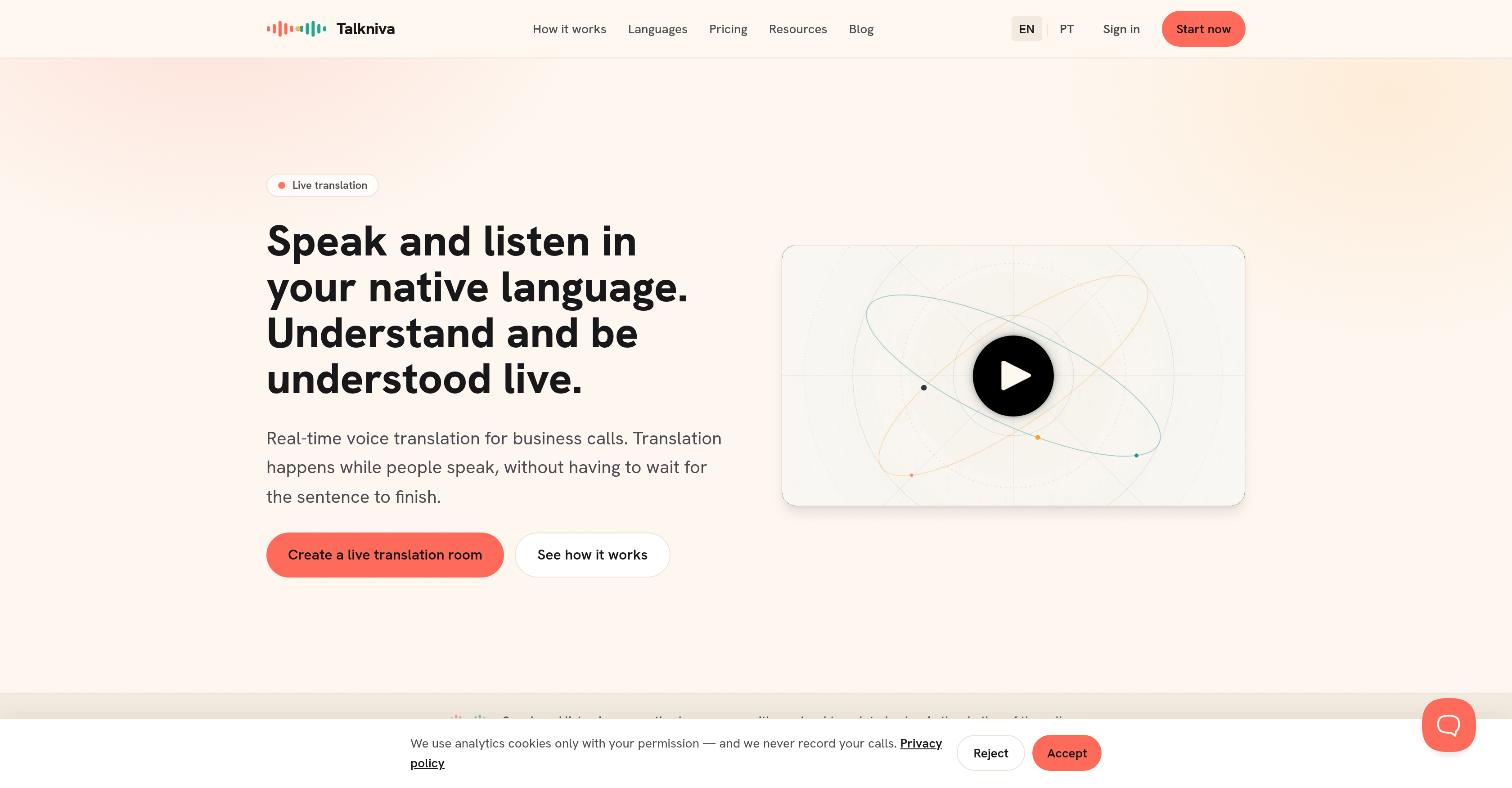
- Hold fluent multilingual business calls without pauses by speaking in your native language while participants hear real-time voice translation that preserves tone and emotion, enabled by Talkniva's concurrent translation engine.
- Eliminate misunderstandings from flat translations by hearing translated speech with natural rhythm and tonality, achieved through Talkniva's natural voice output technology.
- Onboard international hires or run cross-border interviews smoothly by communicating in each person's preferred language during the call, powered by Talkniva's instant translation room setup.
- Provide customer support in 13 languages without hiring multilingual agents by letting each side speak their own language while the tool translates live, made possible by Talkniva's browser-based platform.
- Start international sales calls and partner meetings instantly with zero setup friction by sharing a simple room link—no account creation or software downloads required, thanks to Talkniva's web-only design.
- Control costs predictably by paying only for the hours active guests speak, with flexible guest-hour packs starting at 1 hour and no monthly subscription fees, using Talkniva's usage-based pricing.
Pros & Cons
Pros
- Real-time translation
- Voice translation for calls
- No setup required
- Functional in-browser
- Supports 13 languages
- User creates a translation room
- Communicate via shared link
- Doesn't require account setup
- No participant downloads
- Natural voice output
- Variety of usage plans
- Pay only for active guests
- Suitable for business scenarios
- Ideal for international calls
- Helpful in customer support
- Facilitates partner meetings globally
- Assists in cross-country onboarding
- Provides tone in translations
- No monthly subscription
- Web-based solution
- Designed for business calls
- Ensures mutual understanding
- Multi-lingual customer support capability
- Useful for sales calls
- Enhances team collaboration
- User-friendly
- Good audio quality
- No need to read translated text
- Live captions provided
- Various pricing packages
- Optimized for business meetings
Cons
- Web-based only
- Dependent on internet connection
- No offline capabilities
- No desktop application
- Costly for frequent usage
Reviews
Rate this tool
Loading reviews...
❓ Frequently Asked Questions
Talkniva is an application that provides real-time voice translations during business calls. Users are allowed to speak in their native language while the tool translates the conversation in up to 13 different languages.
Users start by creating a 'translation room' in Talkniva. Once the room is created, they can share the link of the room with the other party. Now, both parties can communicate in their respective languages in real-time as Talkniva concurrently translates the conversation, offering a seamless live translation experience.
Talkniva supports real-time translation for up to 13 languages.
Talkniva operates directly within the browser and does not require additional downloads to function. It's a web-based solution.
To use Talkniva, a user simply needs to create a 'translation room', share the link with the other participant(s), and start the call. Everyone can then speak and listen in their preferred language, with Talkniva providing real-time translation for the conversation.
Talkniva doesn't require any account setup. Its web-based solution eliminates the need for account set-ups or any external downloads for participants.
Talkniva offers both live translation and natural voice output. While live translation is the real-time conversion of words from one language to another, natural voice output refers to the way these translated words are spoken back to the users, maintaining natural rhythm, intelligibility and tonality to enhance comprehension during calls.
Yes, Talkniva can indeed be used for multilingual customer support. Since it provides real-time translation during calls, it enables customer support teams to effectively communicate with customers in their native language, irrespective of the language being spoken by the team.
Talkniva can be highly beneficial for international business meetings as it bridges language barriers by offering real-time translations. This enables participants from different countries to communicate seamlessly in their respective languages, leading to efficient discussions and better outcomes.
Talkniva does not have a traditional subscription model. Instead, it offers various plans based on usage hours and the number of active guests. There's no requirement for monthly subscriptions.
'Active guests' in the context of Talkniva refers to the participants in the call who are actively speaking and requiring the translation service. Users only pay for these active guests based on the usage hours.
Some of the business scenarios where Talkniva is beneficial include international sales calls, customer support in different languages, international partner meetings, and between-country interviews and onboarding processes.
A 'translation room' in Talkniva is a virtual space created by a user for a call that requires translation services. To create one, the user simply clicks to start the process. No installations are required and a link to the room can readily be shared with other participant(s).
Talkniva offers multilingual support during a business call by providing real-time voice translation. As participants speak in their native languages, Talkniva concurrently translates the conversation, allowing everyone involved to understand what's being said in their respective languages.
Yes, Talkniva is suitable for cross cultural communication. Its real-time language translation feature ensures effective and seamless communication across different languages, thereby promoting cross-cultural engagement.
Talkniva provides real-time communication in various languages by translating the conversation while the users are speaking in the call. This facilitates concurrent conversation indulgence without having to wait for each translation.
Yes, Talkniva offers ease of setup for participants during a call. A user just needs to create a 'translation room', share the link with the other participant(s), and begin the call. There's no requirement for account setup or external downloads.
Talkniva aids in the onboarding process in different languages by enabling real-time translation during calls. This allows HR professionals to seamlessly communicate with new employees who speak different languages, hence ensuring a smooth onboarding process for everyone involved.
Talkniva uses a usage-based pricing model, where users pay based on the hours of usage by the active guests in the call. They offer bundles of 1, 5, or 10 guest hours without a monthly subscription fee.
No, there are no monthly subscription fees for using Talkniva. Instead, users pay for active guests based on the hours of usage.
Pricing
Pricing model
Paid
Paid options from
$29
Billing frequency
One-time
Refund policy
No Refunds
Related Videos
Fale o seu idioma. Seja entendido no da outra pessoa. Ao vivo.
Talkniva•1 views•Jun 6, 2026