
Overview
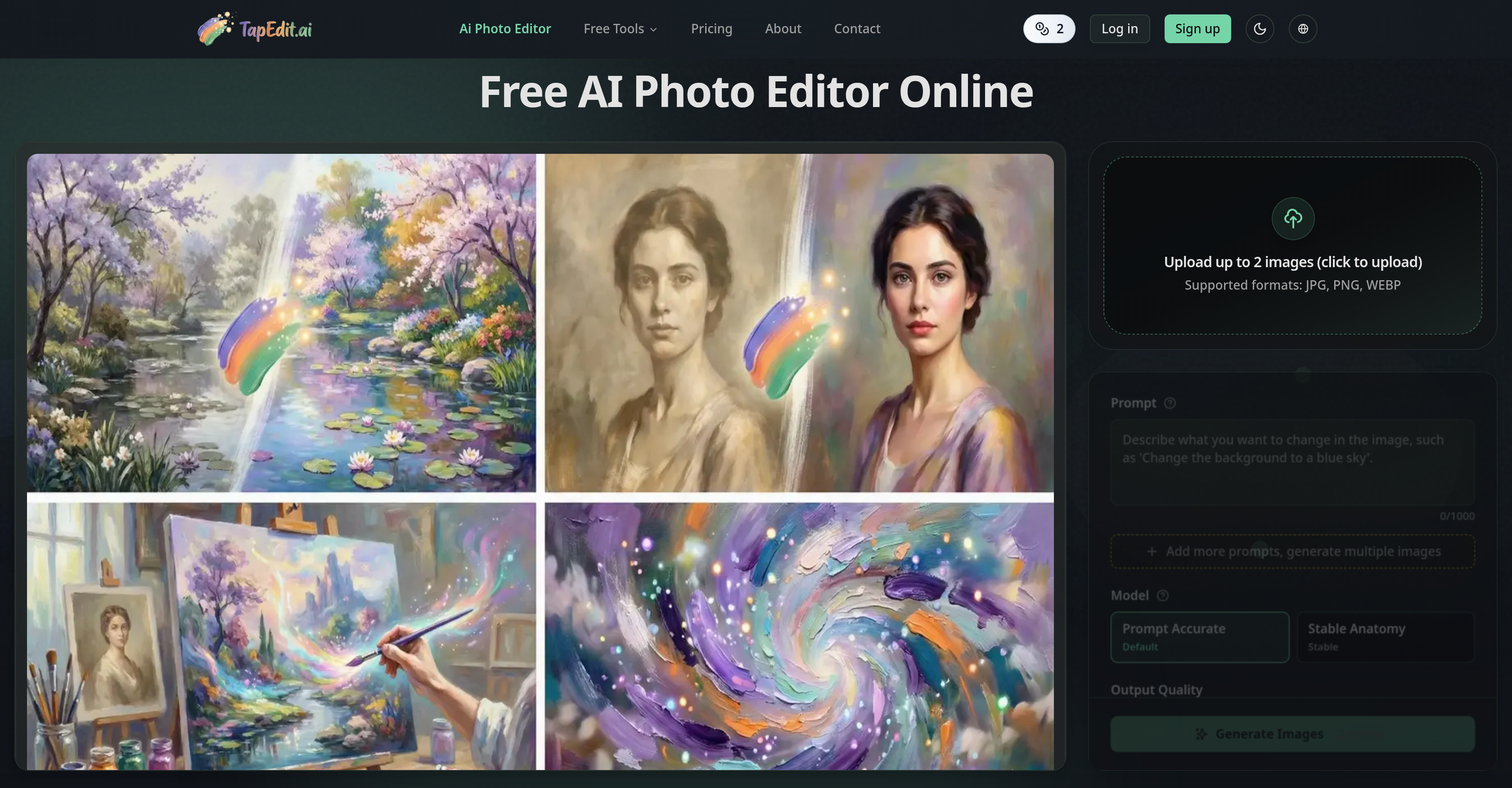
- Deliver commercial-grade images instantly with AI-powered background removal that preserves intricate hair and fabric textures
- Eliminate unwanted objects, text, or watermarks in seconds while the AI naturally reconstructs the surrounding background
- Export crisp HD, 2K, or 4K photos from low-resolution originals using AI image upscaling for sharper product shots
- Apply consistent edits to hundreds of images in minutes with high-volume batch processing for professional workflows
- Achieve magazine-quality portraits with frequency separation techniques that deliver flawless skin and detail
- Adapt products into realistic scenes with generative fill that matches lighting and reflections for authentic e-commerce visuals
- Edit precisely by painting over any area and defining your intent with Magic Brush + Intelligent Prompts for machine-accurate adjustments
- Access professional tools for free with basic AI editing including object erasing and background removal, paying only for advanced generative features
Pros & Cons
Pros
- Online accessibility
- Background removal
- Object erasing
- Image quality enhancement
- Image upscaling
- Preserves intricate details
- Watermark removal
- E-commerce image preparation
- Social media content creation
- Ad creation
- Product photography editing
- High-volume batch processing
- Portrait retouching
- Generative fill feature
- Magic Brush tool
- Intelligent prompts
- Commercial-grade results
- Transparent pricing model
- Free basic editing tools
- On-demand advanced features payment
- Supports JPG, PNG, WEBP
- High-res output options
- Photo-realistic quality
- Automatic prompt optimization
- No engineering skills needed
- Physical accuracy preserved
- Built for professional use
- Integrated into marketplace APIs
- Trust from worldwide creators
- Streamlined apparel workflow
- Generative material swap
- Relighting features
- Structured prompts
- Contextual generative fill
- Industrial-grade batch processing engine
- Uniform color grading
- Studio-quality result outputs
- No artifacts after object removal
- Lifestyle scene adaptations
- Retains texture and perspective accuracy
- High-end frequency separation techniques
- Supports multiple images
Cons
- Limited free tools
- On-demand payments
- No desktop application
- May be slow with batch processing
- Results may vary based on intent definition
- Requires Internet connection
- Potential privacy issues with uploaded images
- Inefficient on low-resolution inputs
- Limited file formats: JPG, PNG, WEBP
- Premium features may be expensive
Reviews
Rate this tool
Loading reviews...
❓ Frequently Asked Questions
TapEdit is an online artificial intelligence tool for photo editing. It allows users to upload and modify images using several integrated AI tools.
TapEdit utilizes AI to streamline photo editing with features such as background removal, object erasing, image quality enhancement, and image upscaling. Users can paint over the object or area they want to edit using the 'Magic Brush + Intelligent Prompts' feature, which converts user intentions into machine-understandable language for efficient editing.
Key features of TapEdit include background removal, object erasing, image enhancement, and photo upscaling. A standout feature is the 'Magic Brush + Intelligent Prompts', which allows users to paint over the object or area they want to edit, and then AI transforms their intent into a form it can understand. It also caters to professional workflows such as high-volume batch processing and portrait retouching.
Yes, TapEdit offers a precise background removal feature. It can meticulously remove backgrounds from various types of photos, preserving intricate detailing such as hair and fabric textures.
Yes, TapEdit can enhance image quality with features such as fixing blur and upscaling photos for clearer HD, 2K, or 4K exports.
TapEdit's object eraser tool can be used to eliminate unwanted objects, text, or watermarks from images. The AI then intelligently reconstructs the surrounding background for a natural finish.
TapEdit deploys AI to boost image resolution with its image upscaling feature. It can enhance low-quality photos to clearer HD, 2K, or 4K outputs, saving users from problems associated with low-resolution images.
The 'Magic Brush + Intelligent Prompts' feature in TapEdit allows users to intuitively paint over the object or area they want to edit. The users define their intent, then built-in AI assists in optimizing the instruction into a machine-understandable language, enabling accurate image adjustments.
TapEdit employs refined AI techniques that identify and preserve intricate details like hair and fabric textures while performing operations such as background removal or object erasing. This ensures the final edited images maintain their natural look and feel.
Yes, TapEdit can effectively eliminate unwanted text and watermarks from photos using its AI-powered object eraser tool. Post-erasure, the AI recreates the image's surroundings to ensure a natural and balanced look.
Yes, TapEdit provides high-volume batch processing, which is essential for professional workflows. This feature allows users to apply consistent edits to hundreds of images in minutes.
Yes, TapEdit is well equipped for professional portrait retouching. It applies high-end frequency separation techniques to deliver magazine-quality portraits, making it suitable for commercial-grade results.
TapEdit can be leveraged for preparing visuals for e-commerce listings. Functions such as background removal, object erasing, and image enhancement can be used to create clean, clear, and attractive images of products, aiding in efficient product photography.
TapEdit supports various commercial applications, including creating visuals for social media posts, advertisements, and product photography. Its robust features cater to high-volume processing and professional photo retouching tasks.
Yes, TapEdit has a transparent pricing model. It offers basic editing tools for free and requires payment only for advanced generative features.
In TapEdit, basic editing tools including AI-driven object erasing, background removal, and image quality enhancement are available for free. These tools cater to the standard requirements of photo editing.
TapEdit's advanced generative features include image upscaling for greater detail and clarity, as well as a generative fill capability that allows users to adapt products into different scenes with suitable lighting and reflections.
Yes, on-demand payment is available for TapEdit's advanced features. Users can pay as they go while using advanced generative features.
TapEdit is tailored for professionals who require precision, speed, and commercial-grade results in photo-editing tasks. This includes creators preparing imagery for social media, e-commerce, advertisements, product photography, as well as high-volume batch processing and portrait retouching.
TapEdit's machine language capabilities come to the fore in features such as 'Magic Brush + Intelligent Prompts'. This feature lets users paint over the area they want to edit and the AI then translates their intent into machine-interpretable language, resulting in precise and efficient editing.
Pricing
Pricing model
Free Trial
Paid options from
$2.99/unit
Billing frequency
Pay-as-you-go