
Overview
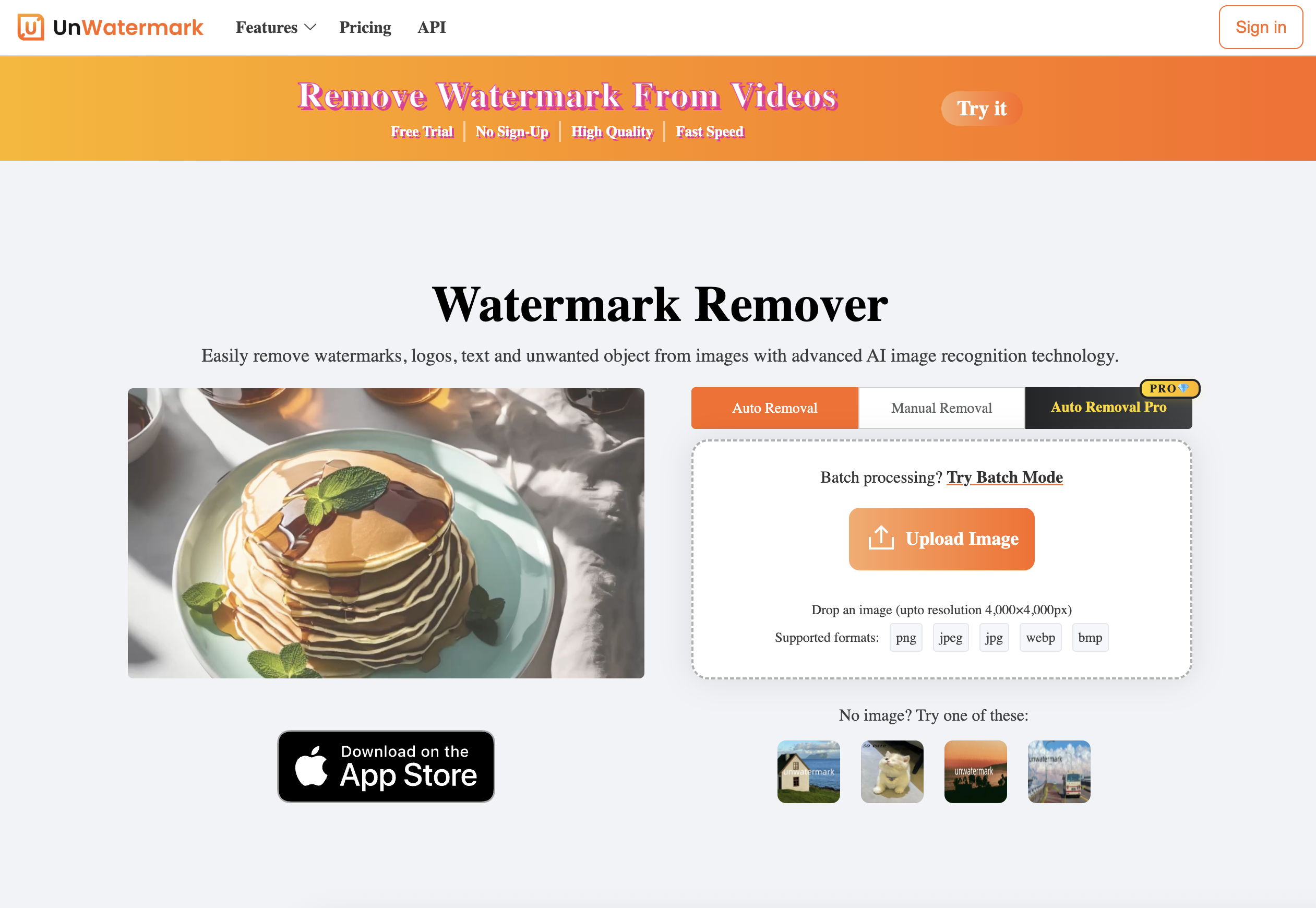
- Get perfectly clean images and videos with original quality preserved using AI that naturally fills removed areas
- Remove multiple watermarks simultaneously by processing up to 10 images at once with batch processing
- Tackle stubborn watermarks with precision using the manual brush tool for challenging removal cases
- Verify results before downloading with instant preview functionality to ensure complete satisfaction
- Process images and videos instantly without creating an account using the free no-login required service
- Work across all your devices seamlessly with full compatibility for PC, Android, and iOS platforms
- Protect your privacy with automatic deletion of uploaded files and no user data storage
- Handle diverse file formats including JPG, PNG, WEBP images and MP4, M4V, MOV videos
Pros & Cons
Pros
- Removes watermarks from images/videos
- Preserves original quality
- Handles logos, text, stamps, objects
- Manual brush tool
- Supports JPG, PNG, WEBP, MP4, M4V, MOV
- No login required
- Preview function
- Mobile application available
- Privacy-focused
- Text, objects, emoji refinements
- Batch processing
- User-guidance for easy operation
- Multi-device compatible
- Fast processing
- Ensures document quality preservation
- Seamless watermark erasure
- Support YouTube, TikTok, Instagram watermarks
- Internet browser operation
- Free and premium features
- Limited number of free times
- Credits system
- Never-expiring credits
- Meme customization tools
- Responsive framework for devices
- Automatic detection for precise edits
Cons
- Doesn't support all file types
- Platform dependent
- Limited free usage
- Extra cost for premium features
- Slow processing for large files
- File size restrictions
- Limited batch processing
- Requires internet connection
Reviews
Rate this tool
Loading reviews...
❓ Frequently Asked Questions
Unwatermark AI is a sophisticated tool fueled by artificial intelligence that specializes in removing watermarks from images and videos without compromising their original quality. It automatically detects and eradicates watermarks while also offering a manual brush tool for particularly challenging watermarks. The software supports usual formats like JPG, PNG, WEBP, MP4, M4V, and MOV. It also offers a mobile application and respects user privacy by not storing any user data. Unwatermark AI operates efficiently on various devices including PCs, Android and iOS.
Unwatermark AI operates by autodetecting and locating watermarks in images and videos, then obliterating them effectively. It employs an AI image model and large amounts of training data to ensure that the watermark area's pixel filling appears natural, with no apparent modification of the overall image. This capability extends to logos, text, stamps, and objects. For advanced use cases, a manual brush tool is available, designed especially for hard-to-remove watermarks.
Yes, Unwatermark AI maintains the original quality of your images and videos. Even after it removes unwanted elements like watermarks, logos, text, stamps, or objects, the quality of the material remains unscathed. It uses AI technology and a large amount of training data, ensuring that the image retains high quality and the pixel filling in the watermark area appears natural for a seamless look.
Yes, in addition to watermarks, Unwatermark AI can remove a variety of unwanted elements from your content. This includes logos, text, stamps, and objects. Unwatermark AI's powerful processing allows it to handle various types of unwanted elements and erase them effectively, maintaining the quality of the image or video.
The manual brush tool in Unwatermark AI is designed to tackle the most challenging and stubborn watermarks. Users can manually select the area where the watermark is located in the image or video, and the tool will effectively remove it, even when it's particularly hard-to-erase. This addition provides an added layer of precision and control.
Unwatermark AI supports a wide variety of commonly used file formats. These include image formats such as JPG, PNG, WEBP and video formats such as MP4, M4V, and MOV. The team is also actively working on expanding the range of supported formats.
No, Unwatermark AI does not require users to log in to utilize its watermark removal feature. You can experience the watermark removal tool for free without needing to create an account or log in, making the tool more accessible to casual users or those with occasional watermark removal needs.
Yes, Unwatermark AI offers a preview function that allows you to verify the processing effect before downloading the result. This feature ensures that users are satisfied with the output before they commit to downloading the final, watermarked-free version of their images or videos.
Yes, Unwatermark AI does provide a mobile application, making the tool more accessible and convenient. The mobile application offers several features like the ability to refine text, objects, and emojis in your images or videos, and supports batch processing for multiple images - all on your smartphone.
Yes, Unwatermark AI prioritizes user privacy and does not store any user-provided image or video data. Any images or videos that you upload for watermark removal are not stored, overlooking any potential privacy concerns.
Yes, Unwatermark AI is multi-device compatible. It operates smoothly on PCs, Android devices, and iOS devices. The tool is built with a responsive framework for seamless operation and an optimal user experience across various devices and screen sizes.
Unwatermark AI is highly user-friendly and doesn't require any advanced technical skills to operate. It provides an easy-to-navigate interface and a clear step-by-step guide for removing watermarks from images and videos. Furthermore, it does not necessitate user login for its watermark removal service, further simplifying its usage.
Unwatermark offers both free and paid premium features. Basic watermark removal service is available for free, while premium features like extended processing capabilities and advanced AI tools necessitate a paid subscription. There is also a credit purchase option for additional watermark remover usage.
Yes, Unwatermark limits the number of free images a user can process to 100 per day. Once this daily limit has been reached, users are prompted to log in and join the subscription program or purchase a credits package to continue using the watermark remover.
No, the credits purchased in Unwatermark will not expire, regardless of how long ago they were purchased. Users can consume the credits normally after logging into their accounts, with no need to worry about needing to repurchase due to expiration of the credits.
Yes, Unwatermark is capable of removing watermarks from AI-generated videos. Its advanced algorithms ensure clean and professional results while maintaining the original quality. This stands for videos from popular AI video generators or any other AI platforms.
Yes, Unwatermark AI supports batch watermark removal for up to 10 images at a time. This batch removal feature supports both automatic and manual watermark removal modes, providing a convenient way to process multiple images simultaneously.
Unwatermark AI provides fast image and video processing. Utilizing high-performance image processing models, Unwatermark AI can produce perfect, watermark-free images and videos within seconds. This rapid processing speed allows users to quickly handle their watermark removal needs.
The mobile application of Unwatermark AI offers several unique features. Users can adjust photos or videos to refine text, objects, or emojis. It also allows for batch processing of multiple images and automatic detection for precise edits. Furthermore, the mobile application provides creative tools for meme customization.
Yes, Unwatermark AI provides a detailed step-by-step guide on how to remove watermarks from images and videos. The instructions walk users through the processes of uploading their watermarked photo or video, selecting the watermark with the brush tool, processing it using the AI, and finally downloading the clean image or video post watermark removal.
Pricing
Pricing model
Freemium
Paid options from
$3.90/month
Billing frequency
Monthly
Related Videos
Remove Video Watermark FREE & Easy | No Login Needed with Unwatermark AI
Tongfix•161 views•Aug 22, 2025