
Video Notes
Overview
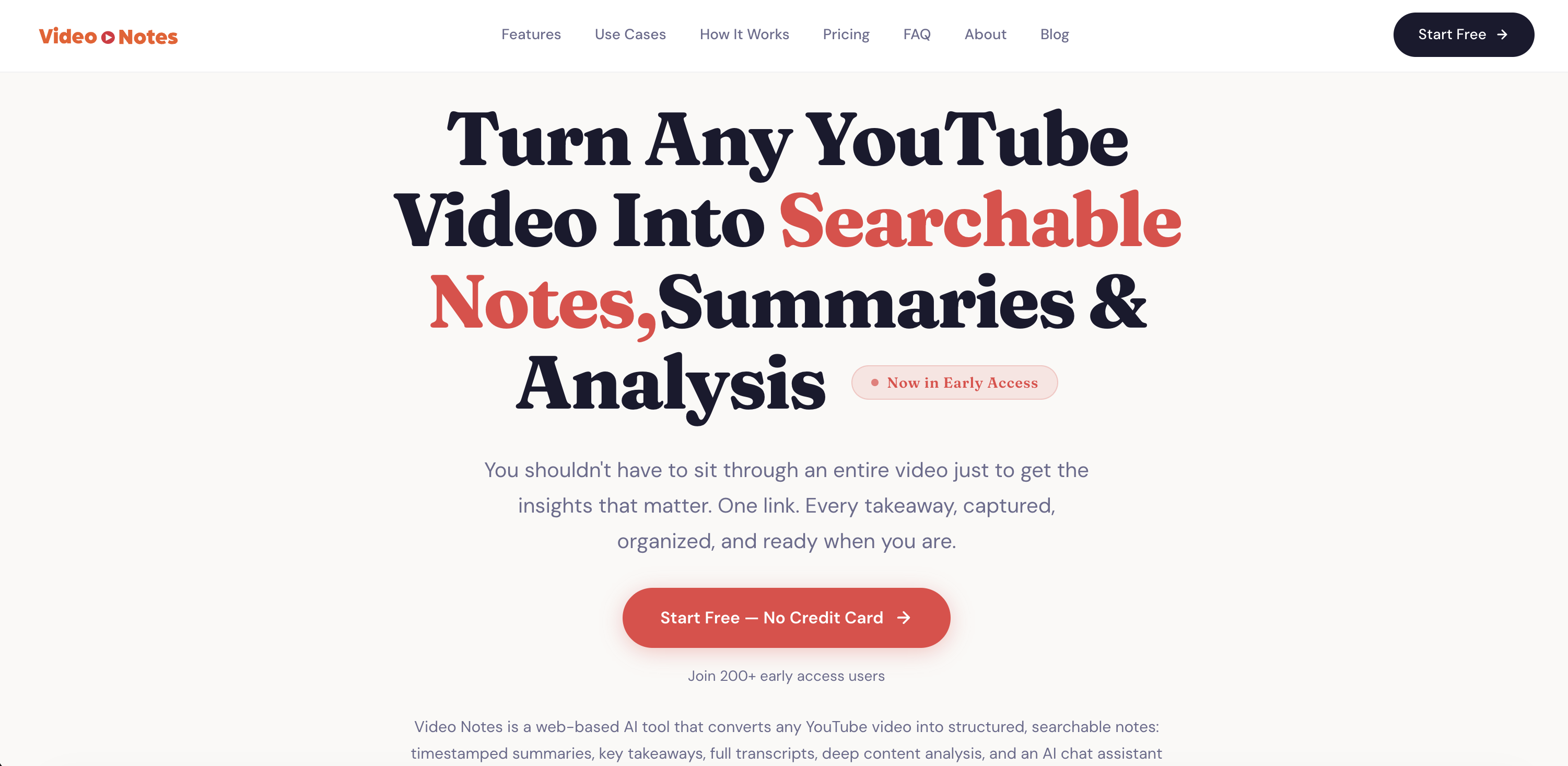
- Extract key insights without watching the full video using AI-generated timestamped summaries and deep content analysis
- Find any concept across your saved videos instantly with a personal library and robust search functionality
- Get immediate answers to your questions about the video content from an AI chat assistant trained on the transcript
- Review and study content from videos in any language with multilingual transcript and summary support
- Quickly navigate to specific points of interest with clickable timestamps linked to section-wise summaries
- Build a permanent, searchable reference of every tool, technique, and actionable step mentioned in your learning videos
Pros & Cons
Pros
- Web-based tool
- YouTube videos conversion
- Structured, searchable notes
- Timestamped summaries
- Key takeaways extraction
- Full video transcripts
- Deep content analysis
- Supports any language
- Rapid video processing
- Personal content library
- Pastes YouTube links
- Comprehensive analysis
- Extracts tools, techniques
- Extracts actionable steps
- Chat feature for questions
- Cross-video search functionality
- Turns videos into texts
- Instant video breakdown
- Summarizes long videos
- No browser plugins
- No complicated setup
- Video-specific question answering
- Multiple language support
- Citable insights
- Extracts technical procedures
- Stored personal notes
- Industry talks analysis
- Quotes sourcing
- Competitive intelligence building
- Language learning aid
- Vocabulary studying in context
- Protocol referencing
- Sales competitor analysis
- Educational tool
- Knowledge retention aid
- Insights capturing
- Personal video library
- Long-term insight retrieval
- Efficient rewatching of videos
- Easy YouTube link pasting
- Zero effort operation
- Works for podcasts too
- Perfect for journalists
- Ideal for content creators
- Useful for students
Cons
- Only supports YouTube videos
- Doesn't support native mobile apps
- No live support
- No browser extensions
- No offline access
- Late content availability
- Limited languages support
- No free version after trial
- No memo field for personal notes
Reviews
Rate this tool
Loading reviews...
❓ Frequently Asked Questions
Video Notes offers multilingual support, able to work with videos in any language that YouTube supports.
The key features of Video Notes include timestamped summaries, key takeaways, full transcripts, and deep content analysis of video contents. It also includes an AI-powered chat assistant, a personal library to save all analyzed content, and a search functionality to find specific information across all saved videos.
Video Notes processes YouTube videos by using AI to generate a full transcript, a timestamped summary with key sections, and a comprehensive analysis that includes a breakdown of every tool, technique, and actionable step mentioned in the video.
Video Notes processes most videos in under a minute, quickly providing users with detailed analyses of their selected YouTube material.
The AI-powered chat assistant in Video Notes is a feature that allows users to ask questions about the video content. It provides answers that are based directly on the material in the analyzed video.
The search functionality of Video Notes allows users to look for specific information across all their saved videos. They can find videos based on keywords, phrases, or topics covered within the selected YouTube material.
Yes, users can save their analyzed content in Video Notes. All analyzed content is stored in a personal library that the user can access and search through at any time.
Video Notes is designed for a broad audience including students, professionals, content creators, podcast listeners, journalists, product managers, language learners, medical professionals, and sales teams. Essentially, anyone who uses YouTube as a learning resource can benefit from Video Notes.
Users can paste the YouTube link into Video Notes on it's primary interface, where it will immediately be processed and analyzed for extraction of details and insights.
From a video analysis in Video Notes, the user will get an instant transcript, a timestamped summary that highlights key sections, and a deep content analysis that extracts every tool, technique, and actionable step mentioned in the video.
Video Notes assisted in educational learning by providing comprehensive video summaries and analysis, turning any YouTube video into searchable notes. It allows for efficient note-taking and studying by identifying key insights, breaking down concepts, and allowing users to ask questions.
Video Notes handles video transcription by leveraging AI to convert spoken language from the YouTube video into a text-based format. This transcript is timestamped for easy navigation and includes key takeaways.
Yes, Video Notes can analyse content from videos in any language. Its multilingual support extends to any language supported by YouTube, allowing it to provide insights from a diverse range of video contents.
The significant takeaways from using Video Notes include efficient knowledge gathering from videos, quick access to analyzed contents anytime, and an enhanced learning process as the tool generates transcripts, summaries, and deep analysis of key points with actionable steps from the video.
Video Notes enables content search in saved videos through its search functionality. This feature allows users to find specific content within their personal library by typing in relevant terms, phrases, or topics.
Video Notes stands out from other note-conversion tools with its comprehensive feature set. Alongside simple note extraction, Video Notes produces detailed breakdowns of tools and techniques, offers multi-language support, and provides a chat assistant that can answer content related queries.
Video Notes assists with time efficiency by enabling rapid analysis of YouTube videos, often in under a minute. This surpasses the need to watch the video in full, saving users significant amounts of time.
Yes, in Video Notes you can search for specific information across your saved videos. The tool provides search functionality within your personal library, allowing you to quickly locate relevant videos and their associated insights.
Video Notes is effective for students and professionals because it turns time-consuming video content into easily digestible notes and summaries. These can be referred back to at any time, and relevant information can be found quickly through the search function.
Video Notes assists language learners by providing transcripts of videos in any language supported by YouTube. This allows learners to review linguistic content, including specialized vocabularly and phrases in context, aiding understanding and memory retention.
Pricing
Pricing model
Free Trial
Paid options from
$7/month
Billing frequency
Monthly