
Overview
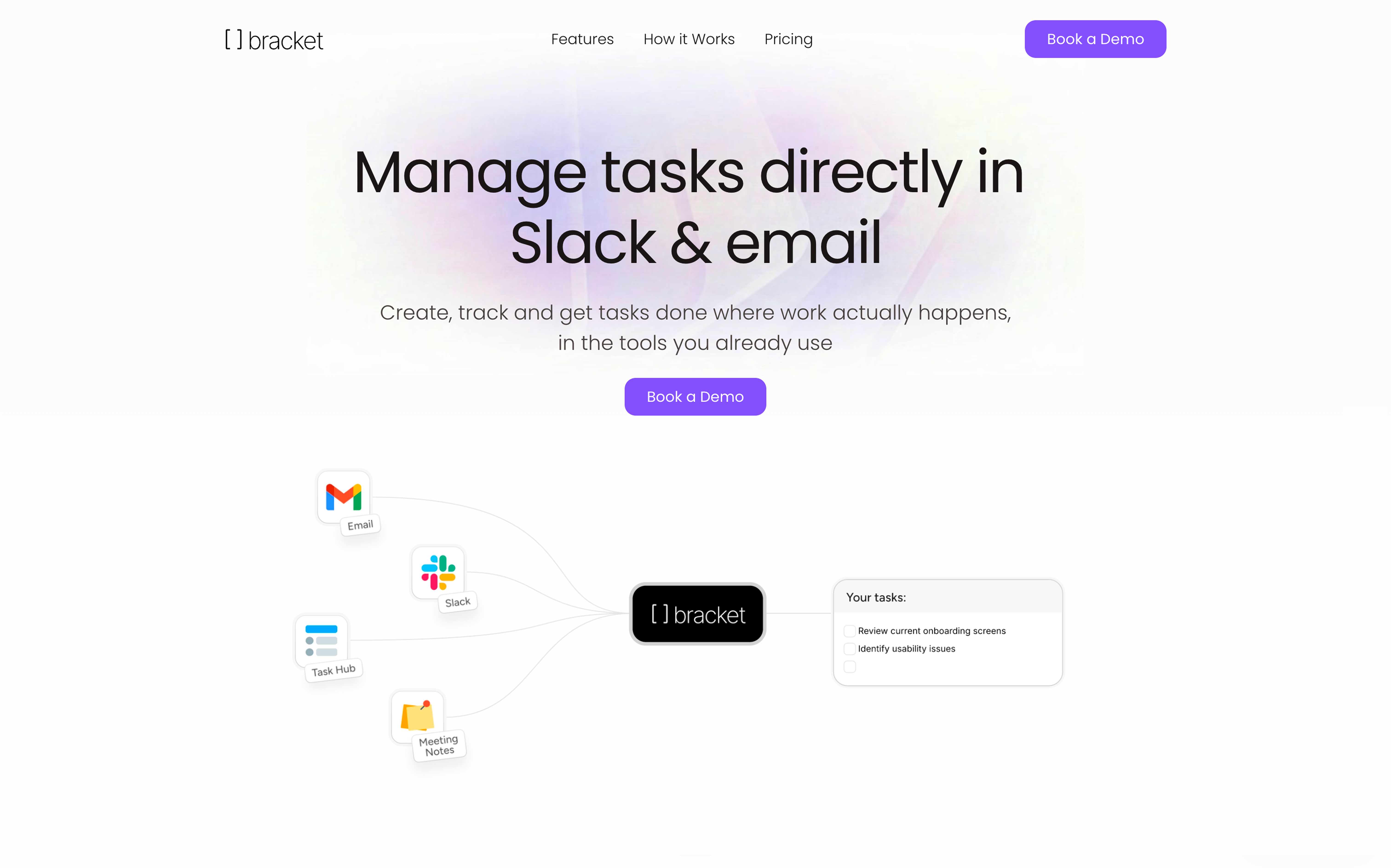
- Eliminate manual data entry by creating tasks from real conversations—simply mention @bracket in Slack or email to instantly log work.
- Prevent missed follow-ups by automatically generating tasks from meeting transcripts based on what people actually committed to.
- Get instant team adoption with zero installation—anyone who can send a Slack message already knows how to use it.
- Uncover hidden blockers by asking for analysis on what slipped, receiving specific insights without manual Slack digging.
- Maintain accurate project boards automatically as tasks stay synced from conversations, eliminating stale status updates.
- Extend task management into action by connecting apps for Bracket to draft documents, build slides, or plan projects.
Reviews
Rate this tool
Loading reviews...
❓ Frequently Asked Questions
Dor Linhard
🛠️ 1 tool
🙏 23 karma
wrote:Bracket is a task manager that runs inside Slack and email. You mention @bracket in a Slack channel, DM, or email thread, and it can create tasks, check on someone's progress, assign work, or move a deadline. Everything stays in sync on a shared board, so nobody has to open a separate app to update anything.
Dor Linhard
🛠️ 1 tool
🙏 23 karma
wrote:Most project management tools assume your team will open a separate app every day, log their work, and keep statuses current. That lasts about two weeks before everything goes stale. Bracket sidesteps the whole problem because it runs where your team already works, in Slack and email. Tasks get created from real conversations, so your board stays accurate without anyone doing data entry. People don't have to change their habits, which is why adoption actually sticks.
Dor Linhard
🛠️ 1 tool
🙏 23 karma
wrote:No. They just mention @bracket in Slack or email it. There's nothing to download and no new login. If someone on your team can send a Slack message, they already know how to use Bracket.
Dor Linhard
🛠️ 1 tool
🙏 23 karma
wrote:You integrate Bracket with your meeting note-taker and invite it to your meetings. It pulls the transcript from every call, then does two things with it: it updates existing tasks with real context from what was actually discussed, and it creates new follow-up tasks based on what people committed to. So if someone said "I'll send the proposal by Friday," that becomes a task assigned to them, with the meeting context attached. You don't have to write anything down yourself.
Dor Linhard
🛠️ 1 tool
🙏 23 karma
wrote:Depends on which apps you've connected. It can draft docs, build slides, plan projects, or write follow-ups. It can also analyze your team's work. A manager can ask "what slipped this week?" and get back that Sarah's been blocked for four days and the client deliverable nobody flagged hasn't been touched since Tuesday. That usually takes an hour of Slack digging. Bracket already has the context, so you just ask.
Pricing
Pricing model
Free Trial
Paid options from
$45/month
Billing frequency
Monthly
Refund policy
No Refunds