
Overview
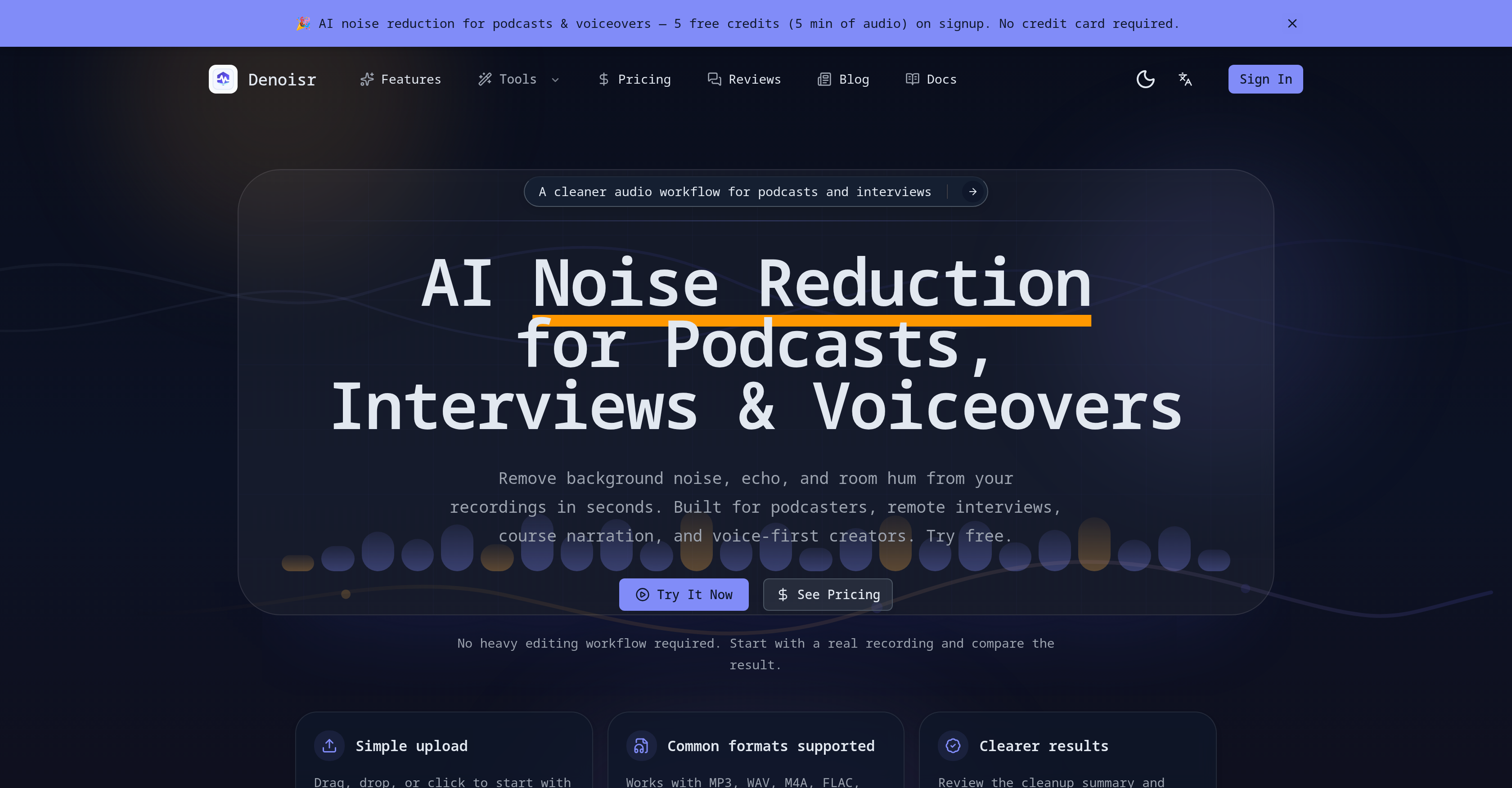
- Publish professional-sounding podcasts and videos by eliminating background noise, AC hum, and room echo with one upload
- Achieve crystal-clear speech in remote interviews and guest tracks by letting AI reduce inconsistent environmental sounds from varying microphones and rooms
- Save hours of editing time by automatically trimming filler words, long pauses, mouth sounds, and plosives from spoken content
- Keep intro/outro music and background tracks intact while the tool cleans only the spoken segments, preserving your production's musical elements
- Get studio-quality audio from home-recorded course narrations by filtering out keyboard clicks, air vent hums, and other household noises
- Compare cleaned and original versions side-by-side to hear exactly how much noise was removed before finalizing your audio file
- Process full-length podcast episodes in a single upload with the Podcast Ready mode that combines noise reduction, echo removal, and automatic filler cutting
- Upload any common audio format including MP3, WAV, M4A, FLAC, and OGG without needing to convert files before cleaning
- Clean multiple files at once with batch processing, letting you handle entire episode archives or interview series in one workflow
- Start improving audio quality immediately with a free trial that gives you 5 credits to test noise removal on your real recordings
Pros & Cons
Pros
- Removes background noise
- Enhances voice clarity
- Reduces echoes
- Supports various audio formats
- User-friendly interface
- Tailored for spoken-word content
- Three separate cleanup modes
- Keeps music intact
- Automatic filler trimming
- Supports common audio formats
- Clears environmental noise
- Simplified audio cleanup workflow
- Automatic filler removal
- Audio editing without engineering know-how
- Comparison of cleaned and original samples
- Upload audio files easily
- Makes voiceovers clear and understandable
- Multiple output formats
- Preserves intro/outro tracks
- Automatic silence removal
- Prevents heavy editing workflows
- Offers upload progress feedback
- Supports large file uploads
- Preserves original audio formats
- Intuitive interface
- Process full-length episodes
- Optimizes voice-led formats
- Removes distraction in spoken-word content
- Removes AC hum and traffic sounds
- Preserves music in spoken segments
- Automatic plosive sound removal
- No heavy audio editing required
- Removes room noise from recordings
- Ensures consistent voice quality
- Can re-edit cleaned source in DAW
- Reduces manual post-cleanup work
- Cleans voice tracks before editing
- Applies to video cleanup and transcript generation
- Improves speech clarity
- Improves YouTube voiceovers quality
- MP3, WAV, M4A, FLAC, OGG.
Cons
- No real-time noise reduction
- Limited audio formats supported
- Only designed for spoken-word content
- Doesn't keep intact music parts
- Single file processing
- Limited batch processing
- Missing advanced audio editing features
- No built-in recorder
- Delayed processing feedback
- Requires upload of audio file
Reviews
Rate this tool
Loading reviews...
❓ Frequently Asked Questions
Denoisr is an AI-powered tool that specializes in the removal of background noise and the enhancement of voice clarity in audio content such as podcasts and YouTube videos. It's capable of reducing ambient sounds like echoes, chatter, traffic sounds, and AC hum to provide cleaner and more comprehensible audio.
Denoisr works through a user-friendly interface where users upload their audio files in formats like MP3, WAV, M4A, FLAC, and OGG. These files are then processed by Denoisr's AI, which reduces background noise and enhances voice clarity. Users can then review the cleanup summary and proceed based on their chosen plan. Three separate cleanup modes are provided to match different recording situations.
Denoisr supports various common audio formats like MP3, WAV, M4A, FLAC, and OGG. These formats can be easily uploaded for processing on the interface.
Denoisr enhances voice clarity by reducing environmental background noise. It's particularly tailored for spoken-word content and functions by lowering ambient sounds such as chatter, traffic sounds, AC hum, and others. This makes the voice tracks clearer and easier to understand.
Yes, Denoisr is perfect for enhancing audio in YouTube videos. It works by removing background noise and improving voice clarity, ultimately leading to better sound quality in the produced video content.
Denoisr is particularly beneficial for podcasts. It offers an efficient solution to enhance audio in scenarios like noisy podcast guest tracks and remote interviews. Additionally, it helps in reducing the trouble of learning complex sound engineering interfaces or heavy editing workflows.
Yes, there is a free trial available for Denoisr. Upon sign-up, users are credited with 5 free credits that can be used for testing the service with real audio files.
Denoisr features three distinct cleanup modes. These modes are specifically designed to suit varied recording circumstances and include options for raw home recordings, tracks that need a bit of polish, and for end-to-end episode cleanup with automatic filler removal.
To reduce background noises like chatter and traffic sounds, Denoisr uses its AI-powered algorithms, which have been specifically trained to identify and reduce these types of environmental sounds in the audio content. This leads to clearer voice signals in the audio.
Yes, Denoisr is definitely suitable for home-recorded course narration. The tool can effectively filter out environmental noise common in home recordings, improving the clarity of the narration.
Denoisr can streamline your audio workflow by easily removing irrelevant noise from your audio files and enhancing voice clarity. With features like automatic trimming of fillers and silences and different cleanup modes, it can help optimize your audio processing flow.
Denoisr boasts of a highly user-friendly interface. It facilitates easy uploading of audio files for processing and reviewing of the cleanup summary. Users can confidently and comfortably navigate the tool without having to understand complex engineering interfaces.
Yes, Denoisr has a special feature that enables it to keep music intact in vignettes or intros while cleaning the spoken parts. This feature is particularly helpful when your content includes introductory or background music.
Yes, Denoisr offers a feature for automatic trimming of fillers and silences. This auto-trimming feature further optimizes audio content, making it crisper and easier to comprehend.
Denoisr indeed proves helpful in the case of remote interviews. Remote recordings often suffer from inconsistent sound quality due to varying microphones and environments. Denoisr's AI efficiently reduces such inconsistencies, delivering clearer and better quality audio.
Denoisr is particularly designed for enhancing spoken-word content. It's ideally suited for use with podcasts, YouTube videos, and other content creations that primarily deal with the spoken word.
No, you do not require any special technical skills to use Denoisr. Its user-friendly interface has been designed in a way to help content creators who do not wish to navigate through complex sound engineering interfaces.
Denoisr is effectively capable of reducing echoes in an audio track. By cutting down on such general ambient sounds, it allows for a cleaner audio workflow and improves the listening experience.
Indeed, Denoisr proves ideal when enhancing audio in noisy podcast guest tracks. It works by identifying and reducing the environmental sounds that often crop up in guest tracks, delivering a cleaner and more refined audio output.
Yes, Denoisr does support the batch cleaning of audio files. The number of files that can be processed at once depends on the chosen plan of the user.
Denoisr can clean up a wide range of audio content, with a particular focus on spoken-word content. This includes podcasts, interviews, voice-led creator formats, course narrations, YouTube voiceovers, as well as videos with sound. The tool is proficient at handling audio tracks marred by environmental noises such as traffic sounds, air conditioner hum, and room echo.
Denoisr supports several commonly used audio formats. Users can upload MP3, WAV, M4A, FLAC, and OGG audio files for cleaning and noise reduction.
Denoisr enhances voice clarity in audio content by employing AI-power to reduce environmental background noise and soften room echo. In doing so, the voice content becomes more prominent, clear, and easier to follow for listeners. An additional feature that enhances voice clarity is automatic filler and silence removal, which cuts out unnecessary interruptions in the voiceover.
To use Denoisr, upload the required audio file, which can be in different formats such as MP3, WAV, M4A, FLAC, or OGG. Denoisr will then analyze the uploaded file and optimize it by reducing the noise and enhancing the speech clarity. Once the process is completed, a cleanup summary will appear, allowing users to review the changes and decide on the subsequent steps based on the chosen plan.
Yes, Denoisr is an ideal tool for cleaning up podcast audio. The tool can significantly enhance the quality of podcasts by reducing background noise, softening echo, improving speech clarity, and trimming unnecessary fillers and long pauses. Additionally, the tool's ability to keep intro/outro music intact while cleaning the spoken parts makes it a good fit for podcasters.
Yes, Denoisr can be used to improve the audio quality of YouTube video content. It works by removing distracting background noises, reducing echo, and making voiceover clearer and more comprehensible. Its ability to preserve musical elements while cleaning spoken parts of a video makes it suitable for YouTube videos that incorporate music.
Yes, Denoisr offers the function of automatic filler and silence trimming. This feature allows irrelevant fillers, long pauses, mouth sounds, and breathing noises to be automatically pruned during the cleanup process, contributing to a cleaner, smoother audio flow.
Denoisr offers three separate cleanup modes tailored for different recording environments. The modes included are 'Clean Noise' designed for raw home recordings, 'Enhance Voice' aimed at polishing already decent tracks, and 'Podcast Ready' for an end-to-end episode cleanup which also has built-in filler removal.
When dealing with audio content containing music, Denoisr has the ability to preserve the musical parts of a recording. During the cleanup process, the tool leaves the music intact and primarily focuses on cleaning the spoken segments. This feature prevents the music from being treated as noise and being removed during the noise reduction process.
Yes, Denoisr works well in enhancing the quality of home-recorded course narrations. By reducing environmental noises such as air vent hums or keyboard sounds, it makes the voice clearer and more prominent. This results in a steadier, more professional-sounding course narration.
Denoisr offers effective solutions to deal with environmental background noises such as traffic sounds and air conditioner hum. By employing advanced AI algorithms, the tool can recognize and minimize such noises, ensuring the spoken content in the audio track is clear and comprehensive.
Yes, Denoisr can be used to enhance the clarity of voiceover content. The tool works by reducing background noises and optimizing the voice tracks, thus making the voiceover stand out more clearly. Additionally, the tool can automatically trim unwanted fillers and silences, thus further enhancing the quality of the voiceover.
Denoisr's interface is user-friendly as it requires minimal learning curve for newcomers. Users can easily upload their audio files for processing and review the cleanup summary to proceed based on their chosen plan. The interface is visually intuitive and easy to navigate, making audio cleanup an easy task for creators.
Users can upload a variety of audio files for processing in Denoisr. This includes podcast clips, interview recordings, narrated lessons, voiceover-style content, and more. These files can be in different formats such as MP3, WAV, M4A, FLAC, or OGG.
Once an audio file is uploaded in Denoisr for processing, the AI analyzes the audio, identifying and reducing background noise and echo, and improving the clarity of the spoken words. After the processing is completed, a cleanup summary is provided for users to review the changes made. Users are then able to compare the original and adjusted versions of the file side by side, listen to the differences, and assess the impact of noise removal.
Yes, Denoisr can effectively remove both echoes and ambient sounds from audio content. Its AI-fueled system is proficient in identifying and reducing echo and general ambient noise including things like room noise or street sounds. This results in a cleaner and clearer audio track, with pronounced speech clarity.
Denoisr is specifically designed for enhancing spoken-word content. It eliminates background noise and improves voice clarity, making the spoken content easier to follow for the listeners. This makes Denoisr highly suitable for voice-led creator content, podcasters, course instructors who depend heavily on speech clarity for effective communication.
Denoisr aids content creators with their audio editing workflows by providing a simplified audio cleanup process. By reducing background noises, echoes, and improving speech clarity, the tool eliminates the need for users to engage with complex audio editing interfaces or heavyweight workflows. This allows content creators to focus more on their content, rather than the technical aspects of audio editing.
The 'Podcast Ready' mode in Denoisr offers several capabilities including complete episode clean-up with a built-in filler removal feature. This mode also allows the processing of full-length episodes in one upload, and offers options such as MP3, WAV, or FLAC for output. Furthermore, it can automatically cut fillers, long pauses, mouth sounds, and breathing noises which are common post-cleanup chores for most podcasters.
Pricing
Pricing model
Free Trial
Paid options from
$7.50/month
Billing frequency
Monthly