
Easy MCP AI for Wordpress
Overview
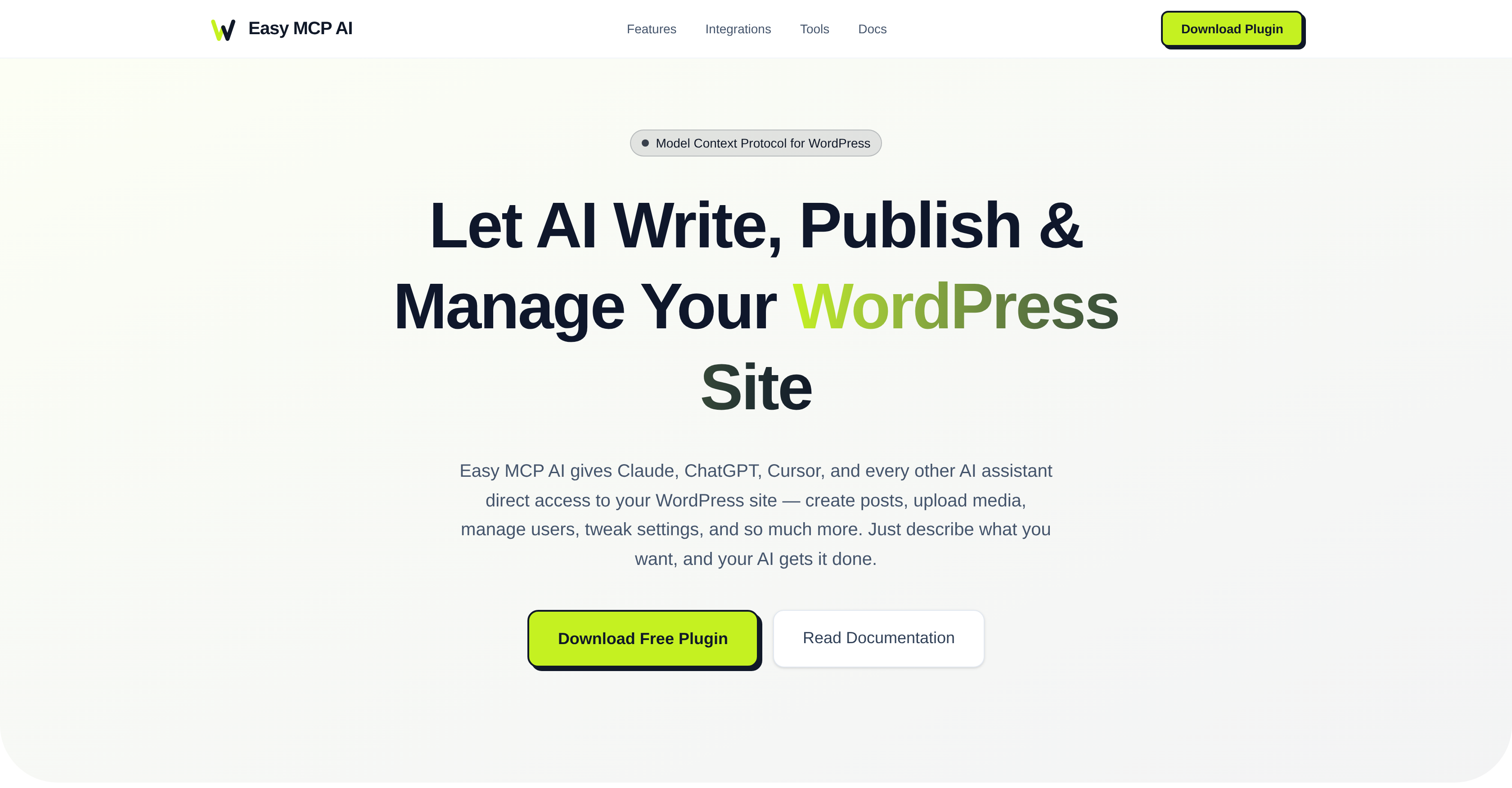
- Publish complete, SEO-optimized blog posts in a single command by having your AI assistant draft content, assign images, set categories, and hit publish automatically
- Eliminate manual WordPress admin work by managing posts, pages, media, users, and settings directly through natural language conversation with your AI
- Scale content creation and site management securely with granular token permissions, API rate limiting, and IP whitelisting built into the plugin
- Automate complex workflows by connecting your site to AI agents in n8n or Manus, turning multi-step processes into one-trigger tasks
- Run on any standard hosting without extra infrastructure, as the pure PHP plugin operates entirely within your WordPress environment
Pros & Cons
Pros
- WordPress plugin
- 'Vibe blogging' feature
- Runs within WordPress
- Simple to operate
- Facilitates automated content creation
- SHA-256 Hashing for security
- Rate limiting
- IP whitelisting
- Managed through conversational interfaces
- Granular Permissions
- WordPress capability checks
- Easy site settings updates
- Supports custom post types
- Does full audit logging
- Post, media, and user management
- Doesn't require additional infrastructure
- Automated WordPress administration
- Natural Language Processing
Cons
- Need an external AI such as Manus, Claude, ChatGPT, etc.
- Limited to WordPress platform
- Dependent on PHP
- Requires token for authentication
- A bad AI model can make unexpected changes to WordPress.
Reviews
Rate this tool
Loading reviews...
❓ Frequently Asked Questions
AiAssistWorks Contact
🛠️ 2 tools
🙏 34 karma
wrote:Easy MCP AI is a WordPress plugin that uses AI to control and manage WordPress sites via MCP. It integrates with AI tools such as Claude, ChatGPT, and Cursor to perform tasks like post creation, media management, user management, and settings adjustments through the AI assistants' natural conversational interfaces. It operates entirely within WordPress, requiring no additional infrastructure.
Easy MCP AI integrates with AI tools such as Claude, ChatGPT, and Cursor through the Model Context Protocol. Users dictate instructions to their AI assistant, and these instructions are processed to perform various tasks including writing a post about a specific topic, assigning a featured image, categorizing it, and publishing it.
AiAssistWorks Contact
🛠️ 2 tools
🙏 34 karma
wrote:Key features of Easy MCP AI include: post creation, media management, user management, altering settings via AI assistants, integration with various AI tools, and stringent security provisions such as token auth with SHA-256 hashing, rate limiting, IP whitelisting. Also, it is easy to operate, requires no additional infrastructure, and runs entirely within WordPress.
'Vibe Blogging' is a feature where users can run their entire blog through a conversation with an AI. Users simply describe what they want, and the AI executes the task. For instance, a user can command the AI to 'Write a 1, 000-word post about productivity tips, add a featured image from my media library, assign it to the Blog category, and publish it', and the AI will carry out those instructions.
To instruct the AI to write a post about a specific topic using Easy MCP AI, one can simply use natural language to give the command. For instance, saying or typing 'Write a post about productivity tips and publish it' would prompt the AI to create and publish the desired post.
Easy MCP AI has robust security measures. These include token authentication with SHA-256 hashing, which ensures secure verification of the endpoints; rate limiting, which controls the number of requests a source can prompt in a given amount of time; IP whitelisting, which allows access only to certain, approved IP addresses; and WordPress capability checks and full audit logging to further enhance security.
The Model Context Protocol used by Easy MCP AI allows it to connect with AI-based systems intensifying its capabilities and helping it function effectively.
Easy MCP AI uses token authentication with SHA-256 hashing for secure verification of access to the endpoints. Each token can be allocated granular tool permissions defining exactly what tools each token can access.
Rate limiting in Easy MCP AI is a security measure that controls the number of requests that a source can prompt in a given amount of time, helping to prevent abuse and ensure service stability.
IP whitelisting in Easy MCP AI is a security feature that allows access only to approved IP addresses. This helps to limit and control who can access the service thereby enhancing its security.
No, Easy MCP AI does not require any additional infrastructure. The plugin operates entirely within WordPress, making it easy and straightforward to implement.
Easy MCP AI manages content creation and site management tasks in WordPress by leveraging AI assistants. Tasks like creating and publishing posts, managing media, and users, and tweaking settings are all accomplished simply by communicating the desired operations to AI tools such as Claude, ChatGPT, and Cursor using natural language.
The benefits of integrating Easy MCP AI into your WordPress site include efficient management of content creation and site settings, improved overall administration through automated tasks and the ability to create posts, manage media, and update settings all through natural conversation. It also ensures high security with robust measures like token auth, rate limiting, and IP whitelisting.
Yes, Easy MCP AI is designed to be accessible and easy to operate regardless of the user's tech knowledge. The use of natural conversational interfaces to instruct the AI assistant makes it user-friendly and intuitive to use.
The AI in Easy MCP AI manages Media contents by allowing the users to upload, delete and manage their media files. The users have to give verbal or written instructions to the AI, which it then executes.
By dictating instructions to their AI assistant, the AI in Easy MCP AI creates and categorizes posts. For instance, a user can instruct the AI to write about a specific topic, assign a featured image, categorize it, and publish it, which the AI will then do.
Yes, Easy MCP AI can be used to manage media files on a WordPress site. It integrates with AI tools to handle various tasks including media management. Users can instruct their AI assistant to handle media-related tasks, and the AI will process them according to the directives.
Easy MCP AI runs solely on PHP, which means it does not require any additional infrastructure to run. As a WordPress plugin, it can operate within any standard hosting environment.
Numerous tasks can be automated with Easy MCP AI in a WordPress site. These include creating posts, publishing content, managing users, dealing with settings modifications, managing media, handling plugins, themes, blocks, custom post types, revisions, templates, and global styles.
Yes, Easy MCP AI can be utilized for content creation. Users can instruct their AI assistant to write and publish blog posts on specific topics. The AI processes these tasks as instructed, creating an automatic content generation system.
Yes, Easy MCP AI can be used in any hosting environment. It operates solely on PHP, eliminating the need for any additional infrastructure or long-running processes. Thus, it ensures smooth operation on any standard hosting platform.
AiAssistWorks Contact
🛠️ 2 tools
🙏 34 karma
wrote:To get started with the Easy MCP AI plugin, download and install it on your WordPress site. After installation, obtain a token, configure the settings for your AI assistant, and begin managing your site through AI.
Upon installing the Easy MCP plugin, all resources including posts, pages, media, comments, users, categories, tags, menus, plugins, themes, blocks, custom post types, revisions, templates, and global styles become AI-ready.
'Task via AI conversation' in Easy MCP AI refers to the method where users instruct the AI assistant through a conversational interface. The users can describe what they want, like writing a post, adding a featured image, assigning to a category, etc., and the AI processes these instructions and gets it done.
Yes, the Easy MCP AI plugin can carry out audit logging. It's part of the security measures the plugin has, it also includes token auth with SHA-256 hashing, granular tool permissions, rate limiting, and IP whitelisting.
Pricing
Pricing model
Free
Paid options from
Free