Home Design AI
Overview
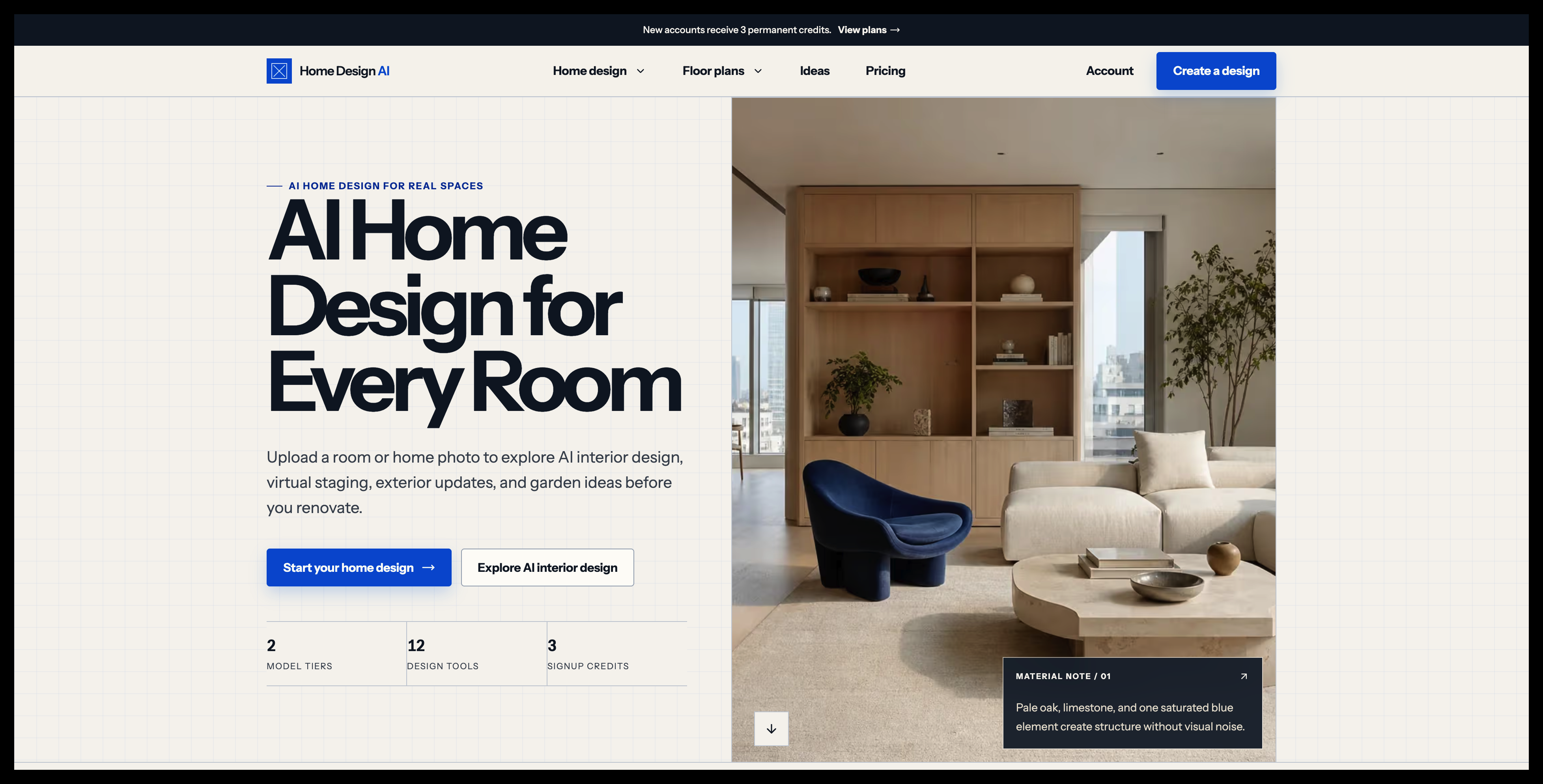
- Redesign any room instantly by uploading a single photo, with AI generating furniture placement, scale, and lighting scenarios to match your vision.
- Stage vacant properties with realistic furniture, accurate scale, and believable lighting for compelling listings or marketing visuals.
- Explore endless exterior facade materials and color schemes while preserving your home's original structure, so you choose the perfect look.
- Generate garden and landscape concepts tailored to your specific space, climate, maintenance level, and entertainment style for practical outdoor living.
- Convert hand-drawn sketches into polished, professional floor plans without any technical skills or design experience.
- Transform flat floor plans into warm, furnished 3D-style presentation images that clearly communicate scale and room relationships.
- Visualize how different lighting conditions impact your room's atmosphere, ensuring your design works in every scenario.
- Receive climate-adaptive design concepts that are both visually appealing and practical for your local weather conditions.
- Design outdoor entertainment spaces optimized for your property's layout, climate, and personal preferences.
- Keep all design projects private and secure, with your uploaded photos and concepts never shared without your permission.
Pros & Cons
Pros
- Interior and exterior design
- Virtual staging capabilities
- Furnishing visualization
- Lighting scenarios visualizations
- Garden design tools
- Landscape design helpers
- Floorplan generation
- Image-to-floorplan conversion
- 3D presentation from floorplans
- Climate-adaptive design
- Customizable concept images
- Photo upload for redesign
- Facade materials visualization
- Planting ideas generation
- Explore different scales
- Maintains original home structure
- Tailors designs to entertainment style
- Facilitates restructure of floorplans
- Clear, furnished floor plans
- Realistic scales visualization
- Preserves original architectural features
- Prospective redesign visualization
- Outdoor entertainment design
- Private workspace
- View and compare various designs
- Daylight and room adjacencies consideration
- Non-editable 3D render
- Real room or exterior photo upload
- Existing context consideration
- Private concept creation
- Preserves overall floorplan arrangement
- Sketch-to-image conversion
- Material, color, and planting ideas
- Automatic refund on model failure
Cons
- Limited output formats
- Subscription required
- No editable 3D models
- Not meant for professionals
- Requires high-quality images
- Limited architectural concept
- No blueprint creation
- Fixed output resolutions
Reviews
Rate this tool
Loading reviews...
❓ Frequently Asked Questions
The main purpose of Home Design AI is to provide users with a suite of tools to assist in redesigning the interiors and exteriors of their homes. It employs algorithms to help users visualize different design scenarios based on their input, making real-world design decisions easier and more informed.
No, you don't need any specialized skills to use Home Design AI. The platform is designed to be user-friendly and intuitive, allowing homeowners and non-professionals to easily explore different design scenarios for their homes.
Yes, Home Design AI allows users to virtually stage spaces and visualize different furniture and their scales in any given room.
Absolutely, Home Design AI assists with exterior home design as well. Users can explore different facade materials, colors, and even get planting ideas for their homes while maintaining the original structure.
In the realm of garden designing, Home Design AI provides tools that help users generate concepts tailored to their space, climate, maintenance level, and entertainment style. This ensures that the garden designs are practical and suitable for the specific conditions and preferences of the user.
Yes, Home Design AI features tools for floorplan generation. Users can use these tools to describe the spaces they require, and the AI will turn this information into a clear, furnished floor plan concept.
Yes, Home Design AI allows users to transform their sketches into polished floorplans. This includes the capability to take a hand-drawn room sketch and translate it into a more formal and polished floor plan.
In Home Design AI, the concept of 3D-style presentation images works by transforming flat floor plans into warm, furnished visualizations that communicate scale and room relationships. This helps users visualize their designs in a more realistic and comprehensible way.
Yes, Home Design AI allows its users to explore different facade materials and color schemes for their homes. The platform provides several options to choose from, helping users decide on concepts that best align with their preferences.
Home Design AI enables users to redesign their entire home using just a single photo. By uploading a photo of their home or a specific room, the AI can generate a freshly redesigned concept, including furniture placement, scales, and lighting scenarios.
Climate-adaptive design in Home Design AI works by considering the specific climate conditions while generating design concepts. This ensures that designs are not only aesthetically pleasing but also practical and suitable for the specific climate conditions.
Indeed, Home Design AI has the capability to visualize different lighting scenarios within your room. This allows you to explore how different lighting conditions would impact your design.
Home Design AI allows users to utilize the platform for virtual staging. This feature enables users to stage vacant property photography with coherent furniture, realistic scale, and believable lighting.
Yes, Home Design AI can generate design concepts tailored to your space and climate. It considers factors like space layout, climate conditions, and individual preferences to generate design concepts that are both practical and visually appealing.
Yes, in Home Design AI, you can convert floorplans into 3D-style presentation images, giving a realistic view of the home or space.
Yes, with Home Design AI, you can visualize different planting ideas for your home. It provides options that you can explore based on your preferences and the specific conditions of your home.
Yes, Home Design AI can assist in designing outdoor entertainment spaces. Its tools consider factors like space, climate, and individual preferences to come up with designs most suited to your needs.
Absolutely, Home Design AI is designed to be suitable for both interior and exterior design. It offers different tools and features aimed at providing the users with a comprehensive visual concept of both indoor and outdoor spaces.
Yes, Home Design AI can assist in virtually renovating homes. By uploading a photo of your home or a specific room, Home Design AI can generate a newly redesigned layout, allowing you to visualize ideas before taking any physical action.
Pricing
Pricing model
Free Trial
Paid options from
$9/month
Billing frequency
Monthly
Refund policy
30 Days Money Back Guarantee