Overview
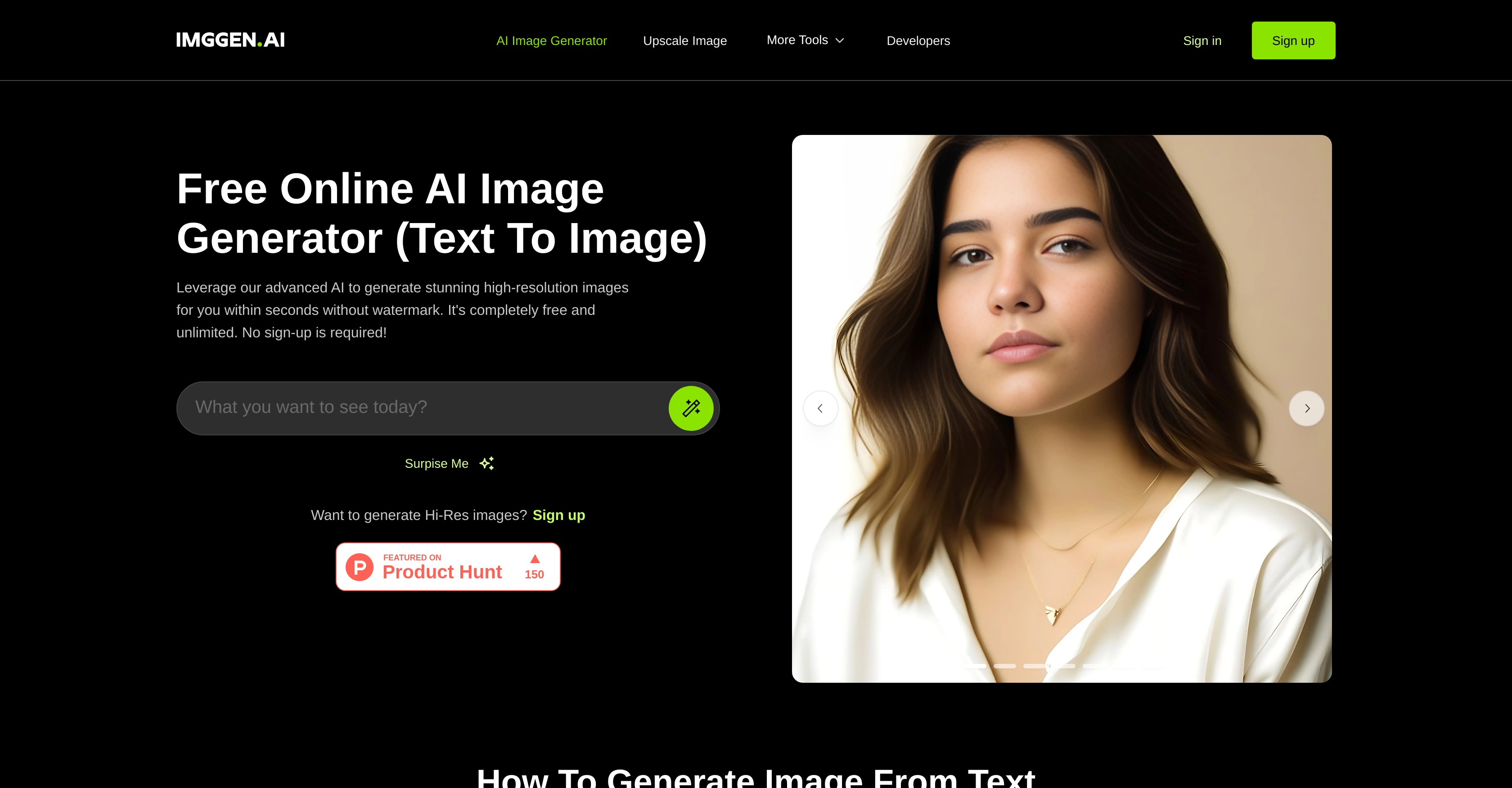
- Instantly create unique, high-resolution visuals for social media, design, or presentations from a simple text prompt, powered by AI image generation.
- Restore old photos by automatically removing scratches and blurs, bringing damaged memories back to life with AI photo restoration.
- Upscale any image to a larger size while preserving quality, perfect for enlarging graphics without losing detail.
- Correct color and lighting imbalances automatically in any photo, achieving professional-looking color correction with one click.
- Sharpen portrait and other photos for greater clarity and definition, enhancing image quality instantly.
- Download and use every generated and edited image freely with no watermarks, logos, or attribution required.
- Experiment without limits using unlimited free image generation and editing, with no subscriptions or credit cards needed.
- Start creating in seconds with an intuitive browser-based interface that requires no sign-up, login, or installation.
Pros & Cons
Pros
- Generates high-resolution images
- Text-to-image feature
- Image upscaling
- Image enhancement capabilities
- Works in browser
- No sign up needed
- Image sharpening
- Photo restoration
- Color correction tools
- Free downloads
- Watermark-free images
- Unlimited image generation
- Intuitive interface
- Minimal instruction needed
- Suitable for social posts
- Useful for graphic design
- Enhances user creativity
- Supports large image files
- No file size restriction
- Supports high resolution images
- Image unblurring feature
- Facial detail enhancement
- Image color adjustment
- Lighting correction tools
- Damage removal from photos
- Blur removal from photos
- Defect removal feature
- Old photo revival
Cons
- Limited to browser use
- No control over output
- Depends on text accuracy
- Potential image quality issues
- No sign-in can limit features
- No collaborative features
- No manual editing capabilities
- No API for integration
- Requires good internet connection
Reviews
Rate this tool
Loading reviews...
❓ Frequently Asked Questions
ImgGen AI is an online tool that utilizes artificial intelligence to generate and edit high-resolution images based on a user's text prompt. Operating fully within the browser, it requires no sign up or subscription.
ImgGen AI leverages cutting-edge AI to generate images from a user's text prompt. Users simply enter their desired text prompt, after which the AI generates a high-quality, high-resolution image corresponding to the input.
Once the image generated by ImgGen AI is ready, users can click the download button provided on the platform to save a high-resolution, watermark-free image onto their device for unlimited usage.
Yes, ImgGen AI can be used without any sign-up or subscription. It operates fully within the browser providing maximum convenience to the users.
Indeed, in addition to text-to-image capabilities, ImgGen AI offers various image enhancement features such as image upscaling, color correction, image sharpening, and restoration of old photos.
ImgGen AI is capable of various image enhancement tasks including: upscaling images to higher resolutions, performing color correction to balance color and lighting, sharpening images for greater clarity and restoring old photos by removing defects like scratches and blurs.
Yes, ImgGen AI is a free tool. It offers unlimited image generation and editing capabilities without requiring subscriptions or credit cards.
Absolutely, the images generated by ImgGen AI are watermark-free. Users can download and use the images freely without any watermarks, ImgGen logos or attributions.
Definitely, the images generated by ImgGen AI can be used in a variety of applications including but not limited to, social media posts, graphic designs, presentations, and various forms of digital content.
ImgGen AI offers an incredibly intuitive interface that simplifies AI image generation process. Users only need to provide a text prompt and engage the AI to generate high-quality images.
Yes, along with other image enhancement features, ImgGen AI has a particular feature that allows the restoration of old photos. It can remove scratches, blurs, and other defects to enhance the quality of old, damaged photos.
To generate an image with ImgGen AI, users first need to type in or paste a text prompt that describes the desired image. After providing the prompt, users click the 'Generate Image' button to engage the AI. Once the image is ready, it can be downloaded straightway for use.
ImgGen AI does not impose any restriction on the number of images users can generate and download. It supports unlimited image generation and download free of charge.
Yes, ImgGen AI has the capability to upscale images maintaining their quality. This feature enlarges the images beyond their original dimensions while preserving or even enhancing their quality.
ImgGen AI employs its advanced AI for color correction tasks. It is capable of automatically balancing color and lighting in an image, correcting colors, and fixing related issues effectively.
Yes, ImgGen AI has the functionality to sharpen images, making them clearer and more refined. This is particularly beneficial for enhancing the quality of portrait photos.
Yes, the images generated by ImgGen AI are of high resolution. They are suitable for various applications from social posts, graphic design, to large format printing.
The AI Creativity feature in ImgGen AI works by interpreting the text prompt provided by the user and translating it into a visual output. This allows users to generate original, artistic images based solely on their written descriptions.
Yes, ImgGen AI supports graphic design and social media post creation. Its high-resolution, watermark-free images can be customized to perfectly fit these and many other applications.
ImgGen AI can be leveraged to enhance creativity and user experience in numerous ways. Its straightforward interface and quick image generation from text prompts allow users to bring their creative ideas to life. Plus, given its various image enhancement capabilities, users can experiment with image upscaling, color correction, image sharpening, and restoration of old photos, leading to a more enriched user experience.
Pricing
Pricing model
Free
Paid options from
Free