
Modeinspect
Overview
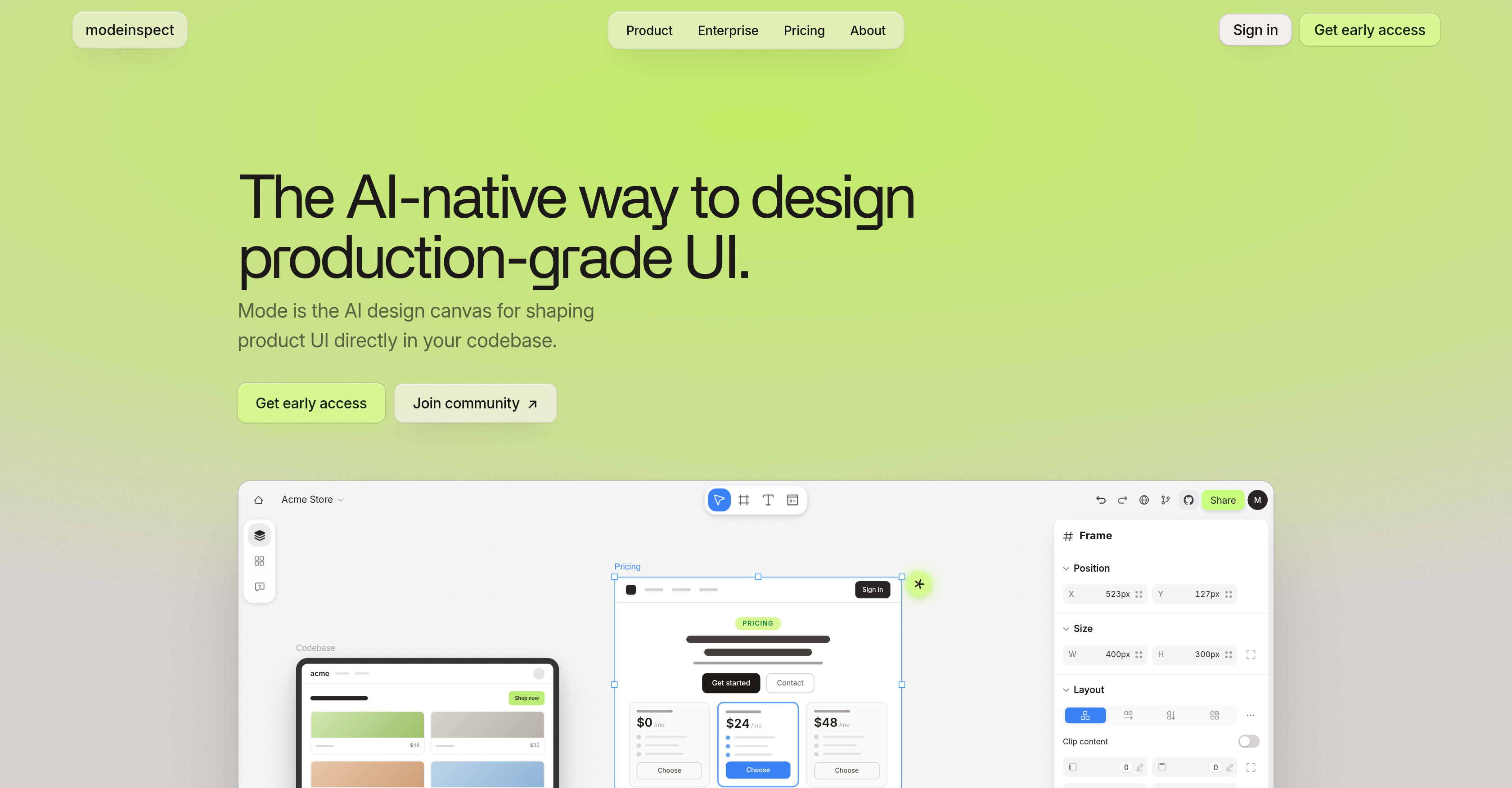
- Ship pixel-perfect UI faster by designing directly on your live codebase canvas, using actual product components with every variant and state intact.
- Eliminate throwaway mockups by pulling real elements from your product onto the canvas, preserving colors, spacing, and text styles from your design system.
- Maintain brand consistency automatically as every placed element enforces your library-defined colors, space, and text styles without manual checks.
- Achieve responsive layouts effortlessly across mobile, tablet, and desktop screens using built-in layout controls that adapt your design system to any viewport.
- Explore design variations risk-free by using AI to restyle sections, adjust copy, or apply new directions while staying in full control of the output.
- Deliver engineer-ready code that merges cleanly because Modeinspect reads your file structure, components, tokens, and conventions before writing scoped, type-safe diffs.
- Prevent UI debt by ensuring every change enforces your design system, produces clean diffs for review, and avoids introducing inconsistent or throwaway styles.
Pros & Cons
Pros
- Production-grade UI
- Design on actual codebase
- Optimized for larger screens
- Design canvas for products
- Editable canvas frames
- Visual controls for UI refinement
- Design sharing capability
- Platform for real canvas design
- Full component integration
- No throwaway mockups
- Preserves component variants
- Enforces style from library
- Automatically on-brand designs
- Optimized for mobile, tablet, desktop
- Pulls elements onto canvas
- Handles dynamic states
- Allows custom design directions
- Code easy to merge
- Conforms to user conventions
- Scoped, clean diffs for reviews
- Design system enforcement
- Type-safe changes
- Brand consistency
- Live data design support
- UI Variants configuration
- Copy adjustment feature
- Avoids UI debt
- Provides design collaboration
- Supports design review
- Offers interactive UI
- Codebase editing capability
- Supports dynamic states
- Diverse layout design
- Real components and data
- Built-in code generator
- Pulls from your components
- Adaptable to tablet design
- Engineers' choice for reviews
- Enforces color and space
- Supports dynamic states
- Creates live prototypes
- Ensures design quality assurance
- Share and review in loop
- Produces scoped, clean diffs
- Avoids parallel design system
- Enforces type-safe changes
Cons
- Optimized for larger screens only
- Depends on design system setup
- No support for smaller screens
- Requires existing codebase knowledge
- Dynamic states feature limited
- No mention of cross-browser compatibility
- No offline functionality
- Design collaboration not streamlined
- Doesn't support tool integrations
Reviews
Rate this tool
Loading reviews...
Pricing
Pricing model
No Pricing