
PlotStudio AI
Overview
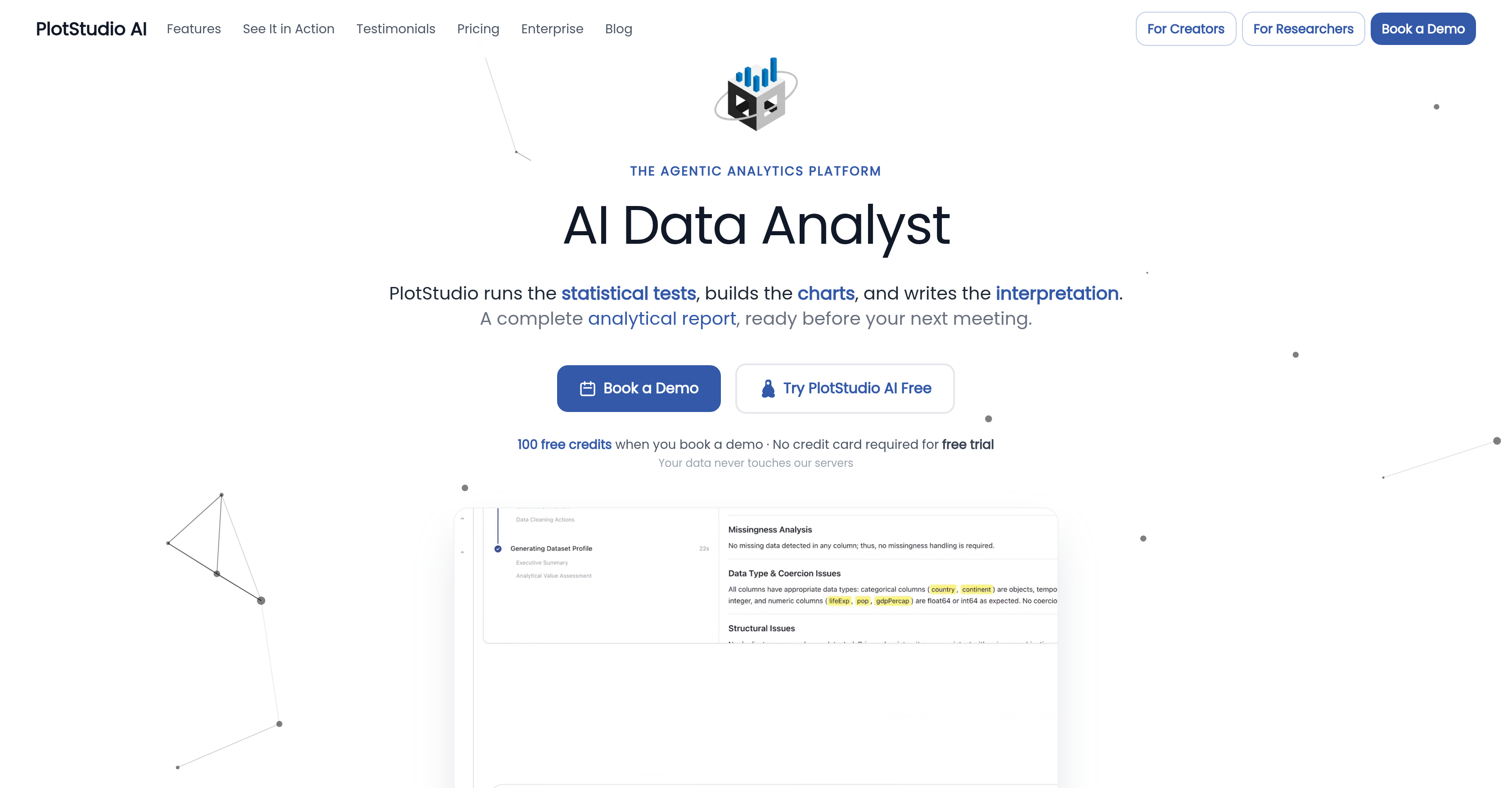
- Deliver fully transparent analytical reports your team can trust, because PlotStudio AI shows every reasoning step, code, and decision made during agentic analysis.
- Eliminate hours of manual data cleaning, as the AI instantly assesses quality, creates a cleaning plan, and executes it—detailing what to keep and why.
- Produce permanent, structured analysis pages instead of disposable chat replies, with tables, charts, and statistical tests curated into a document that builds on prior findings.
- Get domain-specific insights automatically, as the platform detects your field from the data or lets you select up to two specializations to apply appropriate methodologies.
- Maintain complete data privacy with zero server-side access, since all AI calls run directly from your machine to the model provider.
- Export fully reproducible work in PDF reports or Jupyter notebooks that include every chart, table, and line of Python code for auditing and reuse.
- Accelerate deep investigations without writing code, as the AI autonomously plans analyses, writes Python, self-corrects, and interprets results at each step.
Pros & Cons
Pros
- Immediate data quality assessment
- Transparent chain-of-thought
- Generates Python code
- Produces permanent analysis page
- Remember previous work
- Offers domain intelligence
- Adapts to two domains
- Supports twelve specializations
- Data privacy prioritized
- No access to user data
- Convenient export options
- PDF reports with charts
- Formatted tables
- Rendered LaTeX equations
- Offer Jupyter notebook export
- Reproducibility of analysis
- Autonomous execution of analytics tasks
- Different data segmentation
- Transparent reasoning and decisions
- Generates diverse analytical artefacts
- Workspace remembers past pages
- Automatic method application
- Auto-detects relevant fields
- Can upgrade to stronger models
- Call to models made directly
- User's machine to model provider
- Includes story angles creation
- Generates executive summary
- Offers specialized work approach
- In-depth investigation capability
- Real-time correction feature
- Replaces entire analytics stack
- Generates cross-analysis insights
- Offers verification mode
- Provides data lineage
- Interactive column explorer
- Rapid analyses execution
- Combines various tools in one
- Offers a free trial
Cons
- Limited to two domains
- No direct access to data
- Requires data upload for analysis
- No real-time chat support
- Could oversimplify complex data
- Assumes data quality upon upload
- Pre-determined cleaning plan
- No custom data transformation
- Auto-generated Python code only
- Relies on previous work
Reviews
Rate this tool
Loading reviews...
❓ Frequently Asked Questions
PlotStudio AI can perform various functions that traditionally require a data analyst such as data profiling, analysis, and synthesis. It conducts a swift data quality assessment upon data upload and categorizes it as 'clean', 'usable', or 'needs cleaning'. It then outlines and implements a data cleaning plan during the course of the analysis. Leak with agentic analysis, PlotStudio AI allows for an in-depth investigation, writing Python code autonomously, interpreting results, and maintaining a visible chain-of-thought at each step.
PlotStudio AI performs data profiling by immediately evaluating the quality of uploaded data. Using AI agents, it assigns a quality score categorizing the data as 'clean', 'usable', or 'needs cleaning'. From this evaluation, PlotStudio AI formulates a data cleaning plan and later executes it during the analysis phase.
The process of data assessment by PlotStudio AI begins immediately upon uploading the data. It then tags the data quality as 'clean', 'usable', or 'needs cleaning'. Based on this tagging, PlotStudio AI outlines a data cleaning plan and implements it during the analysis phase.
'Agentic analysis' is a unique characteristic of PlotStudio AI. It allows for in-depth investigations with the AI actively participating in each step of the analytical process. It includes writing Python code, executing it, interpreting results, and showing a transparent chain-of-thought throughout every step. This ultimately provides a thorough and deep understanding of the data under analysis.
In an 'agentic analysis', PlotStudio AI employs AI agents to write Python code as part of the analysis process. Lupe has the ability to decide what kind of analysis needs to be performed based on the question posed and then uses Python, a programming language widely adopted in data science, to execute the selected statistical tests and data analysis techniques.
PlotStudio AI interprets results and exhibits a chain-of-thought through its agentic analysis process. The AI performs the investigation, executes Python code, self-corrects, and interprets the results - displaying transparency at every step. This includes presenting the reasoning, code, and decisions as they occur, providing a clear overview of the AI's thought process during the analysis.
PlotStudio AI offers domain intelligence, a component that caters to specialized work. The platform identifies the user's field from their data or lets users choose up to two relevant domains from a selection of twelve specializations. This enables the application of suitable domain-specific methods during the analysis process.
When PlotStudio AI says it detects your field from your data, it means that the AI can identify the specific domain or industry relevant to the data you have uploaded. This automatic field detection capacity allows the AI to apply the appropriate domain-specific methods during data analysis.
PlotStudio AI ensures data privacy by not having any access to the user's data. The AI operates directly on the user's machine and does not store or have any form of access to the data. For enterprise teams, there is an option to connect their Azure OpenAI instance for full data sovereignty.
PlotStudio AI offers convenient options to export findings. Users can generate PDF reports complete with embedded charts, formatted tables, and rendered LaTeX equations. There is also an option to export as a Jupyter notebook for full work reproducibility.
Yes, with PlotStudio AI, you can generate PDF reports that include embedded charts, formatted tables, and rendered LaTeX equations. These reports provide a comprehensive overview of the data analysis undertaken, presenting findings in an easy-to-understand and visually appealing manner.
Yes, PlotStudio AI provides an option to export the results as a Jupyter notebook. This facilitates complete reproducibility of the work, enhancing transparency and making the process understandable and repeatable by others.
PlotStudio AI generates a permanent analysis page for each question input. It compiles tables, charts, statistical tests, and interpretations in a structured document. This analytical workspace retains each page, allowing for cumulative knowledge building on previous work.
Yes, PlotStudio AI offers the feature of embedding tables, charts, and LaTeX equations in the reports. This integration allows for a comprehensive and well-structured analysis report that is visually expressive and comprehensible for the users.
Yes, PlotStudio AI possesses the ability to conduct statistical tests. It uses AI agents to perform these tests as part of its agentic analysis. By doing so, it acts as a robust tool, delivering analytic insights and findings in a cohesive report.
PlotStudio AI has incorporated a learning system that builds on its previous work. It keeps record of every analysis page and builds new work on these prior findings. This means that the analytical workspace remembers each page, creating a systematic approach towards cumulative knowledge building.
Domain specialization in PlotStudio AI refers to the tool's ability to conduct specialized work in a selected field. PlotStudio AI can auto-detect the field from the user's data or allow users to pick up to two relevant domains from a list of twelve specializations. By doing so, it applies the appropriate methodologies unique to these domains.
Upon uploading data, PlotStudio AI carries out an immediate assessment of its quality. It then classifies the data under one of three categories: 'clean', 'usable', or 'needs cleaning'. This classification serves as the basis for PlotStudio AI's data cleaning plan set forth for the analysis.
Yes, PlotStudio AI offers a feature that allows users to select up to two relevant domains from a list of twelve specializations. This feature is part of the platform's domain intelligence, enabling the application of suitable methods based on the selected specialisation for a more accurate and in-depth analysis.
The data cleaning plan outlined by PlotStudio is determined from the assessment of the uploaded data's quality. Based on whether the data is labelled as 'clean', 'usable', or 'needs cleaning', PlotStudio designs a plan that specifies what data needs to be dropped or preserved. It then executes this plan during the analysis phase, ensuring the data used is optimized for generating accurate insights.
PlotStudio AI is an advanced analytics platform that leverages artificial intelligence to transform raw data into comprehensive analytical reports. This agentic analytics platform allows users to upload diverse data, evaluates the quality of the data, and then creates data strategies that include cleaning and analysis. The AI writes Python code, executes the plan, and interprets the results, providing a transparent chain of thought at each step.
PlotStudio AI can perform tasks like data profiling, analysis, synthesis, and data cleaning. It can also write Python codes, interpret results, generate permanent analysis pages, carry out domain-specific analysis with domain intelligence, and handle data privacy by keeping users' data inaccessible. It can export findings in a variety of formats and offers comprehensive solutions for data transformation, data segmentation, automated report generation, data interpretations, model upgrades, and insights generation.
PlotStudio AI assesses the quality of uploaded data by evaluating and categorizing it as 'clean', 'usable', or 'needs cleaning'. It makes this assessment immediately upon data upload.
Agentic Analysis in PlotStudio AI refers to the process where AI agents plan the investigation, write Python code, execute the plan, and interpret the results. It is unique in that it provides a transparent chain-of-thought at each step, allowing users to see the AI's reasoning, code, and decisions.
PlotStudio AI delivers a permanent analysis page that amalgamates tables, charts, statistical tests and interpretations into a structured document. This analytical workspace remembers each page, building on previous work.
PlotStudio AI handles specialized work through its Domain Intelligence feature. It auto-detects the relevant fields from the user's data or allows users to select up to two relevant domains from twelve specializations. The tool then applies the appropriate methodologies and upgrades to stronger models when necessary.
PlotStudio AI prioritizes data privacy by never accessing, storing, or seeing user data. AI calls are made directly from the user's machine to the model provider, providing an additional layer of security for sensitive information.
Findings from PlotStudio AI can be seamlessly exported as PDF reports with embedded charts, formatted tables, and rendered LaTeX equations, as well as in a Jupyter notebook. This enables easy sharing of findings and ensures full reproducibility of the analysis.
PlotStudio AI has a unique approach to data cleaning in which the AI, upon assessing the data quality, outlines a data cleaning plan. The AI determines what to discard and what to retain and provides reasoning for each decision. Then it executes this cleaning plan during the analysis.
PlotStudio AI utilizes Python code in planning and performing the investigations. It writes the Python program itself to implement the data analysis plan, execute it, and then corrects and interprets the results.
PlotStudio AI generates permanent analysis pages that serve as structured documents, curating tables, charts, statistical tests, and interpretations. Instead of short-lived chat replies, these analysis pages provide lasting records of the AI's work, which allow continued building on previous findings.
Users can choose from twelve unique domains or areas of specialization in PlotStudio AI. The AI can either auto-detect the relevant domains from the data, or the user has the option to select up to two appropriate domains.
Transparency in PlotStudio AI is crucial as it provides users a clear understanding of each step in the analysis, including the reasoning, code and decisions made by the AI. This fosters trust and allows users to follow along with the AI's thought process.
The structured document in PlotStudio AI, also known as an analysis page, serves as a comprehensive record of the AI's analysis. It includes tables, charts, statistical tests, and interpretations, all curated and organized in a logically structured manner. This allows for easy review and understanding of the analysis conducted.
In PlotStudio AI, model upgrades occur as part of its Domain Intelligence feature. When domain expertise is necessary, the tool automatically upgrades to stronger, more applicable models.
PlotStudio AI allows user-friendly export options. You can export complete analytical findings as a fully formatted PDF report with embedded charts, tables, and rendered LaTeX equations, or as a Jupyter notebook that includes all code and output for full reproducibility.
PlotStudio AI supports data segmentation as part of its analysis process. This allows for various subsets of data to be analyzed independently, providing more specific, detailed, and relevant insights.
Yes, PlotStudio AI can generate executive summaries. These summaries provide broad overviews of analysis work, offering high-level insights and conclusions.
When it is said that PlotStudio AI 'writes Python', it means the AI itself formulates the Python code necessary to conduct the analysis steps. It also executes and interprets these Python codes, providing a level of automation and efficiency.
PlotStudio AI ensures reproducibility of tasks by recording all steps of the analysis process in a permanent analysis page. Analyses can be exported as Jupyter notebooks which include all code and output. This element of reproducibility is essential for auditing, troubleshooting, and building upon previous work.
Pricing
Pricing model
Free Trial
Paid options from
$58.33/month
Billing frequency
Monthly
Related Videos
PlotStudio AI Walkthrough | Agentic Analytics in Action
AR5 Labs•14 views•May 20, 2026