Riverside - YouTube Thumbnail Generator
Overview
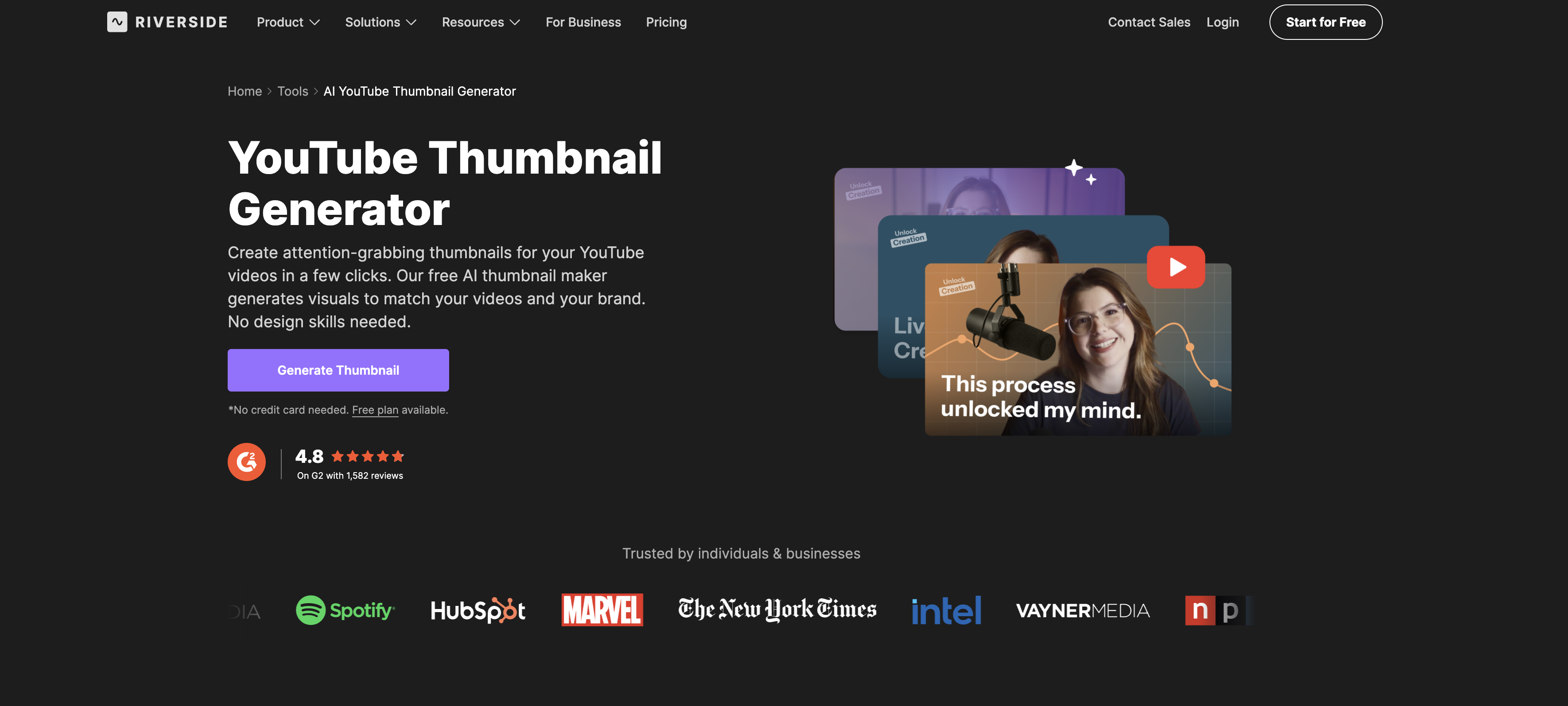
- Get professional, click-worthy thumbnails without hiring a designer using an AI that crafts visuals from your video title or link.
- Ensure every thumbnail perfectly fits YouTube's requirements with automatic sizing to the ideal aspect ratio and resolution.
- Maintain consistent brand identity by selecting a visual style that the AI applies to all your generated thumbnails.
- Create uniquely personal thumbnails by uploading your own face or key visuals for the AI to incorporate into the design.
- Instantly refine your thumbnail with a built-in editor for final tweaks before downloading in high resolution.
- Publish faster by downloading your optimized thumbnail and uploading it directly to your YouTube video.
Pros & Cons
Pros
- Free tool
- No design skills required
- Automatically analyzes video content
- Brand alignment options
- High-resolution thumbnails
- Optimal aspect ratio
- User-controlled final tweaks
- In-tool editor
- Personalized design options
- Automated thumbnail creation
- 4K recording and livestream
- Automatic transcripts
- Perfectly sized for YouTube
- No signup required
- Insert video link or title
- Optional image upload
- Include user's face in thumbnail
- Enhances YouTube performance
- Capture and repurpose podcast content
- Transforms webinars into YouTube content
- Creates professional look for beginners
- Offers integrated content workflow
- Produces YouTube ready thumbnails
- Thumbnail style options
- Generates visuals matching videos and brand
- One-click export and upload
- Thumbnail refinements with prompts
- Creates as many thumbnails as needed
- Thumbnail creator for various content creators
- Complies with YouTube content policies
- Enhances YouTube rankings with catchy thumbnails
- Face-centric or scene-centric thumbnails
- Fast thumbnail generation
- Sharp, professional thumbnails
- Generates high-quality visuals
- Compatibility with existing content workflows
- User-friendly thumbnail generator
- Thumbnail generator for video marketing
- Create various thumbnail styles
- Generate thumbnails from recordings
- Quality asset generation
- Chat-based editor
Cons
- No API
- No offline mode
- Binary only, closed source
- Limited thumbnail styles
- No multi-language support
- No multi-platform support
- No custom aspect ratios
- No batch thumbnail generation
- Limited personalization options
- Cannot edit past designs
Reviews
Rate this tool
Loading reviews...
❓ Frequently Asked Questions
Riverside's AI YouTube Thumbnail Generator operates by having users input their video details such as video title or link. This helps the AI understand the content of the video. Users then select a thumbnail style that aligns with their brand's aesthetic. If an image is needed, users can upload one for inclusion in the final thumbnail. The AI swiftly generates a thumbnail in high resolution, ideal for YouTube's aspect ratio and resolution.
To use Riverside's AI YouTube Thumbnail Generator, no specific skills or experiences are required. Users simply need their video details such as a link or the video title for the AI to understand the content of the video.
The AI in Riverside's AI YouTube Thumbnail Generator understands the content of the video based on the video details provided by the user such as a video title or a link. It uses this to craft a representative thumbnail.
The key features of Riverside's AI YouTube Thumbnail Generator include: easy-to-use interface that doesn't require design skills, compatibility with the user's own images, automatic thumbnail generation in high resolution, direct upload capacity to YouTube, control over the final edit using built-in editor, option for personalization with user's own face or visuals, and automatic sizing to YouTube's ideal aspect ratio and resolution.
Yes, the Riverside's AI YouTube Thumbnail Generator gives users the option to upload their own image for inclusion in the final thumbnail.
The thumbnails generated by Riverside's AI YouTube Thumbnail Generator can be downloaded in high resolution, optimized for YouTube.
Yes, the thumbnails generated by Riverside's AI YouTube Thumbnail Generator can be directly uploaded to YouTube.
Riverside's AI YouTube Thumbnail Generator automatically sizes the generated thumbnails to the ideal aspect ratio and resolution for YouTube. This eliminates the need for the user to manually resize or adjust the thumbnails.
Yes, Riverside's AI YouTube Thumbnail Generator comes with a built-in editor that allows users to tweak the look of the final thumbnail as per their requirements.
In Riverside's AI YouTube Thumbnail Generator, users can personalize their thumbnails by inputting their video details, selecting a thumbnail style that matches their brand aesthetic, and uploading an image if desired. This includes the possibility to upload their own face as the image, making the thumbnail truly unique and personalized.
Apart from just creating thumbnails, Riverside offers services like the ability to record and live stream in 4K, faster editing with AI, automatic transcripts, and more.
Yes, Riverside's AI YouTube Thumbnail Generator allows users to create a personalized design using their own face or key visuals.
Riverside's AI YouTube Thumbnail Generator understands a brand's aesthetic based on the thumbnail style selected by the user. It uses this to ensure that the generated thumbnails are on-brand throughout the design process.
Other AI features provided by Riverside include faster video editing, automatic transcript creation, live streaming capabilities, on-brand visual creation, and more.
While it's not explicitly mentioned, the broader feature set of Riverside includes automatic transcripts. However, it doesn't state whether the AI YouTube Thumbnail Generator uses speech recognition.
Yes, Riverside offers users the ability to record and live stream videos in 4K resolution.
With Riverside's AI YouTube Thumbnail Generator, automated thumbnail creation works by entering in the video details such as a video title or a link. Users then select a thumbnail style, and if needed, upload an image. The AI then quickly generates a thumbnail that meets YouTube's aspect ratio and resolution requirements.
Yes, Riverside's AI YouTube Thumbnail Generator is very user-friendly and requires zero design skills or experience. It operates by taking user input for the video details, thumbnail style, and an optional image and then generates their required thumbnail.
While Riverside's AI YouTube Thumbnail Generator automatically sizes the thumbnails to YouTube's ideal aspect ratio and resolution, users are given the control to tweak the final look of the thumbnails through a built-in editor.
Yes, Riverside's AI YouTube Thumbnail Generator tool is free to use for generating appealing, on-brand thumbnails for YouTube videos.
Pricing
Pricing model
Free Trial
Paid options from
$24/month
Billing frequency
Monthly
Related Videos
Create Polished THUMBNAILS in Riverside with AI Co-Creator
Cristi Cotovan•285 views•Feb 26, 2026