
Overview
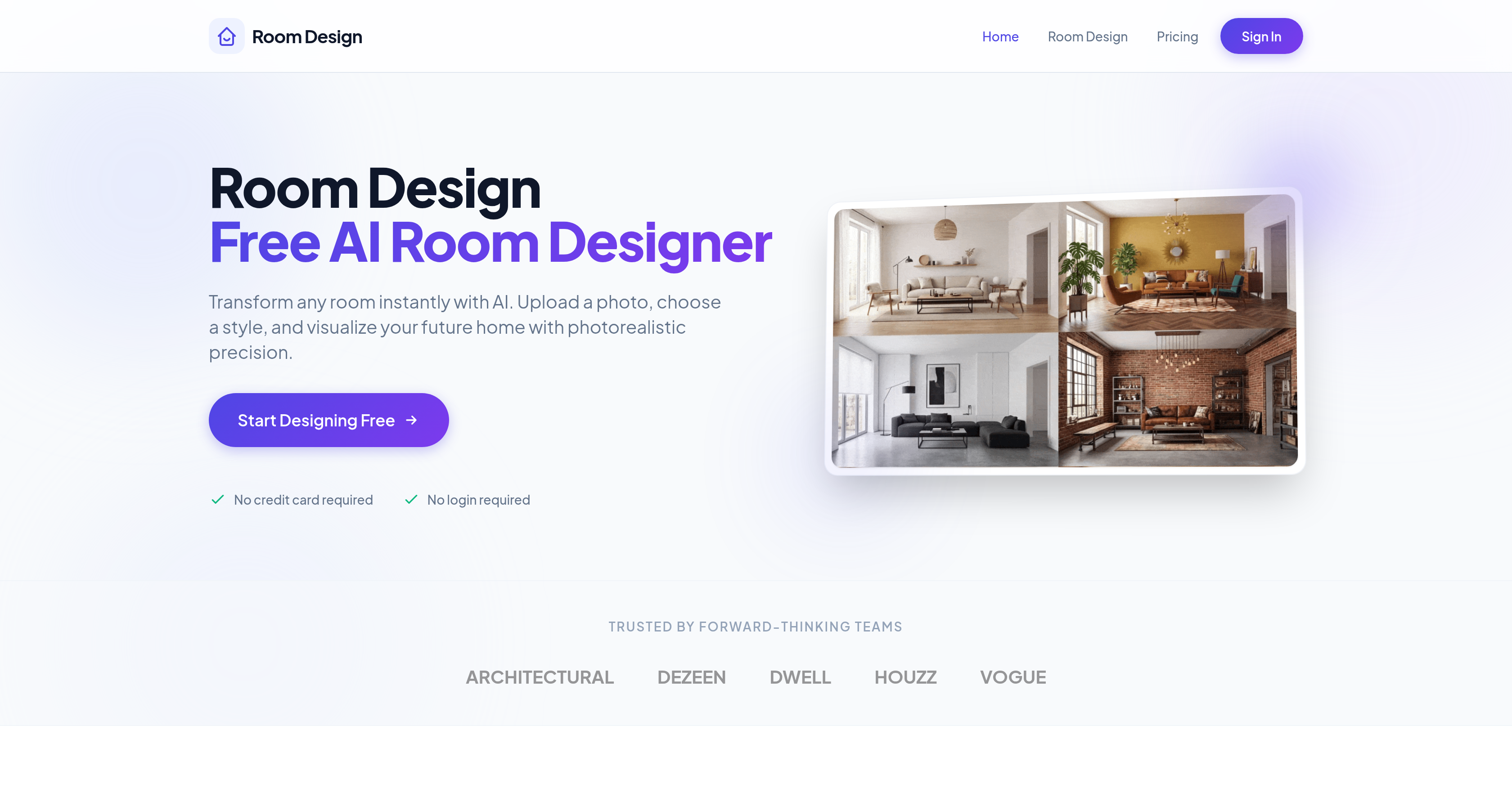
- See your room transformed in any of 30+ professional styles in under 2 seconds, using AI to generate photorealistic 4K visualizations without any signup
- Make confident renovation decisions by virtually redesigning walls, floors, and furnishings with pixel-perfect accuracy before any physical changes
- Achieve a cohesive interior design with smart furniture matching algorithms that suggest combinations tailored to your room's layout and chosen style
- Enhance room harmony and depth with intelligent, personalized recommendations for wall colors, flooring, and lighting setups
- Refine specific elements like swapping sofas or updating lighting while keeping the rest of your design intact, allowing for precise customization
- Access professional-grade visualization trusted by architectural teams, generating up to 5 free designs daily to explore different aesthetics
Pros & Cons
Pros
- Free to use
- 30+ professional styles
- Upload photo functionality
- Instant visualization
- Furniture matching algorithms
- Intelligent color suggestions
- Intelligent lighting suggestions
- Manual room adjustment
- 4K render quality
- No signup required
- Fast transformation of photos
- Furniture combination suggestions
- Automatic layout optimization
- Pixel-perfect consistency
- Allows material modification
- Dynamic lighting simulation
- Smart palette generation
- Structural-aware modifications
- Versatility in changes
- Trusted by professional teams
- Workflow in seconds
- 1M+ rooms redesigned
- 50k+ happy designers
- Styles range widely
- Style curator feature
- Offers virtual home improvements
- Wall, floor, furnishing redesign
- No credit card required
- 5 free generations daily
- High app store rating
- Supports modern minimalism style
- Supports Scandinavian style
- Visual style modification feature
- Design preview feature
- Homeowners assistant feature
- Can be used by professionals
- Single click operation
- Personalized recommendations
- Photorealistic precision
- User friendly interface
- Detailed room analysis
- Ability to define vision
- Renders in seconds
- Allows download and share
- Efficient room styling
- Space transforming capability
- Design teams friendly
- Can update selective parts
Cons
- Limited to 30 styles
- No sign-up might limit personalization
- Dependent on quality of uploaded photo
- Limited changes without manual adjustment
- Suggestions might not match user taste
- No verification for suggested furniture availability
- Lacks real-time design collaboration feature
- Limited to 5 free generations daily
- Doesn't support multi-room design
- Lack of application on mobile devices
Reviews
Rate this tool
Loading reviews...
❓ Frequently Asked Questions
Room Design is a free AI-powered tool created to assist with interior design tasks. Its primary role is to help users virtually transform their physical spaces and envision their rooms in various styles.
Room Design operates by having users upload a photo of their room and select a style preference. The tool then utilizes machine learning algorithms to visualize the room with detailed accuracy to reflect the chosen style, remodeling wall structures, floors, and furniture to bring a new perspective to the room.
Room Design can simulate over 30 professional styles. These range from modern minimalism to Scandinavian, providing users a broad spectrum of aesthetic interpretations for their rooms.
Room Design's visualization maintains pixel-perfect consistency, indication that the tool replicates the selected aesthetic with photorealistic precision. It's a highly accurate tool for users to visualize different styles for their rooms.
Room Design can make a variety of changes to rooms, from repainting walls to updating lighting, swapping sofas, and overall room improvements. The tool maintains a versatile in offering changes while maintaining consistency in the visual output.
Room Design uses smart furniture matching algorithms. These algorithms propose furniture combinations that complement the room layout and chosen design style.
Room Design can work with any room layout by tailoring furniture combinations and remodeling the room to bring a cohesive and balanced interior effortlessly.
Yes, Room Design offers intelligent color and lighting suggestions. Users of Room Design receive personalized recommendations for flooring, wall colors, and lighting setups to enhance the harmony, depth, and atmosphere in their rooms.
Room Design's usage involves a simple three-step process: upload a photograph or existing image, choose a preset style or describe your vision, and receive stunning 4K renders within seconds.
No, Room Design does not require any signup or login, making it an accessible tool for all users seeking to transform their interior spaces.
Room Design is primarily used by innovative architectural and design teams as well as homeowners. These users utilize Room Design's AI capabilities to swiftly turn room photos into visually striking renders.
Room Design can generate a visualization in less than two seconds, providing a swift solution for homeowners and professional designers to visualize different styles within the room.
Yes, Room Design can be used for professional design purposes. It is trusted by forward-thinking architectural and design teams, making it a valuable tool for professionals in interior design, architecture, and related fields.
Room Design employs sophisticated machine learning algorithms for interior design. These algorithms apply smart furniture matching techniques, redesign the room's structures including walls, floors, and furnishings, and also generate intelligent color and lighting recommendations to bring harmony and depth to space.
Yes, Room Design is well-suited for total room renovation. The tool can virtually renovate and stage your room, redesigning walls, floors and furnishings to give old spaces a fresh new feel.
Room Design can be used to redesign any room. From living rooms to bedrooms to offices, the tool's virtual renovation capabilities and visual precision make it suitable to redesign any type of room.
Yes, Room Design has the capability to suggest changes to wall and floor designs. The AI-driven tool can reimagine how your room would look post-renovation by redesigning walls, floors, and furnishings to give your space a novel ambiance.
Yes, Room Design is compatible with a wide range of design styles including modern minimalism and Scandinavian. These are among the 30+ professional styles that the tool can accurately simulate.
Yes, Room Design is a free tool. Users can access its AI-powered features without any charges and visualize their future home with photorealistic precision.
Room Design offers over 30 different professional style options that users can incorporate into their designs. This provides a diverse range of aesthetics to suit differing design preferences.
Room Design offers over 30 professionally curated styles to users. These styles range from modern minimalism to cozy Scandinavian.
Room Design utilizes sophisticated machine learning algorithms to virtually redesign walls, floors, and furnishings to match the chosen style. Additionally, it uses AI for smart furniture matching, suggesting suitable combinations that align with the room's layout and the chosen style. It also uses AI for intelligent color and lighting suggestions.
Room Design's smart furniture matching algorithm offers curated furniture combinations tailored to the room's layout and the chosen style. This helps in creating a well-coordinated and balanced interior.
Room Design provides color and lighting suggestions based on smart algorithms. These algorithms create recommendations for flooring, wall colors, and lighting arrangements designed to create harmony, depth, and atmosphere in the room.
Yes, Room Design can be used without any prerequisite signup.
Room Design can benefit a wide range of users, including homeowners, interior designers, and design teams. Essentially, anyone looking to visualize new or restyled rooms with precision and efficiency can make good use of this tool.
Room Design transforms your room photograph swiftly. The exact time taken, namely, the generation time is less than 2 seconds.
Yes, Room Design allows users to manually adjust specific parts of their rooms, such as swapping sofas and updating lighting, while maintaining the rest of the room design.
Room Design's output is of high quality. It delivers room designs in 4K resolution.
Yes, Room Design allows users to modify materials within their rooms. They can change walls, floors, and furnishings for an updated look.
Yes, Room Design offers personalized recommendations for wall colors and lighting to create harmony, depth, and atmosphere in your rooms.
Yes, Room Design is suitable for professional designers and architects. It is trusted by forward-thinking architectural and design teams.
Room Design holds a strong reputation with more than a million rooms redesigned and 50,000 satisfied designers. It also boasts an impressive App Store rating of 4.9.
Yes, with Room Design, you can update any part of your room as per your wish. For instance, you can swap sofas, repaint walls, or update lighting while keeping the rest of your room perfectly intact.
Room Design assists homeowners by providing a platform to visualize their rooms in different styles and make suitable changes. Homeowners can choose different styles, modify materials, receive intelligent furniture and color suggestions, and see high-quality renders of their transformed rooms.
Room Design can perform a variety of transformations, ranging from wall and floor redesigns to furniture swaps and updates. It essentially provides a virtual renovation stage, allowing you to see how your room could look in different styles.
Yes, it is free to use Room Design. The platform does not require any credit card information for use.
Yes, there is a limit to how many times Room Design can be used for free per day. Users can generate up to 5 new designs daily for free.
Pricing
Pricing model
Free Trial
Paid options from
$12/year
Billing frequency
Yearly
Refund policy
No Refunds