SayTxT by PDFgear
Overview
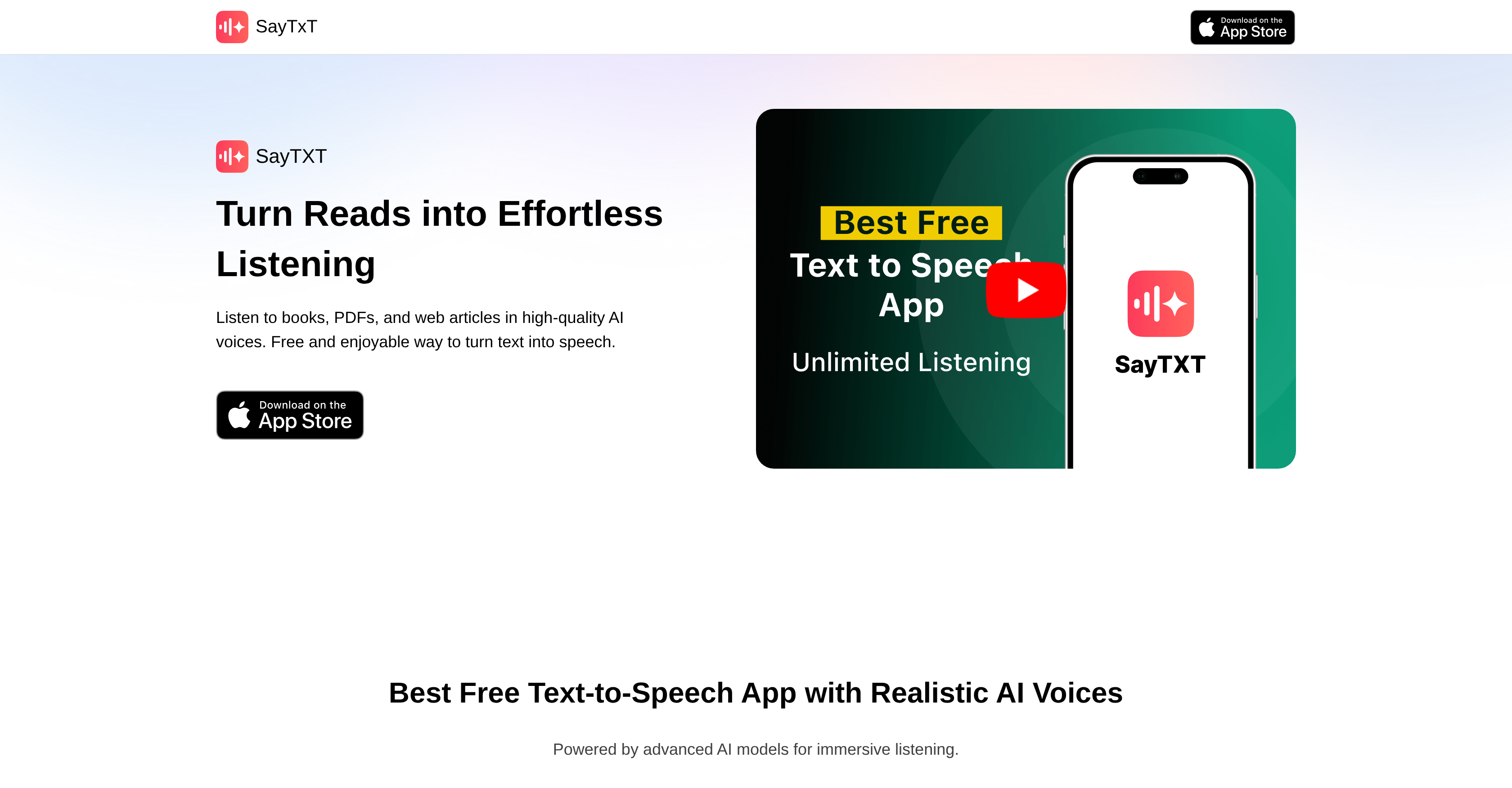
- Listen to any document or web article hands-free with premium, natural-sounding AI voices that make long-form content effortless to absorb.
- Save any text as an audio file for offline listening or sharing, so your books and articles are always accessible without an internet connection.
- Navigate complex material interactively by tapping text to jump in the audio, with instant dictionary lookup and translation to deepen your understanding.
- Set a timer for automatic audio stoppage, perfect for falling asleep to a book or managing your listening time without interruption.
- Capture text from physical books using the dedicated book scanning mode with OCR, turning your printed library into a personal audiobook collection.
- Choose between a standard mode for efficient background listening and an enhanced mode for immersive, high-quality audio when you want to focus.
Pros & Cons
Pros
- Completely free, no subscription
- No ads or interruptions
- No Sign-up Required
- No usage or character limits
- Supports text, PDF, URL, scanner input
- Works instantly without setup
- Reading speed adjustment
- Fast content-to-audio conversion
- Built-in OCR functionality
- Multiple languages supported
- Suitable for multitasking listening
- Unlimited text-to-speech
- Natural Voice Sound
- Adjustable speech speed
- Includes sleep timer
- Exports .m4a files
- No hidden fees
- Easily shareable audio files
Cons
- Only available on iOS
- Limited voice variety
- No cloud sync support
- No voice cloning features
- iOS background limitations
Reviews
Rate this tool
Loading reviews...
❓ Frequently Asked Questions
SayTxT is a free text-to-speech application that functions as a voice reader for various text formats. It uses advanced artificial intelligence (AI) generated voices to convert these text formats into natural sounding audio.
SayTxT supports various text formats including eBooks, PDFs, and web articles.
No, SayTxT does not require any signup or subscription to use.
The main features of SayTxT are its high-quality AI-powered voice reader, customizable reading speed, timer function, and the capability to convert and save listening content into audio files for offline listening or sharing.
SayTxT provides premium voice quality with clear and natural sounds designed for comfortable listening. Users can choose between standard mode for long background listening sessions, and enhanced mode for a more immersive audio quality.
SayTxT uses advanced AI to generate voices. These AI-generated voices sound natural and are designed for turning text into comfortable and effortless auditory experiences.
Yes, in SayTxT you can swiftly adjust the reading speed to match your comfort or preference.
Yes, SayTxT has a timer feature that allows for automatic audio stoppage.
Yes, SayTxT allows you to convert and save the listening content into audio files for offline listening or sharing.
Yes, offline listening is possible with SayTxT as it allows one to save the converted text-to-speech content into audio files.
With SayTxT, the standard mode is designed for long listening sessions in the background, while the enhanced mode provides a higher audio quality for a more immersive experience.
SayTxT can be useful in education or disability assistance as it turns text into speech, facilitating easier access to written content for individuals with reading difficulties or visual impairments.
No, SayTxT does not have any usage limitations, hidden fees, subscriptions, or caps. It is offered for free with unlimited text-to-speech features.
Yes, you can use SayTxT for long background listening sessions. Its standard mode is designed specifically for this purpose.
SayTxT offers an automatic audio stop feature. A timer can be set for the audio to stop exactly when you want.
Yes, the audios converted from text-to-speech using SayTxT can be shared as they can be converted and saved as audio files.
Yes, SayTxT has a feature that offers voice clarity. It boasts premium voice quality that offers clear and natural sounds.
Yes, SayTxT offers the feature to convert text from web articles into natural-sounding audio using advanced AI voices.
To convert eBooks into audio using SayTxT, you simply need to input the eBook text into the application. The AI-powered tool will then convert the text into high-quality, natural sounding audio.
Yes, you can use SayTxT for listening to PDFs. It supports PDFs as one of the text formats, turning the text into speech using its advanced AI-generated voices.
Pricing
Pricing model
Free
Paid options from
Free
Related Videos
Free PDF to MP3 Converter on iPhone #tts
PDFgear•565 views•Apr 2, 2026