Overview
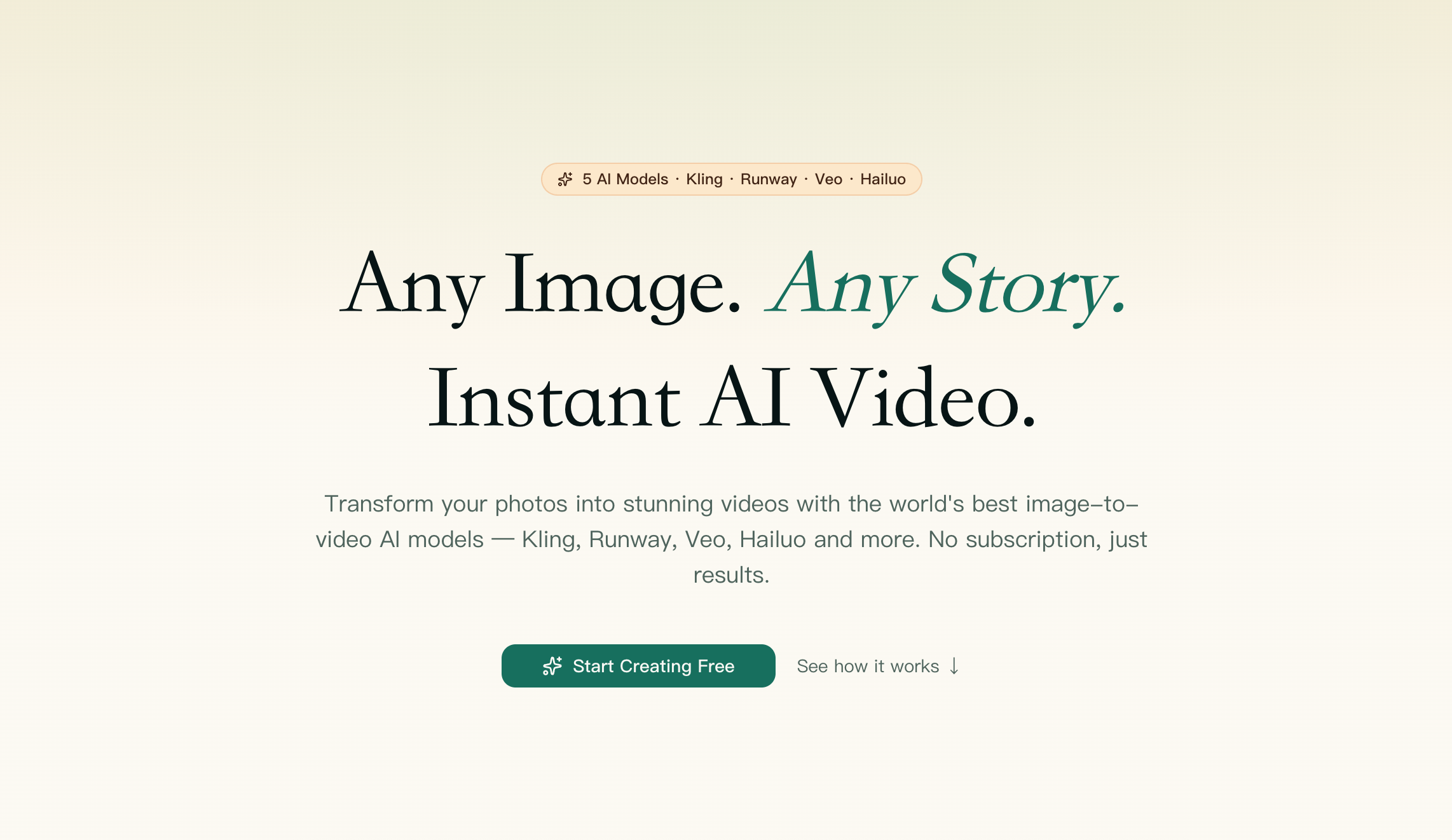
- Create professional videos from a single image or text prompt in under a minute, using top-tier AI models like Kling, Runway, and Seedance without juggling multiple platforms
- Choose the best AI engine for each project by comparing costs upfront across Seedance, Kling, Runway Gen-4, Hailuo, and Veo, then generate with one click
- Turn product photos into shop-ready promotional videos with a dedicated tool, eliminating the need to learn complex model settings for ecommerce content
- Animate pet photos into natural, adorable videos using a guided workflow designed specifically for bringing static pet images to life
- Generate talking-head videos for LinkedIn or social media without navigating model settings, using a pre-configured workflow for professional personal branding
- Start creating immediately with 300 free credits on sign-up and pay-as-you-go pricing from $0.005 per credit, with no subscription required
- Access generated videos permanently from the cloud dashboard, ensuring your content is never lost or unavailable when you need it
Pros & Cons
Pros
- Converts both images and text
- Serves individual and commercial users
- Pay-as-you-go business model
- Fast video generation
- Permanent cloud storage
- Diverse use-case offerings
- No subscription requirement
- Product promotional video capability
- Pet animation video capability
- User guidance and insights
- Versatile due to diverse models
- Quick video turnaround (~60 seconds)
- Multiple model availability (Kling, Runway, Hailuo, Veo, Seedance 2)
- Optimized tools for specific cases
- Image-to-video transformation
- Text-to-video transformation
- Kling usage for product imagery
- Veo usage for text animation
- Quality as per advanced models
- Creation process accessible to users
- Unlimited video storage
- Single platform for leading models
- No surprise cost calculations
- Under-a-minute results generation
- Functional across different use cases
- Facilitates product promotion via videos
- Animate pet photos
- Informative about image-to-text process
- Exact cost visibility pre-generation
- Serves as a comprehensive system
- Leading model consolidation
- Versatility with model selection
- Professional promotional video production
- Effortless idea/story visualization
- No 14-day expiry limitation
- Permanent video availability
- Real-time model performance view
- Direct user engagement with models
- Commercial usability of videos
- Real video generation demonstrations
- All-inclusive image-to-video tutorial
- Pre-configured tools for inexperienced users
- Market insight provision in real-time
- Accessible on sign up
- Free credits on signup
- Use individual or all models
Cons
- Pay-per-use model
- Limited image formats supported
- Limited models provided
- Doesn't specify video resolutions
- No offline availability
- Limited pre-configured tools
- Doesn't support batch processing
- Ambiguous pricing structure
- No API provided
- No free trial option
Reviews
Rate this tool
Loading reviews...
❓ Frequently Asked Questions
Shotra is an advanced artificial intelligence platform that specializes in converting images and text into dynamic videos.
Shotra uses several top-tier AI models for video generation. These include Kling, Runway, Veo, Hailuo, and Seedance 2.
Shotra uses state-of-the-art AI models to transform a variety of image types into high-quality, dynamic videos. By employing these AI models, it can turn static images into visually engaging videos.
Yes, Shotra can convert text into video content, thereby expanding the range of creative possibilities. If a creator has text that they wish to transform into a visual format, Shotra can readily facilitate this process.
Shotra caters to both individual creators and commercial users. It provides a flexible platform that is suitable for a range of users, whether you are a solo content creator or a business seeking to generate promotional material.
No subscription is required to use Shotra. Users are charged based on the amount of video they generate, providing cost-effective video creation for both casual and power users.
Yes, videos can be created rapidly using Shotra. The video creation process is quick, with most generations being completed in less than a minute.
Yes, Shotra offers permanent storage of your videos in the cloud. This means that you will always have access to your video content, unlike some platforms, which provide limited-term storage.
Shotra offers pre-configured tools for different use cases such as a product video maker and a pet video maker. This makes it useful for a wide variety of applications, from promotional material to personal projects.
Yes, Shotra has a specific tool designed to turn product photos into professional promotional videos. This tool makes it easy for businesses to turn their product images into compelling videos for marketing or promotional purposes.
Yes, Shotra has a pet video maker tool that can animate pet photos. This tool can bring static images of pets to life by using AI to generate a video.
To create videos using Shotra, you first pick an AI model. Next, you upload your image or text. After that, Shotra's AI processes your input and in about a minute, you get your video.
Shotra offers 300 free credits on sign up. This allows users to try out the platform and its features to see if it meets their requirements.
Shotra supports JPEG, PNG, and WebP file formats. Users can upload these types of files for conversion into videos.
Shotra provides access to multiple AI models in one place. However, the user has to choose the best image-to-video AI model for their individual task.
The cost for generating a video with Shotra starts from $0.005 per credit, with the exact cost visible before hitting the generate button.
Based on the information available, Shotra does not appear to have specific restrictions on the commercial use of the videos generated on its platform.
Shotra can be used for storytelling by converting narrative text into engaging video content. This way, a story is not just told but shown, adding a visual dynamic to the narrative.
Videos generated by Shotra are of high-quality. The AI models used by Shotra are capable of transforming various types of images into dynamic and visually impressive videos.
Shotra is an AI Video Generator that handles image-to-video transformations. It relies on a suite of high-quality artificial intelligence models to convert images and text into engaging, professional-looking videos. It supports a broad spectrum of image types and has an emphasis on transforming visuals into intriguing, dynamic content. It's also able to convert text into video content, furthering the scope of creative possibilities.
Shotra utilizes advanced artificial intelligence models for image-to-video transformations. The AI analyzes the image, interpreting the content, and context to generate meaningful video content. Depending on the selected model, different interpretation and output tools might be leveraged, ensuring a fluid image-to-video transformation.
Shotra uses a collection of top-tier AI models. These include Kling, Runway, Veo, Hailuo, and Seedance 2. Each of these adds unique abilities to the tool and they can adapt to different image types and maintain high-quality output. These models power the process of transforming images into dynamic videos.
Indeed, Shotra exhibits the capability to transform not only images but also text into compelling videos. It provides an additional layer of functionality, enhancing the range of creative possibilities. Whether you're looking to turn a photo or a block of text into an attention-grabbing video, Shotra caters for it.
Shotra is designed to cater to a broad range of users. It caters both to individual creators and commercial users, offering an accessible and easy-to-use platform for anyone in need of generating dynamic video content from images and text.
Shotra operates on a pay-as-you-go model, meaning there is not a need for a traditional subscription. Users are charged only based on the volume of videos they generate, eliminating the requirement for upfront, recurring payments.
Shotra operates on a pay-as-you-go model, with users paying only for what they generate. Instead of a fixed subscription fee, costs are determined by the number of videos you produce using the platform.
The video creation process with Shotra is notably brisk. Most video generations are completed in less than a minute, expediting the turn-around for users and improving efficiency in content creation.
Yes, Shotra offers a storage solution for the videos that are created on its platform. Unlike some platforms that offer limited-term storage, Shotra provides permanent storage of your videos in the cloud, ensuring that your videos are never lost or unavailable when you need them.
Shotra offers pre-configured tools for various use-cases. This includes a product video maker that simplifies the process of turning product photos into professional promotional videos. It also includes a pet video maker that assists users in animating pet photos into moving visuals, making it valuable for both personal and commercial users.
Shotra's product video maker works by transforming product photos into professional promotional videos using the Kling 2.1 Master AI model. This powerful model analyzes image details and generates dynamic, shop-ready promotional videos from the input product photos.
The pet video maker in Shotra works by using the Kling 3.0 AI model to animate pet photos. The model analyzes the pet images, extracts the essential features, and then creates natural, adorable animations bringing the photos to life.
Shotra supports a broad variety of image types for video generation. While the platform does not explicitly specify the best-suited image types, it prominently showcases product images and pet photos. Based on the models used, we can infer that high-quality images with clear subjects may yield better results.
The AI models used by Shotra - Kling, Runway, Veo, Hailuo, and Seedance 2 - come with their unique strengths. For instance, the Kling model seems to excel in creating professional, shop-ready promotional videos and adorable animations for pets. Runway is touted for its speed, with quick turn-around times. These different models allow for tailored solutions to various content creation needs.
Shotra assists users in understanding the image-to-video generation process along with the strengths of each AI model offered. Besides, it provides valuable market insights that enable users to optimize their content creation based on the most effective and popular trends identified.
On their website, Shotra supports image file uploads up to a maximum size of 10 MB. This ensures a balance between image quality and processing time, offering high-quality outputs without prolonging the waiting time excessively.
Shotra facilitates the user in choosing the right AI model according to their needs. The choice generally hinges on the specific use-case, image type, and desired result. Different models boast unique abilities and strengths that may be better suited to one scenario over another, and the user can choose from these based on their specific needs.
Shotra uses top-tier AI models that are designed and fine-tuned to create high-quality videos. Although there isn't explicit mention of a guarantee on video quality, the use of state-of-the-art models such as Kling, Runway, Veo, Hailuo, and Seedance 2 suggests that the quality of videos created by Shotra lives up to professional standards.
The Seedance 2 model is one among the many advanced AI models that Shotra uses for image-to-video transformation. While there isn't specific information detailing the specialty of the Seedance 2 model, its inclusion in the suite of top-tier models suggests that it, too, contributes to the high-quality video output offered by Shotra.
While it isn't explicitly stated, typically AI video generation programs offer a preview feature to allow the users to review and adjust their content as desired. Given Shotra's advanced functionality and dedication to user experience, it's highly possible they offer such a feature. However, for an accurate answer, it would be advisable to refer to their specific service policies or reach out to their support.
Pricing
Pricing model
Free Trial
Paid options from
$19/unit
Billing frequency
Pay-as-you-go