
Overview
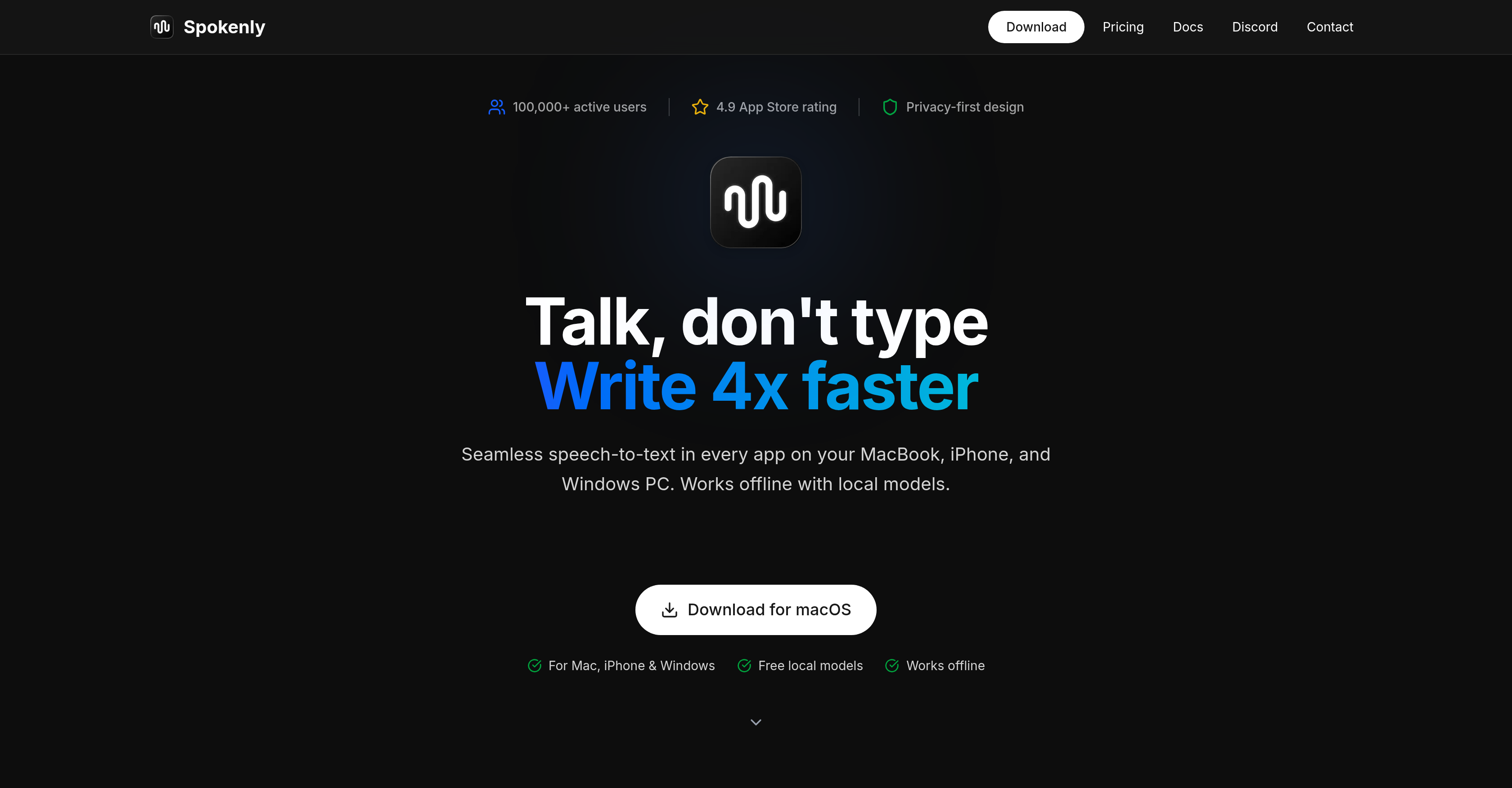
- Create documents hands-free in any Mac app by speaking, not typing, with real-time transcription appearing as you talk
- Dictate into ChatGPT, Slack, email, or code editors without switching tools, using a shortcut to trigger voice-to-text in any text field
- Keep voice data completely private with local-only mode that processes speech entirely on your device, never sending audio to the cloud
- Work offline anywhere by running Whisper and Parakeet models locally, requiring no internet connection after initial model download
- Transcribe in over 100 languages without manual switching, as automatic language detection handles mixed-language dictation in a single session
- Eliminate editing time with AI text cleanup that corrects grammar and adjusts formatting automatically from spoken input
- Control your Mac hands-free with voice commands, navigating apps and executing actions through spoken instructions
Pros & Cons
Pros
- Works in any app
- One keyboard shortcut
- On-device mode for privacy
- Supports 100+ languages
- Whisper class language accuracy
- Popular with many users
- Used for speaking long prompts
- Quick email replies
- Open for notes and drafts
- Supports coding workflows
- Efficient document creation
- Functions offline with local models
- Integrated privacy features
- Compatible with Mac, iPhone, Windows
- Real-time transcription feature
- Corrects grammar
- Adjusts text formatting
- Browser dictation offered
- Email dictation capability
- Supports work processor dictation
- Device compatibility
- Enables voice commands
- Mac controls via vocal instructions
- Compatible with iPhone notebooks
- Supports Windows dictation
- Offers all-in-one dictation solution
- Automatic language detection
- Local-only mode enhances privacy
- Secure voice data storage
- Can adapt to local context
- Offers full history with search-engine
- Text playback and export
- Compatible with GPT-4 and Claude
- Cloud and local models supported
- No API keys needed with Pro
- Priority support with Pro
- Works completely offline
- Unlimited usage limits with local models
Cons
- Limited device compatibility
- No Android support
- Inconsistent accuracy across languages
- Privacy concerns on cloud-mode
- Subscription required for premium features
- Limited offline capabilities
- Grammar correction errors
- Delayed real-time transcription
- Voice command disparities
- Lack of long-term data storage
Reviews
Rate this tool
Loading reviews...
❓ Frequently Asked Questions
Spokenly
🛠️ 1 tool
wrote:Spokenly is an AI voice dictation app. Hold a shortcut, speak, and your words appear as text in any app. Works in ChatGPT, Claude, emails, Slack, code editors, and notes.
Spokenly
🛠️ 1 tool
wrote:Yes. In local mode, your voice never leaves your device. In cloud mode, our servers never store your audio recordings either. No tracking, no third parties, full control.
Spokenly
🛠️ 1 tool
wrote:Yes. Spokenly runs Whisper and Parakeet models locally on your device. Once a model is downloaded, no internet connection is required for dictation.
Spokenly
🛠️ 1 tool
wrote:Over 100 languages, with automatic language detection. You can mix languages in the same dictation session without changing settings.
Spokenly
🛠️ 1 tool
wrote:There is a free version with unlimited local model usage, and it stays free if you bring your own API keys for cloud models. Pro starts at $9.99 per month for managed cloud features. TAAFT users get 20% off with code TAAFT.
Pricing
Pricing model
Freemium
Paid options from
$9.99/month
Billing frequency
Monthly
Refund policy
30 day money-back guarantee
Related Videos
Spokenly: Type 4x Faster with Your Voice
Spokenly•11.6K views•Jul 21, 2025