Overview
- Eliminate hours of manual documentation writing by converting screen recordings into structured guides automatically with AI-powered video-to-text conversion.
- Create globally-ready training materials instantly using built-in auto-translation to localize documentation for international teams.
- Maintain full control over your final output by editing the AI-generated content directly in the app before exporting to Markdown, PDF, or HTML.
- Pay only for what you create without subscription lock-in using a flexible, credit-based pricing model that scales with your needs.
- Generate documentation from any screen recording without narration, as the AI analyzes visual steps to create context-aware, step-by-step instructions.
- Choose from leading AI models like Claude, GPT-4, and Gemini to balance speed, quality, and cost for each documentation project.
Pros & Cons
Pros
- Transforms screen recordings
- Creates structured documentation
- Works on web, desktop, mobile
- Context-aware instructions
- Enriched with screenshots
- Action descriptions
- Logical sequencing
- Ideal for tutorials
- Ideal for user manuals
- Ideal for onboarding materials
- Ideal for SOPs
- Built-in auto-translation
- Localization without extra efforts
- Refine output in-app
- Export in Markdown, PDF, HTML
- No lock-in subscription
- Credit-based pricing
- Free trial available
- App guides to documentation
- No audio required
- Time-efficient
- Online tool
- Visual content processing
- Automatic document creation
- Visual observation reliance
- Online operation
- No installation required
- No browser extensions
- Detailed documentation output
- Reduced documentation time
- Reduced documentation effort
- Precise documentation
- Comprehensive documentation
Cons
- No offline functionality
- No API for integrations
- Potential misinterpretation of content
- No real-time collaboration feature
- Localization may not be accurate
- Limited export formats
- No allocation for large files
- Requires high-quality video input
Reviews
Rate this tool
Loading reviews...
❓ Frequently Asked Questions
Angelīna Lisjonoka
🛠️ 1 tool
wrote:We eliminate the painful, hours-long process of manual documentation. Instead of manually writing how-to guides, taking screenshots, and formatting them, you simply record a walkthrough video. video2docs instantly converts that video into a clean, structured Markdown or PDF document, saving your team massive amounts of time and effort.
Angelīna Lisjonoka
🛠️ 1 tool
wrote:You can upload screen-recorded walkthroughs of any digital product (web or mobile app), or record your screen straight from the app. The AI focuses on visual steps, so your video does not require any audio to generate the documentation.
Angelīna Lisjonoka
🛠️ 1 tool
wrote:You'll get a structured document with numbered steps, screenshots, and short descriptions - exportable as Markdown (.md). You can also edit it before downloading.
Angelīna Lisjonoka
🛠️ 1 tool
wrote:No, not at all. You can sign up and start immediately. Every first-time user gets 10 free Welcome Credits to create your first document and test the quality of our AI before you purchase anything.
Angelīna Lisjonoka
🛠️ 1 tool
wrote:You purchase one of our five credit packs and use the credits to generate documentation. The credit cost for each generation is variable, depending on the length of your video and the specific LLM model (quality/speed) you select.
Angelīna Lisjonoka
🛠️ 1 tool
wrote:No. Given that credits do not expire and can be used at any time in the future, we do not provide refunds for purchased credit packs. Please use your 10 free Welcome Credits to confirm our quality before making a purchase.
Angelīna Lisjonoka
🛠️ 1 tool
wrote:We maintain high standards for data security. Your uploaded proprietary content is processed and stored using industry-standard encryption protocols. We do not share your videos or the resulting documentation with any third parties.
Angelīna Lisjonoka
🛠️ 1 tool
wrote:Just sign up, upload a short product walkthrough, and use your 10 free welcome credits to create your first documentation - no credit card required.
Angelīna Lisjonoka
🛠️ 1 tool
wrote:video2docs offers a variety of leading AI models to suit different needs for speed, quality, and cost:
Anthropic: Claude Sonnet 4.5, Claude Haiku 4.5, Claude Sonnet 4
OpenAI: ChatGPT-4o, GPT-4.1 Mini, GPT-4.1
Google: Gemini 2.5 Flash Lite, Gemini 2.5 Pro
Qwen: Qwen2.5 VL 32B Instruct, Qwen3 VL 8B Thinking
Yes, video2docs can be used for training materials and references. It transforms visual app walkthroughs into comprehensive written materials that can be used for reference, training, or clarity.
video2docs structures the documentation it creates by mirroring the activities demonstrated in the video. This results in a step-by-step guideline for app functionalities, making the documentation detailed and easy to follow.
Angelīna Lisjonoka
🛠️ 1 tool
wrote:You can export the generated documentation in Markdown, PDF or HTML format to share via email or integrate into learning management systems or company databases.
Application walkthrough videos are most suitable for conversion with video2docs. These can include demonstrations of app functionalities, tutorials, or app training videos.
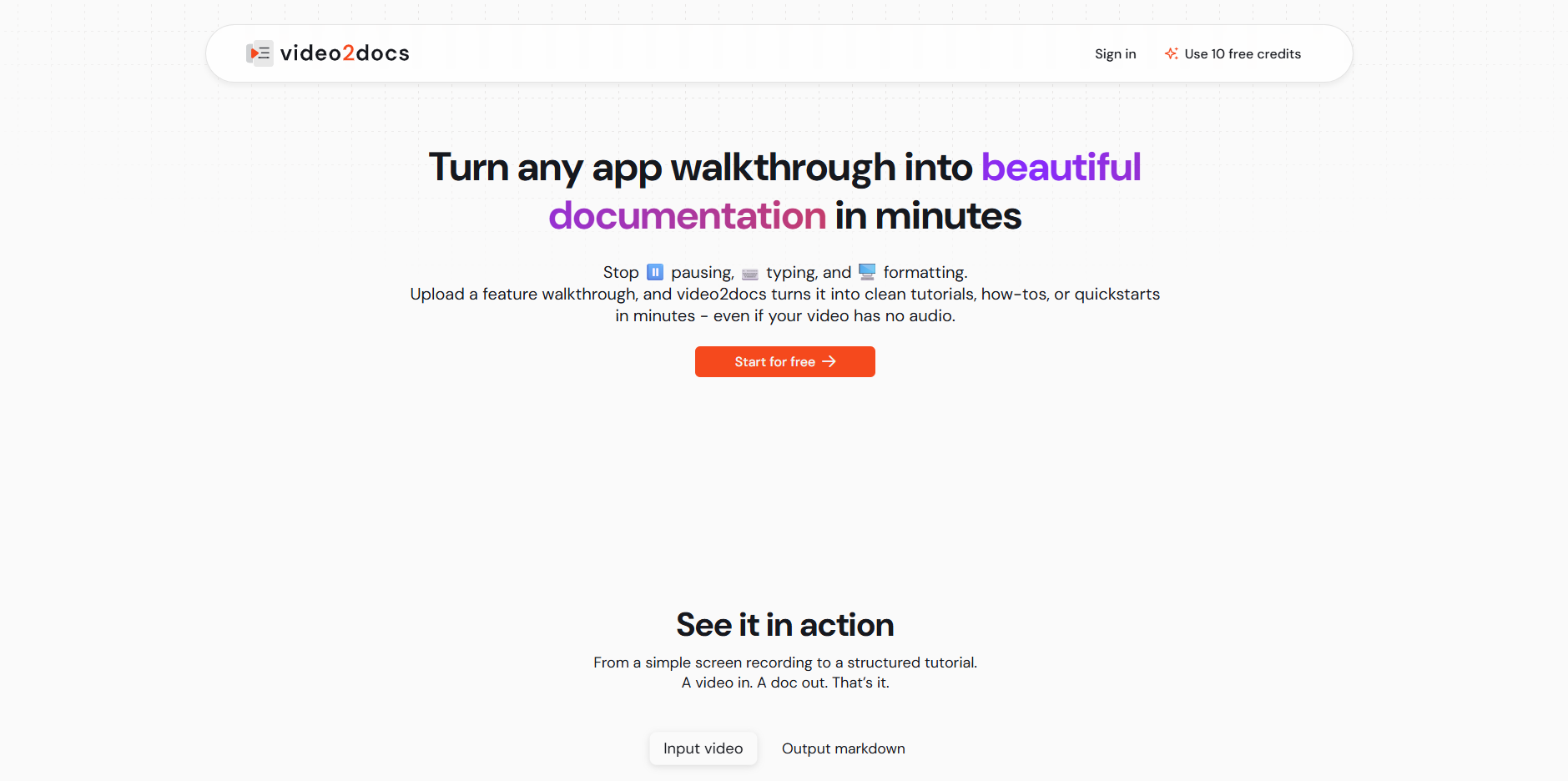
video2docs is an AI-powered online tool that transforms screen recordings into clear, structured documentation. It's specifically designed to convert app walkthrough videos into full-fledged, well-organized documents saving hours of manual writing.
video2docs works simply and efficiently. You just have to record your workflow on the web, desktop, or mobile device, then video2docs will automatically convert the video, based visually and not relying on audio, into context-aware, step-by-step instructions.
video2docs can convert any type of screen recordings into documents. Whether the video is recorded on a web platform, desktop, or mobile device, video2docs can convert it into clear, structured instructions ideal for tutorials or user manuals.
No, audio is not required for video2docs to create documentation. The tool relies solely on visual observation, meaning it can create content even if there's no audio narration in the video.
Key features of video2docs include AI-powered Video To Text conversion, content conversion from visual content without needing audio, enriched guides with intelligently captured screenshots, clear action descriptions, logical sequencing, and built-in auto-translation. The output can also be edited directly in the app and exported in Markdown, PDF, or HTML formats.
video2docs claims to convert videos into documents in minutes. However, the exact period might vary depending on the complexity and length of the submitted video.
You can export your documentation from video2docs in Markdown, PDF, or HTML formats as per your convenience and requirement.
Yes, video2docs is highly suitable for creating user manuals and tutorials. It can take any screen recording and convert it into context-aware, structured instructions that are perfect for onboarding materials, standard operating procedures, or user manuals.
video2docs has built-in auto-translation that can help localize documentation without extra effort. Thus, it can significantly assist global teams or customers who speak different languages.
No, video2docs does not offer a lock-in subscription. It operates on a simple, credit-based pricing system where users pay only for what they use.
video2docs operates on a credit-based pricing system. You purchase credits, and each credit corresponds to one document or guide. You only pay for the number of guides you generate, providing cost-effective and flexible pricing.
Yes, you can refine the output generated by video2docs by editing it directly within the app. This enables you to customise and tweak the content as needed.
Yes, video2docs operates entirely online. There is no need for software installations or browser extensions, making it easily accessible and user-friendly.
video2docs can be significantly beneficial to software developers and technical writers. It can convert app walkthrough videos into well-structured and organised documentation, a time-consuming task if done manually. By making use of AI, the need for extensive write-ups and manual work can be reduced, providing more time for other essential tasks.
Yes, video2docs can successfully convert a mobile app walkthrough video into a manual. It transforms these walkthrough videos into clear, structured documentation, ideal for user manuals or tutorials.
Yes, each guide or document created by video2docs is enriched with intelligently captured screenshots to provide visual guidance.
Yes, the video2docs AI ensures logical sequencing in the created documentation, streamlining the content to make it more understandable and user-friendly.
video2docs makes content conversion time-efficient by leveraging AI to automatically convert videos into text. Instead of manually writing documentation, video2docs can generate structured documents in minutes, considerably reducing the time traditionally required.
Yes, video2docs offers a trial where you can generate 1-3 guides for free. This allows you to try out its features and see if it fits your needs before purchasing credits for further usage.
Pricing
Pricing model
Free Trial
Paid options from
$5/unit
Billing frequency
Pay-as-you-go
Refund policy
No Refunds