
ViralReels
Overview
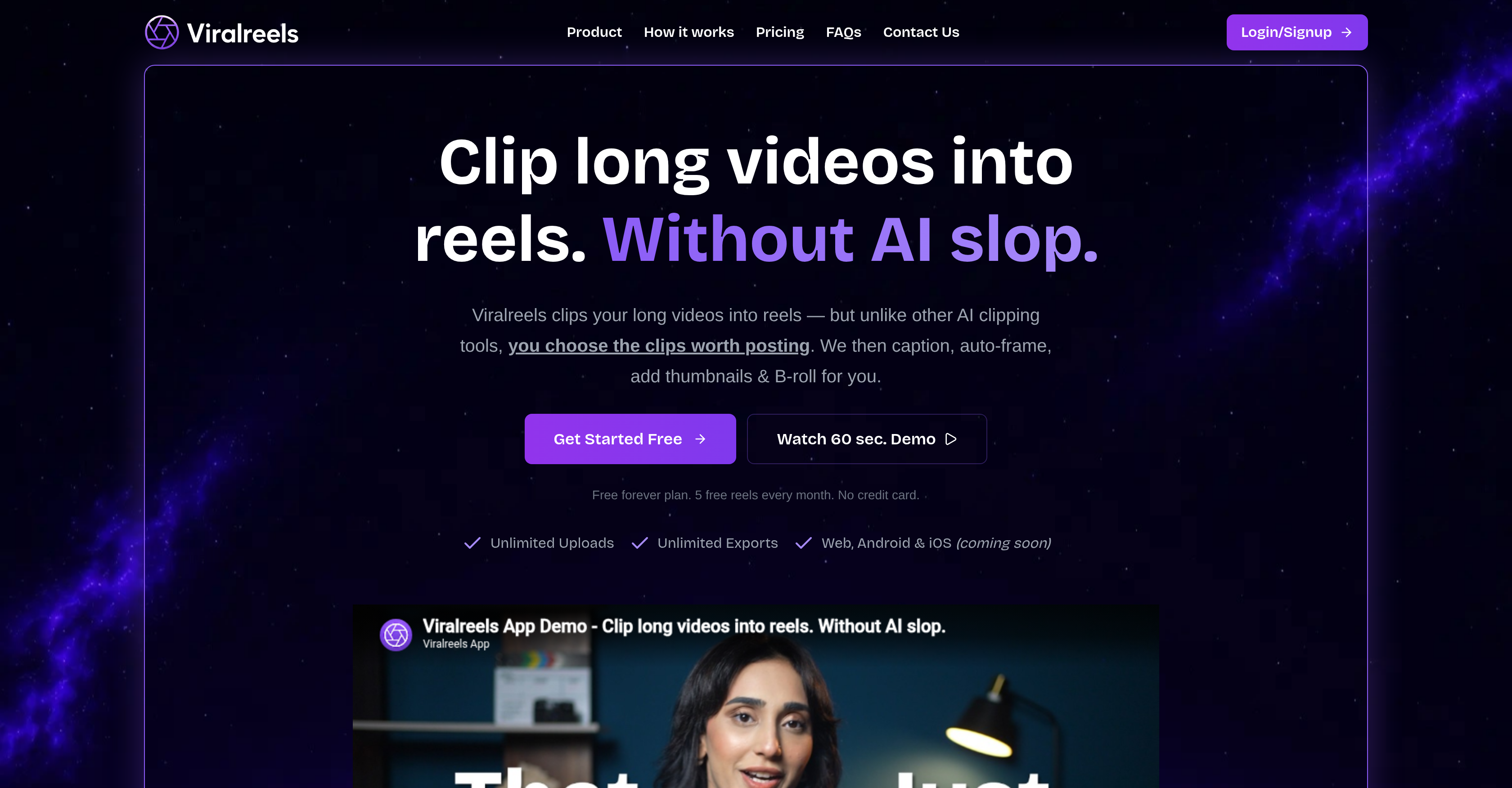
- Handpick the exact moments that will resonate with your audience instead of relying on AI guessing, using the manual clip selection feature.
- Grow your channel with reels that match your brand identity, by choosing from 7 types of B-roll and custom thumbnail templates.
- Save hours of post-production work with auto-captioning that supports over 55 languages, including 12+ Indian languages with transliteration.
- Perfect your reel’s visual flow without manual frame adjustments, using the auto-frame feature that adapts to each shot change.
- Produce multi-segment reels from a single long video, by combining multiple handpicked clips into one cohesive short.
- Eliminate export limits and re-upload costs, with unlimited exports of every finished reel.
- Keep your content pipeline moving without storage restrictions, thanks to unlimited video uploads even on the free plan.
- Style your captions to stand out in the feed, choosing from 15+ caption styles that reinforce your visual identity.
- Avoid the need for a separate design tool for thumbnails, by using the built-in thumbnail template library to create click-worthy covers.
- Engage viewers with dynamic B-roll that matches your narrative, selecting from video, images, stickers, stat cards, quotes, keywords, or lists.
Pros & Cons
Pros
- Unlimited Uploads
- Unlimited Exports
- Web, Android & iOS compatibility
- Various captioning styles
- Different thumbnail templates
- Variety of B-roll materials
- Selectable framing adaptation
- User-driven clip selection
- Supports 12+ Indian languages
- Multi-segment Reel creation
- Brand alignment features
- Auto-frame feature
- Promise of codebase release
- User controlled
- Future Mobile app
- 55+ language support for captioning
- Seven types of B-rolls
- Reels creation capability
- Free version available
- Video editing features
- Versatile user experience
- Reels adjustable from anywhere
- Long videos to reels transformation
- Punchline capturing
- Moment capturing
- Emotion capturing
- Continued usage promise if shutdown
- Transliteration support for Indian languages
- Free for Indian content creators
- Designed for human judgment
- Re-purposing tool
- Thumbnail generation feature
- Brand aesthetics alignment
- Reels editing on mobile
- Customizable captioning styles
- Array of thumbnail template choice
- Adjustable framing for shot fitting
- B-roll selection facility
- Free five reels every month
- No credit card required for free plan
- Supports multiple uploads and exports
- Thumbnail templates for brand matching
- Supports adding unlimited B-roll
- Supports reel export and re-export
- Protects workflow from unexpected disappearance
- User control over clip selection
- Optimized for emotional impact
- Useful for working across devices
Cons
- iOS app not available yet
- Relies on user clip selection
- Limited B-roll types
- Auto-framing not always accurate
- Limited thumbnail template choices
- Brand alignment not specified
- No autonomous clipping feature
- Free plan includes ads
- Future mobile app uncertainties
- Limited multilingual caption styles
Reviews
Rate this tool
Loading reviews...
❓ Frequently Asked Questions
Viralreels is an AI-powered tool that allows users to clip long videos into short, shareable 'reels'. It gives users the ability to decide which segments of a video are highlighted, offering enhanced control over other AI utilities. Additionally, Viralreels takes care of post-production processes including captioning, auto-framing, thumbnails, and B-roll.
Viralreels works by allowing users to upload any lengthy video, choose the segments they find significant, and create shorter, digestible reels out of them. It handles multiple post-production processes, such as adding captions in a variety of styles and languages, auto-framing to fit each shot, providing a selection of thumbnail templates, and furnishing a range of B-roll materials. The platform is user-controlled, prioritizing users' preferred moments over AI-generated selections. Once a reel is created, users can export it as many times as they want.
Viralreels has a free plan that allows users unlimited uploads and exports. The free plan comes with a quota of five reels every month, with no requirements of a credit card for access.
The main difference between Viralreels and other tools is the level of control that it provides to users. Instead of leaving the decision of which clips are worth posting to AI, Viralreels lets the user make those decisions. It also offers a number of features such as unlimited uploads and exports, multiline captioning, different thumbnail templates, B-roll materials, and automated framing.
Viralreels offers an auto-captioning feature that generates precise captions. Users have the option to style these captions in their own way, with more than 15 styles and support for over 55 languages including 12+ Indian languages.
Yes, Viralreels has been designed to empower users with the freedom to select the moments they want to include in the reel. Unlike other tools that rely on AI to choose the clips, Viralreels enables users to pick the moments they know will resonate.
No, there are no limitations on the number of videos you can upload on Viralreels. Even in the free plan, unlimited uploads are allowed.
Viralreels manages various post-production processes. This includes adding captions in different styles and languages, auto-framing each shot, providing a range of thumbnail templates, and incorporating a variety of B-roll materials.
Yes, users of Viralreels have the freedom to modify reels based on their preferences through its numerous features. This includes adding captions in different styles and languages, choosing thumbnail templates, and incorporating B-roll.
Viralreels provides a collection of thumbnail templates from which users can select. These templates can be styled to match users' brand specifications, eliminating the need for a separate design tool.
Viralreels uses AI to auto-frame reels, adjusting the frame as the shot changes. Users can also manually select a frame type and choose a frame style that matches their desired look.
In Viralreels, B-roll is additional footage that keeps viewers engaged. Users can select from 7 types of B-roll materials - video, images, stickers, stat cards, quotes, keywords, and lists. They can add as much B-roll as needed or let the AI select the most relevant moments.
Yes, Viralreels is planning to launch its mobile applications on both Android and iOS platforms. These apps will allow users to create and edit reels on the go and are expected to be available by mid-June 2026.
Viralreels supports multilingual captioning by providing captions in more than 55 languages, including 12+ Indian languages. Users can style these captions according to their preferences.
In the event of Viralreels shutting down, they have made a promise to release their codebase for free. This ensures that users will still be able to utilize the tool.
Yes, Viralreels allows for unlimited exports of your video reels. This means users can export their edited reels as many times as they want.
Users can make reels from a wide variety of content on Viralreels. The platform is designed to accept uploads like podcasts, YouTube videos, interviews, or talking-head footage.
Viralreels gives users full control over which clips make up their reels. Instead of letting AI decide, users can choose the moments they think are impactful--their choices can help create multi-segment reels that resonate with their intended audiences.
In Viralreels, users can personalize their reel using captions, thumbnails, framing, and B-roll. Each post-production element can be customized: captions styled in various ways, a range of thumbnails to choose from, self-selected or auto frames, and a variety of B-roll materials.
Viralreels accepts a broad spectrum of video content. Users can drop in their podcast, YouTube video, interview, or talking-head footage for making reels.
Viralreels.co is an AI tool that assists users in transforming their long videos into shorter, social media-ready reels. It provides functionalities for users to manually select their desirable clips, add captions, auto-frame, and embed thumbnails and B-roll. Major features of Viralreels.co include multi-segment reel creation, unlimited video uploads and exports, framing adaptation, a multi-language captioning function, a comprehensive selection plan for B-roll materials, and an availability of thumbnail templates. Mobile app versions for Android and iOS are also upcoming.
Unlike other AI clipping tools which autonomously clip the videos, Viralreels.co provides users the flexibility to choose the sections they wish to post giving them control over the essential decision-making process. Hence, Viralreels.co gives value to the human judgement of its users instead of relying on AI guessing.
Viralreels.co offers several unique features: it’s the only repurposing tool built on human judgment, bypassing the inaccuracy of AI guessing during the clip selection phase. Its auto-frame feature facilitates adaptive framing to fit each shot, while the thumbnail generation, captioning function, and B-roll selection allow easy and extensive customization. Viralreels.co also offers support for over 55 languages, including 12+ Indian languages with transliteration support. Mobile apps for Android and iOS are also in the plan.
Viralreels.co offers unlimited uploads and exports. Users can drop in any content such as podcasts, YouTube videos, interviews, or talking-head footage with no restrictions on the volume of content. Once the reels are completed, users can also export them as many times as they want, also without any restrictions.
Yes, users can add captions on Viralreels.co in over 55 languages. The tool generates auto-captions which users can then style according to their preference.
Viralreels.co provides an extensive range of more than 15 styles for customizing captions. The styles could be bold, minimal, highlighted, or branded.
The auto-frame feature of Viralreels.co either allows users to select a frame themselves or automatically adjust the reel frame as the shot changes, enabling a seamless visual experience.
Viralreels.co does offer a range of thumbnail templates. Users can choose from a library of these templates and style them to match their brand without the need for a separate design tool.
Viralreels.co allows users to choose from seven types of B-roll materials. These include video, images, stickers, stat cards, quotes, keywords, and lists, affording a wholesome and flexible user experience.
Yes, there is a plan for release of mobile apps for Android and iOS which will enable users to create and edit reels on the go. The stated release time is by mid June 2026.
Viralreels.co supports a broad range of over 55 languages for captioning. This includes special support for 12+ Indian languages with transliteration support, facilitating captioning in regional languages and resulting in increased reach.
In the event of a shut down, the founder of Viralreels.co has promised to release the codebase for free, ensuring the users' ability to continue using the tool. This provides an assurance that the tool would always be accessible.
Viralreels.co claims to be a repurposing tool built on human judgment by allowing users to manually select the sections of the long videos they want to turn into reels, instead of autonomously making that selection. The purpose is to avoid what they term 'AI slop'', where AI chosen clips may miss the true moments that resonate.
For Indian content creators, Viralreels.co supports 12+ Indian languages with transliteration support to cater to regional content needs. This feature expands its usability ensuring ease for content creators catering to regional audiences.
In Viralreels.co, framing adaptation is facilitated by the auto-frame feature. Users can either manually select a frame type, or let Viralreels.co auto-frame their reel as the shot changes. This ensures that the frame always matches the nature and content of the shot.
Yes, with the future Android and iOS apps, users will be able to adjust reels from anywhere. This will give users the freedom to create and modify their content on the move.
The framing adaptation feature in Viralreels.co works with the 'auto-frame' function. This allows the frame of the reel to be automatically adjusted to fit each different shot creating a smooth transition between different clips or scenes.
The multi-segment reel creation feature in Viralreels.co enables users to choose multiple segments from a long video and join them into a single reel. This provides flexibility for users to create reels that encompass various moments or sections of their original video.
Brand alignment is ensured by Viralreels.co through its extensive customization options in thumbnail templates and caption styles. Users can choose a style that matches their brand aesthetics, thus keeping the reels in harmony with their brand identity.
To transform long videos into reels using Viralreels.co, you first upload the desired long video. Then, select the moments you believe will create the most impact. Following which, you can style your reel by adding captions, thumbnails, auto-framing, and B-roll as necessary. Lastly, you can export your finished reel. This process is designed to be user-friendly, giving control to the user at each step.
Pricing
Pricing model
Freemium
Paid options from
$2/unit
Billing frequency
Pay-as-you-go
Refund policy
30-Day Money Back Gurantee