
Overview
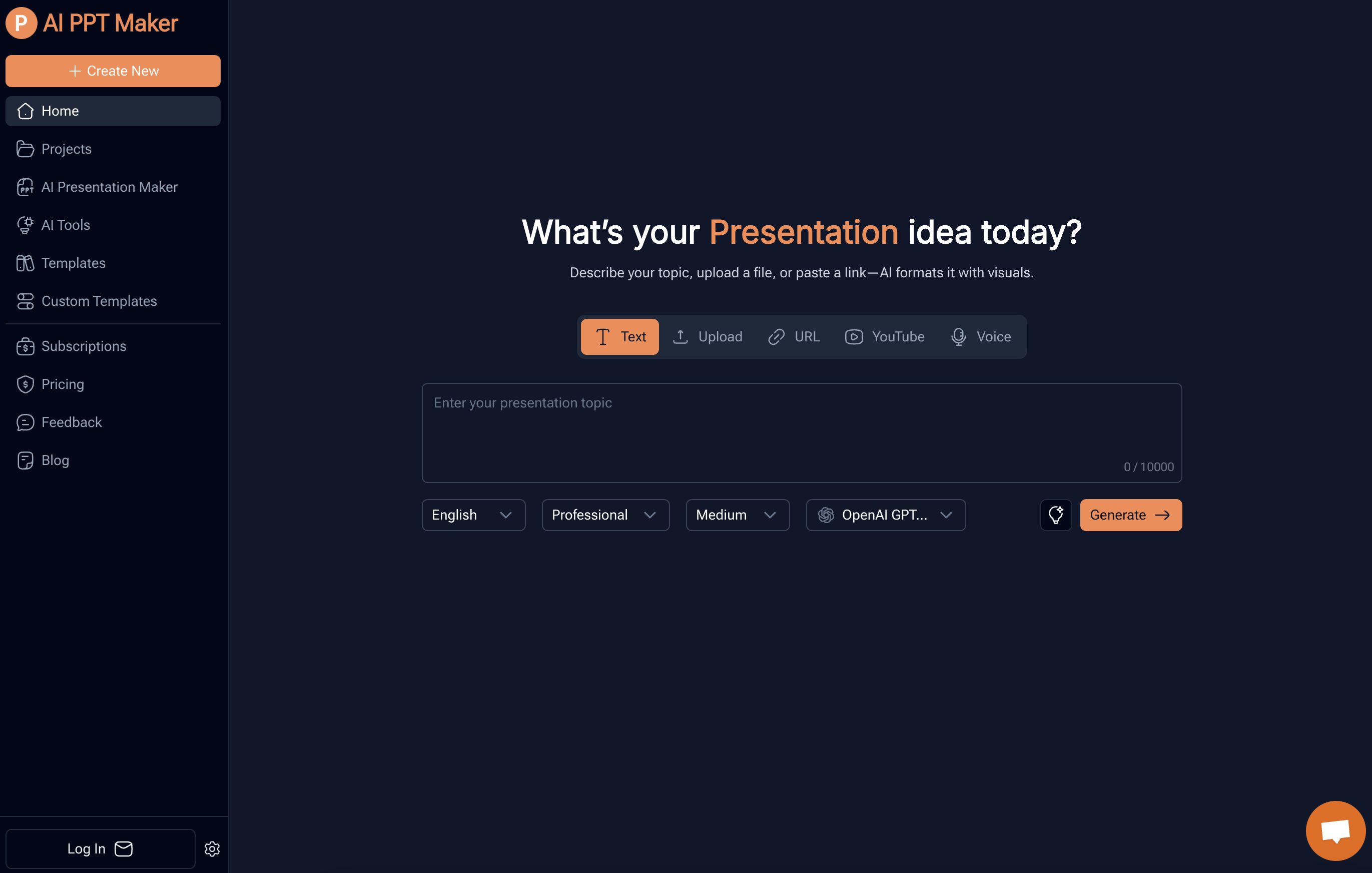
- Create professional presentations from any content source using AI-powered conversion of documents, PDFs, URLs, and voice recordings
- Transform YouTube videos and audio files into structured PowerPoint slides while preserving original context and information structure
- Generate investor pitch decks automatically by uploading business plans and financial projections for AI-driven outline creation
- Customize presentations to match your brand with template selection and style adjustment options
- Edit and download presentations in PPTX and PDF formats for easy sharing and collaboration
- Create educational materials and business presentations instantly without design skills or sign-up requirements
Pros & Cons
Pros
- Supports various file formats
- Supports voice recordings
- Intelligent content formatting
- Converts YouTube videos
- Converts media files
- Customization options available
- Different templates provided
- Generates structured outlines
- User can edit presentations
- Supports easy sharing
- Adaptable to different professions
- Allows adjustment to presentation styles
- Preserves original context
- Generates professional presentations
- Works with DeepSeek technology
- Works with ChatGPT technology
- Supports doc, docx, pdf, ppt, pptx files
- Provides collaboration tool
- Versatile usage
- Easy to use
- Industry-specific adjusting
- Fast presentation generation
- Accurate content understanding
- Converts large PDF files
- Handles media files up to 100MB
- Presentation Outline Generator
- Speech Outline Generator
- 1000+ free templates
- Online presentation editing
- Online sharing of presentation
- Supports online presentation playback
- Customize own PowerPoint templates
- User-friendly 3-step guide
- Can customize number of slides
- Adaptable to business meetings
- Useful for educational materials
- Beneficial for investor pitches
- Useful for creating reports
- Transforms personal ideas to presentations
- Supports documents with tables
- Supports multiple languages
- Handles file size less than 10M
- Handles doc/docx files of 20,000 words
- Supports MP3, MP4, MPEG, MPGA, M4A, WAV, WEBM files
- Allows upload of own templates
Cons
- No offline version
- Potential data security issues
- No mobile application
- Varied quality with different content types
- Limited customization options
- Limited file size restrictions
- No real-time collaboration feature
- Dysfunction with poorly structured inputs
Reviews
Rate this tool
Loading reviews...
❓ Frequently Asked Questions
AI PPT Maker accepts a wide range of file types including text documents, PDFs, URLs, Voice recordings, DOC, DOCX, PPT, PPTX, TXT, MD, XLS, XLSX, CSV, HTML, EPUB, MOBI, XMIND, MM, MP3, MP4, MPEG, MPGA, M4A, WAV, and WEBM files with a size less than 10M.
Yes, absolutely. AI PPT Maker houses a feature to convert YouTube videos into structured PowerPoint slides.
AI PPT Maker uses DeepSeek and ChatGPT to analyze the content within uploaded files or entered topics and creates a structured outline for your presentation accordingly.
Yes, absolutely. AI PPT Maker offers various templates from which users can select to apply to their presentations.
Indeed, users can adjust the generated presentations to match their style through the customization options provided by AI PPT Maker.
After generating presentations, users can download them in various formats including PPTX and PDF.
Yes, users are provided the flexibility to view, edit, and download the completed presentations on AI PPT Maker.
Yes, AI PPT Maker encompasses a feature that allows users to convert PDF files into professional PowerPoint slides.
AI PPT Maker uses AI-driven tools to convert media files, including YouTube videos and audio files, into structured PowerPoint slides while maintaining the original context and structure of the information.
Yes, absolutely. The AI PPT Maker allows users to convert DOC or DOCX files into structured PowerPoint presentations.
Absolutely. AI PPT Maker is versatile and suitable for a range of professional needs including creating business meeting presentations.
Yes, AI PPT Maker provides a fast and efficient solution for educators to create educational presentations.
AI PPT Maker is incredibly helpful in developing investor pitch decks as the AI creates a professional, structured outline based on business plans, financial projections, and market research uploaded by users.
AI PPT Maker offers multiple customization features. Users can select from various templates, adjust the layout, and modify colors and text to match their branding and style needs.
Yes, AI PPT Maker contains a feature that can transform voice recordings into professional PowerPoint presentations.
AI PPT Maker is free to use. Users can generate high-quality slides online for free without needing to sign-up or possess design skills.
AI PPT Maker not only supports the creation of presentations but also promotes easy sharing and collaboration by allowing users to view, edit, and download the completed presentation.
AI PPT Maker uses DeepSeek technology for understanding and analyzing the content within the uploaded files or entered topics to generate a structured outline for the presentations.
AI PPT Maker uses ChatGPT technology for processing and transforming multiple types of content including text documents, PDFs, URLs, and even voice recordings into professional Powerpoint slides.
Yes, AI PPT Maker caters to a variety of industry-specific needs. Users can adjust presentation settings to meet their specific professional needs whether it be for business presentations, educational materials or investor pitch decks.
Pricing
Pricing model
Freemium
Paid options from
$3.90/month
Billing frequency
Monthly