
Overview
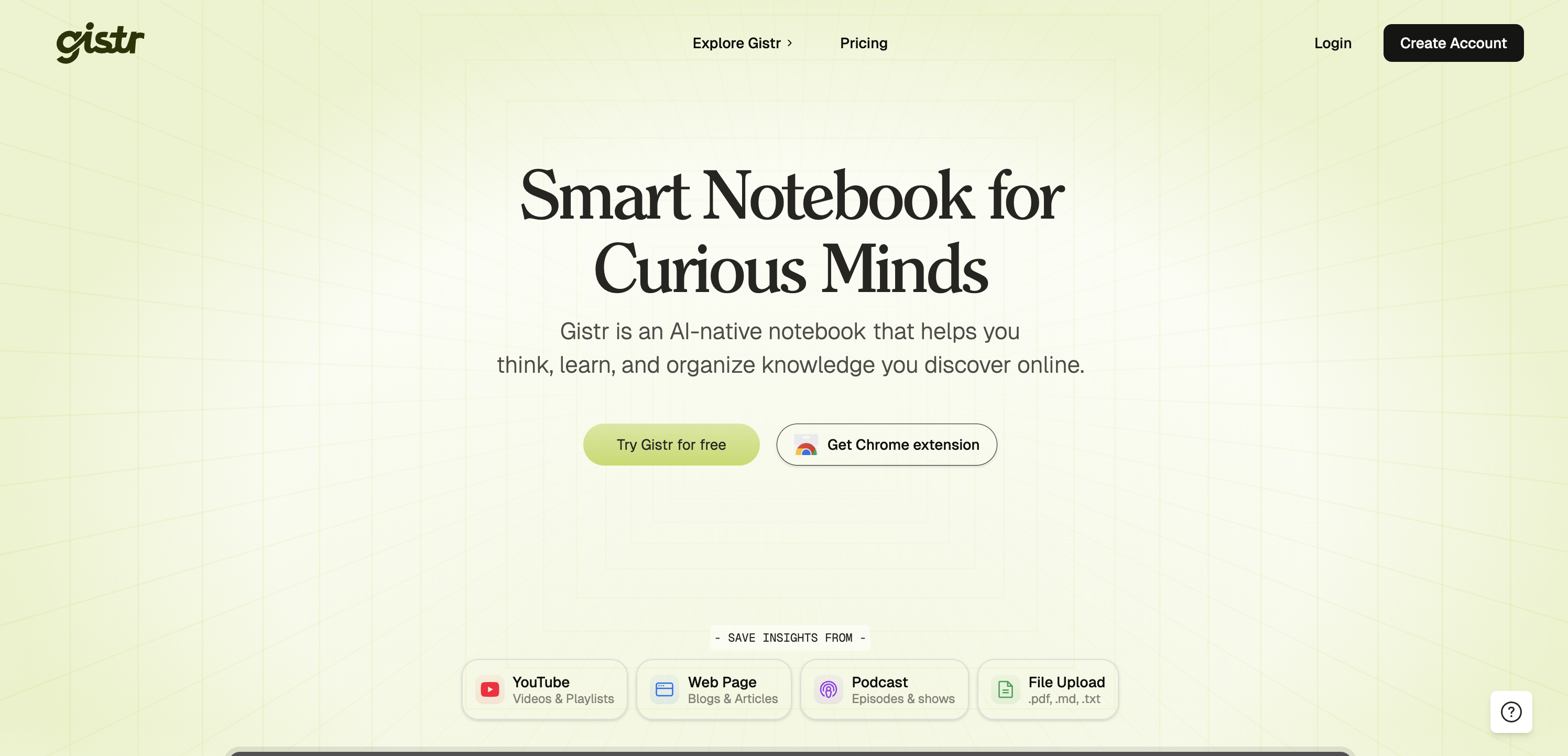
- Transform scattered online research into a single, masterable narrative by combining insights from YouTube, PDFs, articles, and blogs into cohesive notes.
- Grasp complex material instantly by getting referenced, AI-powered explanations for any highlighted text in your PDFs with the Select & Ask feature.
- Learn from long videos in minutes, not hours, using Auto Highlight to surface only the most critical segments identified by AI.
- Build a permanent, linked knowledge base by saving clips and highlights that remain connected to their original source timestamps or page numbers for accurate recall.
- Structure and share your expertise by organizing notes into thematic collections or public hubs for collaboration or showcasing your learning journey.
Pros & Cons
Pros
- Centralizes online learning
- Supports diverse media sources
- 'Select & Ask' feature
- Real-time explanations for PDFs
- 'Auto Highlight' for videos
- Customizable notes editor
- Interactive learning cards
- Supports structuring learning
- Insight combination capabilities
- Documents sharing feature
- Utilised by diverse users
- Comprehensive online knowledge organizer
- Chrome note-taking extension
- Direct add content feature
- Guided prompts for learners
- Referenced answer provision
- Follow-up inquiries support
- Easy research navigation
- Themes based content organization
- Critical points tagging
- Mini-courses or research hubs
- Content annotation ability
- Clipping from various sources
- Highlighting key arguments
- Collating insights from articles
- Clip YouTube tutorials
- Themed organization of videos
- Revisiting highlighted content
- Competitor research support
- Attaches notes to clips
- Web article summarization
- Highlight key parts
- Context-switching support
- Collecting quotes and inspiration
- Source linked highlights
- Design references building
- Customizable PDF highlights
Cons
- Limited file type compatibility
- No offline access
- Depends on Chrome extension
- Lacks advanced formatting tools
- No mobile application
- Lacks multi-platform support
- No options for real-time collaboration
- Non-intuitive user interface
- Audio files not supported
- No native language support
Reviews
Rate this tool
Loading reviews...
❓ Frequently Asked Questions
Gistr is an AI-native smart notebook that serves as a central tool for users to consolidate, organize, and retain their online learning and research materials. The aim is to provide the user with a deeper understanding of their subject matter.
Gistr facilitates the process of learning and researching online by extracting and organizing knowledge from diverse sources like YouTube videos, blogs, articles, podcasts, and text in PDFs, .md, and .txt files. It offers an AI-powered 'Select & Ask' functionality that allows users to get real-time explanations and context by highlighting a section of a PDF. It also features an 'Auto Highlight' function that presents the significant parts of videos without requiring the user to watch the entire piece.
Gistr is beneficial for a wide audience, including students, academic researchers, content creators, marketing strategists, product managers, and UX designers, among others. Basically, anyone who carries out research online for different purposes can benefit from Gistr.
Gistr can handle a broad array of content, from YouTube videos, blog posts, articles, podcasts, to PDF, .md, and .txt files.
The 'Select & Ask' feature in Gistr enables users to highlight a segment of their PDF files and receive real-time explanations and context related to the highlighted content.
Gistr's AI capability generates trusted, referenced answers, significantly cutting down the time and effort required for studying or researching a subject matter. This feature makes it possible to get dependable responses that further simplify the research process.
Gistr’s 'Auto Highlight' feature uses AI to identify and present only the most important parts of a video. This allows users to grasp critical knowledge without the need to watch the whole video.
Gistr helps consolidate content from different online sources by enabling learners to add highlights from their resources, like moments from YouTube videos or key points from PDFs and articles, directly into their notes. Users can then structure their learning, combine insights, and organize threads for a more cohesive understanding and mastery of a given subject.
Yes, Gistr includes an option for users to share their organized knowledge with others. This can be helpful for facilitating collaborative work, disseminating findings, or simply showcasing one's learning and research explorations.
Gistr’s notes editor provides a rich range of formats, making it flexible and customizable based on individual learning styles. Users have the freedom to create expressive notes using different formatting options, from bold highlights to code blocks.
Gistr aids in the customization of learning styles by offering a flexible and rich notes editor. This supports varied formatting options, providing the flexibility to stylize text to fit individual learners needs. Moreover, learners can leverage AI-powered features such as 'Select & Ask' and 'Auto Highlight' to tailor their learning strategy.
Gistr supports the creation and management of interactive cards by enabling learners to instantly add YouTube video moments and highlights from PDFs and articles into their notes. This arrangement makes information easily accessible and enhances the learning experience.
Gistr is useful to students and academic researchers as it offers a structured platform for consolidating and organizing learning and research material from various online sources. It allows them to add highlights directly to their notes and receive explanations in real time with the 'Select & Ask' feature. They can also use the 'Auto Highlight' feature to view just the critical parts of videos.
Content creators and marketers may benefit from Gistr by easily organizing and consolidating insights from multiple online resources such as blogs, articles, and YouTube videos into a single narrative. It also facilitates highlighting key information and clips from online resources without having to switch tabs.
Gistr aids in organizing threads and combining insights by allowing users to extract key bits of information from multiple sources – YouTube videos, PDFs, articles – and weave them into a single narrative. Furthermore, users can maintain orderliness by creating collections ideal for their mini-courses or research hubs.
Yes, with Gistr, users can add moments from YouTube videos and highlights from articles or PDFs into their notes. They can also link these notes to exact video timestamps or PDF page numbers, providing accurate context and easy future reference.
Gistr proves useful for product managers and UX designers as they can easily highlight and organize key information from multiple sources during market research, competitor analysis, or design inspiration collection. It saves highlights with source links, making it easy to recall and reference the origin of information.
Gistr supports life-long learning by functioning as a comprehensive tool that consolidates and organizes knowledge from various sources online. This enables users to continuously build on all their learning across different subjects and retain it for a longer term.
Yes, for ease of use and access, Gistr can be integrated into the user's browser with a Chrome extension.
The 'Ask AI' feature in Gistr simplifies the study and research process by providing trusted, referenced answers. Users can choose their sources and ask their questions, receiving expedited and reliable answers that greatly assist the learning or research process.
Pricing
Pricing model
Freemium
Paid options from
$8/month
Billing frequency
Monthly
Related Videos
How to Actually Learn From a PDF (Not Just Read It) | Gistr
Gistr•43 views•Mar 11, 2026