Overview
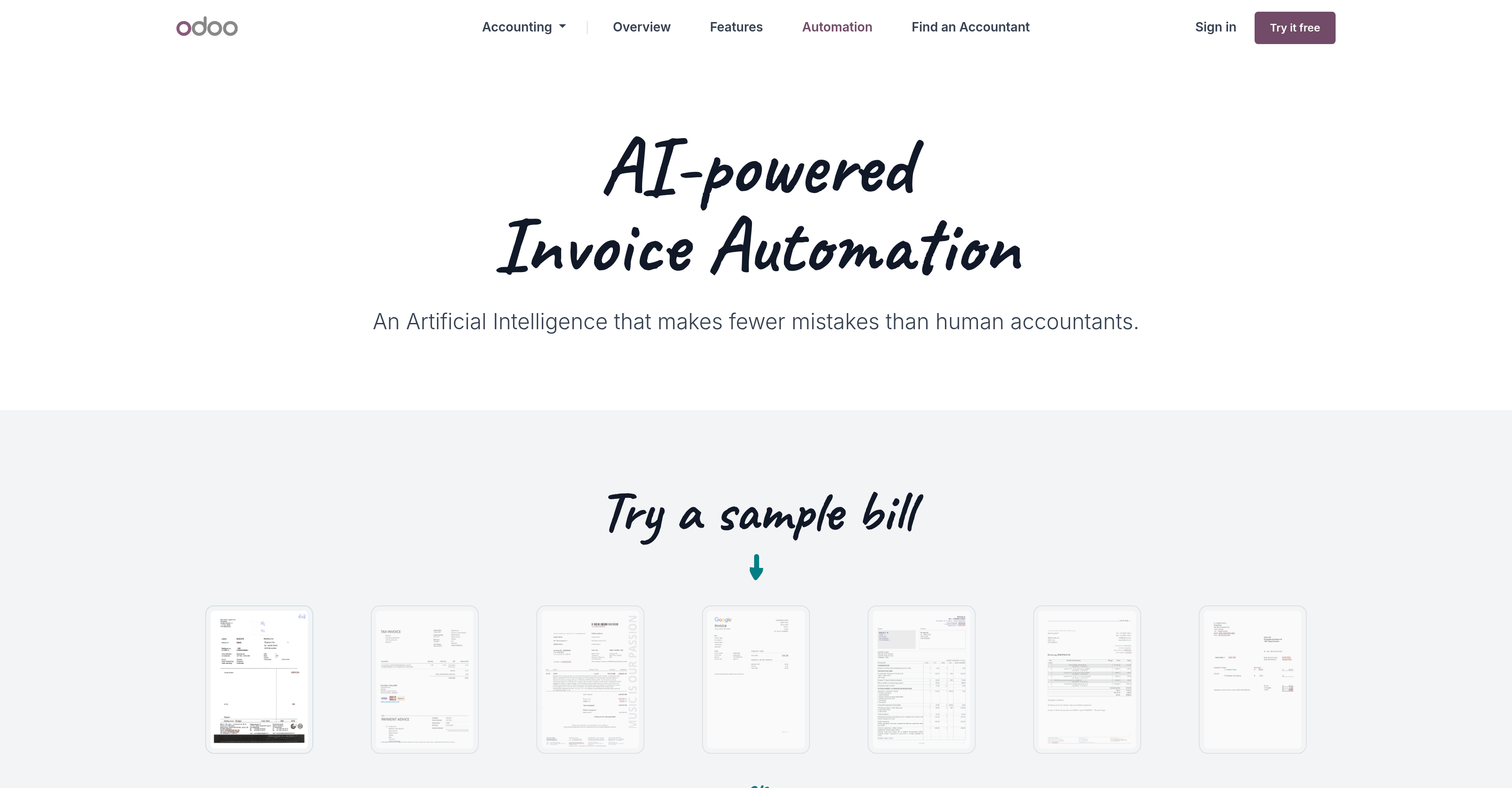
- Eliminate manual data entry errors and achieve 100% accuracy with AI-powered invoice processing that learns from human review and adjustments.
- Go paperless and process hundreds of vendor bills in minutes by scanning directly with your mobile app or batch uploading PDFs and scanned documents.
- Dramatically reduce processing time for recurring vendors as the system creates a tailored template that automatically recognizes document layouts and captures correct data.
- Ensure no critical data is missed by processing both scanned images via OCR and PDFs with embedded metadata recognition for maximum extraction accuracy.
- Integrate automated invoice data directly into your broader financial workflow, connecting with Odoo's suite of CRM, inventory, and project management tools.
Pros & Cons
Pros
- Reduces human errors
- Adjusts data for accuracy
- Creates tailored invoice templates
- Recognizes document's layout
- Aids in going paperless
- Accelerates data processing
- Direct email to database
- Batch processing capability
- Image and metadata recognition
- Optical character recognition
- PDF processing
- Open source software
- Integrative business tools
- User-friendly nature
- Supports vendor bill scanning
- Learning system for accuracy
- Ensures financial workflow optimization
- Supports multiple data formats
- Integrates with CRM
- Integrates with eCommerce
- Integrates with inventory management
- Integrates with project management
- Reduces manual bill processing
- Built-in mobile application
- Improves data processing speed
Cons
- No support for non-digital invoices
- Relies heavily on templates
- Dependent on vendor's constant layouts
- No integration with non-Odoo tools
- No multiple language recognition
- Limited OCR accuracy
- No offline processing
- No named entity recognition
- Limited to specific business needs
- May struggle with complex invoices
Reviews
Rate this tool
Loading reviews...
❓ Frequently Asked Questions
The key feature of Odoo's Accounting Automation tool is its AI-powered Invoice Automation which reduces human errors in invoice processing and streams the financial workflows.
Odoo's Invoice Automation tool reduces human errors by using an innovative, AI-powered algorithm that works collaboratively with human agents. Whenever a data associated with a bill is updated, the tool manually reviews the information, adjusts it as necessary, and ensures holistic accuracy.
Odoo's algorithm functions in unison with human review, wherein whenever updated data associated with a bill is supplied, Odoo manually scrutinizes the data, makes necessary adjustments to ensure absolute accuracy. This information is then used to create a tailored template for future invoices from the same provider.
The tailored template created by Odoo aids in recognizing the layout of a document and capturing correct data for future invoices. This developed understanding of the document structure, from repetitive usage, allows Odoo to perfect the invoice processing mechanism with each use.
Odoo's tool promotes paperless businesses by quickening the process of data handling and document collection. It can read and process digital formats like scanned documents and PDFs, eliminating the need for physical document management.
Odoo's mobile application plays a substantial role in the process of invoice automation. It can be used to scan Vendor Bills, email them directly to your database, or batch process hundreds of documents once making the process convenient and swift.
Yes, Odoo can batch process hundreds of documents at once through its mobile application, allowing for quicker document handling and data processing.
Odoo incorporates Image and Metadata Recognition in its working by using technology like OCR to convert scanned documents into a readable format. It also looks for embedded metadata especially in PDF files to improve its data processing accuracy.
The Optical Character Recognition (OCR) engine in Odoo functions to convert scanned documents into a format that can be processed by the AI. This increases the utility of scanned documents and ensures that data from these documents are accurately captured.
In the processing of PDF files, Odoo looks for any embedded metadata, which enhances the tool's accuracy. Critical information is detected and captured more effectively improving the efficiency of the tool.
Odoo's Accounting Automation tool offers a suite of integrated business tools like CRM, eCommerce, inventory management, and project management, among others. These tools work synergistically to fulfill various business requirements.
Odoo's tools are known for their user-friendly nature. With easy-to-use functionality, interactive interfaces, and feature richness. The tool's ability to learn from human inputs, through the algorithm, creates a tailored and intuitive experience, enhancing user satisfaction.
Odoo works towards achieving error-free accounting automation by utilizing advanced AI algorithms that work in sync with humans. Whenever data is updated, Odoo manually reviews it, makes necessary adjustments, and learns to increase overall accuracy in future invoice processing.
Odoo handles invoices from the same vendor over time by learning from each interaction. When data associated with a vendor's bill is updated, a tailored template is created. This template, aiding in recognizing the document's layout and capturing the correct data, serves to perfect the invoice processing mechanism with each iteration.
The benefits of Odoo's AI-powered invoice automation over traditional accounting include reduced human errors, increased speed in processing, better operational efficiency and straightforward data management. This allows more time for businesses to focus on strategic tasks rather than mundane and tedious tasks.
Odoo’s Accounting Automation streamlines financial workflows by automating the invoicing process with AI. This reduces human errors, ensures swift data processing, and invoice handling. Additionally, it learns and improves its process with each data update.
The mobile application of Odoo performs critical functions such as scanning of Vendor Bills, emailing the scanned bills directly to the database and facilitating batch processing of numerous documents at a go.
Odoo's Accounting Automation aids in vendor bills processing by automating its capture, data entry, and handling. Its unique recognition capabilities identify vendor bills, digitize them, and process them securely in the database.
Yes, Odoo Accounting Automation can handle multiple types of documents. It has the capability to process scanned documents as well as PDF files. It uses OCR and embedded metadata recognition to accurately capture and process data from these documents.
Odoo’s Accounting Automation software is open source which means its code can be modified or enhanced according to the specific needs of a business.
Pricing
Pricing model
Freemium
Paid options from
$38.90/month
Billing frequency
Monthly