Overview
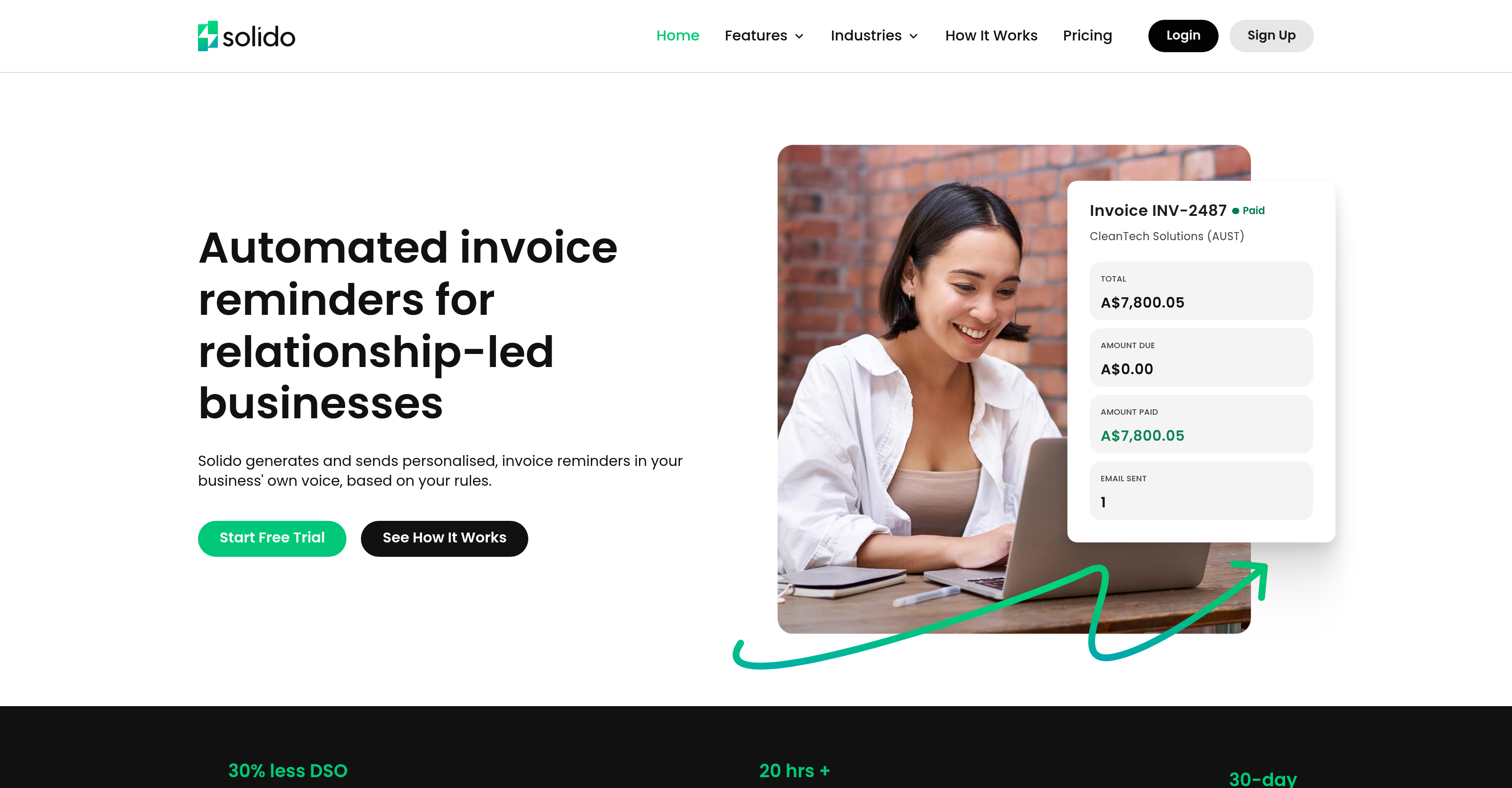
- Get paid faster with automated reminders sent from your Microsoft 365 or Google Workspace account, ensuring clients reply directly to your inbox for continuous conversations.
- Gain complete visibility into your cash flow with a real-time dashboard that shows unpaid and overdue totals, scheduled emails, and recent activity.
- Eliminate manual tracking and awkward follow-ups with rules-based automation that stops reminders the moment a payment is synced from Xero.
- Maintain full control over client relationships by selecting exactly who receives reminders and sending personalized, one-off emails when needed.
- Scale accounts receivable management across your team with multi-workspace support and invitations, ideal for agencies, consultancies, and professional services.
Pros & Cons
Pros
- Automated invoice reminders
- Personalised email communication
- Timed invoice reminders
- Integration with Xero
- QuickBooks integration in pipeline
- 30-day free trial
- Automated Accounts Receivable follow-up
- Email invoicing
- ClientRelationship maintaining capability
- Microsoft365 integration
- GoogleWorkspace integration
- Direct response capacity
- Selective contact management
- Manual email send option
- Automated synchronization
- Payment status tracking
- Dashboard analytics
- Multi-workspace management
- Team collaboration features
- Tailored solutions for Consultancies
- Tailored solution for Agencies
- Tailored solution for Tech Businesses
- Prevents system-generated email perception
- Multiple invoice rules setup
- Control over reminder frequency
- Automatic cessation of reminders post-payment
- Unpaid and overdue totals view
- Upcoming scheduled emails view
- Recent activity view
- Real-time invoice tracking
- Flexible plans
- Enterprise-grade authentication
- Automated reminders for relationship-led businesses
- DSO reduction capability
- Time saving on AR admin
- Business voice preserved in reminders
- Automatic Invoice and Contact sync with Xero
- In-app complete email conversation
- Visibility into reminder history
- Multiple mailbox connection
- Multi-business management
- Team invitation functionality
Cons
- No QuickBooks Integration
- Limited accounting software compatibility
- One-off/manual emails required
- Only supports English language
- No mobile app
- Potentially overwhelming rule setting
- No integrated payment platforms
- Over-dependency on Xero
Reviews
Rate this tool
Loading reviews...
❓ Frequently Asked Questions
Solido is an automated invoice reminder platform specifically designed to expedite the payment process. It's capable of connecting with small business accounting software like Xero and allows users to set rules for sending professional follow-ups directly from their own email addresses.
Solido works by allowing users to set their own rules for automated invoice reminders. Users can specify when, how many, and which days of the week the reminders should be sent. The reminders, which are sent from Microsoft 365 or Google Workspace accounts, maintain continuity in conversation and stay within one's inbox. Solido's system also stays in sync with Xero, automatically adjusting according to changes in clients' payment statuses.
To connect Solido with Xero, users simply need to link their Xero account during the Solido setup process. Once linked, invoices and contacts from the Xero account sync automatically, enabling a seamless integration of data.
Solido caters to a variety of businesses, with a special emphasis on professional services, agencies, and technology companies. This includes law firms, accounting practices, consultancies, SaaS companies, software businesses, and IT services.
Solido offers enterprise-grade authentication, providing a robust security system for its users. Additionally, it grants users full control over their accounts, ensuring the utmost security and privacy of their data.
Users can set rules for invoice reminders directly within Solido's platform. They are given the freedom to determine when, how many, and which days of the week the reminders are to be sent.
Yes, one of Solido's key features is that it allows reminders to be sent from the user's Microsoft 365 or Google Workspace accounts. This not only provides a personal touch to the reminders, but also keeps the conversation within one's own mailbox.
'Receivables Intelligence' is a key feature in Solido that provides users with a real-time dashboard for effective tracking of invoices. The level of transparency it offers keeps the user up to date about unpaid and overdue invoice totals, scheduled emails, and recent activity.
Solido ensures continuity in client communication by allowing reminders to be sent from the user's own Microsoft 365 or Google Workspace accounts. Responses from clients stay within the user's inbox, facilitating a smooth and uninterrupted conversation flow.
Solido's multiple workspaces feature enables efficiency across larger teams by allowing users to send invitations to others and set up separate workspaces within a matter of minutes.
Solido handles email follow-ups via its automation feature, which enables both AI-generated emails and manual follow-ups to be sent from the user's mailbox. The user-can define the rules for the follow-ups, determining when they'll be sent and the frequency.
Yes, Solido is capable of sending AI-generated emails. The content of these emails is composed based on the rules the user sets for each reminder stage.
Solido serves a wide array of industries, being industry-agnostic. It is suitable for professional services, technology companies, and agencies among others. Specific examples include law firms, consultancies, accounting practices, SaaS companies, Software businesses, and IT services.
Solido integrates with Microsoft 365 or Google Workspace by enabling emails to be sent from these accounts. This integration allows clients to reply directly to the reminders, and the conversation stays within your inbox, ensuring continuity.
The email-scheduling feature in Solido works based on user-defined rules. Users have the flexibility to schedule when, how many, and on which days of the week the reminders are to be sent.
Solido keeps track of client payments through its constant sync with Xero. Any changes in client payment status are automatically detected by Solido, which then stops sending reminders for that specific invoice.
Solido helps reduce administrative overhead by allowing for the automation of invoice reminders. This reduces the time and effort needed to track and follow up invoices, saving up to 20+ hours per week on AR admin according to their website.
Yes, Solido allows for customizable reminder logic, granting users the autonomy to determine when, how many, and which days of the week the reminders are to be sent.
Solido is designed for a wide range of industries, irrespective of their type or size. It is especially beneficial for professional services, agencies, and technology companies including law firms, consultancies, accounting practices, SaaS companies, Software businesses, and IT services.
Yes, Solido offers a real-time dashboard as a part of its 'Receivables Intelligence' feature. This dashboard provides up-to-date information on unpaid and overdue invoice totals, scheduled reminders, and recent activity, allowing users to effectively track their invoices.
Solido works by allowing you to set the rules on when and how invoice reminders are sent. It automatically sends the reminders using your specified parameters from your own Microsoft 365 or Google Workspace account. Solido picks up invoice status changes and stops sending reminders once payment is made. Solido's dashboard provides you with important insights, showing unpaid and overdue totals, upcoming scheduled emails, and recent activity. It also incorporates contact management, allowing you to control who receives reminders, and the option to manually send one-off emails for a more personalized approach.
Solido integrates with Xero by automatically syncing your invoices and contacts from your Xero account. Whenever an update is made in your Xero account, the change is reflected in Solido. For instance, if a client makes a payment, the invoice status is updated in Solido, which then discontinues sending reminders for that particular invoice.
Solido offers a plethora of features for managing receivables, including automated invoice reminders, a clear dashboard with insights into unpaid and overdue totals, email invoicing, payment tracking, automated synchronization with Xero, selective contact management to control who receives reminders, and manual email options for personalized interaction.
Yes, you can set specific rules in Solido for sending invoice reminders. You can dictate the number of days before or after a due date the reminder should be sent, the time of day, and the days of the week. Solido then executes these rules automatically, keeping you free from the everyday administrative tasks.
No, Solido currently does not support QuickBooks integration. However, it is noted as a forthcoming feature.
In Solido, automated synchronization works by keeping track of invoice status changes in real-time. It automatically syncs invoices and contacts from your accounting software (like Xero), ensuring status changes like payments are detected immediately. Once a client pays an invoice, Solido picks up the status change and stops sending reminders for that invoice.
In Solido, contact management is quite comprehensive. You can manage exactly who receives reminders, thereby exercising control over client communication. It offers a feature for selective contact management, allowing you to control who receives reminders. This enables you to stay on top of every client invoice without the administrative overhead.
Solido's dashboard offers visibility into your receivables with features that allow you to view unpaid invoices, overdue amounts, and DSO trends all in one place. You can also see your upcoming scheduled emails and recent activity, providing you with a clear understanding of where your receivables stand.
Yes, Solido sends reminders from your own email account. Specifically, reminders are sent from your Microsoft 365 or Google Workspace account, and not a generic system address. This ensures that the emails retain a personal touch and clients can reply directly, keeping the conversation in your inbox.
Yes, Solido can cease reminders automatically once a payment is made. Using real-time synchronization with your accounting software, it detects when an invoice status changes to 'paid' and stops sending reminders for that invoice.
Solido handles team collaboration with features like team invitations and multiple workspace management. This allows multiple team members to be involved in the invoice management process and ensures everyone stays updated on the invoice status. Solido is, therefore, well-suited for teamwork and collaboration.
Yes, Solido is suitable for consulting firms. With its features such as team collaboration, workspace management, and personalized invoice reminders, it helps consulting firms streamline their invoice management and improve their accounts receivable processes.
Yes, Solido can help you track payment status changes. It integrates with your accounting software, and its automated synchronization feature enables it to stay in sync with any status changes. When a client pays, Solido picks up the status change and stops sending reminders for that invoice, helping you effectively track payment statuses.
Yes, if you want to add a more personal touch or handle unique situations, Solido allows you to manually send one-off emails. This extends greater control to you over your business communication.
With Solido, you can manage workspace effectively as it offers multi-workspace management. You can handle multiple businesses from one account, separately manage different departments or entities within your business, and invite team members to help manage and monitor the invoice process, thereby facilitating comprehensive workspace management.
The insights you can gain from Solido's platform include unpaid and overdue totals, upcoming scheduled emails, and recent activities. The dashboard displays these insights in real-time, providing you with an up-to-date overview of your receivables situation.
Yes, Solido offers selective contact management. This feature allows you to choose exactly who receives invoice reminders, giving you more control over your business communication and ensuring that only appropriate personnel or clients are included in each reminder.
Solido handles client management by allowing you to control who gets invoice reminders. By syncing with your accounting software, it automatically imports client information and allows you to select who among these contacts should receive reminders. This way, you can manage client communication effectively and maintain your client relationships.
Yes, Solido integrates with both Microsoft 365 and Google Workspace. It uses these integrations to send out personalized invoice reminders from your own email account instead of a generic system address. This retains the personal element in your emails, and since the reminders comes directly from your account, clients can reply straight to your inbox.
Pricing
Pricing model
Free Trial
Paid options from
$49/month
Billing frequency
Monthly