
Overview
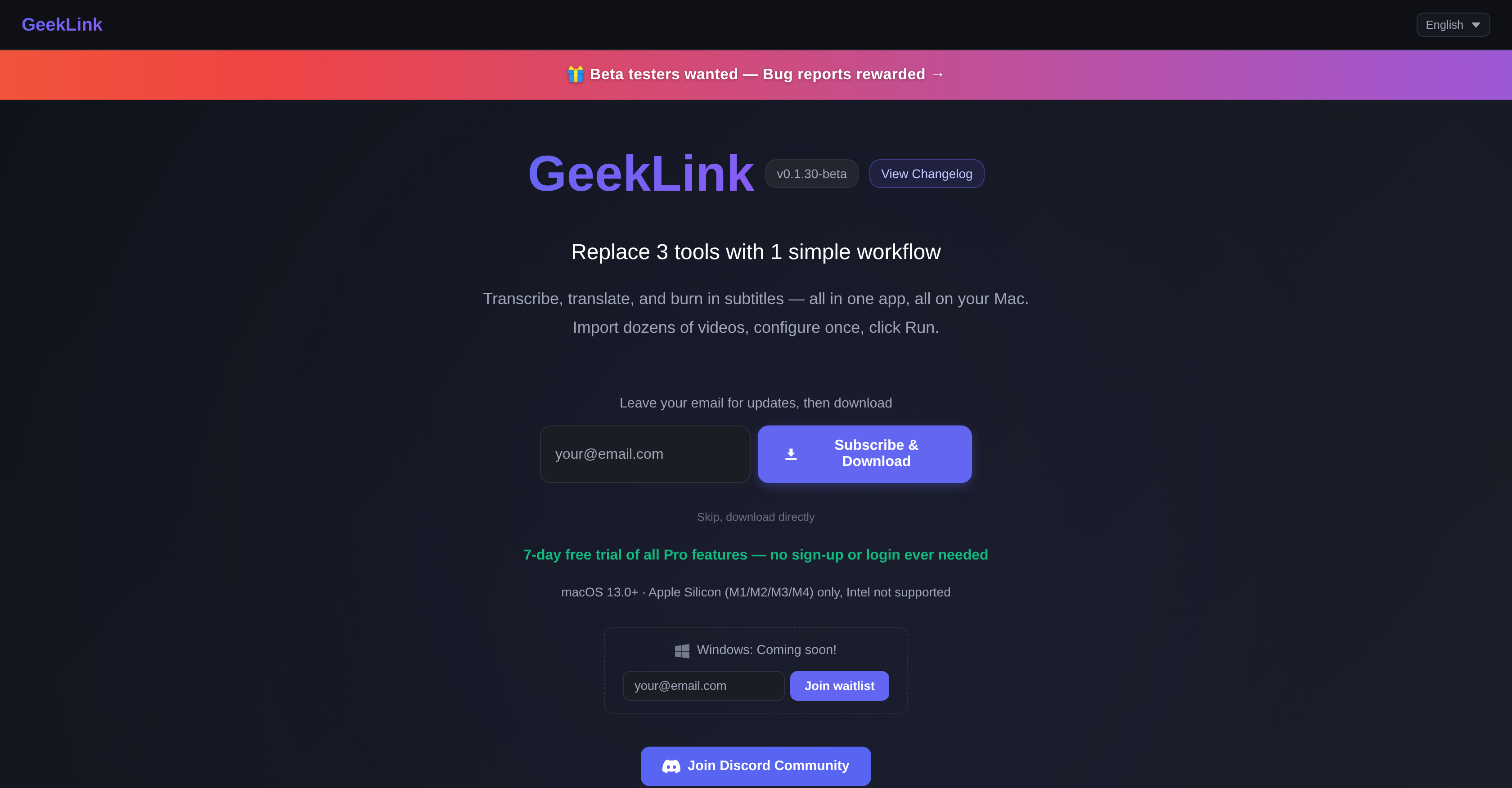
- Transcribe entire videos with 95%+ accuracy using AI speech recognition that runs locally after initial model download.
- Extract on-screen subtitles from any video with Smart OCR, then manually correct any errors with the built-in color picker.
- Translate subtitles into 40+ languages including English, Chinese, Japanese, Korean, French, German, Spanish, and more using cloud-based AI translation.
- Process dozens of videos at once through the batch pipeline—import your entire YouTube channel, series, or training library and let the queue handle transcription, OCR, translation, and burn-in automatically.
- Burn customized subtitles directly into your video files with one click, choosing font, color, and position that match your brand or style.
- Export final videos watermark-free with Pro features, add your own custom watermark, and access unlimited OCR for longer content.
- Work offline for transcription and subtitle recognition after first-time model download—no constant internet dependency for core tasks.
- Try all Pro features free for 7 days with no sign-up or login required, then activate with a license key for unlimited OCR, watermark-free exports, custom watermark upload, and the subtitle editor.
Pros & Cons
Pros
- Automated transcription
- OCR extraction
- Translation in 40+ languages
- Burning-in subtitles functionality
- Multiple video processing simultaneously
- Efficient for large content batches
- Smart OCR with manual correction
- High accuracy speech recognition
- Customisable text appearance
- Free trial for Pro Features
- Offline functionality after first-time model download
- Developed addressing subtitle tool drawbacks
- Operates fully locally
- Apple Silicon compatibility
- Subtitle Style Editor under development
- Unlimited OCR
- Font, color, position customisation
- Real-time transcription with ETA
- Custom watermark upload
- Deep machine translation
- Unique batch pipeline
- One-click subtitle embedding
- Pro features with license key activation
- macOS 13.0+ compatibility
- Offline speech recognition
- Customisable Subtitle's font, colour, and position
- Quality deep cloud translation
- Supports multi-language recognition
- 95%+ accuracy speech recognition
- Subtitle extraction 5 min / video
- No watermark for pro features
- SRT/TXT Export
- Watermark-free exports for Pro
- Unlimited Video Library for Pro
- Unlimited Video Export for Pro
- Real-time transcription with ETA
- Automatic queue and process for videos
- Simple, Transparent Pricing
- Offline subtitle recognition
- Subscription and lifetime pricing options
- Integrated with advanced speech recognition technology
- Free version available forever
- Supports major languages for translation
- Watermark upload for Pro version
- Monthly, annual, and lifetime plans available
Cons
- Restricted to macOS
- No support for Intel Macs
- No Windows compatibility
- Subtitle Style Editor underdevelopment
- Limited free OCR usage
- Watermarked free exports
- Pro features not entirely free
- Requires offline model downloads
- License key activation post-trial
Reviews
Rate this tool
Loading reviews...
❓ Frequently Asked Questions
GeekLink AI Subtitle Factory is a comprehensive tool specially designed for macOS to streamline the video subtitling process. It is equipped to conduct automated transcription, OCR extraction, and translation in over 40 different languages. Furthermore, this versatile tool also has the ability to directly burn-in subtitles onto video files.
GeekLink AI Subtitle Factory automates subtitling using AI technology. It uses Smart OCR for recognizing on-screen subtitles and AI speech recognition integration for efficient transcription with high accuracy. Additionally, it has a cloud-based AI Translation feature for supporting multilingual lookups. A Subtitle Style Editor for customization is also under development.
Currently, GeekLink AI Subtitle Factory supports only macOS. It has been designed specifically for Apple Silicon and it does not support Windows OS or Intel chipsets at the moment.
For certain functionalities, GeekLink AI Subtitle Factory requires an internet connection. Specifically, AI translation requires an internet connection. However, once the model downloads for the first time, transcription and subtitle recognition can work offline.
Yes, GeekLink AI Subtitle Factory can simultaneously process multiple videos. This feature makes it suitable for handling large batches of content such as an entire YouTube channel, a series, or a collection of training videos.
The AI translation feature of GeekLink AI Subtitle Factory supports over 40 languages. This support encompasses major global languages such as English, Chinese, Japanese, Korean, French, German, Spanish, Russian, Arabic, Italian, Portuguese, Dutch, and Turkish, among others.
The Subtitle Style Editor of GeekLink AI Subtitle Factory, which is currently under development, will allow users to customize the text appearance in the video. This customization can include adjustments to font, color, position, and animation.
Yes, GeekLink AI Subtitle Factory offers a 7-day free trial for its Pro Features. After this period, a license key is required to activate the Pro Features.
The limitations of offline functionality for the GeekLink AI Subtitle Factory primarily apply to the AI translation feature. This feature requires an internet connection to function. However, transcription and subtitle recognition can operate offline after the initial model downloads.
The limitation of GeekLink AI Subtitle Factory to Apple Silicon only is due to development and design choices. It has been specifically built for Apple Silicon and is not yet compatible with Windows OS or Intel chipsets.
Yes, GeekLink AI Subtitle Factory does provide a manual correction option for Smart OCR, which is used for recognizing on-screen subtitles.
The AI speech recognition feature of GeekLink AI Subtitle Factory is integrated in a way that it efficiently transcribes with a high accuracy. It is a significant part of the automated process that is designed to assist in creating subtitles.
The process of subtitling an entire YouTube channel with GeekLink AI Subtitle Factory involves importing videos into the program, where they will then automatically queue and process using AI-powered Speech Recognition, Smart OCR, and AI translation. The subtitles can then be burned into the videos directly.
Yes, GeekLink AI Subtitle Factory is capable of supporting a series or a collection of training videos. The program is designed to process multiple videos simultaneously, making it ideal for large scale projects.
Yes, GeekLink AI Subtitle Factory supports the burning of subtitles directly onto video files. This means that once subtitles are created, they can be embedded permanently into the video.
In the GeekLink AI Subtitle Factory, OCR extraction is handled through Smart OCR which is an AI-powered tool designed to recognize on-screen subtitles. In case of inaccuracies, a manual correction feature is also provided.
While specific differences depend on the other tools in consideration, the GeekLink AI Subtitle Factory aims to offer enhanced customization options for text appearance. Its Subtitle Style Editor, which is still under development, is set to allow detailed alterations in terms of font, color, position, and more.
GeekLink AI Subtitle Factory has made structural decisions to tackle issues of cloud-dependency and slow performance. The solution operates fully locally after the first-time model downloads for transcription and subtitle recognition. Nonetheless, AI translation feature will still require an internet connection. The emphasis is on providing a seamless user experience.
Batch processing with GeekLink AI Subtitle Factory involves importing multiple videos at once into the program. These imported videos are then set in a queue to be automatically processed. This includes executing tasks like OCR extraction, AI-powered transcription, and translation.
To activate the Pro Features of GeekLink AI Subtitle Factory after the free trial, users must obtain a license key. They can click on 'Activate' in the top-right corner of the application interface and enter this key to proceed with activating the Pro Features.
GeekLink AI Subtitle Factory supports translation in over 40 languages including English, Chinese, Japanese, Korean, French, German, Spanish, Russian, Arabic, Italian, Portuguese, Dutch, and Turkish.
The Pro Features of GeekLink AI Subtitle Factory include unlimited OCR, watermark-free exports, the ability to upload a custom watermark, and access to the subtitle editor.
To activate the Pro Features on GeekLink AI Subtitle Factory, a user must enter their license key after the 7-day free trial ends. There's no requirement for sign-up or login during the trial period.
At the moment, GeekLink AI Subtitle Factory is only compatible with macOS 13.0+ on Apple Silicon (M1/M2/M3/M4) devices. Support for Intel Macs has not been implemented yet, but a release supporting Windows is on the horizon.
The Batch Pipeline feature of GeekLink AI Subtitle Factory provides a means of simultaneously processing multiple videos, making it ideal for translating and subtitling high volumes of content such as entire YouTube channels, series, or collections of training videos.
Certain features of GeekLink AI Subtitle Factory, such as transcription and subtitle recognition, can work offline after the first-time model downloads. However, the AI translation feature requires an internet connection.
The AI translation feature of GeekLink AI Subtitle Factory operates through DeepSeek cloud translation. It requires internet for functionality and supports translations in over 40 languages.
GeekLink AI Subtitle Factory is equipped to process dozens of videos at once in a batch pipeline, which get queued and processed automatically.
The Smart OCR feature on GeekLink AI Subtitle Factory recognizes on-screen subtitles. This AI-powered OCR tool also includes a color picker and offers manual correction.
GeekLink AI Subtitle Factory integrates AI speech recognition technology that, according to their website, is capable of achieving 95%+ accuracy in transcription.
Yes, GeekLink AI Subtitle Factory has a customisation feature, soon to be expanded upon in an impending Subtitle Style Editor, that allows users to modify the text, color, and position of subtitles. The burn-in feature also lets users embed these subtitles directly into the video.
The burn-in subtitle feature on GeekLink AI Subtitle Factory allows for the embedding of altered subtitles directly into the video file with a single click.
The free version of GeekLink AI Subtitle Factory supports OCR Subtitle Extraction for up to 5 minutes per video. Unlimited OCR is one of the Pro Features and is available only with a Pro subscription.
'Watermark-free exports' in the context of Pro features on GeekLink AI Subtitle Factory refers to the ability to export videos that do not carry the GeekLink watermark. This feature is only available to Pro users.
The Subtitle Style Editor, currently under development for GeekLink AI Subtitle Factory, will allow users to adjust the font, color, and position of subtitles within videos, as well as to control animation. This will enable users to embed their customised subtitles into the video with just one click.
GeekLink AI Subtitle Factory allows for batch subtitle creation through its advanced batch pipeline feature. This feature allows for simultaneous processing of multiple videos, automating the transcription, OCR extraction, translation, and subtitle burn-in for dozens of videos at the same time.
Yes, GeekLink AI Subtitle Factory offers a 7-day free trial that includes access to all Pro Features.
To activate GeekLink AI Subtitle Factory after the trial version ends, a license key is required for activation. The license key can be entered by clicking 'Activate' in the top-right of the application.
Yes, GeekLink AI Subtitle Factory is capable of transcribing speeches due to its advanced AI speech recognition integration which the developers claim to have 95%+ accuracy.
The website states that a Windows version of GeekLink AI Subtitle Factory is coming soon. However, specific details about the features that will be available on the Windows version are not yet disclosed.
Pricing
Pricing model
Freemium
Paid options from
$12/month
Billing frequency
Monthly