
Overview
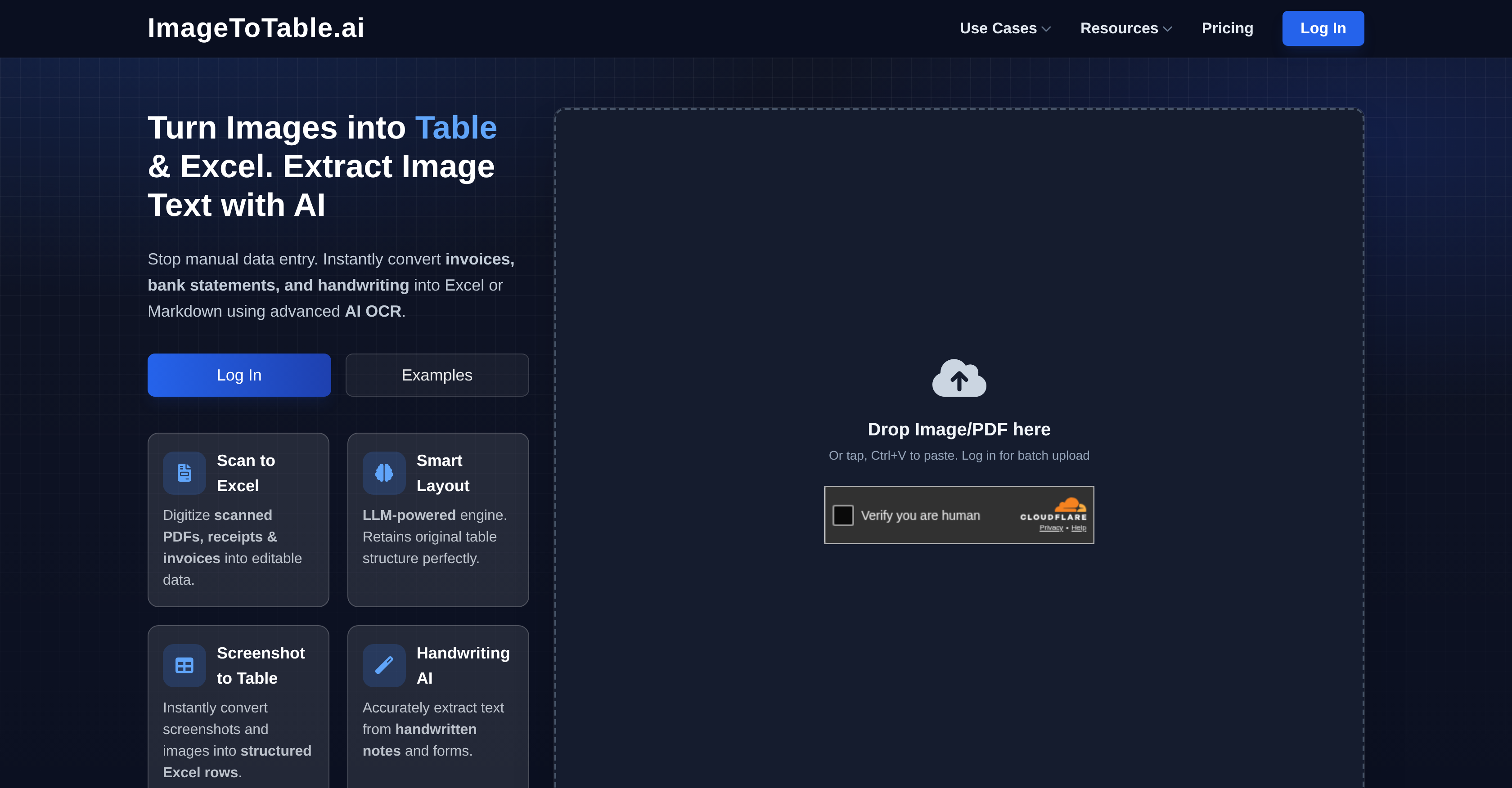
- Eliminate manual data entry and its errors by using advanced LLM OCR technology for precise extraction from any document.
- Save significant time and labor costs by processing documents in 20–30 seconds instead of minutes, with bulk processing for hundreds of files.
- Get clean, structured, and immediately usable data that preserves original layouts, columns, and tables for high readability and reuse.
- Extract any field with simple descriptions using natural language, requiring zero templates, manual bounding boxes, or complex rules.
- Process sensitive financial and business documents with confidence due to strong data security and compliance measures.
Pros & Cons
Pros
- Ability to extract specific fields
- Advanced LLM OCR technology
- Can extract data from images
- Multiple format support (Excel, CSV, JSON)
- Can handle bank statements
- Can process invoices and resumes
- Handwritten text recognition feature
- Zero box templates for extraction
- Maintains data accuracy
- Ensures data security
- Eliminates manual data entry errors
- Handles VAT/GST returns extraction
- Can process student ID cards
- Works with sales order forms
- Handles tax forms
- Useful in various sectors
- Eliminates manual error
- Time-saving
- Supports batch processing
- Automatically fixes typos
- Standardizes units automatically
- Preserves complex layouts
- Superior precision when extracting handwritten texts
- Integrates API seamlessly
- Automates workflows
- OCR handwriting recognition
- Resume parser and CV parsing
- Crop student ID photos feature
- Processes PDF bank statements
- Reconcile accounts capability
- Automatic batch processing
- Merge data across files
- Supports natural language rules
- Intelligently recognizes signatures
- Photos can be converted to Excel
- Understands context for improved accuracy
- Detects ticks and marks
- Converts text to structured format
- Allows workflow customization
- Cost-effective
- Ability to extract vendor, customer info
- Extracts amounts and terms
- Supports all major document & image formats
- Auto understanding and mapping of context
Cons
- Limited to text-based data
- Might struggle with complex handwriting
- Unspecified efficiency with non-English content
- Depends on image quality
- Doesn't explicitly support multi-page documents
- Inconsistent data extraction across document types
- Potentially long processing for bulk data
- Limited customisation for data extraction
- Doesn't mention support for encrypted files
- No information about version history
Reviews
Rate this tool
Loading reviews...
❓ Frequently Asked Questions
ImageToTable.ai can convert various types of documents including bank statements, invoices, resumes, VAT/GST returns, student ID cards, sales order forms, and tax forms.
Yes, ImageToTable.ai can accurately convert handwritten notes and forms.
Yes, ImageToTable.ai can process bank statements, effectively converting them into structured Excel, CSV, or JSON formats.
Yes, ImageToTable.ai can extract specific fields of data from VAT/GST returns.
Sectors such as accounting, enrollment, recruitment, expense tracking, and credit analysis can significantly benefit from using ImageToTable.ai.
Absolutely. ImageToTable.ai promises to maintain a high level of data security throughout the extraction process.
Yes, ImageToTable.ai extracts data in a structured format, ensuring the provision of usable, organized data.
ImageToTable.ai eliminates manual data entry errors by using advanced LLM OCR technology for precise data extraction.
ImageToTable.ai has unique use cases in various sectors, including accounting for bank statement analysis, enrollment via student ID card data extraction, recruitment through resume parsing, expense tracking via invoice and receipt conversion, and credit analysis through statement analysis.
Yes, ImageToTable.ai is able to convert various types of documents into Excel, CSV, and JSON formats.
No, ImageToTable.ai features a zero-template extraction system, making the process simpler and more streamlined.
ImageToTable.ai saves users significant time by automating data extraction processes and eliminating the need for manual data entry.
The LLM OCR technology in ImageToTable.ai provides advanced data extraction capabilities, able to handle everything from printed text to handwritten notes.
Yes, ImageToTable.ai can recognize and extract data from student ID cards.
Absolutely, ImageToTable.ai has the functionality to extract data from sales order forms.
Yes, ImageToTable.ai can turn images into structured Excel tables instantly.
Yes, ImageToTable.ai can accurately extract text from handwritten medical documents, making it suitable for use in medical document entry and prescription digitization.
ImageToTable.ai assists in resume screening and candidate data extraction by converting PDF/Image CVs into structured JSON or Excel. It extracts skills, work history, and education from the resumes, standardizing the candidate data for easy evaluation.
Yes, ImageToTable.ai is capable of handling bulk data processing, processing hundreds of PDFs at once and merging data across multiple files. This feature helps to enhance the efficiency of workflow and data management.
ImageToTable.ai offers significant cost efficiency compared to other tools. While traditional tools may require high setup fees and expensive per-page charges, ImageToTable.ai offers flexible, pay-as-you-go pricing that is more cost-effective than manual data entry services.
Pricing
Pricing model
Freemium
Paid options from
$7.50/month
Billing frequency
Monthly
Refund policy
14-Day Money-Back Guarantee if you have used less than 5 credits and are not satisfied with the results