
Overview
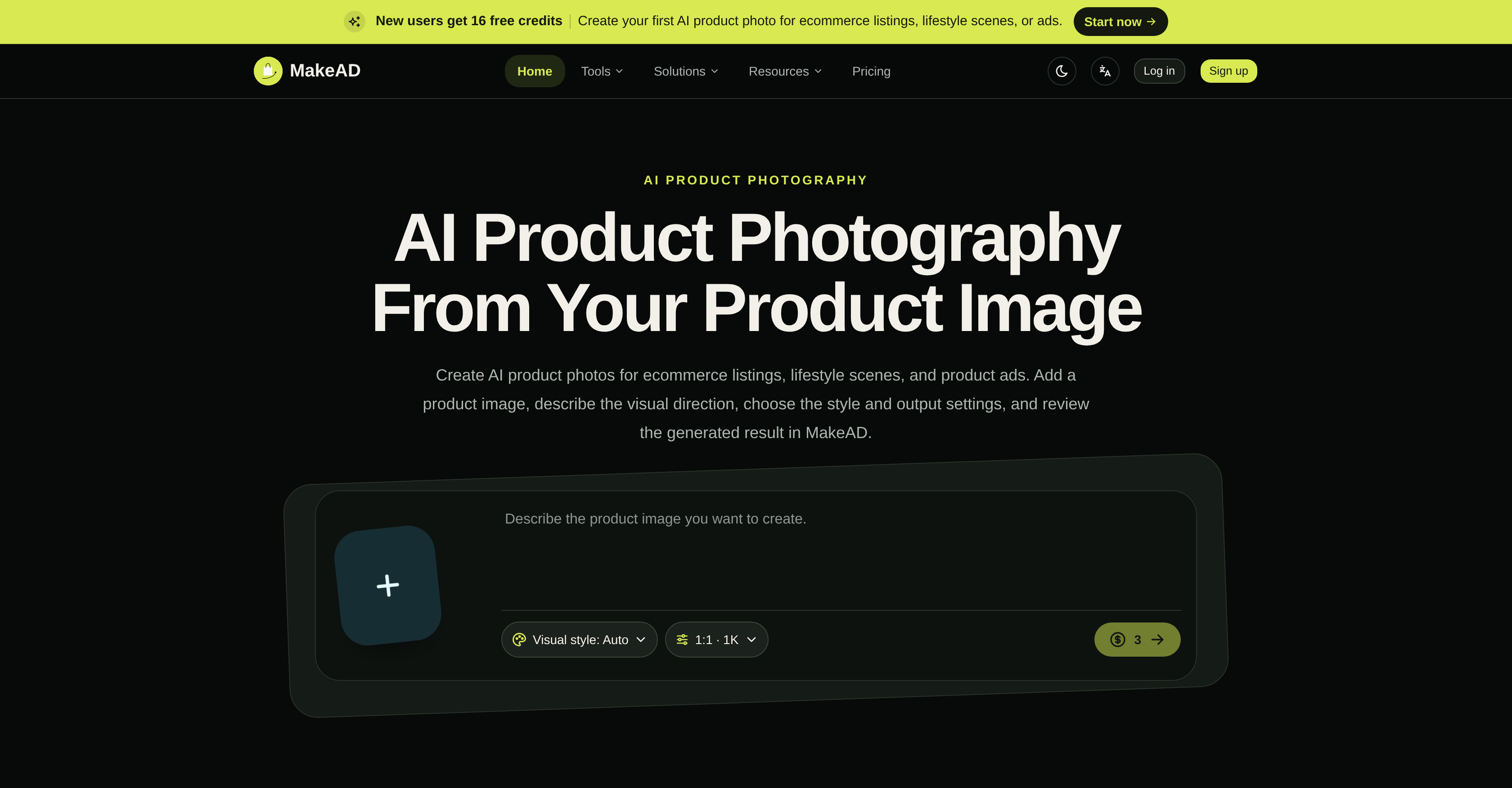
- Launch listings faster by generating clean ecommerce product photos and catalog images from a single upload, using task-based generation with regeneration and reusable results.
- Produce realistic lifestyle product photography that shows your item in everyday settings, helping customers visualize it in their lives without arranging a photoshoot.
- Create on-brand product ads and campaign visuals in five selectable styles, giving you creative direction and style control for every marketing channel.
- Deliver platform-ready images for Amazon, Shopify, and Etsy with platform-specific optimization guides, ensuring your product pictures meet each marketplace's requirements.
- Cut photoshoot costs by generating ghost mannequin, flat lay, and packshot photography on demand, covering apparel, jewelry, beauty, and shoe product photography needs.
- Scale your visual content across aspect ratios and resolutions up to 4K, with JPEG, PNG, and WebP output formats for any ecommerce or advertising use.
- Reuse and manage every generated asset in a built-in library, letting you preview, filter, and download images for consistent brand content across campaigns.
Pros & Cons
Pros
- Generates product images
- Manipulates product images
- Creates controllable backgrounds
- Realistic background generation
- Visual direction setting
- Style selection
- Output settings control
- Profile Picture Maker
- Industry-specific solutions
- Optimized for different sectors
- Lifestyle product photography
- Creates flat lay photos
- Ghost mannequin photography creation
- Packshot photography creation
- White background photos
- Photography tips included
- Image optimization resources
- Platform-specific ecommerce guides
- Prepares photos for Amazon
- Prepares photos for Shopify
- Prepares photos for Etsy
- Product Image optimization
- Ecommerce photography optimized
- Background generation
- Fashion modeling feature
- Profile picture generation
- Beauty product photography
- Jewelry product photography
- Apparel product photography
- Shoe product photography
- Lifestyle photos creation
- Product staging
- 360 product photography
- Ecommerce image planning
- Amazon specific features
- Shopify specific features
- Photography style selection
- Detailed resources and guides
- Photography equipment tips
- Product photography lighting tips
- Camera settings guidance
- Platform specific requirements
- Platform specific size guide
- Visual goal planning
- Affordable solution
- Technical support
- Revisable task conversations
Cons
- No immediate result previewBest results require a clear product image
- AI-generated details may require review
Reviews
Rate this tool
Loading reviews...
❓ Frequently Asked Questions
MakeAD's AI Product Background Generator is a feature designed to create realistic, controllable backgrounds for your product photos. It assists in enhancing the visual appeal of your product images, thereby making them more attractive for e-commerce sites, advertisements or lifestyle scenes.
Yes, MakeAD is designed to generate and manipulate product images for a variety of uses, beyond just ecommerce. Its advanced features like the AI Product Background Generator, AI Fashion Model Generator, and Profile Picture Maker can be employed for creating lifestyle scenes, product advertisements, and more, offering a range of possibilities for both personal and professional use.
MakeAD's AI Fashion Model Generator is designed to create on-model clothing images. This means it can produce images that show products in a realistic, wearable manner, as if they're being worn by a model. The AI takes into consideration the style, positioning and natural look a model would offer, to present the clothing items attractively and realistically.
Yes, the Profile Picture Maker in MakeAD is designed for professional use. It can transform a regular photo into a polished professional headshot, making it highly suitable for professional profiles on various platforms. This feature enhances the visual appeal of the profile photo to match professional standards.
Indeed, MakeAD does provide industry-specific solutions. It caters to several sectors, including beauty, jewelry, apparel and shoe product photography. It offers targeted solutions that help you generate images that match the unique nuances, needs and standards of these specific industries.
Yes, it is possible to create flat lay photos with MakeAD. The tool is designed to cover different types of product photography, including the popular 'flat lay' style. This allows you to have a top-down, bird's eye view of your product, a style that has been particularly popular in sectors such as apparel, jewelry, and beauty.
MakeAD provides a variety of resources to understand and optimize product photography. These resources include tips on various elements of photography like setting up, lighting, camera settings, and more. It provides handy knowledge on getting the optimal results from your product photos that harness the potential to enhance the visual appeal of your ecommerce platforms.
MakeAD provides platform-specific guides on how to prepare, review, and crop images for different ecommerce platforms. These include comprehensive guides specific to Amazon, Shopify, and Etsy. These guides provide a detailed walkthrough on how to tailor your product images as per the particular requirements or standards set by these platforms.
Yes, the product images created by MakeAD are perfectly suitable for Amazon listings. MakeAD offers an Amazon-specific guide which allows you to optimize your product photographs as per Amazon's unique image requirement. This makes your products stand out and ensures they comply with Amazon's product photo guidelines.
Yes, MakeAD does offer capabilities for creating ghost mannequin photography. This style of photography, popular in apparel showcasing, gives a 3D appearance to your product, making it appear as if an invisible mannequin is wearing it. MakeAD's advanced AI allows you to create this particular style of imagery to enhance your products' presentation.
Choosing the visual style for your photos in MakeAD is a part of the customization process that the tool offers. You can describe your visual direction, choose a preferred style and output settings when generating an image that suits your needs. The availability of multiple visual styles allows you to create images that best capture your product's essence and the narrative you wish to portray.
MakeAD is designed to cater to a broad spectrum of product photos. It doesn't impose restrictions on product types and is flexible to create images for a variety of product categories. So, whether you're aiming to create lifestyle photos, white background photos, ghost mannequin or packshot images, MakeAD has got you covered.
Yes, MakeAD can assist you in creating lifestyle product photography. Its advanced AI algorithms and customization options work together to generate high-quality lifestyle scenes that depict your product in realistic, day-to-day scenarios, ultimately helping your potential customers visualize how the product would fit into their lives.
MakeAD provides a range of resources for understanding and mastering product photography. It offers insights on what product photography is, how to take product photos, planning your shoot with the right product photography setup and equipment, and more. It even includes tips on using an iPhone for product photography and how to optimize images for ecommerce.
MakeAD improves the quality of product pictures for ecommerce platforms by leveraging artificial intelligence to generate high-quality, studio-standard product photos. It allows you to choose your ideal visual style and output settings, generating images that are suited specifically to the needs of platforms such as Amazon, Shopify, and Etsy. It also offers platform-specific guides to tailor your images according to each platform's unique requirements.
Yes, MakeAD offers case-specific solutions for different types of product photography like lifestyle, flat lay, ghost mannequin, packshot, and white background photos. It caters to a broad range of requirements, offering flexibility in terms of the type of product images you can generate, thus fitting into a varied range of use cases.
Yes, you can leverage MakeAD for packshot product photography. The tool's capabilities cover this type of product photography, which shows your product against a solid background, often used for catalogs or online store listings. It allows you to create such images with ease, adding a professional touch to your product listings.
In MakeAD, you have extensive control over the output settings for your generated image. You can choose the visual style, aspect ratio, resolution, and file format according to your preference or the specifications required by your ecommerce platform.
Yes, MakeAD provides specific tips on lighting and camera settings as part of its resources on product photography. It enlightens you on aspects like product photography setup, choosing the right equipment, understanding product photography lighting, and selecting ideal camera settings for product photography. This guidance ensures you get high-quality product photos with well-lit structures and visually appealing elements.
Yes, MakeAD offers detailed guides on preparing and reviewing images for specific ecommerce platforms, including Shopify and Etsy. It provides a step-by-step focus on the image requirements for these platforms, enabling users to optimize their product images accordingly, and thus improving the visual appeal and effectiveness of their online store listings.
Pricing
Pricing model
Free Trial
Paid options from
$19.99/month
Billing frequency
Monthly