Collart | AI Image to Image
Overview
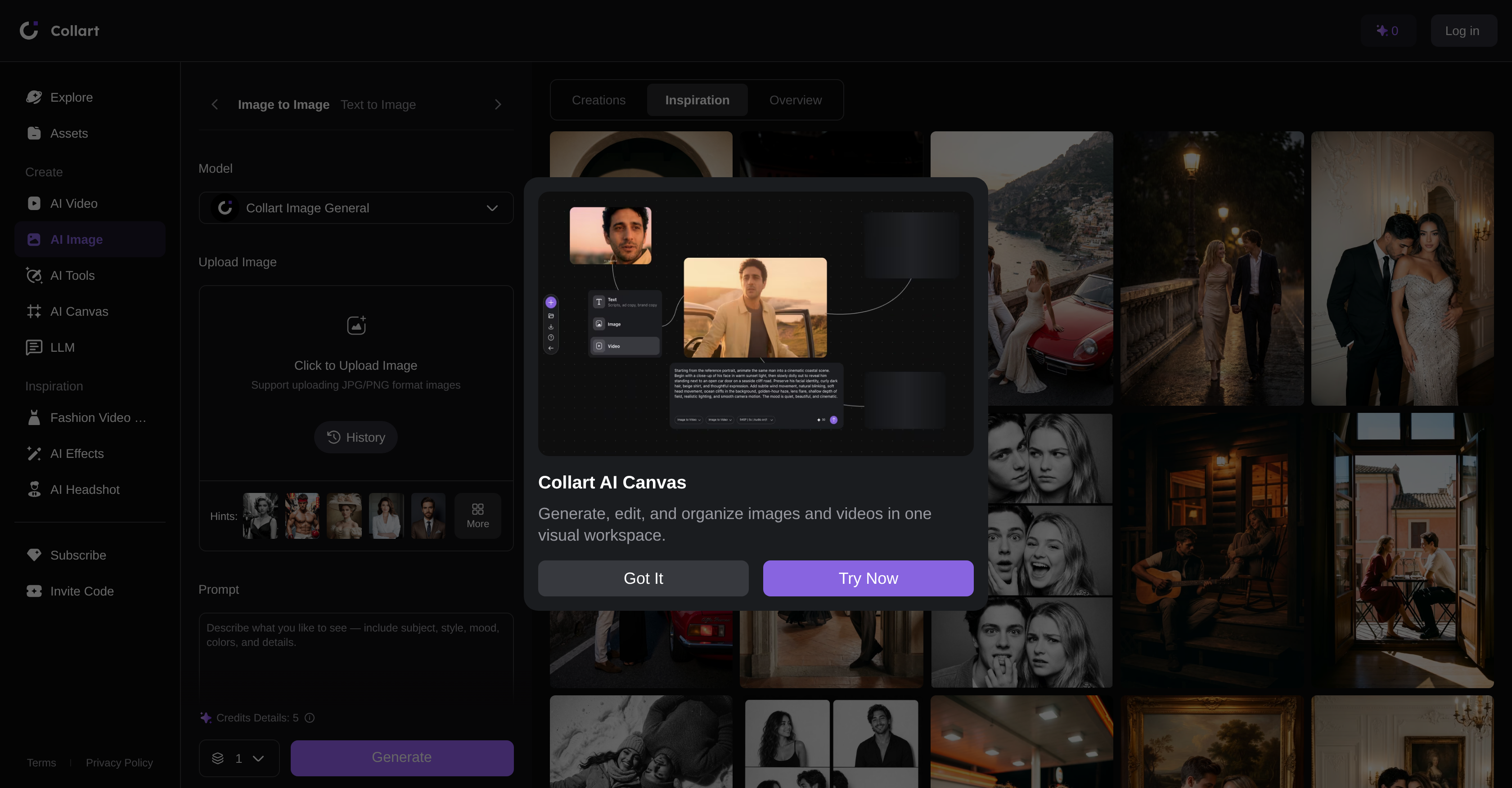
- Turn rough sketches into polished digital art instantly by uploading a JPG or PNG and letting AI complete the rendering.
- Seamlessly replace photo backgrounds with AI-generated scenes or solid colors without manual masking or editing.
- Convert real-life photos into anime-style illustrations with one click using specialized artistic filters.
- Control exactly how much the AI alters your original image by adjusting denoising strength, from subtle enhancements to complete creative transformations.
- Generate entirely new images from scratch by describing the subject, style, mood, colors, and specific details you want.
- Enhance image quality and appearance through AI-powered style transfer and artistic recreation features.
Pros & Cons
Pros
- Smart image generation
- Simplifies creative design workflow
- Diverse functionality
- Style transfer capability
- Image enhancement
- Artistic recreation
- Supports JPG and PNG
- Transforms rough sketches
- Changes photo backgrounds
- Converts images to anime
- Enables visualization descriptions
- Customizable parameters
- Swift conversion
- Generates digital art
- Seamless background alteration
- Anime-style conversion
- Controlled image modification
- Supports image upload
Cons
- Limited to JPG/PNG
- Sketch-to-art results variable
- Inconsistent anime-style conversion
- No batch processing
- No integration with design softwares
- No offline usage
- Lacks advanced customization
- No support for other formats
- No collaborative feature
Reviews
Rate this tool
Loading reviews...
❓ Frequently Asked Questions
The main function of AI Image-to-Image is to provide a smart image generation solution that incorporates advanced artificial intelligence technology to modify or create new images.
You can upload both JPG and PNG format images to AI Image-to-Image.
AI Image-to-Image offers numerous design features like style transfer, image enhancement, and artistic recreation. It also offers functionalities like transformation of rough sketches into high-quality digital art, changing the background of photos seamlessly with AI-generated scenarios, and applying filters to convert real-life photos into anime-style illustrations.
Yes, AI Image-to-Image can be used to transform rough sketches into high-quality digital art.
You can change the background of images using AI Image-to-Image by seamlessly replacing the background of any photo with AI-generated scenes or solid colors.
Yes, AI Image-to-Image provides an option to control how much the tool alters the user's original image. Lower values preserve the initial photo's likeness while higher values allow substantial creative modifications.
Yes, you can customise different parameters in AI Image-to-Image, which includes control over the degree to which the AI alters the original image.
Yes, there is an option for anime-style conversion in AI Image-to-Image. The tool has the ability to apply filters that can convert real-life photos into anime-style illustrations.
AI Image-to-Image has the capability to both modify existing images and create new ones through its smart image generation solution.
Yes, AI Image-to-Image enables users to contour the type of visualization they want to create, covering parameters such as subject, style, mood, colors, and specific details.
In AI Image-to-Image, you have control over parameters such as level of likeness of the original image, and the type of visualization you want to create, which includes elements such as subject, style, mood, colors, and specific details.
Yes, AI Image-to-Image does offer options for denoising strength which is a parameter that controls how much the AI alters your original image.
Yes, AI Image-to-Image supports uploads of PNG format images.
Yes, AI Image-to-Image supports uploads of JPG format images.
Yes, you can use AI Image-to-Image for image enhancement. It is one of the main features of the tool, which allows you to enhance the appearance of your images.
AI Image-to-Image allows any kind of creative modifications depending on the degree of likeness you decide. Higher values allow for substantial creative modifications whereas lower values preserve more of the original image.
In AI Image-to-Image, you can describe the type of visualization you want to create by specifying parameters such as subject, style, mood, colors, and specific details.
In AI Image-to-Image, a lower value for denoising strength keeps the result very close to your original photo, while a higher value allows the AI to make drastic creative changes.
Yes, you can upload a rough sketch and transform it into a high-quality digital art using AI Image-to-Image.
AI Image-to-Image can generate a variety of scenes to replace the background of photos. The tool can seamlessly replace the background of any photo with AI-generated scenarios or solid colors.
Pricing
Pricing model
Freemium
Paid options from
$5.83/month
Billing frequency
Monthly
Related Videos
Collart AI how to use || how to use Collart AI
App Insider Pro•3.7K views•Nov 27, 2025