

Ecom Visual Ai
Overview
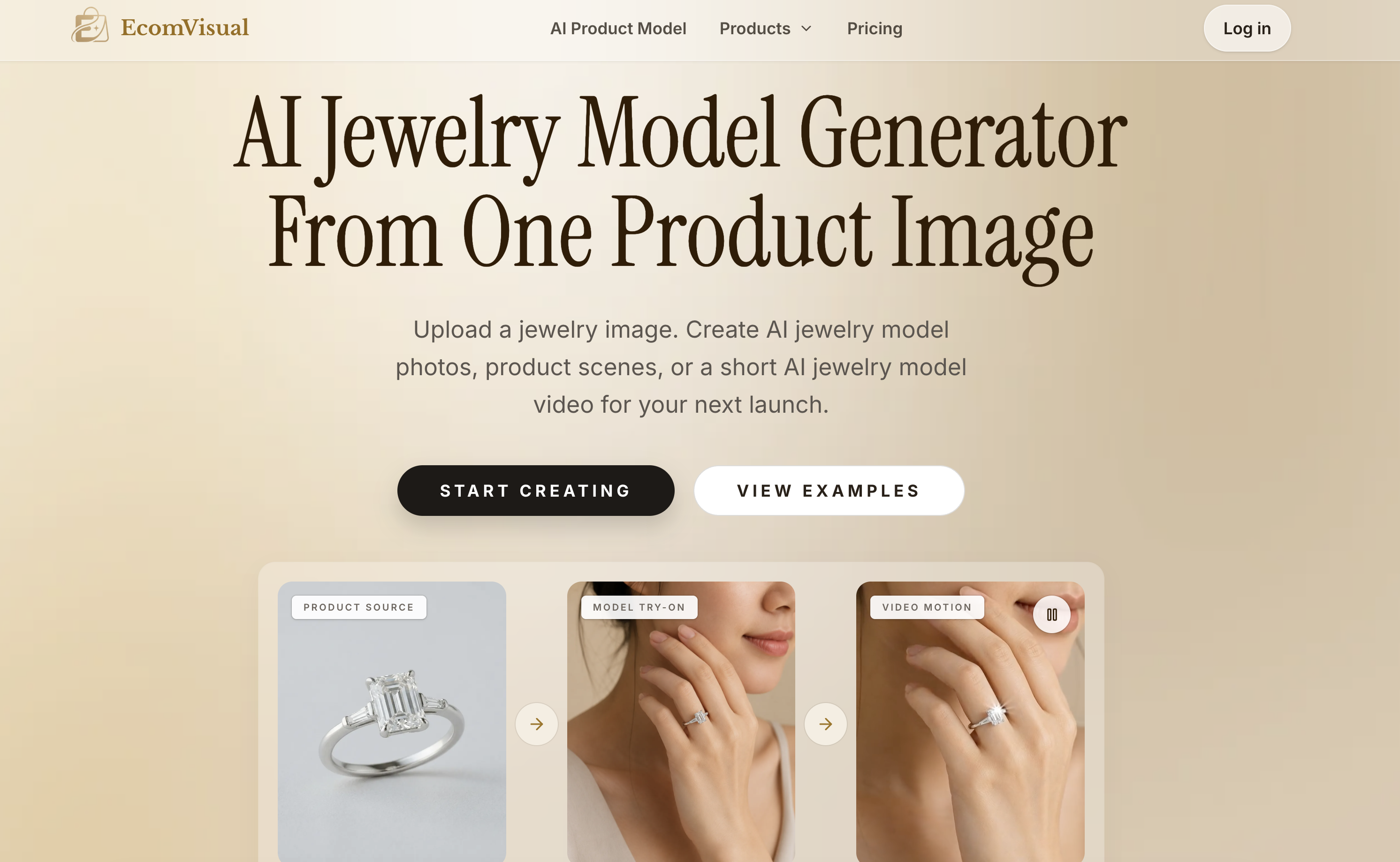
- Get on-model jewelry photos that answer placement and fit questions before customers ask, generated from a single uploaded jewelry image
- Expand one product photo into multiple shots—lifestyle shots, detail crops, and category page images—so every listing and collection page stays covered
- Preview different angles and model styles on your jewelry before finalizing, eliminating guesswork and reshoots
- Turn any generated jewelry image into a short AI jewelry model video with motion, ready for launch posts, social media stories, and paid promotions
- Produce new angles for new arrivals without booking a physical model or running a studio shoot
- Start from a sharp, evenly lit product photo and specify the intended use to control the output, keeping results consistent with your catalog
Pros & Cons
Pros
- Creates model photos from jewelry images
- Generates product scenes
- Expands single product photo into multiple shots
- Produces on-model photos
- Allows angle and style experimentation
- Video creation for launch posts and social media promotions
- Supporting shots for listings creation
- Generates new angles for new arrivals
- Simulates product wear without physical models
- Product source largely determines result
- Can provide lifestyle shots
- Allows detail crops
- Creates category page suitable shots
- Addresses customer inquiries about placement and fit
- Creates visuals for product campaigns
- Built for real launch calendar needs
- Can produce detail crops, lifestyle scenes, mood shots
- Can work with initial packshots
- Can keep new arrivals relevant through extra angles
- Shows product wear without needing a model
- Can turn model image into videos
- Helps with listing work
- Has methods for listings to get images
- Works with various jewelry categories
- Checks before live upload
- Applicable across multiple platforms
- Allows ad creative testing
- Usable for seasonal refreshes and catalog updates
Cons
- Needs high quality input photos
- Limited to jewelry models
- No preview options
- Limited customization options
- Relies on source photo
- Limited video modification
- Risk of unrealistic renders
- No multi-angle generation
- No batch processing
- Reliant on detailed specifications
Reviews
Rate this tool
Loading reviews...
Pricing
Pricing model
Free Trial
Paid options from
$19/month
Billing frequency
Monthly











































