
Kane CLI By TestMu AI
Overview
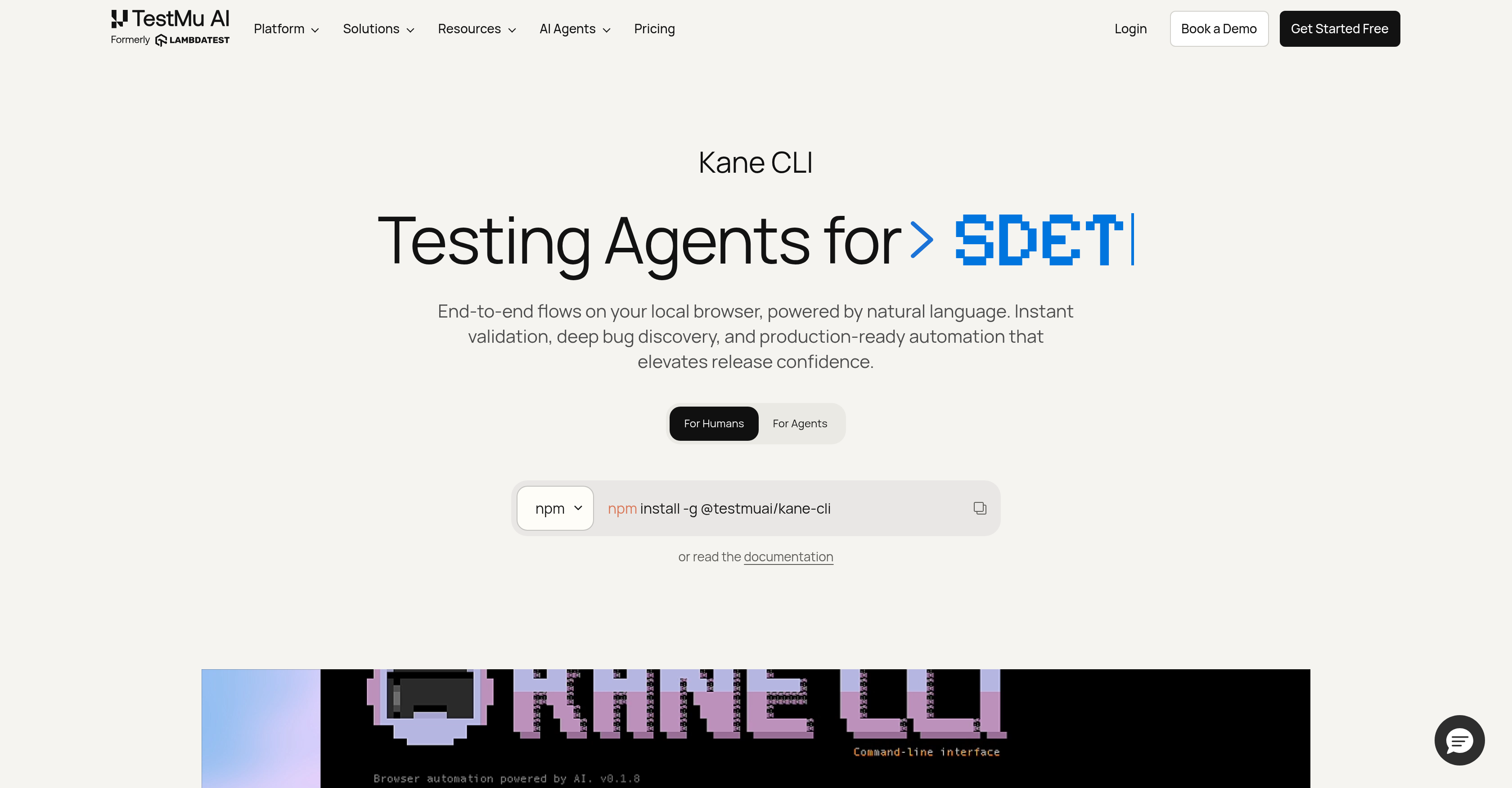
- Write end-to-end tests in plain English instead of complex scripts — Kane CLI executes your natural language instructions in a real Chrome browser.
- Eliminate test maintenance from cosmetic UI changes — built-in autoheal absorbs layout shifts that break traditional selectors.
- Test canvas, shadow DOM, and complex frameworks without DOM selectors — vision-based dynamic waiting handles elements that resist standard automation.
- Get deterministic pass or fail results with shareable proof for every run — each test execution uploads evidence to Test Manager for replay and history.
- Reuse the same test flow across staging, beta, and production without duplicating scripts — execute identical scenarios against different URLs.
- Export any natural language flow to native Playwright code when you need traditional scripting — two-way migration between AI-driven tests and Playwright or Selenium.
- Run tests directly from your terminal, IDE, or CI pipeline without switching tools — interactive TUI, headless CLI, and agent mode with structured NDJSON output.
- Install as a skill inside Claude Code, Codex CLI, or Gemini CLI with a single command — npx @testmuai/kane-cli-skill integrates browser verification into AI agent workflows.
- Handle real-world authentication challenges like OTP and CAPTCHA during automated tests — negotiate complex login flows without manual intervention.
Pros & Cons
Pros
- Natural language testing
- Real browser flow execution
- Automated brittle script replacement
- Built-in autoheal
- Handles dynamic UI elements
- Vision-based dynamic waiting
- Compatible with multiple frameworks
- Interactive TUI mode
- Headless CLI mode
- Agent mode with NDJSON
- Easy skill installation
- Native Playwright code export
- Real-time bug discovery
- Non-technical user friendly
- Supports parameterized flows
- OTP and CAPTCHA handling
- Workflow optimization capability
- Playwright Scripts execution
- Supports local browser environment
- Test duplication prevention
- Deep bug discovery feature
- Real-time test validation
- Browser automation
- End-to-end Testing
- Dynamic querying system
- Headless mode for continuous integration
- Test authoring and execution
- Test verification feature
- Versatile in nature
- Developer tool compatibility
- Code-less testing
- Increase of release confidence
- Comprehensive and feature-rich
- Single command installation
- Resizable cloud-based testing
- Cross Browser Testing
- Multi-environment in single command
- Visible mode for debugging
- Produces shareable test evidence
- Usage of secrets and variables
- Custom profiles for flow automations
- Auto-corrects tests (Autoheal)
- Test replay and history upload
- Supports different URLs
- Parameterized secure flows
- Offers instant validation
- Flexible pricing and plans
Cons
- Requires local browser environment
- No specific framework or selectors
- Parameterization may limit flexibility
- Intrinsic reliance on natural language
- Potential misunderstanding of natural language
- Limited to Playwright code exports
- Manual handling of OTP, CAPTCHA
- Lack of direct API access
- Possible inconsistency in autoheal function
- Indeterminate behavior with custom profiles
Reviews
Rate this tool
Loading reviews...
❓ Frequently Asked Questions
Rahul Jain
🛠️ 2 tools
wrote:Kane CLI is a terminal-native AI testing tool from TestMu AI. You describe what should happen in plain English, and it drives a real Chrome browser, verifies each step, and returns pass or fail with a shareable evidence link. No selectors or brittle scripts required.
Rahul Jain
🛠️ 2 tools
wrote:Developers, QA engineers, and "vibe coders" who want to verify flows without writing test scripts — and AI coding agents (Claude Code, Codex CLI, Cursor, Gemini CLI) that need a reliable way to verify their work in a real browser.
Rahul Jain
🛠️ 2 tools
wrote:npm install -g @testmuai/kane-cli (or brew install lambdatest/tap/kane-cli on macOS). Requires Node.js 18+ and Google Chrome. Then run kane-cli login and kane-cli --tui.
Rahul Jain
🛠️ 2 tools
wrote:The CLI is free to install. Usage runs on your TestMu AI account: a free tier gives 200 credits/month forever. Paid plans start at $19/month (Starter) and $99/month (Pro), with Enterprise available.
Rahul Jain
🛠️ 2 tools
wrote:Playwright and Selenium are code-based and need ongoing maintenance when the UI changes. Kane CLI works in plain English with built-in autoheal and vision-based waiting — and can export any flow to native Playwright code when you want it. They complement each other rather than compete.
Rahul Jain
🛠️ 2 tools
wrote:Yes. Kane CLI does two-way migration — ingest existing Playwright or Selenium scripts, run them as natural-language flows, and export back to Playwright. No rewrite from scratch.
Kane CLI uses Natural Language Interfaces to simplify end-to-end testing. Users simply describe in plain English what they want the AI to do — like accessing a particular page, verifying specific elements, or accomplishing a task. This removes the need for writing complex scripts, making the process user-friendly, non-technical, and highly efficient.
Kane CLI supports testing in multiple environments including a local browser environment, headless mode for continuous integration runs, and a visible mode for debugging. It's built to work seamlessly across these different environments, performing the same function with the same level of efficiency.
The Autoheal feature in Kane CLI is designed to absorb cosmetic UI changes that traditionally break scripts. Its aim is to provide resilience in the face of small changes to the website's design or layout, ensuring that tests don't fail due to these alterations. This helps in maintaining test accuracy and efficiency irrespective of the website's UI changes.
Kane CLI's dynamic querying feature deals with elements on the website dynamically instead of relying on hardcoded DOM selectors. It uses a vision-based dynamic waiting system to handle components like canvas, shadow DOM, and various frameworks that resist traditional DOM selectors. This ensures tests aren't affected by changes in these elements, making the testing process more robust and accurate.
Kane CLI can export any flow to native Playwright code. This means that the testing flows you create using the AI tool can be transformed into Playwright scripts. It offers users increased flexibility, particularly those versed in Playwright. This feature also provides a bridge between AI-created flows and more traditional scripting methods, offering versatility in test execution.
Kane CLI operates in three different modes for optimal accessibility. It offers an Interactive Text User Interface (TUI) for interactions right in your terminal, a headless mode for script and continuous integration pipeline execution, and agent mode with structured NDJSON output for use by AI agents.
Yes, Kane CLI comes equipped with the capability to negotiate OTP (One Time Password) and CAPTCHA elements during the testing process. This is part of its broad set of features designed to handle complex, real-world scenarios during end-to-end testing.
For non-technical users, Kane CLI provides a means to author, run, and verify testing flows without needing to code. Its Natural Language Interfaces allow users to describe what should happen, and the tool executes accordingly. This means a broader range of users, even those without coding experience, can effectively automate and optimize their testing processes.
Absolutely. Kane CLI comes with features for deep bug discovery and instant validation. It executes user-specified flows in a real browser environment and provides a pass or fail outcome along with a proof. This helps increase the confidence in releases by ensuring all major flows work as expected.
Yes, with Kane CLI, you can execute the same flow against different URLs without having to duplicate scripts. This means if you have testing scenarios that need to be applied to different versions of the site (like beta, staging, and production), you can easily do it without creating multiple test scripts. This makes the testing process much more efficient.
To install Kane CLI as a skill in Claude Code, Codex CLI, or Gemini CLI, you simply need to run a single command 'npx @testmuai/kane-cli-skill'. This installs it as a skill inside these IDEs making the integration process simple and straightforward.
Yes, Kane CLI supports the execution of the same testing flow against different URLs. This feature prevents the need for duplicating scripts while still allowing for comprehensive testing in different environments or versions of your website. This feature makes test execution more efficient as identical flows do not need to be rewritten for different URLs.
The agent mode with structured NDJSON output in Kane CLI is designed for use by AI agents. This mode outputs the testing results in a structured NDJSON format providing detailed insights and ensuring that the results are easy to parse for subsequent processing or analysis. It's an effective way of interfacing Kane CLI's testing capabilities with other AI tools in your workflow.
Kane CLI can greatly improve software testing workflows. Its natural language interface simplifies the process of defining tests, eliminating the need to write complex scripts. An added advantage is the ability to validate instantly and provide deep bug discovery. Features such as tests against different URLs without duplicating scripts, handling of OTPs and CAPTCHAs, and the possibility to export to native Playwright code, among others, collectively contribute to enhancing testing workflows.
Yes, Kane CLI allows users to export testing flows to native Playwright code. Whatever flows you create with it, you have the option to turn them into Playwright Scripts. It's particularly useful for those who are versed with Playwright and prefer working with scripts. It also paves a way for integrating AI-created flows with more traditional scripting methods, making test execution versatile.
Kane CLI provides a comprehensive platform for test authoring and execution. This is driven by its use of natural language interfaces for users to describe what they want to test. For test authoring, it allows users to define in plain English the steps to be tested. As for test execution, it automatically runs these user-specified steps in a real browser and returns a deterministic pass or fail result.
Kane CLI supports a variety of software testing types, majorly focusing on end-to-end testing and browser automation. Its features contribute to testing real browser flows in local environments, seamless testing of dynamic web elements, robust handling of OTP and CAPTCHA elements during testing, and immediate validation and deep bug discovery. It's designed to cater to a wide range of software testing necessities, making Kane CLI a versatile tool in the testing domain.
The built-in autoheal feature in Kane CLI is designed to tackle cosmetic UI changes that usually break traditional scripts. Autoheal is meant to ingest these minor changes to the UI without causing a disruption to the test flow. Its goal is to make the tests both repeatable and resilient, irrespective of the changes that go on at the website UI-level.
The interactive TUI (Text User Interface) mode in Kane CLI provides an interface for users to interact with their terminal. This mode allows users to write test cases, manage them, and watch their real-time execution directly in the terminal. It greatly simplifies the testing process, as users can input their instructions and receive feedback in an interactive and intuitive way.
Pricing
Pricing model
Freemium
Paid options from
$19/month
Billing frequency
Monthly
Related Videos
KaneCLI: The Browser Testing Agent That Lives In Your Terminal
TestMu AI (Formerly LambdaTest)•1.3K views•Jun 16, 2026