Overview
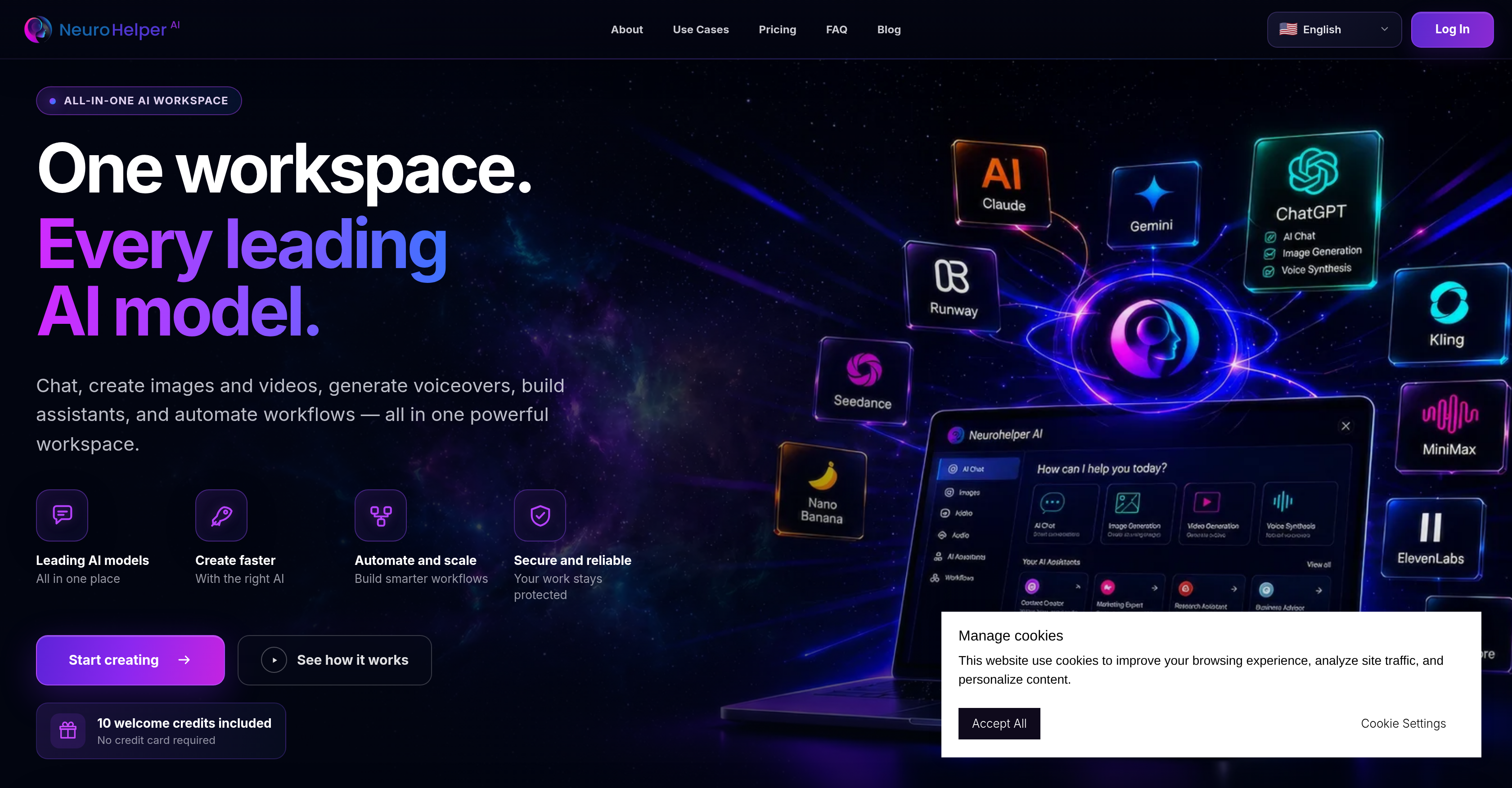
- Generate professional images and videos from a single prompt using top AI models like GPT Image and Seedance, without switching between tools
- Produce studio-quality voiceovers for any project by leveraging ElevenLabs and other leading voice AI directly from the workspace
- Build and deploy custom AI assistants for customer support or internal tasks with the built-in chatbot creator, no coding required
- Automate repetitive tasks and routine workflows to move from one project phase to the next without manual handoffs
- Reuse successful projects instantly by accessing the history section to duplicate or refine past work, saving hours of re-creation
- Export completed projects to any external studio or platform for further refinement, maintaining full creative control
- Track and manage credit usage across text, image, video, and audio tasks with the built-in credit balance system to avoid surprises
- Work across multiple tasks—chat, generate media, build assistants—without restarting tools, thanks to the seamless workspace navigation
Pros & Cons
Pros
- All-in-one workspace
- User-friendly project initiation
- Easy refining and exporting
- Allows project continuation in any studio
- Selection flexibility among recommended models
- Intuitive digital workplace
- No restart needed
- Efficient project movement
- Time-saving
- Enhanced productivity
- Robust security measures
- Seamless project workflow
- History section for project repetition
- Credit balance feature
- Chatbot creation
- Image generation
- Video creation
- Multi model selection
- Integrated tool movement
Cons
- No offline functionality
- Subscription based model
Reviews
Rate this tool
Loading reviews...
❓ Frequently Asked Questions
Neurohelper AI supports all the leading AI models such as ChatGPT, Claude, Gemini, GPT Image, Seedance, ElevenLabs, Kling, and others.
Neurohelper AI uses its built-in recommendation engine to select and suggest the best AI model for each task based on the task's requirements and chosen parameters.
Yes, once projects are refined using Neurohelper AI, they can be exported for further refinement or continuation in any other studio.
Neurohelper AI enhances productivity by allowing users to manage all their work from one place, streamlining AI model handling, recommending the right AI for tasks, providing a history section for project repetition, and enabling easy movement of tools without needing to restart. All these features collectively reduce manual labor, save time, and improve workflow efficiency.
Yes, Neurohelper AI supports both image and video creation. It is equipped with top AI models necessary for generating images and videos.
Yes, Neurohelper AI has a built-in feature for chatbot creation. It can help users create advanced AI chat assistants efficiently.
The Credit Balance feature in Neurohelper AI offers a system to manage and keep track of credit usage for different assignments including text, image, video, and audio tasks.
Yes, Neurohelper AI is described as a secure platform. It ensures strong data protection so that users' work stays private and safe.
Yes, Neurohelper AI has a project export feature which allows users to export their projects for further refinement or continuation elsewhere.
Yes, Neurohelper AI workspace does support multitasking. It offers an integrated workspace from where users can initiate conversations, build images or videos, develop AI assistants, automate workflows, and more.
Neurohelper AI provides options to build smarter workflows and automate routine tasks. It enables users to swiftly move from one task to another, enhancing their productivity.
Yes, with Neurohelper AI, users can manage all their tasks effectively in one digital workplace. It offers a seamless project workflow management system.
Yes, Neurohelper AI allows easy movement of tools within the workspace without needing to restart. This ensures uninterrupted work experience and saves time.
Yes, Neurohelper AI offers a history section where users can revisit, reuse or repeat previous projects. This feature is particularly useful when needing to duplicate successful initiatives.
Based on the language options shown on Neurohelper AI's webpage, it seems this platform does support multiple languages although the exact languages supported are not specified.
Yes, Neurohelper AI does support the creation of voiceovers. It can generate AI-supported voiceovers for various tasks.
Yes, Neurohelper AI does assist in building AI assistants. With one workspace, users have access to capabilities for building comprehensive AI assistants to meet diverse requirements.
While it is clear that users can export their projects from Neurohelper AI, the specific formats for export are not mentioned on their website.
Neurohelper AI enhances project workflows with features such as all-in-one workspace, AI model management, workflow automation, built-in chatbot creation, image and video generation, project repetition, and seamless integration and movement of tools. These features maximize productivity and reduce the need for multiple platforms.
The use of Neurohelper AI requires a subscription, as per the information on their website. However, the exact subscription plans and associated costs are not specified.
Pricing
Pricing model
Paid
Paid options from
$15/month
Billing frequency
Monthly