Overview
- Capture every thought instantly by speaking instead of typing, using the push-to-talk hotkey that lands text exactly at your cursor in any application.
- Get meeting summaries without disrupting the conversation, because TalkToType records both sides of a call without requiring a bot to join.
- Never miss a critical point during sales calls or job interviews, with a live checklist that automatically marks off agenda items as the AI monitors the transcript in real time.
- Save hours of manual review by uploading audio files from interviews or archives, and receive searchable transcripts with speaker labels and timestamps.
- Dictate seamlessly across your entire workflow, as TalkToType works with Microsoft Teams, Google Meet, Skype, Slack, Outlook, Word, and any app that accepts text input.
- Maintain natural conversation flow during remote meetings, since the tool captures audio from both microphone and speakers without bot interruptions.
- Switch between two languages with a single key tap, enabling multilingual dictation and transcription for diverse teams and global clients.
- Deliver precise, word-for-word documentation for client requirements or legal records, using the premium transcript upgrade that handles accents, technical jargon, and overlapping speakers.
Pros & Cons
Pros
- Windows and Mac compatible
- Push-to-talk voice dictation
- Transcription in any application
- Meeting recording
- Captures both sides audio
- Compatible with Teams and Zoom
- Bot-free meeting recording
- Compatible with Google Meet, Webex
- Works with YouTube audio
- Live checklist features
- Sales calls, job interviews use
- Supports eleven languages
- Compatible with Outlook, Slack, Word
- Premium transcript upgrade
- Ideal for voice coders
- Great for recruiters, salespersons
- Useful for managers, consultants
- Applicable for researchers, journalists
- Skype compatibility
- Ability to upload audio files
- Searchable transcripts
- Live checklists during meetings
- Doesn't disrupt meeting fluidity
- Numerous app compatibility
- In-app checklist monitoring
- Old recording transcription support
- Versatile professional use
- Meeting discussion completeness
- Toggling languages with one key
- Personal dictionary for tricky words
- Applicable to any text field
- Handles accents, technical jargon
- Speaker labels and timestamps
- Handles overlapping speaker audio
- Meeting record on your device
- No recurring subscriptions
- No bot joining calls
- Pause and resume recording feature
Cons
- No Linux support
- Limited language selection
- Recording consent responsibility
- No bot-free recording notification
- Potentially intrusive live transcription
- Personal dictionary creation needed
- No full word-for-word transcripts
- Premium features behind paywall
- Difficult switching between languages
- Hardware-specific hotkeys
Reviews
Rate this tool
Loading reviews...
❓ Frequently Asked Questions
TalkToType is compatible with both Windows and Mac platforms.
Yes, TalkToType allows dictation in any application where the user can type text.
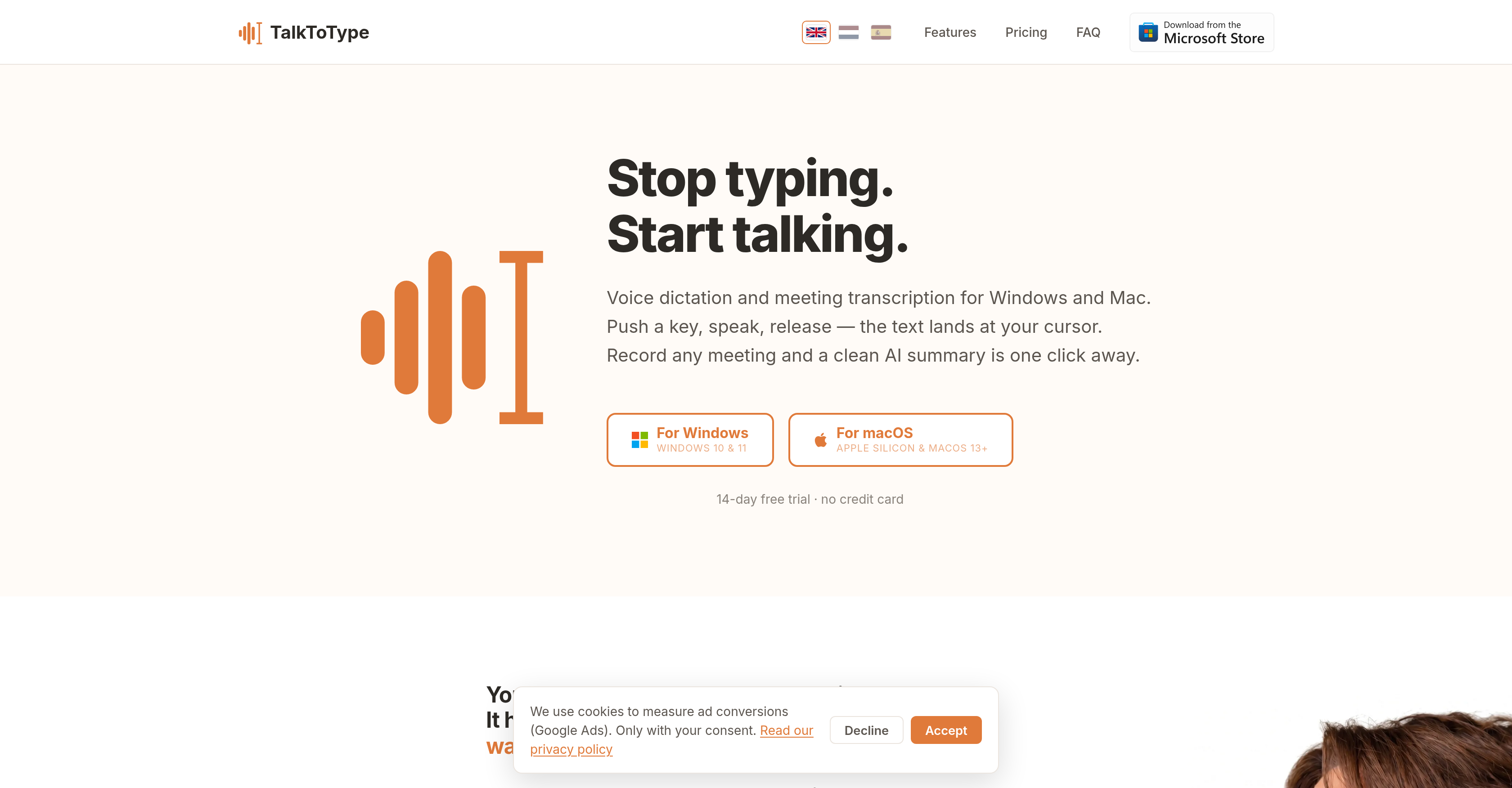
The push-to-talk feature of TalkToType works in a simple manner. Users simply hold a particular key (defined as a hotkey), speak their message, and on releasing the key, the spoken message is converted into text at the cursor point.
Yes, TalkToType provides transcription for meetings. It can record any meeting and produce a clean AI-generated text summary.
Yes, TalkToType can capture both the audio from the microphone and the speakers on a call, making the inclusion of both sides of a conversation possible.
TalkToType assists with Teams or Zoom calls by capturing the audio from both ends without needing a bot to join the meeting. It also generates a transcript of the meeting and provides AI-generated summaries.
Yes, TalkToType can be used for platforms like Google Meet, Webex and even YouTube, capturing audio and providing transcription services.
The live checklist feature of TalkToType monitors the transcript of a meeting, sales call, job interview or similar in real time. It automatically marks off important points as they come up, ensuring all necessary points are covered during the conversation.
TalkToType supports dictation in eleven languages, accommodating a wide range of user requirements.
With TalkToType, you can dictate into a variety of applications such as Outlook, Slack, Word, Teams chat, and any other application where text input is possible.
Yes, TalkToType offers a premium transcript service which generates top-quality, word-for-word transcripts.
TalkToType is aimed at a broad range of professional users including voice coders, recruiters, salespersons, managers, consultants, researchers, and journalists.
Absolutely. TalkToType is a robust tool for remote working allowing voice dictation and meeting transcription, it enhances communication effectiveness and productivity for remote teams.
Yes, TalkToType does offer premium transcription services called 'premium transcript upgrade' that delivers top-quality, word-for-word transcripts.
AI-generated summaries in TalkToType condense the important information from meeting recordings, making it easier and quicker for users to understand the key points and outcomes of the meeting.
Yes, TalkToType can record meetings without having to join as a bot, capturing both the microphone and the audio from speakers.
Yes, TalkToType has specific features tailored for sales calls and job interviews. It provides live checklists during such calls to keep track of important points and ensure they are addressed properly.
TalkToType can be beneficial for voice coders by transcribing their speech directly into the application being coded. As for consultants, it makes client requirement tracking and reporting more efficient with its word-for-word premium transcription service.
TalkToType offers support for dictation in eleven different languages and includes a feature to easily switch between two predefined languages with a single hotkey press.
Yes, TalkToType can capture audio from a YouTube or Webex meeting, producing a transcript and AI-generated summary of the recorded conversation.
Yes, TalkToType is compatible with Microsoft Teams. It can record both sides of a Teams call, and doesn't require a bot to join the call ensuring smooth and undisturbed conversations.
TalkToType offers the ability to upload audio files, such as interviews or archived material, and provide searchable transcripts in return. This feature can significantly save time for professionals dealing with high volumes of recorded material.
If an application allows you to type into it, then TalkToType can dictate into it. Examples include popular apps and programs like Outlook, Slack, Word, and Teams chat, among others.
In TalkToType, the premium transcript upgrade refers to the option of having top-quality, word-for-word transcripts produced. This upgraded transcription uses a heavier AI model to better handle accents, technical jargon, and overlapping speakers, providing speaker labels and timestamps for precise referencing.
Yes, voice coders can use TalkToType for voice coding. By speaking instead of typing, coders can give their respective AI a fuller picture of the problem at hand to generate more refined results.
Yes, TalkToType works with Google Meet. It can capture both the user's microphone and the audio output from the speakers, thereby recording both sides of a Google Meet call without the need for a bot to join the call.
Yes, TalkToType can indeed capture audio from both the microphone and the speakers which enables the recording of the entire conversation during a meeting or a call.
Yes, TalkToType provides a live checklist feature for meetings, sales calls, job interviews, and more. Users can list questions or points prior to a meeting, then the AI carefully watches the transcript live and marks off these points as they are addressed.
Yes, TalkToType supports dictation in eleven different languages. It also allows switching language output between two set languages with a single key tap.
Yes, TalkToType does offer a 14-day free trial. During this trial period, users have access to all the features without any credit card requirement.
The push-to-talk feature in TalkToType allows users to easily convert their spoken words into text. Users need to press a key, speak their text, and release the key resulting in the spoken text landing at their cursor point in the application.
TalkToType can indeed transcribe meetings. This tool has the ability to record any meeting, and produce a clean, concise AI-generated summary of the conversation.
No, a bot is not required to join a meeting for recording in TalkToType. Instead, the tool records from the user's computer ensuring no interruptions caused by a bot joining the meeting notification.
TalkToType greatly aids in the process of job interviews by providing features like live checklists. Recruiters can set up questions upfront, and the AI ticks them off as they come up during the call, helping keep the interviewer's attention focused on the candidate.
Yes, TalkToType can generate summaries of meetings. It uses AI to produce a succinct and clear summary after the meeting recording, allowing users to quickly grasp key points and details from their discussions.
Yes, TalkToType can be used on Mac devices. It offers support for Apple Silicon and macOS 13+.
Yes, TalkToType can be used on Windows devices. It is compatible with both Windows 10 and 11 operating systems.
Yes, TalkToType can be used for voice dictation in Slack. Users can use the push-to-talk feature of TalkToType and the dictated text will appear in the Slack chat box.
TalkToType supports dictation in eleven different languages, and users can easily switch their output between two set languages with a simple key tap.
Pricing
Pricing model
Freemium
Paid options from
$11.55/month
Billing frequency
Monthly
Refund policy
No Refunds