Transcribe Video AI
Overview
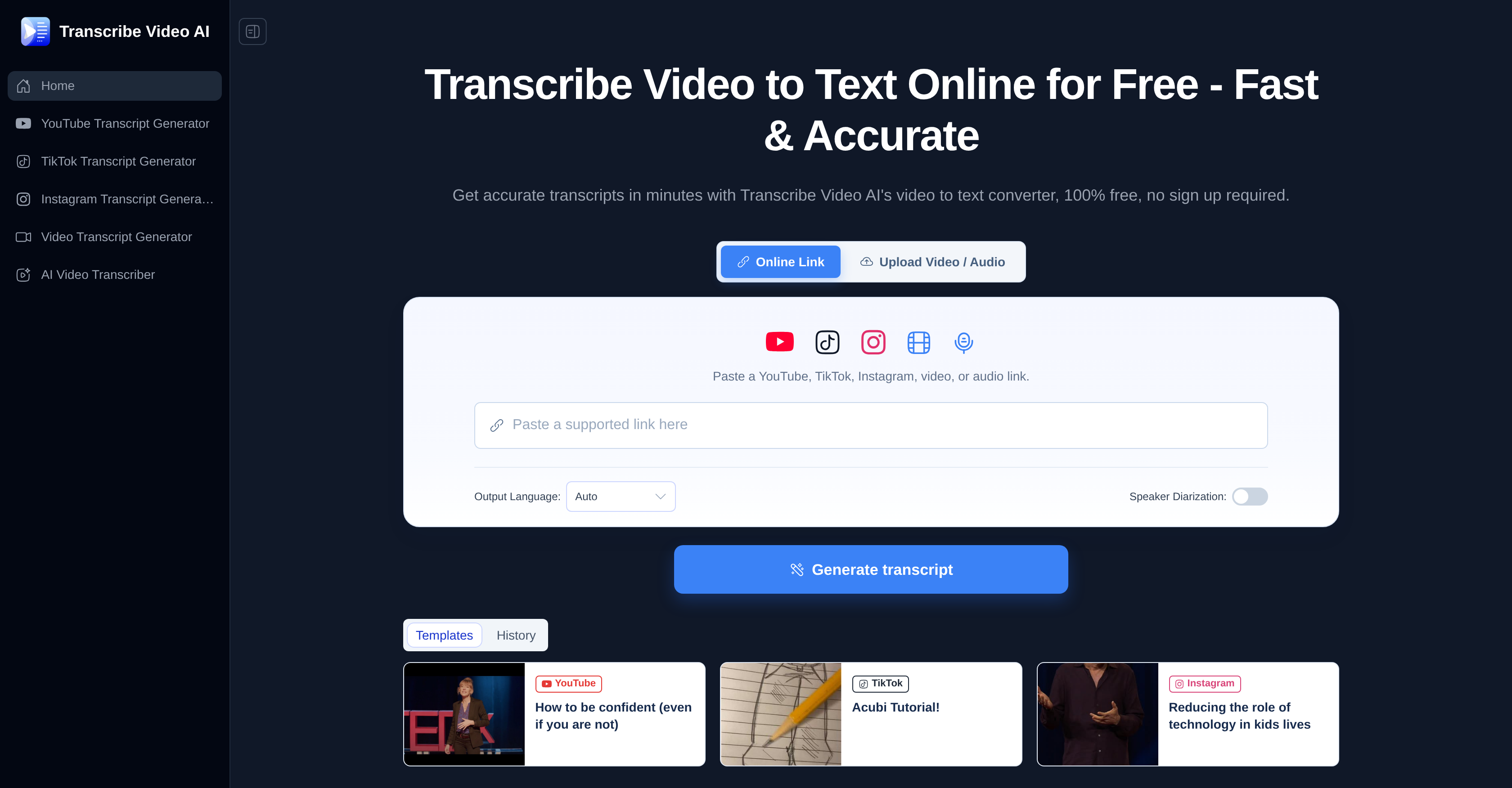
- Convert any video file or social media URL into accurate text with Transcribe Video AI's support for MP4, MOV, AVI, YouTube, TikTok, and Instagram, giving you a fast, free video to text transcription solution without downloads or sign-ups.
- Generate automatic subtitles with precise timestamps for your YouTube, TikTok, or Instagram videos, streamlining your subtitle generation workflow and making your content accessible to global audiences.
- Instantly distill hours of meeting notes, lectures, or recordings into structured summaries using the built-in content summarization feature, which improves organization and saves you review time.
- Efficiently transcribe long videos without slowdown, as the tool is built to handle lengthy recordings and deliver complete transcripts in minutes.
- Translate your transcribed text into over 100 languages, empowering multilingual content creation and providing a valuable resource for language learners.
- Start transcribing immediately with a simple three-step process that requires no account creation, so you can go from video to text in minutes for free.
Pros & Cons
Pros
- Supports multiple video formats
- Handles social media URLs
- Generates transcripts, subtitles, summarizations
- Supports over 100 languages
- Highly accurate transcription
- Handles long videos efficiently
- Generates automatic subtitles with timestamps
- Creates content summaries
- Offers language translation
- Free usage
- No sign-up required
- Simplifies note-taking
- Improves organization
- Quick, efficient service
- Supports multiple export formats
- Over 98% transcription accuracy
- Supports YouTube, TikTok, Instagram
- Useful for meeting, lecture transcription
- No registration or verification
- Works with video files, URLs
- Useful for studying, content creation
- Long videos processed within minutes
- Transcribed text can be translated
- Delivers structured summaries
- Handles accents, unclear pronunciation
- Content can be further summarized
- Supports video files up to 1GB
- Results downloadable in preferred format
- Secure, private conversion process
- Video Creator Testimonial positive
- Student Testimonial positive
- Operations Specialist Testimonial positive
- Recognizes and transcribes less standard pronunciation
- Converts Zoom calls into text
- Improves follow-ups efficiency
Cons
- No offline functionality
- File size limit (1GB)
- No user accounts
- No data storage
- Limited output formats
- Platform dependent
- Potential privacy concerns
- Unclear support channels
- No app version
- Might struggle with accents
Reviews
Rate this tool
Loading reviews...
❓ Frequently Asked Questions
Transcribe Video AI supports multiple video formats, including MP4, MOV, and AVI.
Yes, Transcribe Video AI can transcribe videos from social platforms such as YouTube, TikTok, and Instagram.
Transcribe Video AI supports transcription in over 100 different languages.
The transcription provided by Transcribe Video AI is highly accurate, with a reported accuracy rate of up to 98%.
Yes, Transcribe Video AI does indeed provide support for transcribing long videos.
Yes, Transcribe Video AI is capable of generating subtitles automatically, and they come with timestamps.
Absolutely, Transcribe Video AI has a feature that allows for the generation of summaries of the video content.
Yes, Transcribe Video AI is suitable for educational use. Its features such as note-taking, transcription of lectures and content summarization are particularly beneficial for educators and students alike.
Yes, Transcribe Video AI is highly beneficial for analyzing meeting notes and lectures. It simplifies note-taking and improves organization.
Yes, the transcribed text output from Transcribe Video AI can indeed be translated into multiple languages.
A number of things make Transcribe Video AI standout, such as its ability to handle long videos efficiently, automatic generation of subtitles with timestamps, and content summarization. Also, transcribed text can be translated into multiple languages.
No, there are no signup procedures needed to use Transcribe Video AI. It is free to use without any requirement of sign-up procedures.
Yes, Transcribe Video AI is free to use.
The operation of Transcribe Video AI is quite easy. It offers a simple three-step process for transcribing videos to text.
Yes, Transcribe Video AI is beneficial for note-taking and organization. It can also generate structured summaries from long videos, making it especially useful for meetings, lectures or similar content.
Yes, Transcribe Video AI supports timestamps in subtitles during its automatic subtitle generation process.
Yes, Transcribe Video AI can transcribe videos to text quickly, usually within just a few minutes.
Yes, Transcribe Video AI allows direct file upload for transcription.
Yes, Transcribe Video AI allows the user to copy and paste a URL for transcribing video content.
Transcribe Video AI is best suited for transcribing video content into text for various purposes, including but not limited to, analyzing meeting notes, lectures, note-taking, organization, language learning, and multilingual content creation.
Pricing
Pricing model
Free
Paid options from
Free