Overview
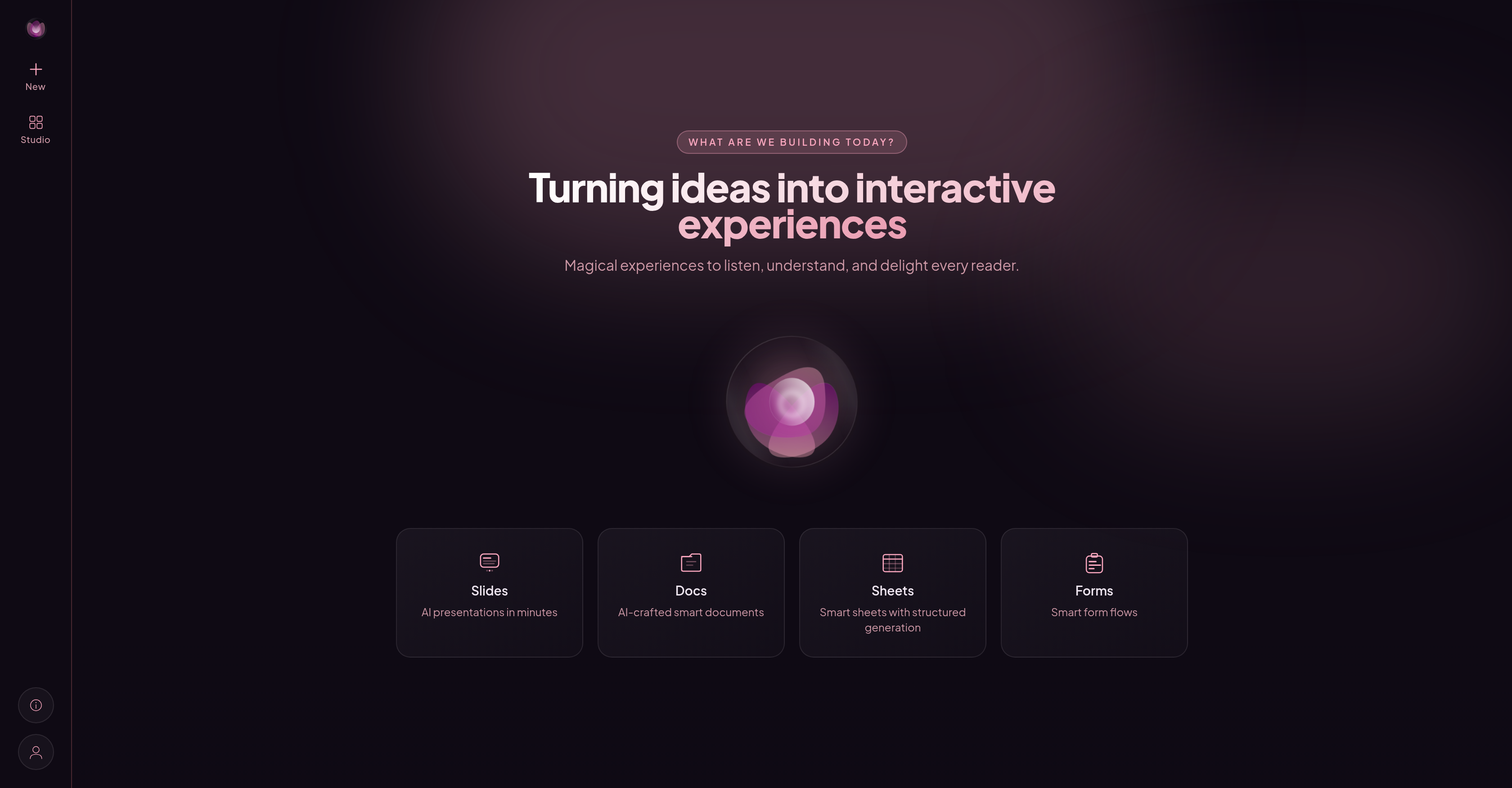
- Launch complete proposals, contracts, and surveys from a single idea instead of a blank page, using AI that drafts and tailors each business document to your stated intent.
- Deliver documents that answer questions on their own, powered by AI voice agents and smart algorithms embedded directly into every asset you share.
- Edit any document by simply saying what you want changed, thanks to an AI-native interface that removes menu navigation and settings adjustments entirely.
- Keep every asset in one centralized workspace so you move from draft to live sharing without switching tools or losing version context.
- Improve each project with insights generated from every interaction, as the platform learns from your behavior and feeds actionable intelligence back into future documents.
- Produce interactive slides, forms, and spreadsheets that evolve to fit specific business needs, converting static files into always-adapting, sharable experiences.
Pros & Cons
Pros
- Interactive document generation
- Transforms static documents
- Documents respond to queries
- Customized business documents
- Efficient document creation
- Starts projects with ideas
- Creates multiple document types
- Central asset location
- Streamlined workflow
- Simple language requests
- No navigate user interface
- Learns from interactions
- Evolving experiences
- Generates shareable assets
- Intuitive UI
- Creates slides, forms, spreadsheets
- Documents speak back
- Idea to live experience
- Returns actionable insights
- Builds document structure
- Convenient change requests
- Effective for business needs
- Various starting points
- Project ideas instead of blank canvas
- Documents answer queries directly
- Facilitates business via voice agents
- Responsive form creation
- Sheet generation capability
Cons
- Limited document types
- Lack of menu navigation
- No settings adjustment options
- Dependence on user intention
- Potentially overwhelming interface
- No standalone application
- Relies heavily on user input
- No mentioned multi-language support
- No offline capabilities
Reviews
Rate this tool
Loading reviews...
❓ Frequently Asked Questions
WZRD is a sophisticated AI workspace engineered to create interactive documents, slides, forms, and spreadsheets. It incorporates AI voice agents that facilitate communication with businesses. Its revolutionary attribute is converting traditional static documents into smart, responsive ones.
The primary function of WZRD is to streamline the creation of business documents such as proposals, briefing packs, onboarding guides, contracts, or surveys. It takes into consideration the user's objectives, tailors customized intelligent documents, and ensures efficiency in the document creation process.
WZRD employs artificial intelligence to transform conventional, non-interactive documents into ones that are capable of answering back. This is achieved by incorporating smart algorithms capable of facilitating communication and responding to user queries.
WZRD uses AI to create documents based on user intentions. Users start their projects by expressing their ideas, and the AI tool builds the structure accordingly. By understanding the desired outcomes or goals expressed by the user, WZRD tailors the structure, content, and format of the document in alignment with those intentions.
WZRD supports a wide variety of document types including proposals, briefing packs, onboarding guides, contracts, and surveys. This versatility allows users to utilize the platform for numerous business needs.
WZRD streamlines the document creation process by allowing users to begin their projects with ideas rather than a blank canvas. It automatically drafts and customizes documents, removing the need for heavy user input and making the process of producing professional documents more efficient.
All documents created with WZRD are stored within the platform's workspace. This centralization ensures a seamless workflow, enabling easy access and management of assets from drafting to live sharing.
In WZRD, an 'AI-native' user experience means that the tool is designed to intuitively understand and adapt to user needs. Users can interact with the software using simple language with no need for menu navigation or settings adjustment.
Yes, WZRD learns from each user interaction. It uses AI to continuously improve and adapt its functionalities based on user behaviors, enhancing the efficiency and effectiveness of the document creation process over time.
Yes, WZRD is designed to adapt to user needs. It's designed with an 'AI-native' user experience which means it intuitively understands user's intentions and adapts the structure, content, and format of the documents accordingly.
WZRD facilitates a cohesive workflow by storing all created assets in one location within the platform. This ensures seamless navigation from drafting stage to live sharing, and helps streamline the end-to-end process of document creation, modification, and distribution.
Users can make changes or additions to a document in WZRD by simply stating their requests in simple language. There is no need to navigate through menus or adjust settings. This feature makes the document editing process extremely user friendly and efficient.
Yes, WZRD provides insights that users can act upon, produced from every user interaction. It learns from each interaction to provide valuable insights that can help users optimize future projects.
WZRD generates evolving experiences by utilizing AI to tailor each document created to the user's specific requirements. Not only does it learn from user interactions, but it uses this knowledge to continuously adapt and improve the document creation process.
WZRD is designed to meet various business needs including the creation of proposals, briefing packs, onboarding guides, contracts, and surveys. Moreover, its capacity to transform conventional static documents into interactive ones that respond to queries makes it a valuable tool for businesses aiming to enhance their efficiency and effectiveness.
WZRD turns ideas into shareable assets through its AI capabilities. Users start their projects by stating their ideas, and WZRD drafts and tailors each document accordingly. The end result is a tangible, sharable asset in the form of an interactive document that is customized to the user's specific preferences and business needs.
The AI voice agents in WZRD are innovative features that facilitate communication with businesses. They interpret user needs and add an extra level of interaction to the documents, making them capable of answering back to user queries.
WZRD stands out from other document generating tools primarily because of its AI-native capabilities. Unlike traditional tools, WZRD transforms static documents into smart, responsive ones that can communicate and respond. Additionally, by allowing users to begin with ideas instead of blank templates, and by learning and adapting from each user interaction, WZRD provides a highly customized and user-centric solution.
User intention plays a pivotal role in using WZRD. The platform tailors the structure, content, and format of the documents in alignment with the intentions expressed by the user. By understanding the desired outcomes or goals expressed by the user, the AI tool creates highly customized and efficient documents.
Pricing
Pricing model
Freemium
Paid options from
$12/month
Billing frequency
Monthly