Overview
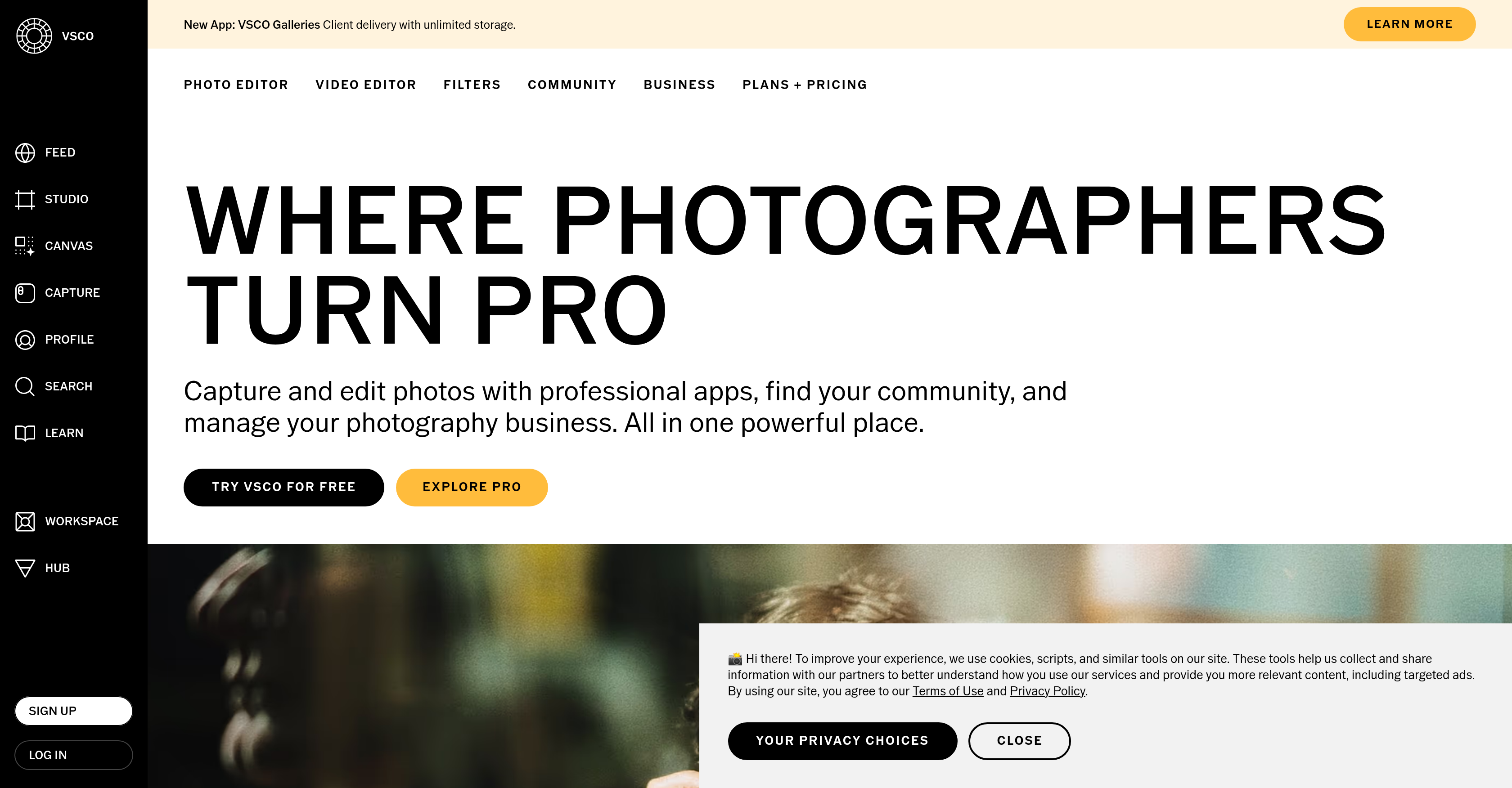
- Achieve your desired aesthetic instantly with live presets applied in real-time during capture, eliminating tedious post-processing.
- Automatically remove unwanted objects and create mood boards for pre-shoot planning using AI-powered editing tools.
- Build and manage a professional photography website that seamlessly syncs with your profile and portfolio.
- Streamline studio operations with integrated booking, scheduling, client communication, and CRM business tools.
- Grow your network and find inspiration by sharing work and collaborating within a global community of photographers.
Pros & Cons
Pros
- Professional photo and video editor
- Iconic filters
- Automated tasks
- Object removal
- Mood board creation
- Live presets
- Community platform
- Mood board sharing
- Website creation for photographers
- Workspace for studio management
- Social media integration
- Studio management software
- Support for professional profile creation
- Multiple plan options
- Photography business tools
- Advanced photo and video editor
- Presets for Lightroom
- Client gallery creation
- Collaborative spaces
- Brand challenges offered
- Automations for workflow
- Secure client communication
- CRM tools for business
- Streamlined studio management
- Training and professional resources
- Membership events and workshops
- Project booking and scheduling
- Integrated client messaging
- Photography portfolio management
- High-quality presets for editing
- Precision photography tools
- Shared galleries with VSCO Spaces
- VSCO Hub for client connection
- Photography website synchronization
- Automated business management via Workspace
- Photography mentorship programs
- 50+ live presets and effects
- Business and coaching for photographers
- VSCO Galleries for client delivery
- Signature looks with VSCO Presets
- Photography tools ecosystem
- Commercial photographer testimonies
- Featured photography spaces
Cons
- No support for RAW files
- Limited iconic filter selection
- No multi-language support
- Complicated pricing structures
- Limited workspace for studio management
- Lack of offline functionalities
- Limited options for video editing
Reviews
Rate this tool
Loading reviews...
❓ Frequently Asked Questions
VSCO is a comprehensive suite designed for photographers to professionally capture, edit, manage their work, and interact with a global community. The platform extends its functionalities to the business realm as well with a Workspace feature, amongst others, that aids in studio management.
VSCO offers a range of features, including an advanced photo and video editor with filters, live presets in VSCO Capture for instant results, AI-powered object removal, and automated mood board creation. It allows users to create and share their work with the community, and also helps manage their photography business.
VSCO integrates Artificial Intelligence to automate certain tasks such as object removal and mood board creation. The AI technology also aids in refining edits, allowing users to manipulate their work to meet their desired aesthetic with more accuracy and efficiency.
VSCO comes integrated with a set of iconic filters but does not mention the specific names of these filters on their website. However, they form a key part of the photo and video editor, designed to help users refine their work to their desired aesthetic.
VSCO Capture is a feature that supports live presets. Though not explicitly defined, it is likely that this feature allows photographers to apply preset editing settings to their photographs in real-time, achieving instant results and saving editing time post-capture.
Yes, VSCO allows users to create and share their own mood boards. This functionality enables photographers to collect, share and bring their inspirations to life, assisting in pre-shoot planning and creative development.
VSCO promotes a global community where users can interact, share their work, and collaborate. Users have a public profile to post their work and participate in community engagement platforms like VSCO Spaces. The tool also offers features like messaging and client galleries.
VSCO's Workspace is a suite of business tools designed for studio management. It provides functionalities for booking, scheduling, and client communication, catering to the needs of solopreneurs, small businesses, and larger organizations.
Yes, with VSCO, users can create and manage their own professional photography website. This functionality syncs seamlessly with the user's VSCO Profile, providing a cohesive platform for showcasing and sharing their work.
Yes, VSCO extends its utility into the business realm as well, offering features such as CRM tools, streamlined studio and business management software, booking and scheduling functionalities, client communication and automated business work solutions.
VSCO offers a range of plans and pricing. The Starter plan is free, the Plus plan costs $2.50/month, and the Pro plan costs $5.00/month. The Workspace feature also has plans: the Solo plan is free, the Boutique plan is priced at $5.00/month, and the Studio plan is priced at $2.50/month.
Yes, VSCO has AI-powered features integrated into its platform, most notably in editing. The platform leverages AI tools to automate tasks such as object removal and mood board creation. Also, its AI photo editor refines edits to better enhance the visual aesthetics of images.
VSCO's live presets, supported by VSCO Capture, provide instant results. While specifics aren't provided, this likely implies that users can apply preset editing settings to their photos in real-time during the capture process, removing the need for certain post-processing steps.
Yes, VSCO comes with a video editor. This feature is advanced and caters to the needs of professional photographers, enabling them to edit and finetune their video content to meet their desired aesthetic.
Yes, VSCO offers a feature for object removal. This is one of the AI-powered editing tools provided by VSCO, allowing users to automatically remove undesired elements from their photographs, enhancing visual appeal and integrity.
You can join the VSCO global community by creating a public profile to post your work. You can then interact, share your work and collaborate with other photographers in this community. VSCO also hosts spaces for collaborative galleries that spark visual conversations and explore photography with others.
Yes, you can manage your studio with VSCO. This is facilitated by the VSCO Workspace feature, a suite of business tools designed specifically for studio management. It offers a CRM tool, streamlines the running and automating of your photography business and also has features for booking, scheduling and client communication.
VSCO provides an array of professional photography tools. These include a photo and video editor, iconic filters, live presets for instant results in VSCO Capture, creation and sharing of mood boards, and a suite of business tools in VSCO Workspace for studio management.
Membership in VSCO is tiered and offers different features based on the plan selected. The Starter plan offers basic editing tools and community access. The Plus plan adds access to extensive presets, advanced photo and video editing features, and mood board creation. The Pro plan includes all the features of the Plus plan and adds advanced editing control, unlimited editing in AI Lab, delivery with unlimited VSCO Galleries, and a suite of photo editing tools for mobile and desktop.
Pricing
Pricing model
Freemium
Paid options from
$2.50/month
Billing frequency
Monthly
Related Videos
best VSCO filters for summer pics☀️ #photo #shorts
Niki Victoria•1.2M views•Jun 10, 2023