
Overview
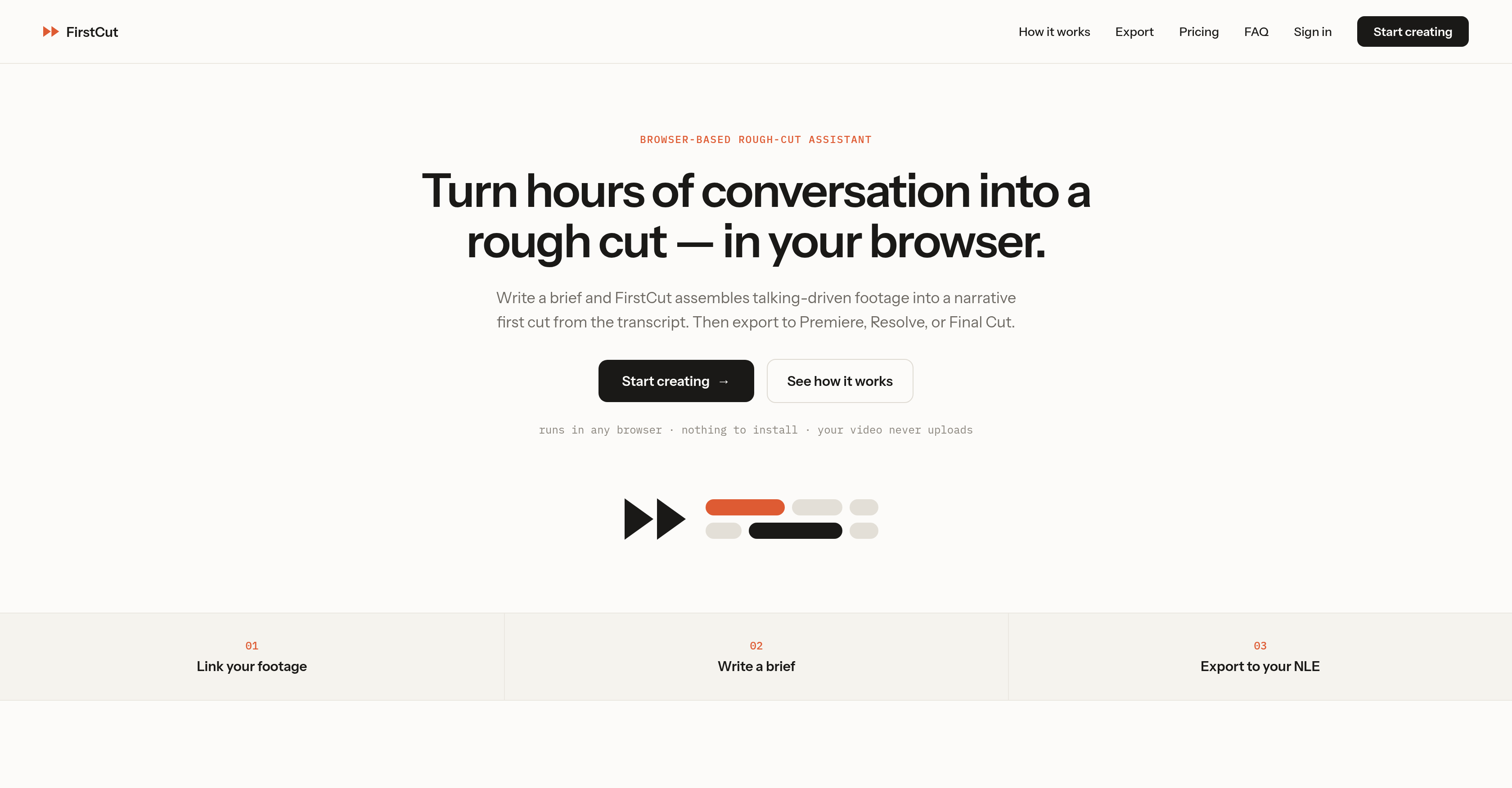
- Turn hours of interviews, lectures, webinars, and podcasts into a narrative first cut in minutes by linking your local footage and letting the AI language model assemble the story from a written brief.
- Keep raw visuals private and secure on your own drive because FirstCut extracts and uploads only the audio for cloud transcription, protecting your footage data.
- Skip manual scrubbing through spoken content and get a word-level accurate transcript fast with minimal user interaction, so you can focus on shaping the story instead of logging footage.
- Direct the narrative exactly how you want it by providing brief instructions that frame the cut around your specific video editing goals.
- Move straight into your existing post-production workflow with real in/out timecodes integrated into the source, ready for export to Adobe Premiere, DaVinci Resolve, or Final Cut.
- Start editing instantly on any operating system with a browser-based video editing tool that requires no installation and works with your existing web browser.
- Assemble a first cut built on transcript content rather than visuals, making it ideal for conversational video content where the narrative is driven by speech.
Pros & Cons
Pros
- Browser-based
- No installation required
- OS compatibility
- Footage linking capability
- Efficient 'first cut' assembly
- Export to Adobe Premiere
- Export to DaVinci Resolve
- Export to Final Cut
- Audio upload from footage
- Cloud-based word-level transcription
- Minimal user interaction
- Narrative cut based on transcript
- Brief-led assembly
- Real in/out timecodes
- Works on conversational content
- Assists initial editing stage
- Selective editing
- Lecture content editing
- Webinar content editing
- Podcast content editing
- Interview content editing
- Editing from written brief
- No video upload
- Story-driven cuts
- Fast rebuilding of cut
- Ideal for made-for-talking video
- Sequence-based editing
- Integration with editing platforms
- FCPXML support
- FCP7-XML support
- CMX3600 EDL support
- OTIO support
- Premiere Pro compatibility
- DaVinci Resolve compatibility
- Final Cut Pro compatibility
- Media Composer compatibility
- Works with third-party models
Cons
- Doesn't handle visual editing
- Dependent on written brief
- No inbuilt visual/audio generators
- Selective editing can miss content
- Depends on third-party models
- No preview of edits
- Limited to narrative cut
- Relies solely on transcript
- Only links local footage
- Export to another editor required
Reviews
Rate this tool
Loading reviews...
❓ Frequently Asked Questions
FirstCut is a digital tool created for video editing, particularly to manage long verbal content. It uses an AI language model to efficiently compile a narrative 'first cut' from a written brief provided by the user. It's capable of editing content such as interviews, lectures, webinars, and podcasts. Being browser-based, it is compatible with all operating systems, and it doesn't require any installation. Moreover, it doesn't generate images, video, or audio by itself, but offers selective editing of the user's existing footage.
The workflow of FirstCut involves three main steps. First, it links the footage that users provide. Then, it transcribes the content, converting it into a cloud-generated word-level transcript quickly with minimal user interaction. Lastly, from the transcript's content, it assembles a narrative cut according to the user's brief instructions. This cut, integrated with timecodes, can be exported to conventional video editing software.
FirstCut runs in any modern browser and doesn't require any installation. It is compatible with all operating systems, so the user can use it with their existing web browser quite conveniently.
FirstCut does not upload the entire footage provided by the user. Instead, it only extracts and uploads the audio from the footage. The visual content remains on the user's local drive, ensuring maximum protection and privacy for the user's data.
The 'first cut' compiled by FirstCut can be easily exported to traditional video editing platforms such as Adobe Premiere, DaVinci Resolve, or Final Cut. These well-known platforms are compatible with FirstCut and can facilitate further editing with the cut provided.
The 'first cut' in FirstCut refers to the initial selection and assembly of the user's footage based on their written instructions. This is based more on the transcript's content than the visual content. It's a narrative compilation of the audio content integrally timecoded into the source, which forms the basis for the next steps of video editing.
FirstCut is designed to manage a wide range of verbal content. Specifically, it excels in working on conversational content like interviews, lectures, webinars, podcasts, and more. This makes it an efficient tool for those dealing with extended conversational or spoken content.
The transcription process in FirstCut is quick and requires minimal user interaction. When the user links their footage, FirstCut extracts only the audio and uploads it for transcription. This transcription is generated in the cloud, providing word-level accuracy, and it forms the basis of the narrative cut.
Absolutely! FirstCut allows users to provide brief instructions that outline their specific needs. It then frames the narrative cut according to these instructions, allowing the user to adjust the cut to meet their video editing goals.
FirstCut does not handle the visuals of the footage. It only extracts the audio for transcription and editing. The visuals remain on the user's local drive as only the audio content is uploaded.
In FirstCut, the narrative cut is assembled based on the user's brief instructions and the transcript's content. After the audio content has been transcribed, the tool utilizes the written brief to identify the relevant parts from the transcript for assembling the narrative cut. It avoids visual content for this process.
'Real in/out timecodes' in FirstCut refers to actual time markers integrated into the source footage. They denote the start and end points of different sections of the footage that make up the narrative cut. These timecodes are crucial for the seamless transition of the narrative cut to conventional video editing software where further editing can be carried out.
No, FirstCut does not generate any content like images, video, or audio. It is solely a tool for editing existing footage provided by the user. The selective editing is based on an AI language model.
FirstCut uses AI language models to parse the given verbal content and understand the context for efficient editing. This AI assistance helps in determining the parts of the transcript that align with the instructions provided by the user, thus enabling an accurate compilation of the narrative cut.
Yes, FirstCut is indeed ideal for editing conversational video content. It works well with content where the story or narrative is primarily driven by speech, for instance, in podcasts, interviews, webinars, and the like.
FirstCut provides a narrative 'first cut' that can be exported to Adobe Premiere, DaVinci Resolve, and Final Cut. This compatibility means the 'first cut' can be directly imported into these editing platforms for further manipulations and enhancements.
Very minimal user interaction is required for the transcription process in FirstCut. The tool takes care of the majority of the work. Users merely need to link their footage to the tool, and the audio is extracted and uploaded for transcription.
Yes, FirstCut is designed to efficiently manage and edit verbal video content like lectures and webinars. It helps transform hours of such content into a readily editable 'first cut', simplifying the normally time-consuming process of manually sifting through the footage.
FirstCut indeed caters to the initial stages of the video editing process. It specializes in compiling a narrative 'first cut' from the provided footage, marking the start of the editing process. This 'first cut' can then be enhanced and finalized on traditional video editing platforms.
Yes, FirstCut links to the user's local footage for the video editing process. Users can directly link their local footage to be edited. From this footage, only the audio is extracted and uploaded while the visuals stay on the user's local drive.
Pricing
Pricing model
Freemium
Paid options from
$15/month
Billing frequency
Monthly