Overview
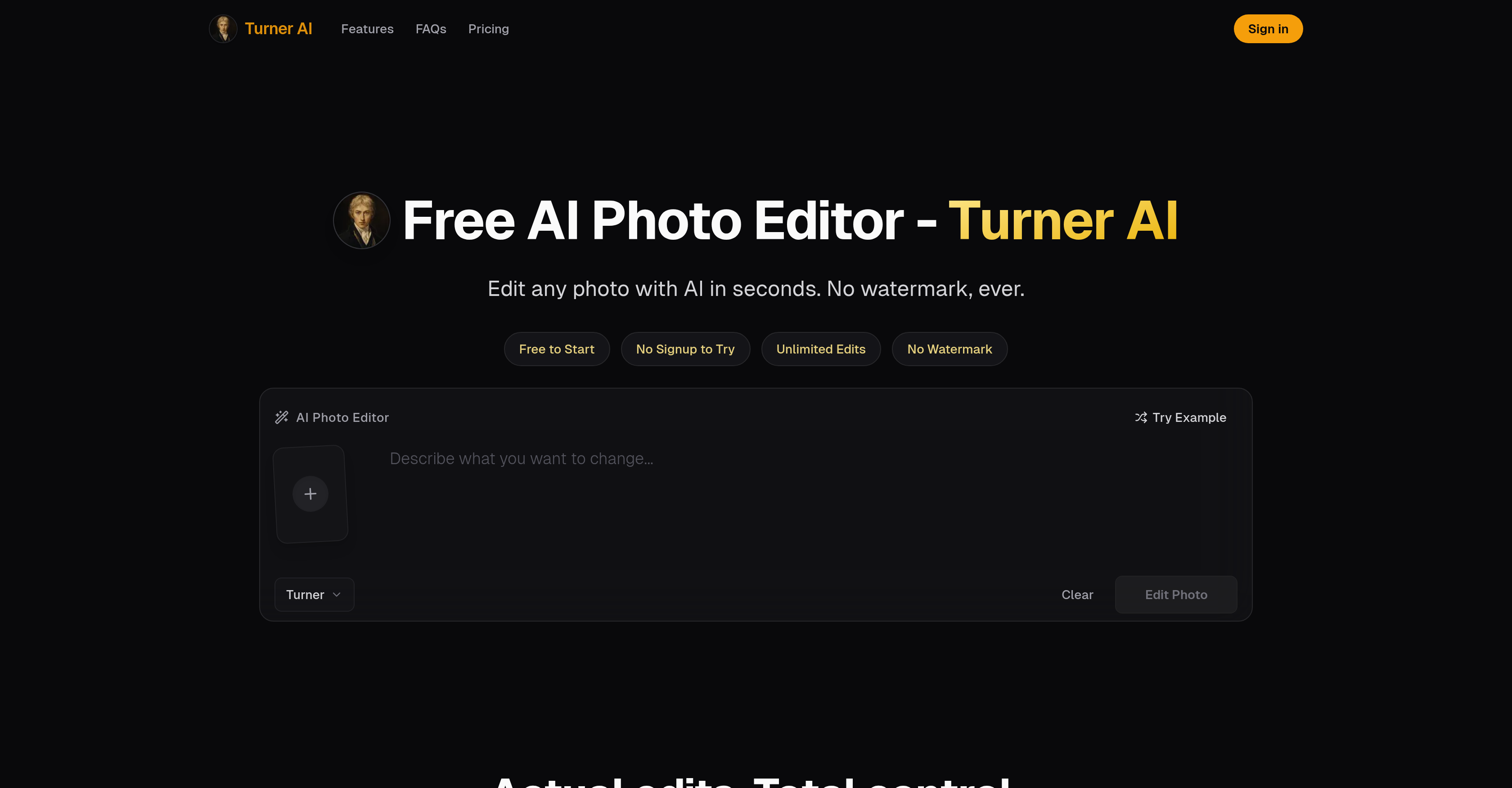
- Transform any photo in seconds by describing changes in plain language, with no advanced editing skills or complex prompts needed
- Change backgrounds, remove unwanted objects, and fix light or mood while keeping the subject intact and natural
- Protect your privacy with edits that are never permanently stored, so your images stay yours
- Edit on desktop, tablet, or mobile through a browser with no app installation required
- Start editing immediately with no signup or login, so you go from upload to result without delay
- Use the free AI photo editor with no trial limits on basic edits, making professional-level results accessible to everyone
- Apply clean, localized edits that focus on a specific area without altering the overall structure or quality of the original photo
Pros & Cons
Pros
- Free of charge
- Changes photo backgrounds
- Removes objects
- Light adjustments
- Color modifications
- Small detail edits
- Quick setup
- No signup required
- User-friendly interface
- Fast image processing
- Data privacy
- No prior editing skills needed
- Browser-based tool
- Cross-device compatibility
- No installation needed
- For personal use
- For commercial use
- Plain-word editing approach
- Localized photo edits
- Doesn't alter original photo
- Allows text edits
- Non-permanent storage of edits
- Change color without altering texture
- Doesn't alter photo structure
- No watermark
Cons
- No permanent edit storage
- No advanced editing options
- Browser-based only
- Requires comprehensive user instructions
- No long-term project history
- Short queue for non-account users
- Doesn't support major changes
- No apps for devices
- Limited to localized edits
Reviews
Rate this tool
Loading reviews...
❓ Frequently Asked Questions
Turner AI can perform a range of edits on images including changing backgrounds, removing unwanted objects, fixing light or mood, altering colors, and making small text or detail edits.
Turner AI ensures user data protection and privacy by not permanently storing image edits. The files are processed only for editing purposes and are not kept as public galleries or long-term project history.
Turner AI is compatible with all devices. It is designed to work seamlessly on desktops, tablets, and mobile phones through a browser.
Yes, Turner AI can be used for commercial purposes. The edited results can be used for personal or commercial projects, as long as the user has rights to the input image and abide by applicable laws and rights.
'Plain-word editing' in Turner AI refers to its unique editing approach where users simply describe, in their own words, the changes they want to see in their image. Instead of learning complex software commands or effects, users can ask for edits as they would to a human graphic designer.
Yes, Turner AI can be used without signing up. The tool has been designed for quick use, requiring no signups or logins.
Turner AI is capable of processing images rapidly. The exact time may vary based on the specifics of the edit, but most basic editing tasks are completed within seconds.
Light adjustment in Turner AI works by recognising lighting conditions in the uploaded photo and adjusting them based on user instructions. These could be simple prompts such as 'add a warm sunlight effect'. The edits aim to adjust the light and mood while keeping the scene recognizable.
'Clean, localized' edit in Turner AI refers to the tool's ability to make changes to a specific part of an image without altering the overall structure or quality of the original photo.
Yes, Turner AI is entirely browser-based. It doesn't require any software installation and can be accessed and used through a web browser on any device.
Yes, the edited images from Turner AI can be used for personal purposes. This includes any projects or usage that the user may have personal rights over.
There is no cost associated with Turner AI usage. While users without an account might experience a short queuing time, there are no trial limits for basic edits.
Turner AI does not require users to have advanced editing skills. The tool is designed for plain-word editing, which means users can simply describe what changes they require in plain language.
The background change feature in Turner AI works by recognizing the subject and background of an uploaded image. The AI can then replace the existing background with a new one, based on user instructions, while keeping the subject intact and looking natural.
Yes, Turner AI can recognize and remove unwanted objects from photos. Users simply need to describe the object to be removed, and the AI would execute the task whilst maintaining the natural look of the rest of the image.
Absolutely, Turner AI can be used on mobile phones and tablets. As it is a browser-based tool, it can be operated smoothly on any device without needing to install any apps.
No, Turner AI does not permanently store edited images. It prioritizes user privacy by ensuring that edits are not kept, and the files are processed purely for the purpose of editing.
Turner AI adjusts mood in a photograph based on user description. Once an image is uploaded, users can instruct the AI to adjust the mood, for example, by adding a 'warm sunlight effect'. The AI then processes the instruction, making the desired edit.
The quickest way to set up Turner AI is to visit its website, upload a photo, and use its plain-word editing feature to describe the changes needed. No signup or installation is required.
The interface of Turner AI has been designed to be user-friendly. Its layout is simple and intuitive, and it uses a plain-word editing approach where users can simply describe the changes they need, making it accessible to people with different levels of technical proficiency.
Pricing
Pricing model
Freemium
Paid options from
$20/month
Billing frequency
Monthly